Our readers often ask whether automation can replace the slow, manual grind of prospecting on LinkedIn. The honest answer is that it can streamline the workflow, but only when the groundwork is laid first. Setting up Dripify correctly means defining your buyers, drafting messages that sound human, and pacing activity so your account stays in good standing.
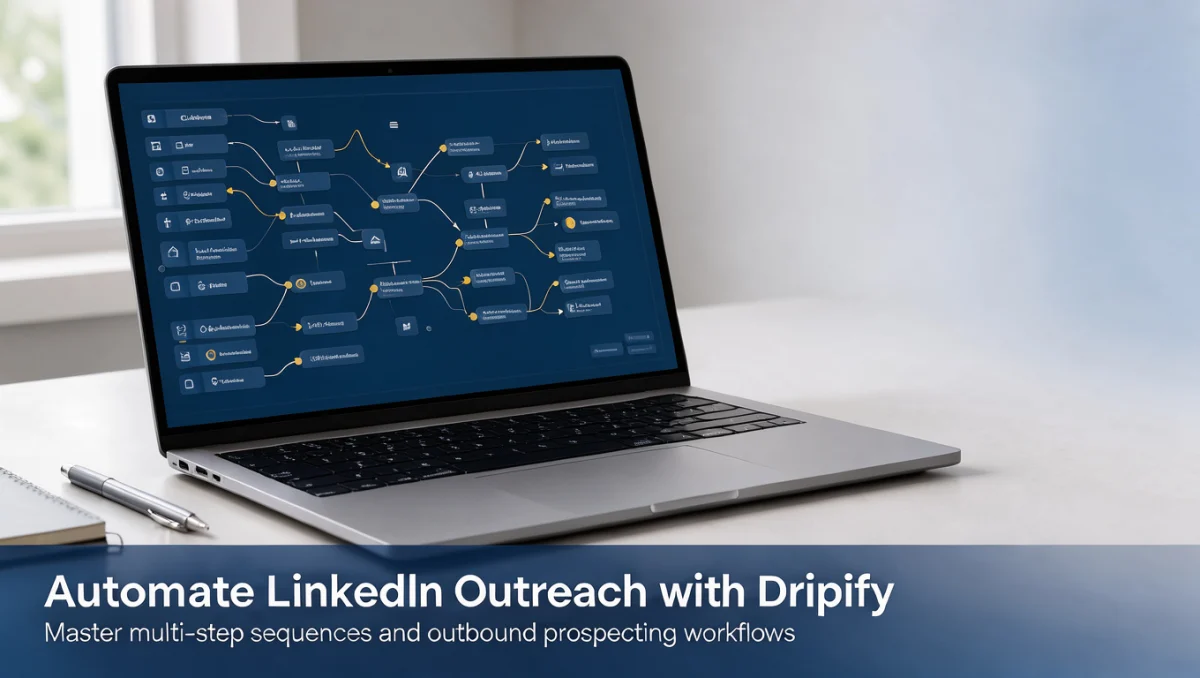
Dripify is a LinkedIn automation tool built for sales representatives, recruiters, founders, and growth teams who run recurring outbound campaigns. It schedules connection requests, profile views, skill endorsements, and follow-up messages according to a sequence you design in advance.
Quick verdict: Dripify earns 7.7 out of 10 in our assessment. It fits business development teams, agencies, and recruiters who want structured, multi-touch prospecting. It is less suitable for people who only send occasional, one-off networking notes.
| Metric | Summary |
|---|---|
| ebusinessreviews score | 7.7 / 10 |
| Best for | Sales teams and agencies running systematic outreach sequences |
| Not ideal for | Occasional networkers who only need manual, one-off messages |
| Key strengths | Visual sequence builder, drip message scheduling, multi-action prospect flows |
| What to check before buying | Connection limits and team seat policies on the vendor website |
1. How ebusinessreviews Evaluated Dripify
We assessed Dripify against seven criteria: features, ease of use, pricing and value, integrations, audience fit, support, and competitive position. Plans, prices, and limits change frequently, so treat our notes as a starting point and confirm the current details on the official website before purchasing. This article was researched and drafted with AI assistance, then reviewed and edited by the ebusinessreviews Editorial Team.
2. Preparing Your Campaign Before You Launch
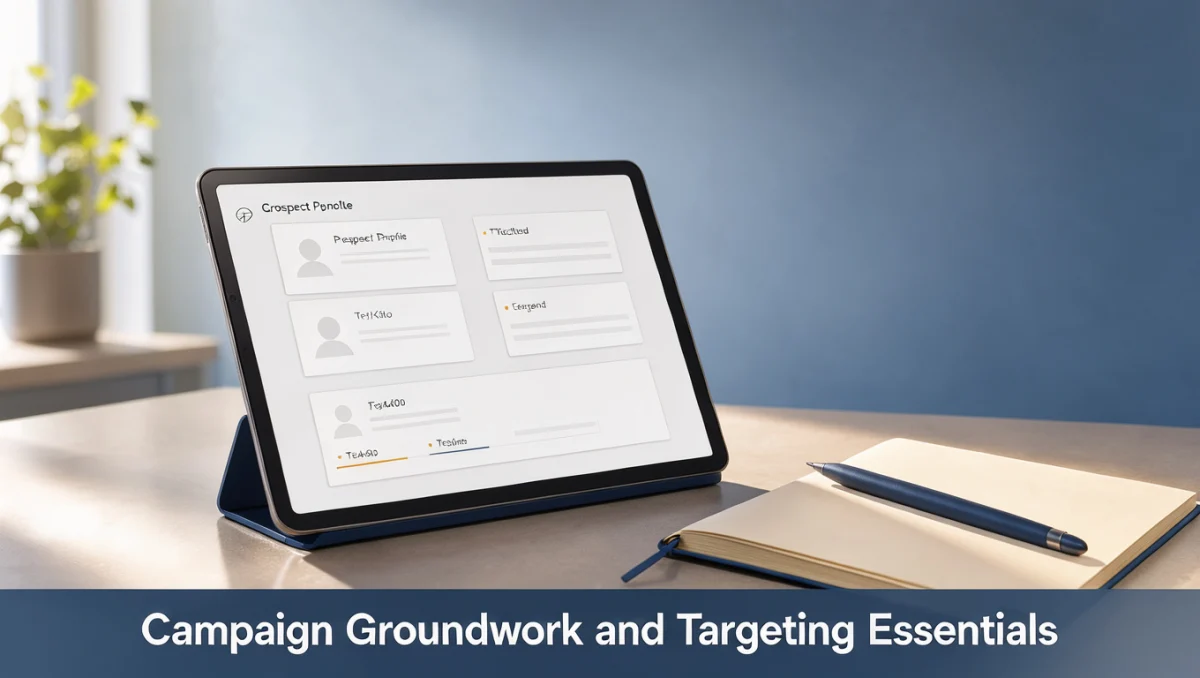
Solid preparation matters more than any software setting. Campaigns launched without a polished profile or a clearly defined audience tend to produce weak response rates and can attract unwanted attention from the platform.
2.1. Strengthening Your Sender Profile
Prospects look at your profile the moment they receive an invitation. A headline that states your professional value, a current summary, and a clear headshot build immediate credibility. Sharing industry perspectives from time to time also shows that a real professional is behind the account.
2.2. Narrowing Your Target Audience
Casting a wide net dilutes relevance and uses up your connection allowance on poor-fit contacts. Before importing any leads, define exact job titles, company size ranges, regions, and industries. Tight segments make it far easier to write messages that speak to specific operational problems.
2.3. Drafting Message Copy That Sounds Human
Automation only works when the copy reads naturally. Aim to start a conversation rather than deliver a hard sales pitch in the first message. Short, contextual notes that reference a common professional challenge tend to earn more replies across campaigns.
3. Building Your Dripify Workflow Step by Step
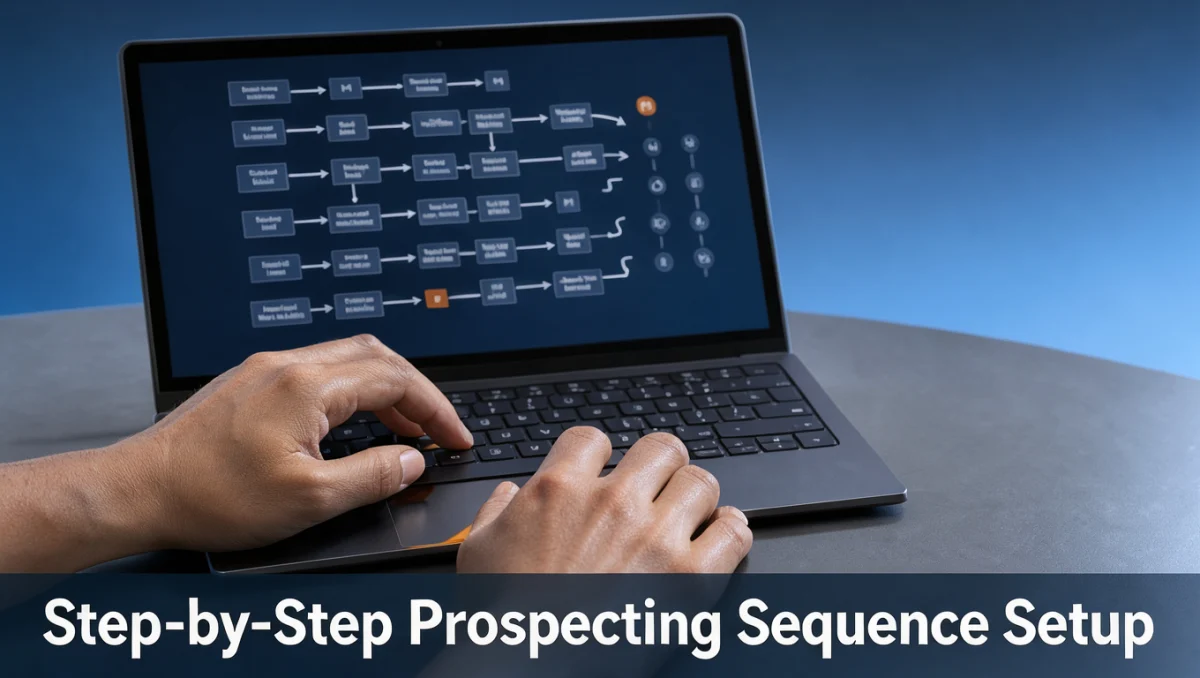
Setting up Dripify means assembling a sequence of actions that resembles how a thoughtful professional would reach out manually. Breaking the campaign into stages keeps you in control of every interaction.
Step 1: Sourcing and Importing Prospects
Start by bringing contacts into your campaign workspace. You can build lists through native LinkedIn searches, sales navigator filters, or prepared contact files. Separate prospects into distinct campaigns so each buyer persona receives its own tailored track.
Step 2: Designing the Drip Sequence
Map out each touchpoint in a branching sequence. A common pattern opens with low-pressure actions such as viewing a profile or endorsing a relevant skill, followed by a personalized connection request. Once a prospect accepts, the flow can route them to a follow-up message after a set waiting period.
Step 3: Setting Safe Daily Pacing
Social networks watch for patterns that look like platform abuse. Configure conservative daily limits and build natural delays between steps so activity resembles human browsing. Increase volume gradually rather than running at full capacity from day one.
Step 4: Handling Replies and Handing Off to People
Automation should stop the moment a prospect responds. Continuing scripted messages after a reply disrupts the conversation and can damage your reputation. Move responsive prospects to manual communication quickly so the discussion can progress.
4. Best Practices for Stronger Outreach Results
Consistent results come from refining your targeting and messaging over time rather than setting a campaign and forgetting it.
4.1. Personalizing Beyond Basic Merge Tags
Inserting a first name is standard, but real relevance comes from context. Referencing a specific industry trend, a shared connection, or a recent company milestone helps your message stand out in crowded inboxes. Smaller prospect batches make it easier to find these hooks.
4.2. Watching Account Health and Activity Levels
Dripify's activity logs help you spot patterns in your outreach. Keep an eye on acceptance rates and pending invitations, and withdraw old, unaccepted requests regularly to keep your queue clean and your standing intact.
4.3. Governing Team Accounts and Lead Ownership
When several team members run campaigns, prevent overlapping outreach to the same companies. Clear internal rules assigning each representative distinct accounts protect your brand's professional image in the market.
5. Common Mistakes to Avoid
Even well-organized campaigns can run into trouble when basic safeguards are skipped.
- Starting with high volume: Running large daily volumes on a new account invites scrutiny and the risk of restrictions.
- Pitching in the first message: Long product descriptions in a connection note discourage acceptance and reduce campaign effectiveness.
- Neglecting replies: Slow responses to incoming messages cost you momentum and waste the effort already invested.
- Using outdated lists: Contacting stale prospects leads to failed requests and wasted daily allowances.
6. Frequently Asked Questions
What should buyers compare when evaluating LinkedIn automation software?
Look at how flexible the sequence builder is, what scheduling controls exist, how pacing and safety settings work, and how team management is structured. Also check how the tool detects replies and branches flows, since smooth handoffs to human follow-up are essential.
How should teams budget for an automated outreach platform?
Account for seat subscriptions, any supplementary sales search databases, and the time needed for setup. Compare per-seat pricing against your expected team growth on the official pricing page to avoid surprise costs as outbound activity scales.
Who takes over once a conversation starts?
Sales development representatives or account managers should monitor active campaigns daily and step into live conversations. Because sequences should pause on any reply, staff need to respond quickly to move qualified prospects toward a discovery call.
Where can teams check account safety guidance before launching?
Review the platform's user agreement and the vendor's documentation on recommended activity levels. Staying current with networking rules helps your outbound program run responsibly and avoid account restrictions.
7. Final Verdict on Dripify for Outreach Automation
| Criterion | Score /10 | Reason |
|---|---|---|
| Features | 8.5 | Offers comprehensive sequence logic, drip pacing, and multi-action outreach design. |
| Ease of Use | 8.0 | Visual campaign builders let non-technical teams organize workflows cleanly. |
| Pricing and Value | 7.0 | Subscription commitments vary by scale; verify current plan inclusions on the official site. |
| Integrations | 7.0 | Connects with standard data flows; verify native CRM synchronization on the vendor portal. |
| Audience Fit | 8.5 | Well suited to outbound sales reps, recruitment agencies, and B2B marketing teams. |
| Support | 7.0 | Support options change over time; check active help channels before purchasing. |
| Competitive Position | 8.0 | Holds a distinct profile focused on visual sequence automation alongside established alternatives. |
Overall Score: 7.7 / 10
Dripify suits business development teams, agency account managers, and executive recruiters who need dependable, automated sequencing for outbound prospecting. Organizations with dedicated sales staff will benefit most from structured drip workflows and automatic reply pauses. Solo professionals who network only occasionally will not need dedicated automation software.
Have questions about choosing the right outbound prospecting setup? Contact our team at https://ebusinessreviews.net/contact/ or follow us on LinkedIn at https://www.linkedin.com/company/ebusinessreviews/.
See More how to automate linkedin outreach with dripify · Marketing · EBusiness Reviews