Disclosure: EBusiness Reviews may earn a commission when you buy through links on this page, at no extra cost to you. This never changes our ratings.
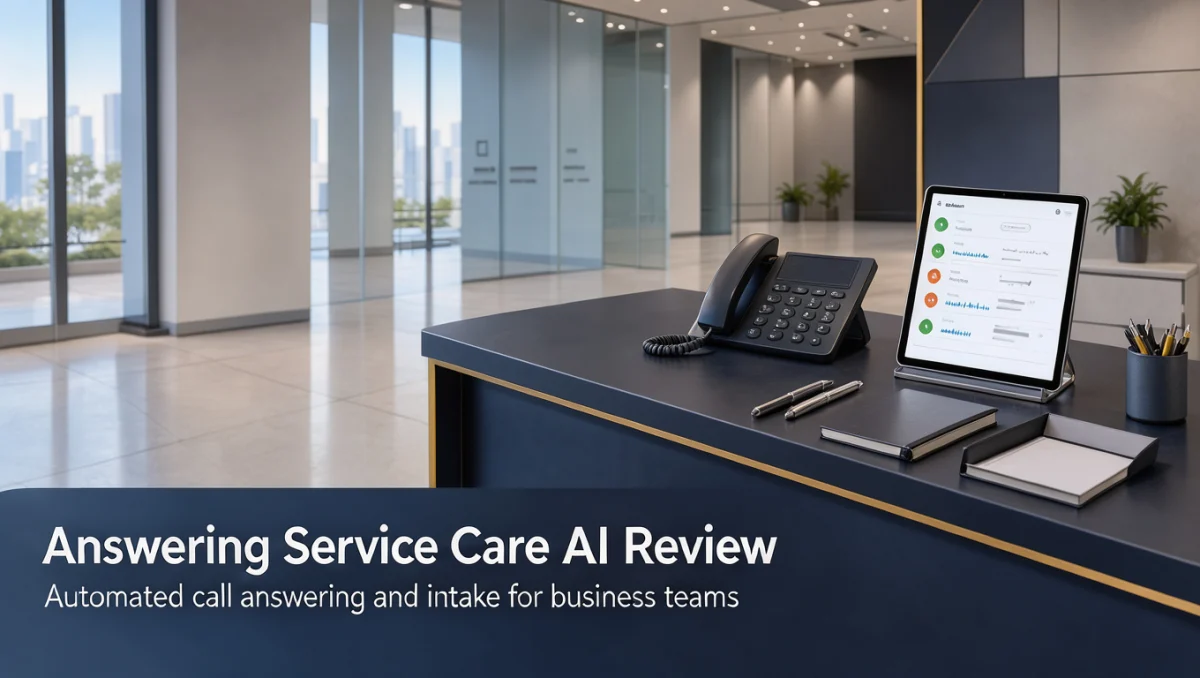
Businesses that cannot afford to miss a phone call increasingly turn to automated voice systems to keep lines answered around the clock. Answering service care AI call answering is one such platform, offering automated inbound call handling, spoken interaction and message delivery without requiring a larger front-desk team. Below, EBusiness Reviews walks through how it manages calls, which teams gain the most, and the practical trade-offs to examine before rollout.
Choosing an automated voice tool means weighing caller experience against reliability. Buyers typically want to know whether the AI can collect accurate caller details, handle routine intake or scheduling questions, and pass urgent matters to someone on call. Clarifying these limits upfront makes it far easier to design a phone workflow that works for both staff and callers.
Quick verdict: Answering service care AI call answering earns an overall score of 7.7 out of 10. It suits small and mid-sized service teams that need steady phone coverage and consistent message capture, though it falls short for organizations that need deep custom database queries or fully tailored call paths.
| Evaluation Metric | Summary Details |
|---|---|
| EBusiness Reviews score | 7.7 / 10 |
| Best for | Service teams that need continuous inbound phone coverage and structured message capture |
| Not ideal for | Organizations that require bespoke data engineering or complex consultative voice conversations |
| Key strengths | Standardized message collection, round-the-clock phone reception and automated call routing |
| What to check before buying | Call transfer rules, after-hours escalation options and subscription terms |
1. How EBusiness Reviews Evaluated Answering Service Care AI Call Answering
This review examines what the platform is designed to do, who it serves and how it compares with similar tools. We assessed it against seven EBusiness Reviews criteria: features, ease of use, pricing and value, integrations, audience fit, support and competitive position. Plans, prices and usage limits change frequently, so we highlight what to confirm on the official website before purchasing. This article was researched and drafted with AI assistance, then reviewed and edited by the EBusiness Reviews Editorial Team.
2. What Is Answering Service Care AI Call Answering and Who Is It For?
Answering service care AI call answering is an automated communication system built to answer incoming calls, transcribe what callers say and send usable records to the right staff members. Within Collaboration and Productivity tool stacks, automated call answering acts as a bridge between traditional phone switchboards and digital task management systems.
The platform is aimed at commercial businesses, medical practices, law offices and field service contractors that receive calls outside standard working hours. Instead of sending callers to voicemail, where prospective clients may hang up, the automated agent speaks with them directly and records the essential details.
Organizations with heavy call volume often miss opportunities during peak periods. Using answering service care AI call answering helps teams standardize how messages are received, so staff spend less time transcribing voicemails and more time completing customer work.
3. Core Features of Automated Call Answering
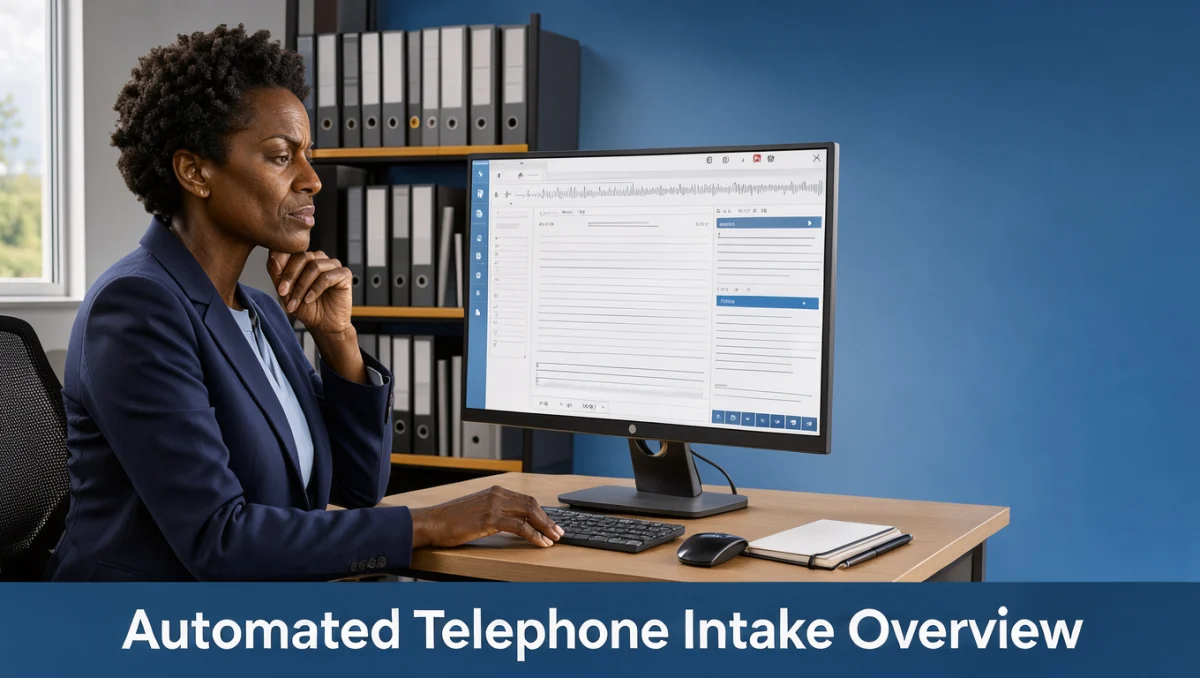
Automated answering platforms offer specialized voice functions centered on call intake, message delivery and routing logic. Understanding these areas helps operations managers judge whether the platform fits their internal procedures.
3.1. Automated Voice Intake and Speech Recognition
The main job of automated voice handling is to greet callers, identify why they are calling and convert their spoken words into structured text. The system asks relevant questions about contact details, the reason for the call and how urgent the matter is.
Automated intake reduces the administrative load by handling repetitive greeting tasks. Callers respond to speech-driven prompts designed to capture clean records, rather than waiting on hold for an available person.
3.2. Structured Message Recording and Transcription
Accurate capture of caller statements gives internal teams the context they need before returning a call. The system records incoming audio, turns spoken content into text summaries and highlights key information such as phone numbers, dates and account identifiers.
Messages are typically delivered by email or text alert, sending transcriptions straight to assigned team members. Operations managers should review the official product documentation to confirm notification routing and how transcripts are delivered.
3.3. Call Routing and Escalation Protocols
When an inquiry meets a defined urgency threshold, the system can redirect the caller to a designated on-call employee or emergency line. Routine inquiries are logged as standard messages, while critical matters trigger an immediate transfer attempt.
Conditional routing rules let organizations maintain separate pathways for business hours, holidays and evening shifts. Decision-makers should check how the escalation chain behaves when a designated person does not answer a transferred call.
3.4. Basic Appointment and Lead Intake Structuring
Many answering tools collect baseline lead qualification data, such as service addresses, preferred appointment windows and referral sources. This information is organized into standard fields that staff can review when handling requests.
Standardized intake forms help front-office teams keep records consistent across inquiries. Buyers should consult the official platform documentation to confirm how intake responses export to external customer databases.
4. Ease of Use and Learning Curve
Deploying automated answering software requires far less technical work than building custom telecommunication infrastructure. Most setups involve choosing call forwarding preferences, defining intake prompts and configuring staff notification channels.
Administrative teams generally adapt quickly to managing transcribed call logs, since messages arrive in familiar email or messaging inboxes. Writing clear conversational prompts still takes careful planning, so callers do not get confused or stuck in dead-end routing.
Routing rules should be tested before live call forwarding is switched on. Prospective buyers should place internal test calls during setup to confirm the voice prompts sound natural and that after-hours forwarding behaves as intended.
5. Pros and Cons
Every communication platform balances operational efficiency against conversational flexibility. Weighing the strengths alongside the constraints helps buyers make sound decisions.
5.1. Operational Strengths
- Continuous reception means inbound callers reach an interactive system rather than an unmonitored voicemail box.
- Standardized transcription delivers clean text summaries directly to the responsible team members.
- Configurable escalation paths let urgent inquiries transfer straight to available personnel.
- Removes scheduling complications for human receptionists during holidays and late-night shifts.
5.2. Operational Considerations and Limitations
- Complex technical questions or emotionally charged complaints still need trained human staff.
- Unusual pronunciation or noisy environments can occasionally produce transcription errors.
- Buyers needing proprietary software integrations should verify data flow capabilities on the official website.
6. Answering Service Care AI Call Answering vs Similar Tools
The telephone management market includes dedicated live answering services, hybrid services and pure telecommunication platforms. Answering Service Care operates primarily as an established answering provider, positioning its automated and live options for small and mid-sized businesses.
By contrast, virtual receptionist services such as Ruby focus on live, human-centered reception, which appeals to practices that value a personal touch over automated voice flows. Platforms like Smith.ai combine human agents with proprietary routing technology and are geared toward legal, real estate and professional service firms.
Enterprise contact center tools such as Dialpad or Nextiva offer broader unified communications suites that include team chat, video conferencing and full phone system capabilities. Organizations comparing these options should decide whether they need an answering layer or an entire internal telecommunication backbone.
7. Who Should Use Answering Service Care AI Call Answering
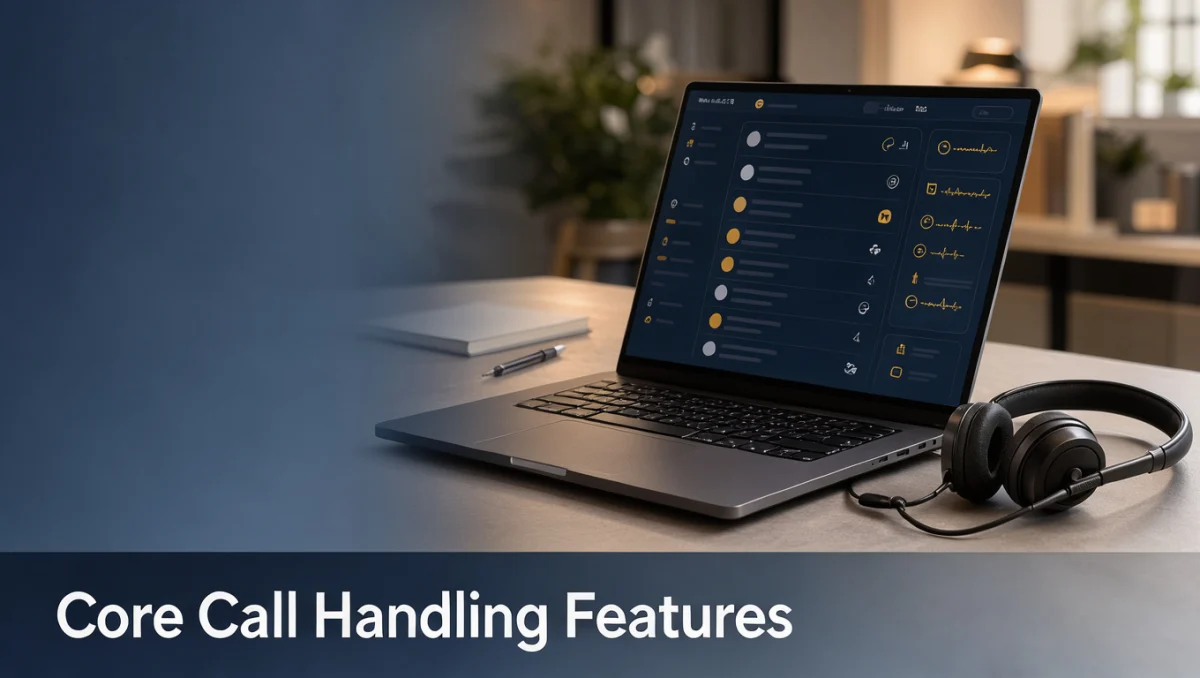
Different organizations face different communication demands. Assessing team capacity helps determine whether automated call answering fits existing workflows.
7.1. Small Business Owners and Solo Practitioners
Sole proprietors often miss calls while delivering services or working on job sites. Automated answering captures prospective leads without forcing the owner to interrupt active client work.
Contractors, consultants and solo practitioners gain professional phone handling without the cost of a dedicated front-office employee. Transcribed messages let owners prioritize return calls by urgency.
7.2. Professional and Field Service Teams
Plumbing, electrical, heating and property maintenance companies face irregular call surges, especially during severe weather or seasonal changes. Automated answering records job requests and routes emergency repair calls to active technicians according to shift schedules.
Centralized intake prevents missed service opportunities when every technician is out on customer sites. Office managers can review logged service addresses and issue work orders in an orderly way.
7.3. Legal and Healthcare Administrative Practices
Attorneys and medical professionals require accurate messages and organized client intake. Automated tools capture initial inquiry details, allowing administrative staff to check conflicts of interest or patient scheduling before making contact.
Specialized consultations remain the responsibility of qualified professionals, but automated intake handles preliminary administrative questions efficiently. Practices should consult relevant regulatory guidance to ensure their telecommunication workflows meet industry requirements.
7.4. Teams That May Not Benefit
Organizations whose calls involve intricate troubleshooting, bespoke contract negotiation or sensitive crisis counseling should not rely solely on automated voice answering. For these organizations, direct routing to trained internal specialists remains the better approach.
8. How to Choose the Right Plan
Subscription costs for answering platforms depend on several variables that affect monthly spending. Operations leaders should review their historical call data before choosing a package.
| What to Check on the Official Site | Why It Matters |
|---|---|
| Billing calculation method | Vendors may bill by total call minutes, individual call counts or active user seats, which changes total cost. |
| Live operator transfer availability | Confirm whether plans include live human backup or remain fully automated. |
| After-hours and holiday terms | Check whether special routing configurations for weekends or holidays carry separate charges. |
| Export and software connectivity options | Confirm how call records and client contact details transfer to external CRM or spreadsheet tools. |
| Setup and onboarding provisions | Identify whether initial prompt scripting and call forwarding support involve onboarding fees. |
9. Frequently Asked Questions
What should a company prepare before launching automated call answering?
Organizations should document their core business hours, primary escalation contacts, standard intake questions and common customer inquiries. Clean scripts and clearly defined call destinations help the system route callers accurately from day one.
How should businesses weigh automated call handling against hiring in-house receptionists?
Compare total monthly call volume, budget and caller complexity. Automated platforms provide round-the-clock evening and weekend coverage at a fraction of full-time payroll cost, while in-house receptionists bring personal judgment to complex conversations.
What should teams confirm about after-hours call routing?
Check how the system handles unanswered transfer attempts, whether emergency numbers can be updated remotely and which staff members receive notifications. Confirming these details in the official documentation prevents urgent calls from being lost during unexpected absences.
How do transcription services handle specialized industry terminology?
Standard speech-to-text performs well with common vocabulary but may misread technical acronyms, rare medical terms or specialized legal language. Staff should review transcripts regularly and configure custom vocabulary where the platform allows.
10. Final Verdict
Answering service care AI call answering provides dependable automated call capture, message transcription and routing for organizations that need continuous phone availability. By turning spoken inquiries into actionable digital notifications, it reduces the administrative load on front-office staff while giving callers prompt, structured attention.
| Criterion | Score /10 | Reason |
|---|---|---|
| Features | 7.8 / 10 | Offers consistent call greeting, speech transcription, message delivery and escalation routing. |
| Ease of Use | 8.2 / 10 | Straightforward setup for forwarding rules and message receipt through familiar channels. |
| Pricing and Value | 7.4 / 10 | Buyers should confirm whether call volume thresholds and minute billing fit their budget. |
| Integrations | 7.1 / 10 | Basic notification routing works well, but deeper database connections should be verified on the official site. |
| Audience Fit | 8.0 / 10 | A strong match for field service contractors, small medical practices and professional service teams. |
| Support | 7.5 / 10 | Review onboarding help and ongoing support channels on the official platform portal. |
| Competitive Position | 7.6 / 10 | Bridges the gap between unmanaged voicemail and costly full-time reception staff. |
Overall Score: 7.7 / 10
For small businesses, field contractors and professional practices that want to capture leads around the clock, answering service care AI call answering offers structured, reliable coverage. Organizations handling sensitive consultative matters should pair automated answering with dedicated human follow-up to ensure complete client service.
If you have questions about choosing communication software for your organization, send them through the EBusiness Reviews contact page or follow our ongoing software analyses on the EBusiness Reviews LinkedIn company page.
See More Collaboration & Productivity