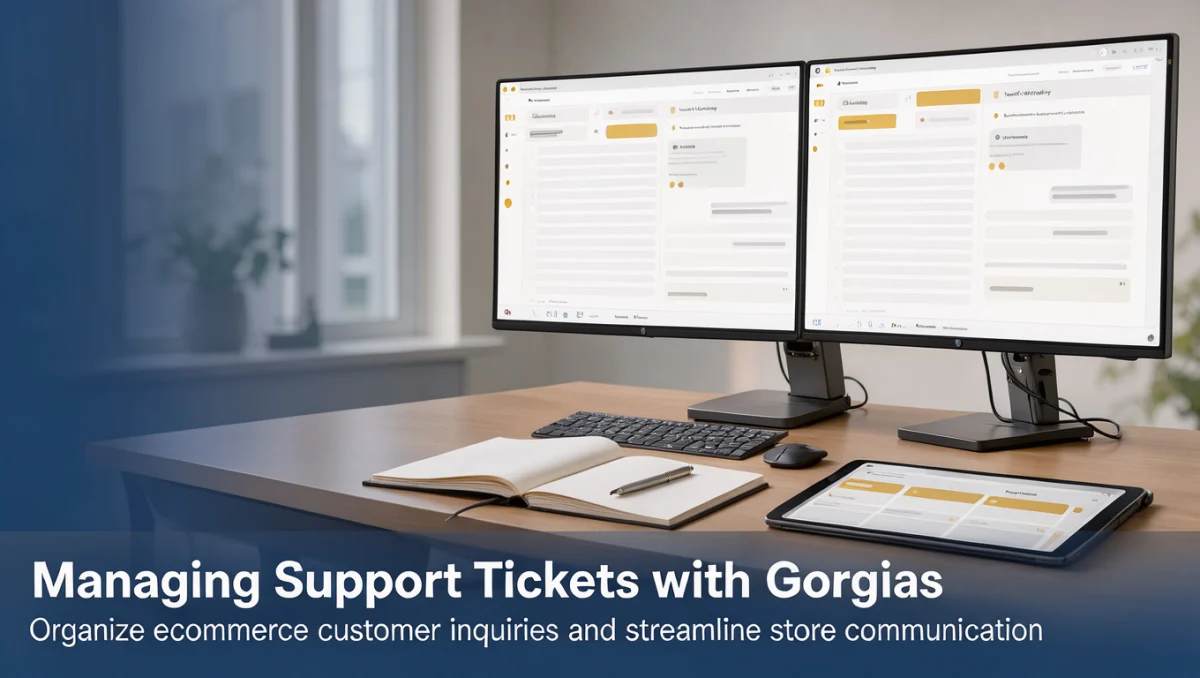
Ecommerce support teams rely on centralized helpdesks to gather customer messages into one place, route them fairly, and keep order details close at hand. EBusiness Reviews looks at how retail teams keep everyday ticket work organized so unanswered buyer messages do not quietly pile up.
Getting control of your inbox starts with a clear method for tagging inquiries, linking store data, and deciding who handles what. When agents process steady volumes of returns, order changes and delivery questions, consistent daily habits decide whether your backlog shrinks or keeps growing.
Quick verdict: Gorgias earns an overall ebusinessreviews score of 8.0 out of 10 for centralized merchant communication. It suits online stores that field many order questions across several storefront channels. It is less suitable for teams that need heavy enterprise field service dispatch or complex internal engineering project tracking.
| Evaluation Metric | ebusinessreviews Assessment |
|---|---|
| ebusinessreviews score | 8.0 / 10 |
| Best for | Ecommerce merchant teams that need store order records linked directly to customer conversations. |
| Not ideal for | Teams that need internal bug tracking, developer sprint workflows, or non-retail field service dispatch. |
| Key strengths | Focus on merchant customer interactions, a unified omnichannel inbox, and rule-based ticket sorting. |
| What to check before buying | Ticket volume tiers, add-on channel access fees, and agent seat limits on the official pricing page. |
1. How ebusinessreviews Reviewed Gorgias
This review examines what Gorgias is designed to do, who it serves, and how it compares with similar tools. We judge it against seven ebusinessreviews criteria: features, ease of use, pricing and value, integrations, audience fit, support, and competitive position. Plans, prices and limits change frequently, so confirm current details on the official website before purchasing. The article was researched and drafted with AI assistance, then reviewed and edited by the ebusinessreviews Editorial Team.
2. Preparing Your Channels and Store Data
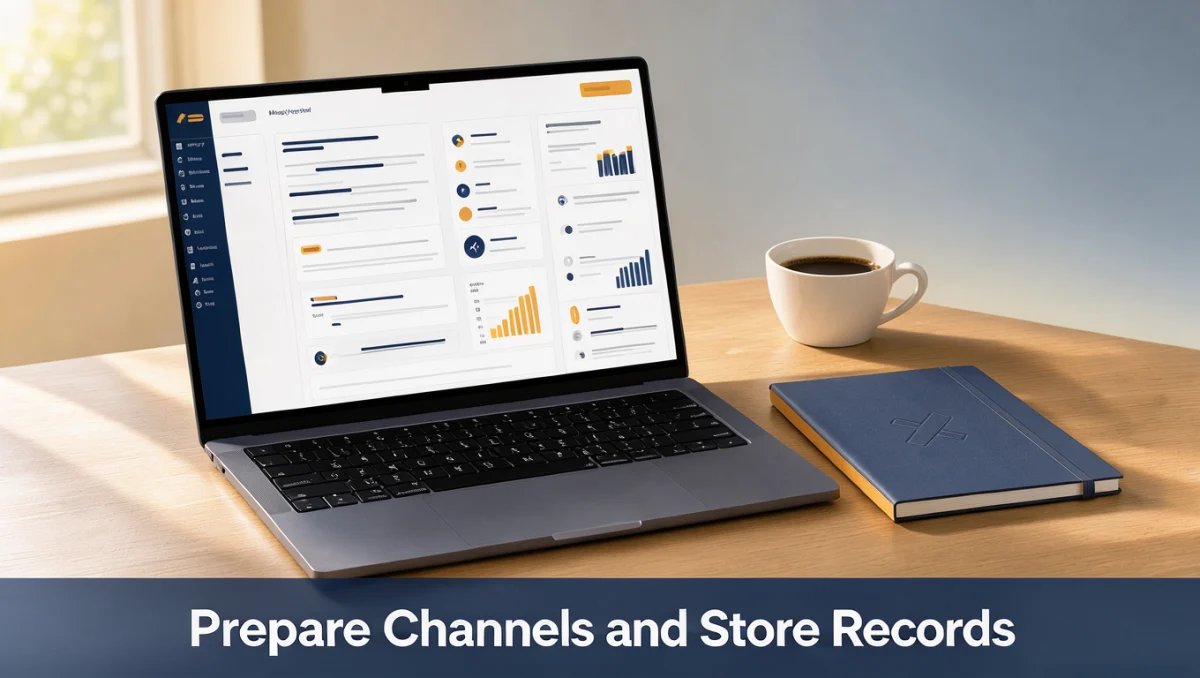
Before you organize your inbox, list every storefront channel and customer contact point your business uses. Retail support teams need to know how return questions, shipping updates, pre-sale queries and payment concerns reach the shared inbox.
Mapping Your Communication Channels
Online stores commonly receive questions through email, contact forms, social direct messages, chat widgets and phone. Check the settings panel of the official Gorgias platform to confirm which channels are connected to your workspace before you turn on any routing rules.
Bringing every message stream into one dashboard prevents missed follow-ups and stops two staff members from replying to the same shopper. Leaders should record all active inbound email addresses, social profiles and phone numbers before designing assignment workflows.
Linking Your Store Records
Connecting your ecommerce store lets agents see order histories, tracking status and shipping addresses beside each conversation. This removes the need to switch between browser tabs to confirm fulfillment details.
Before you work active tickets, check the official setup guide to verify that your main store platform syncs order records correctly. Seeing purchase history inside the ticket speeds up answers to routine shipping questions.
3. A Five-Step Workflow for Ticket Handling
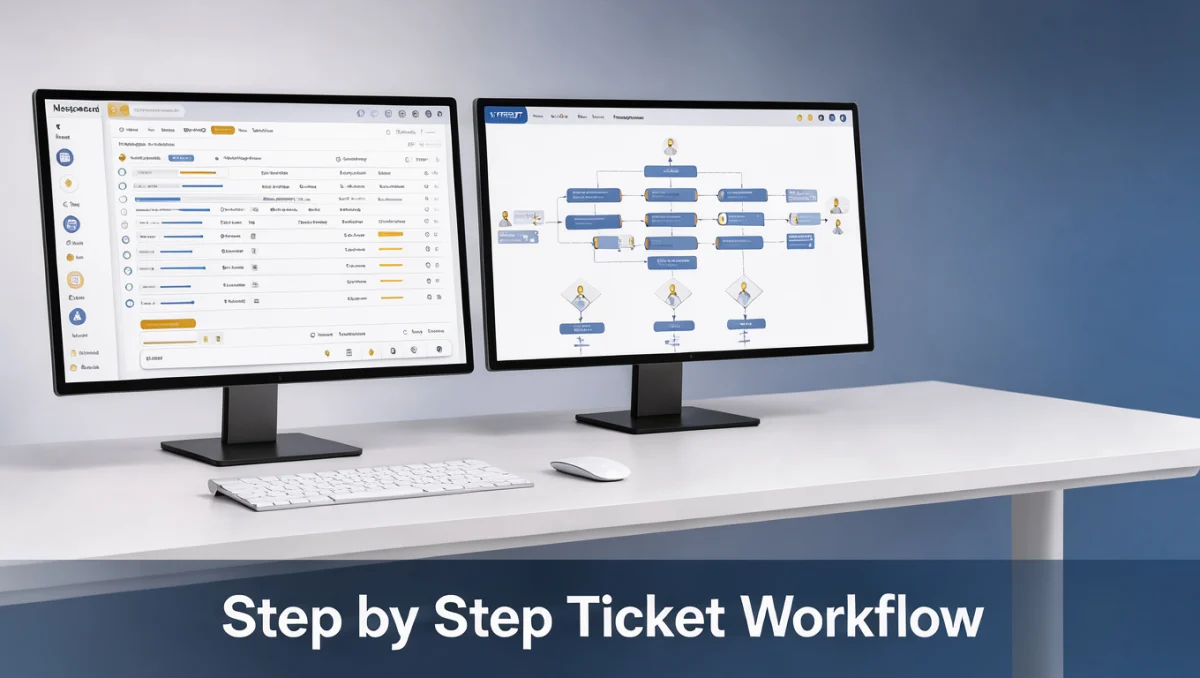
A disciplined workflow moves each customer message from intake to resolution in predictable stages. Following a consistent sequence is the core of managing support tickets well in Gorgias.
Step 1: Build Views and Shared Folders
Sort customer conversations into separate views by status, channel or inquiry type. This keeps urgent delivery changes from being buried under routine promotional replies.
- Create an unassigned queue to catch every new inbound inquiry.
- Set up a priority view for time-critical requests such as address updates or cancellations.
- Group recurring topics, like tracking requests and return authorizations, into dedicated folders.
- Keep a separate view for escalations that need supervisor review or refund approval.
Step 2: Apply Tags and Categories
Tags reveal why shoppers get in touch and which products generate the most questions. Managers should define standard tag names so every agent applies the same labels on every shift.
Labels such as return request, damaged product, tracking inquiry or wholesale request let agents filter issues quickly. Consistent categorization also gives managers reliable reports on product quality problems and recurring shipping bottlenecks.
Step 3: Set Up Automated Triage and Assignment
Automation rules can sort, tag and assign incoming messages according to sender intent, channel or specific wording. Conditional assignment spreads the workload fairly among available representatives.
Route tickets to specialists based on language skills, product knowledge or escalation authority so inquiries do not sit unassigned. Test every rule before going live to confirm that tickets reach the right person without delay.
Step 4: Use Message Templates
Templates let agents respond to repeated questions with approved shipping policies, return steps and business hours. Stored templates protect your brand voice and keep information consistent across shifts.
Agents should add the customer's name and the specific order details before sending. Pairing a standard response with a personal note is both helpful and efficient.
Step 5: Update Orders and Complete Store Actions
Many tickets require changing an order, correcting an address or issuing a return authorization. Agents should verify the customer's identity and order number before making changes in the connected store panel.
Record every order change in an internal note so colleagues have a clear audit trail. After the update is complete, send the shopper a confirmation and mark the ticket resolved.
4. Best Practices for Daily Ticket Operations
Clear daily guidelines keep service teams aligned during busy promotions and seasonal peaks. Defined response rules prevent backlogs and reduce customer frustration.
Setting Priority Standards
Not every message needs the same response time. Time-sensitive requests, such as correcting an address on an unfulfilled order, should come before general product questions or post-purchase feedback.
- Handle order cancellations and address corrections first to avoid misdirected shipments.
- Resolve payment and checkout errors quickly to protect sales conversions.
- Move wholesale, partnership and general brand enquiries to a secondary queue.
- Flag high-value customers for immediate review by senior agents.
Using Internal Notes for Collaboration
Internal notes let staff share context without sending anything to the customer. Agents can summarize complex order histories, record supervisor approvals or explain why a replacement shipment was sent.
Recording these details means shoppers do not have to repeat their problem when another agent picks up the ticket. Clear internal communication keeps rotating shifts running smoothly.
Tracking Backlogs and Response Times
Supervisors should check unassigned volumes and pending counts at the start and end of each shift. Watching these numbers lets managers move staff when ticket volume rises unexpectedly.
Schedule regular cleanup windows so older threads do not go unnoticed. Closing abandoned conversations or following up with unresponsive shoppers keeps the active queue manageable.
5. Mistakes That Undermine Ticket Management
Support workflows break down when automation is poorly configured or routine maintenance is skipped. Avoiding these common errors protects customer trust and keeps queues orderly.
Relying on Generic Automated Replies
Sending automated responses without order context frustrates buyers who need real help. Automated replies should acknowledge the specific issue rather than sending vague receipts that force shoppers to write again.
Make sure customers can reach a human agent when automation does not solve their problem. Testing automated flows regularly keeps them helpful and relevant.
Inconsistent Tagging Between Shifts
When agents use different labels for the same issue, reporting quickly becomes unreliable. If one agent tags an inquiry as refund and another uses return or chargeback, managers cannot measure return volume accurately.
Maintain an internal glossary of approved tags and refresh onboarding for support staff periodically. Regular tag audits keep your reports accurate and your rules working as intended.
Leaving Resolved Threads Open
Answered tickets left in open or pending status clutter shared views and distract agents from issues that still need attention. Teams should define clear criteria for moving a ticket to closed or snoozed.
Tell agents to mark a conversation resolved once every question has been answered and any required store updates are finished. A tidy workspace lets agents focus on inquiries that need immediate action.
6. Who Should Use Gorgias for Support
Choosing a helpdesk depends on team size, message volume and main sales channels. Matching the tool to your daily service needs ensures the software fits your operation.
Independent Store Owners and Small Retail Teams
Solo operators and small retail teams benefit from bringing multi-channel conversations into one interface. Seeing order records beside each conversation removes manual lookups and saves considerable admin time.
Small teams should check the official Gorgias pricing page for how ticket limits and agent seats are structured, since total conversation counts drive subscription costs.
Growing Direct-to-Consumer Brands
Mid-sized ecommerce companies that handle steady streams of tracking requests, exchanges and product questions find structured tagging valuable for collaboration. Clear routing keeps service standards consistent as the team grows across shifts.
Expanding brands should review channel add-ons and team permission settings on the official website to make sure the setup supports their plans.
Teams That Need a Different Type of Tool
Organizations outside online retail, such as software developers, consulting agencies or field service technicians, usually need ticketing centered on bug tracking or project management. Retail-focused helpdesks do not offer native development issue workflows or enterprise IT asset databases.
Service firms that manage complex corporate contracts rather than shopping cart checkouts should evaluate enterprise support desks or issue-tracking platforms built for corporate operations.
7. Frequently Asked Questions
How should teams decide which tickets to handle first?
Prioritize time-sensitive inquiries where delay causes financial loss or fulfillment errors, such as cancellations and shipping address changes. Sorting by customer intent stops warehouses from shipping orders to the wrong address.
What should managers check before setting up routing rules?
Verify all connected sales channels, review agent schedules and define a standard tag structure before turning rules on. Confirm in the official Gorgias documentation how trigger conditions interact so inquiries are not misrouted.
How can teams avoid duplicate replies to one customer?
Use collision alerts and strict assignment rules so each ticket has exactly one owner. Training agents to claim a ticket before drafting a reply prevents overlapping responses.
What drives total helpdesk costs for ecommerce?
Costs depend on monthly ticket volume, active agent seats, connected channels and advanced automation add-ons. Check the official plan comparison to see how ticket thresholds affect monthly billing.
When should a store move to an ecommerce-focused helpdesk?
Consider a specialized ecommerce helpdesk when agents spend too much time switching between order systems and email to find tracking numbers and order histories. Direct store data visibility streamlines repetitive work.
8. Final Verdict on Managing Support Tickets with Gorgias
Gorgias offers a focused customer service environment for ecommerce merchants who want shopper conversations connected to store order data. Its rule-based workflows, shared inbox views and customer context panels reduce friction for retail support teams handling order questions.
| Criterion | Score / 10 | Reason |
|---|---|---|
| Features | 8.5 / 10 | Centralized inbox, order data visibility, templates and rule-based sorting streamline retail support. |
| Ease of Use | 8.0 / 10 | Intuitive ticket interface with straightforward threading; complex rule logic takes team training. |
| Pricing and Value | 7.0 / 10 | Value depends on ticket volume and plan structure, so review current limits on the official pricing page. |
| Integrations | 8.0 / 10 | Connects store databases and multi-channel touchpoints directly to the shared agent inbox. |
| Audience Fit | 9.0 / 10 | Built for ecommerce retailers, direct-to-consumer storefronts and online merchant support teams. |
| Support | 7.5 / 10 | Help documentation and onboarding cover core workflow setup; assistance depends on account tier. |
| Competitive Position | 8.0 / 10 | Holds a dedicated position in online retail support, competing with broader multi-industry platforms. |
Overall ebusinessreviews Score: 8.0 / 10
For ecommerce managers and online retail operators, organizing daily ticket work around customer purchase history produces consistent, well-run support. Confirm your monthly conversation volume on the official Gorgias website to choose the plan that fits your operation.
Questions about choosing helpdesk software for your store team? Contact our editors at https://ebusinessreviews.net/contact/ or follow ebusinessreviews on LinkedIn at https://www.linkedin.com/company/ebusinessreviews/ for regular software updates.