ebusinessreviews may earn a commission when you buy through links on this page, at no extra cost to you. This does not affect our ratings.
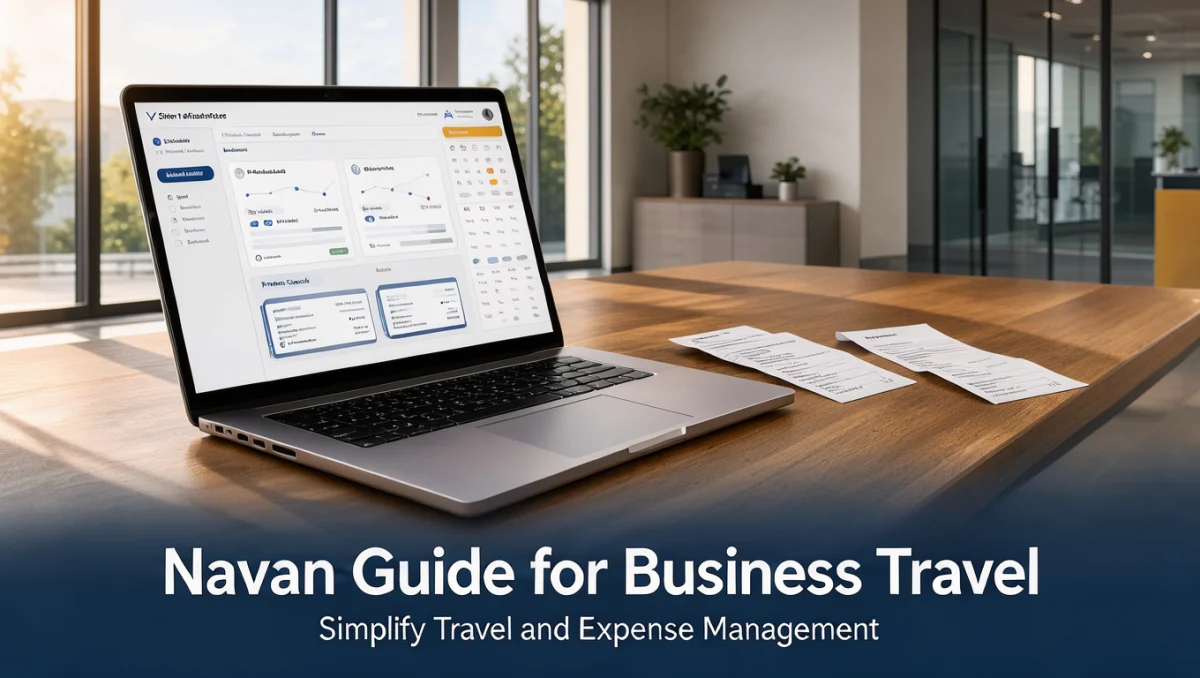
Looking for a practical navan guide? This walkthrough covers how to define corporate booking rules, set up expense approval flows and coordinate itineraries across teams. Navan combines corporate travel booking, company payment cards and employee expense reporting in one system. When finance teams understand how these pieces connect, they keep control of spending while staff book flights, hotels and ground transport on their own. Our goal at EBusiness Reviews is to offer clear analysis that helps businesses make informed software decisions.
Choosing tools from the broader Collaboration & Productivity space means checking how travel workflows fit into everyday employee tasks. This article reviews the core setup steps, day-to-day operating practices and the criteria to weigh before rolling out travel management software in organizations of different sizes.
Quick verdict: Navan scores 7.8 out of 10 in the ebusinessreviews assessment. It suits distributed teams and growing companies that want one environment for booking travel and reporting expenses. It fits less well with solo operators or organizations that prefer separate expense tools and manual booking agents.
| Metric | Details |
|---|---|
| ebusinessreviews score | 7.8 / 10 |
| Best for | Teams that want unified corporate travel booking alongside employee expense oversight. |
| Not ideal for | Solo operators who only require simple receipt storage without travel coordination. |
| Key strengths | Integrated travel reservations, automated expense categorization, and centralized policy enforcement. |
| What to check before buying | Confirm contract commitments, traveler support tiers, and ledger sync options on the official Navan website. |
1. How ebusinessreviews Reviewed Navan
This review examines what Navan is designed to do, who it serves and how it compares with similar tools. We assess it against seven ebusinessreviews criteria: features, ease of use, pricing and value, integrations, audience fit, support and competitive position. Plans, prices and limits change frequently, so we highlight what to verify on the official website before purchasing. This article was researched and drafted with AI assistance, then reviewed and edited by the ebusinessreviews Editorial Team.
2. Preparing Before You Begin with Navan

Before deploying any travel and expense platform, organizations should set out their internal travel parameters and spending rules. Travel software works best when limits are clear for daily allowances, hotel price caps, advance booking windows and permitted expense categories.
Collecting input from finance leaders, travel coordinators and department heads avoids administrative bottlenecks later. When travel rules are vague, software configuration becomes unnecessarily complicated, causing approval delays and confusion for staff on the road.
- Document permitted airline cabin classes and maximum room rates by region.
- Decide which managers can approve itinerary requests that fall outside policy.
- Clarify documentation standards for meal receipts, client entertainment and local transport.
- Review existing corporate banking relationships and corporate card programs.
3. Step-by-Step Getting Started Workflow
Rolling out travel and expense software involves a sequence of milestones that move an organization from manual spreadsheets to structured digital administration. Following a clear implementation order keeps financial controls active while employees adjust to the platform.
Step 1: Define Corporate Travel and Expense Policies
Start by converting the written corporate handbook into automated rules within the software. Administrators set spending caps, advance booking requirements and preferred vendors. Automated controls warn travelers about spending thresholds before reservations are confirmed, which removes the need for after-the-fact compliance audits.
Step 2: Establish User Roles and Approval Hierarchies
Set up team member profiles according to department responsibilities and management structure. Standard employee accounts let users search approved travel options and file expense receipts. Manager accounts review flagged bookings or non-standard spending requests, while finance staff keep company-wide oversight of cash flow.
Step 3: Connect Corporate Payment Methods
Link corporate payment arrangements to simplify transaction reconciliation. Unified platforms let administrators issue corporate credit or connect existing business accounts. Centralizing payment methods means flight and lodging costs flow directly into expense ledgers, so staff do not need to pay personally and wait for reimbursement.
Step 4: Configure Itinerary Booking Parameters
Set default booking preferences for domestic and international trips. Configuring preferred airline partnerships, negotiated hotel rates and vehicle rental agreements ensures discounted rates apply automatically. Employees keep the freedom to choose convenient flight times while staying within approved budgets.
Step 5: Review Expense Submission and Reconciliation
Set clear expectations for submitting off-platform transactions, such as ground transport or client meals. Expense management systems let employees upload photographed receipts for quick categorization. Finance teams then check matched transactions, verify tax allocations and approve reimbursements through automated audit queues.
4. Best Practices for Travel and Expense Governance
Keeping corporate travel under effective control requires ongoing monitoring rather than one-off configuration. Reviewing spend analytics each quarter reveals patterns in vendor use, seasonal fare changes and out-of-policy exceptions.
Train traveling staff on mobile itinerary management and receipt submission before their first business trip. Policy adherence improves when employees understand that automated warnings exist to protect company budgets rather than limit travel comfort.
For tax and compliance questions, consult a qualified corporate accountant or tax advisor when setting mileage deduction rules and international per-diem structures. Software simplifies record-keeping, but tax compliance requires professional oversight tailored to local financial regulations.
5. Common Mistakes to Avoid

Organizations moving to automated travel software sometimes run into avoidable administrative problems. Recognizing these pitfalls helps finance departments keep operations running smoothly.
- Overly restrictive booking rules: Rigid price ceilings that ignore seasonal price changes can leave travelers without bookable lodging.
- Delayed receipt reconciliation: Letting receipts pile up across several billing cycles complicates month-end close and distorts cash forecasts.
- Ignoring approval delegation: Failing to assign temporary approval proxies when managers are on leave causes booking requests to expire unexpectedly.
- Skipping data field alignment: Mapping accounting cost centers inaccurately creates mismatches between travel records and the general ledger.
6. Frequently Asked Questions
What should a finance team prepare before setting up travel policies?
Finance departments should document clear hotel price bands, flight advance purchase rules and expense categories before configuring software rules. Clear written policies make digital enforcement straightforward and reduce the number of manual exceptions and managerial interventions during employee bookings.
Should an accountant review corporate travel expense configurations?
Consulting an accountant or corporate tax advisor is strongly recommended when configuring mileage reimbursements, per-diem thresholds and international tax tracking. Although software categorizes transactions efficiently, professional advisors confirm that spending structures meet local statutory and tax reporting requirements.
What factors drive the overall investment in travel management tools?
Total spending on business travel platforms depends on the number of employee seats, payment card structures and premium traveler support options. Buyers should assess whether subscription fees or transaction-based models better match their annual travel volume before committing to long-term contracts.
How do travel management platforms handle policy compliance?
Automated travel platforms build corporate policy rules directly into search and checkout screens. Options that exceed company limits are hidden, flagged with out-of-policy indicators or routed through automated manager approval before the booking is confirmed.
7. Final Verdict
This navan guide shows that modernizing travel and expense management brings real operational efficiency to growing businesses. Navan brings corporate bookings, payment card distribution and receipt management into a single digital environment, significantly reducing administrative overhead for finance departments.
| Criterion | Score /10 | Reason |
|---|---|---|
| Features | 8.5 | Centralizes corporate travel booking, itinerary tracking, policy controls and corporate expense reporting in one place. |
| Ease of Use | 8.0 | Clean booking workflows let traveling employees reserve travel and submit expenses with minimal initial training. |
| Pricing and Value | 7.0 | Contract terms and fee models vary with company size, so confirm directly on the official Navan pricing page. |
| Integrations | 7.5 | Synchronization with enterprise resource planning and human resource software depends on the deployment options chosen. |
| Audience Fit | 8.5 | Strongly suited to distributed organizations that need central visibility over business travel spending and employee cards. |
| Support | 7.0 | Verify support availability and traveler assistance levels directly with company representatives before signing. |
| Competitive Position | 8.0 | Offers a modern integrated alternative to traditional corporate travel agencies and standalone expense software. |
| Overall score | 7.8 | Balanced score reflecting unified travel booking and expense administration capabilities. |
Organizations with frequent team travel and distributed staff will find real value in consolidating booking workflows and expense records. Solo entrepreneurs and businesses with minimal travel needs may be better served by simpler accounting setups that avoid specialized travel management overhead.
For independent software evaluations and operational frameworks, explore the research published by EBusiness Reviews. Readers with specific workflow questions are welcome to contact the editorial team or follow company updates through professional industry channels.