ebusinessreviews may earn a commission when you buy through links on this page, at no extra cost to you. This does not affect our ratings.
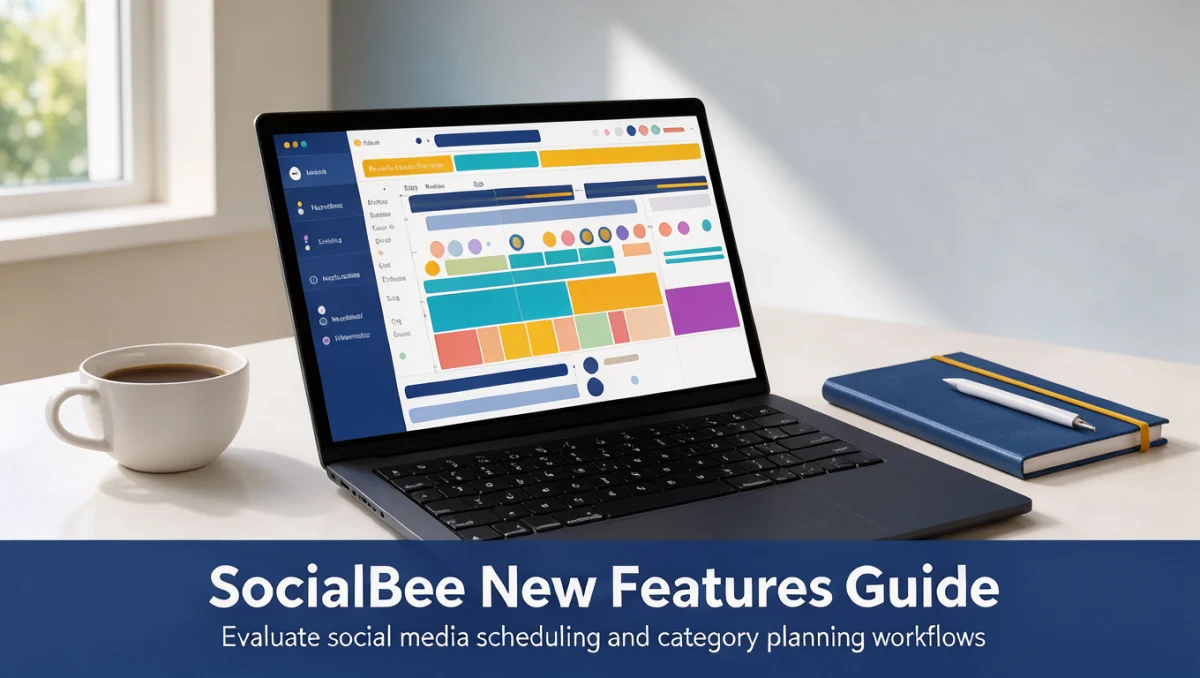
Recent updates to social media management tools keep shaping how creators, consultants and small teams coordinate posts across several channels. Before judging whether the latest additions suit your workflow, check category management, queue rules and workspace administration directly on the vendor's official pages. Our guide on socialbee new features walks through what matters most.
At EBusiness Reviews, we assess business software against practical benchmarks such as workflow efficiency, audience suitability and everyday usefulness. Knowing what the newer capabilities actually do helps buyers avoid paying for functions they will never use.
Quick verdict: SocialBee scores 7.7 out of 10. It suits solo operators, agency teams and independent consultants who rely on structured category recycling and multi-account publishing. It is less suited to enterprise marketing departments that need specialized compliance workflows or complex governance hierarchies.
| Evaluation Metric | Summary |
|---|---|
| ebusinessreviews score | 7.7 / 10 |
| Best for | Agencies and independent marketers who organize recurring posts into structured content buckets across different profiles. |
| Not ideal for | Organizations that need built-in customer service ticketing or advanced enterprise compliance approval layers. |
| Key strengths | Structured category scheduling, recurring evergreen content distribution, and multi-profile workspace management. |
| What to check before buying | Review the official changelog and plan comparison page to confirm workspace seat limits, supported social networks, and live automation rules. |
1. How ebusinessreviews Reviewed SocialBee
This review examines what SocialBee is built to do, who it serves and how it stacks up against similar tools, using seven ebusinessreviews criteria: features, ease of use, pricing and value, integrations, audience fit, support and competitive position. Plans, prices and limits change frequently, so we flag what to confirm on the official website before purchasing. This article was researched and drafted with AI assistance, then reviewed and edited by the ebusinessreviews Editorial Team.
2. What SocialBee Is and Who Uses It
SocialBee is social media management software that lets users draft, categorize, schedule and distribute updates across several social destinations. Instead of publishing isolated posts one at a time, users group messages into thematic categories that rotate on a fixed timetable.
The product mainly serves freelance social media managers, boutique digital agencies, startups and small business owners with an active online presence. These users need a dependable way to distribute educational posts, product announcements and curated links without re-entering content every week.
Teams planning ongoing digital marketing initiatives often find that category-based scheduling simplifies weekly planning. Rather than deciding each morning what to write, contributors assign posts to thematic queues that publish automatically at set intervals.
3. Core Features
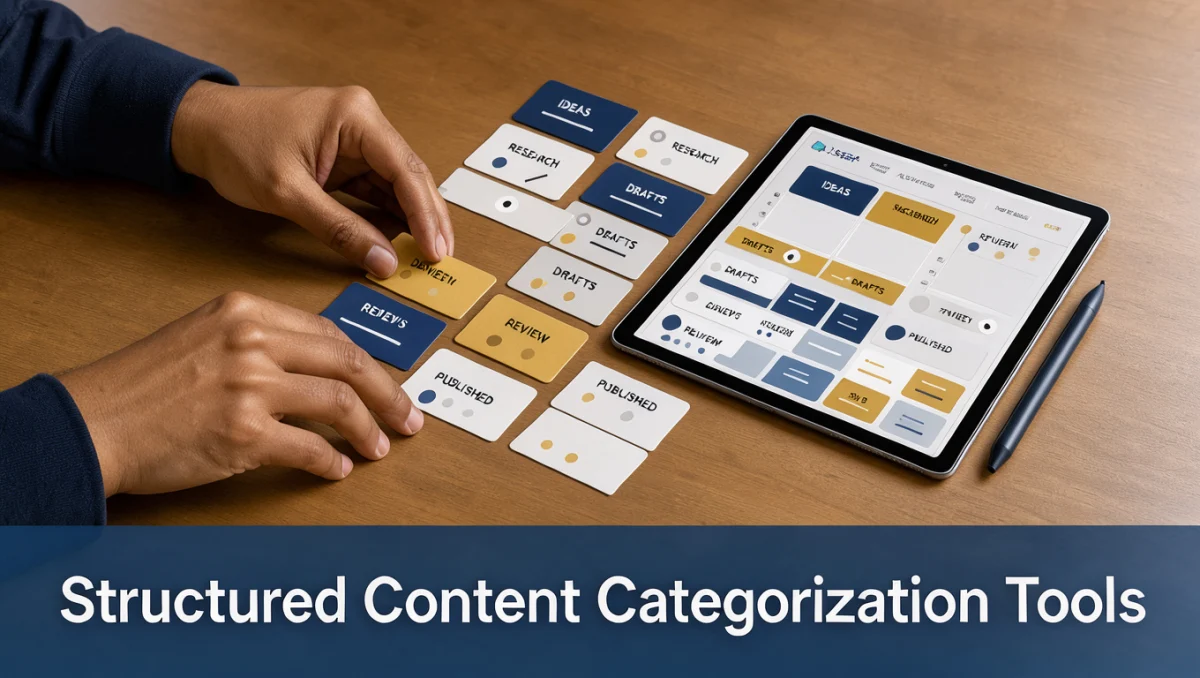
SocialBee centers on content distribution, calendar management and team collaboration. Each functional area addresses common bottlenecks in day-to-day social execution.
3.1. Content Categorization and Evergreen Scheduling
Category-based scheduling is the main organizing structure in SocialBee. Users create distinct themes, such as industry tips, blog promotion, special offers or curated articles, and assign individual updates to each collection.
The scheduling engine runs on a recurring calendar matrix. Once a category is filled, posts cycle through according to predefined rules, letting evergreen content recirculate over time or retire after reaching a preset distribution count. Buyers should check the official documentation for the latest queue rotation and expiration settings.
3.2. Multi-Channel Calendar and Queue Management
The central publishing calendar gives visual oversight across all connected brand profiles. Content teams can view upcoming posts in weekly or monthly layouts, making it easier to spot distribution gaps or adjust campaign timing ahead of key launch dates.
Queue controls let managers pause specific categories during sensitive news periods or increase promotional frequency during seasonal campaigns. Reordering queued items takes only simple adjustments in the editorial dashboard.
3.3. Collaboration, Approvals and Workspace Structure
Agency users and multi-client consultants rely on isolated workspaces to keep client data separate. Within each workspace, administrators define contributor permissions, send drafts for client review and track approval status before updates go live.
Draft approval steps stop unvetted copy from publishing prematurely. Because user roles and permission layers vary across subscription levels, prospective buyers should confirm user allocations and approval capabilities on the official SocialBee pricing comparison page.
3.4. Analytics and Performance Reporting
Reporting modules gather engagement metrics, top-performing posts and audience activity trends across connected accounts. Marketing professionals use these summaries to see which categories generate meaningful interaction and which topics fall flat.
Export options let service providers assemble summary reports for stakeholders. Potential subscribers should consult official product documentation to see which metrics are tracked and whether white-label report presentation requires a specific package.
4. Ease of Use and Learning Curve
SocialBee uses a focused administrative layout built around content buckets and visual calendar grids. New users familiar with social scheduling can grasp the category framework quickly, although setting up initial schedule rules takes deliberate planning.
The initial configuration demands more effort than basic single-post tools. Defining weekly posting schedules, assigning destination accounts and populating each category takes setup time before the automated queue runs on its own.
Once categories are populated, daily operation becomes efficient. Adding fresh drafts or importing assets takes little time, letting solo operators and small teams keep output consistent across several profiles without constant manual intervention.
5. Pros and Cons
Weighing the strengths and limitations of SocialBee helps buyers reach an objective decision based on their actual business needs.
5.1. Pros
- Organized category-based scheduling lets creators balance promotional, educational and engaging posts across every connected channel.
- Evergreen content recycling keeps essential resources and timeless advice active without daily manual scheduling.
- Workspace separation supports agency structures by keeping client credentials, calendars and queues organized independently.
- Visual calendar overviews give editorial teams clear visibility into cross-platform timing.
- Post customization tools let users tailor text length, hashtags and formatting for each target platform within a single drafting window.
5.2. Cons
- Initial setup requires careful structuring of categories and posting calendars, presenting a steeper learning curve than basic instant-publish tools.
- Enterprise governance options and multi-tiered compliance workflows are less extensive than those in large corporate marketing suites.
- Buyers must check the official website to confirm that their preferred networks and profile counts fit the limits of their chosen plan.
6. SocialBee vs Similar Tools
Understanding how SocialBee positions itself against other options clarifies which tool fits particular operational preferences.
| Software | Target Audience | Core Distinction | When to Consider |
|---|---|---|---|
| SocialBee | Agencies, consultants, and small teams | Category-based evergreen scheduling and workspace separation | When you want automated content recycling and organized bucket-based planning |
| Buffer | Solo creators and small business owners | Simplicity and clean single-queue distribution | When you prefer an uncomplicated, lightweight posting schedule without deep categorization |
| Hootsuite | Mid-sized businesses and enterprise brands | Broad social listening, extensive social streams, and large team collaboration | When you need comprehensive social inbox monitoring and listening tools across broad corporate teams |
| Sprout Social | Enterprise organizations and structured customer care teams | Advanced analytics, customer care ticketing, and governance workflows | When deep customer support integrations and executive-grade reporting justify an enterprise investment |
| Later | Visual brands and e-commerce creators | Visual grid curation and media-first asset scheduling | When visual feed planning for image-centric platforms is your primary content priority |
While Buffer emphasizes minimalist publishing queues, SocialBee concentrates on recurring evergreen bucket architecture. Enterprise platforms like Hootsuite and Sprout Social offer sophisticated listening streams and customer service ticketing, whereas SocialBee focuses on efficient content creation and publishing workflows.
7. Who Should Use SocialBee

Checking audience fit keeps organizations from adopting software that either underdelivers on workflow needs or adds unnecessary complexity.
7.1. Freelance Social Media Consultants
Freelancers handling several client accounts benefit from segregated workspaces and organized category structures. Batching content creation into thematic blocks saves billable hours and keeps client feeds active even during busy weeks.
7.2. Digital Marketing Agencies
Boutique agencies managing editorial calendars for diverse accounts need streamlined draft approvals and isolated environments. SocialBee lets teams invite clients to review pending updates without exposing internal communication or other clients' assets.
7.3. Small Business Owners and Solo Founders
Entrepreneurs without dedicated marketing staff often struggle to post regularly. Evergreen categories let them create content once and keep core announcements circulating automatically, freeing time for customer service and product delivery.
7.4. Organizations That Should Look Elsewhere
Large enterprises requiring complex compliance sign-offs, legal review workflows or advanced social listening should consider enterprise-oriented alternatives. Companies seeking an all-in-one social customer service desk with ticketing integrations will need specialized support software.
8. How to Choose the Right Plan
Subscription plans for social media management platforms typically vary by connected profiles, team seats and workspace allotments. Use this checklist to review key details before ordering.
| What to Check on the Official Pricing Page | Why It Matters |
|---|---|
| Included social profile connections | Exceeding profile limits requires plan upgrades or add-on fees that change ongoing costs. |
| User seats and permission levels | Agency and multi-author workflows require specific seat counts and distinct contributor or approval roles. |
| Workspace allocations | Agencies managing distinct clients need isolated workspaces to keep calendars and assets separate. |
| Post limits and queue capacity | High-volume publishers must confirm that planned scheduling volume fits within queue rules. |
| Reporting depth and export options | Delivering client-ready summaries requires confirming which plans include presentation-ready reports. |
| Supported digital channels | Networks update API requirements regularly, so confirm that your required platforms are supported. |
9. Frequently Asked Questions
What should buyers evaluate before choosing a social media tool?
Buyers should map their required social channels, team headcount and preferred scheduling approach. Teams that publish evergreen content need strong category recycling tools, while brands focused on spontaneous daily updates may prefer lightweight publishing interfaces. Comparing seat limits and workspace rules on official pricing pages prevents costly mid-term plan changes.
How does category-based scheduling improve publishing consistency?
Category scheduling divides output into balanced themes such as educational guides, brand updates and customer stories. Instead of scheduling each post manually, users fill these thematic buckets and the system assigns publish times based on a weekly template. This keeps content varied and publishing steady across every connected account.
What additional expenses should teams budget for beyond base software?
Organizations should account for possible profile expansion fees, extra team seats, creative asset subscriptions and design tool integrations. If your workflow requires client-ready PDF reports or white-label presentation, check the official plan comparison to see whether those features need a higher tier or separate add-on licenses.
When should an agency move to an enterprise management suite?
Agencies should consider enterprise software when client contracts require advanced regulatory compliance, audit logging, complex hierarchical approvals, or integrated social listening and customer care ticketing. When basic scheduling and category distribution are enough, specialized publishing tools deliver efficient execution without enterprise overhead.
10. Final Verdict
SocialBee offers a structured approach to social publishing, making it an attractive platform for agencies, consultants and growth-focused small businesses in 2026. Its emphasis on category organization and evergreen recycling addresses the common challenge of maintaining steady social activity without daily scheduling effort.
| Criterion | Score / 10 | Reason |
|---|---|---|
| Features | 7.7 / 10 | Strong category scheduling, queue customization and calendar management provide practical day-to-day publishing support. |
| Ease of Use | 8.2 / 10 | An intuitive drafting interface and visual calendar offset the initial setup time needed for category configuration. |
| Pricing and Value | 7.4 / 10 | Buyers should verify profile allotments and seat limits on the official pricing page to ensure costs scale predictably. |
| Integrations | 7.0 / 10 | Prospective users should verify official documentation for current social network connections and media library links. |
| Audience Fit | 8.4 / 10 | The category-centric architecture closely matches the routines of boutique agencies and solo marketers. |
| Support | 7.5 / 10 | Check official vendor channels for onboarding documentation, help center resources and direct assistance availability. |
| Competitive Position | 7.6 / 10 | Maintains a distinct focus on evergreen category recycling compared with generic single-queue alternatives. |
Overall score: 7.7 / 10
For freelancers, independent creators and marketing agencies seeking a dependable platform to organize content themes and stay active online, SocialBee is a reliable, workflow-friendly option. Teams prioritizing enterprise social listening or customer support ticketing should explore specialized corporate suites.
Have questions about choosing the right social media management software for your organization? Reach out to our team at https://ebusinessreviews.net/contact/ or connect with ebusinessreviews on LinkedIn at https://www.linkedin.com/company/ebusinessreviews/.