EBusiness Reviews may earn a commission when you buy through links on this page, at no extra cost to you. This does not affect our ratings.
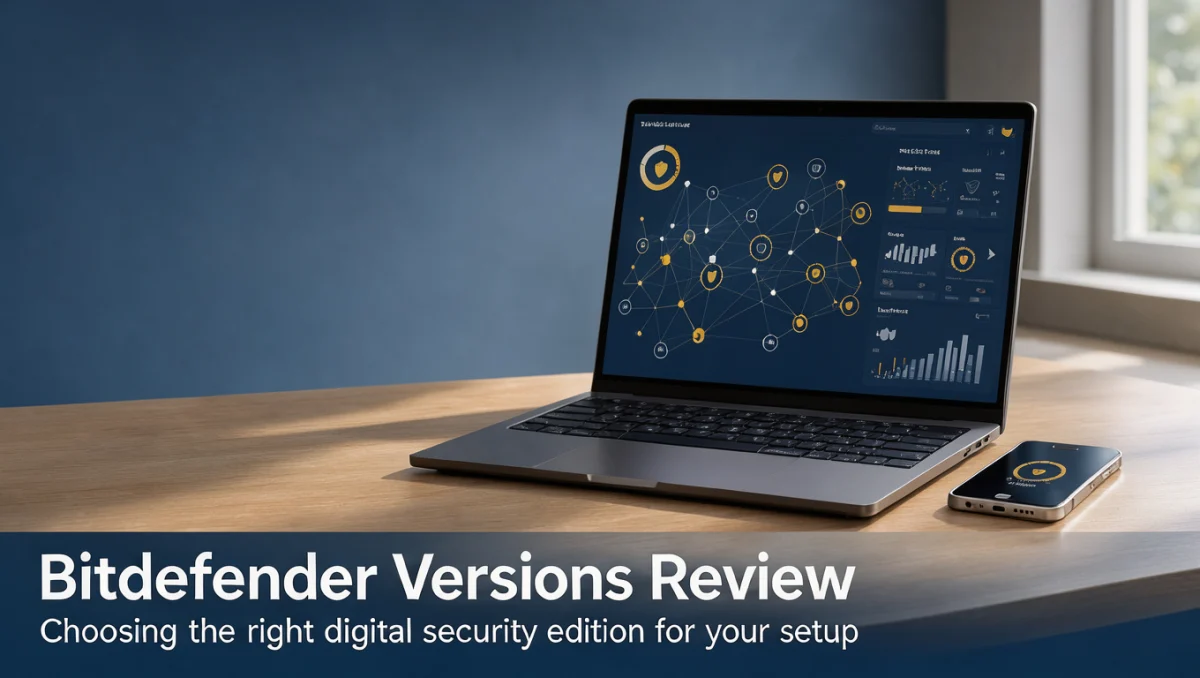
Bitdefender offers layered threat detection, system monitoring and privacy protection built to guard endpoints against harmful software. Before comparing tiers, it helps to understand the core protections common to the whole lineup, then weigh them against the demands of your personal or business routine. Our approach at EBusiness Reviews is to support sound buying decisions without leaning on guesswork about plan contents or short-lived promotions.
The needs of a lone freelancer rarely mirror those of a team spread across many machines. When you assess bitdefender versions, look closely at how devices are allocated, whether a central admin dashboard is available and which privacy tools are included, all confirmed on the official site.
Quick verdict: We score Bitdefender 7.9/10, largely thanks to its multi-layered protection engine and steady system tuning. It suits individuals and teams who want dependable endpoint defense with little upkeep, though it is less suited to environments that require heavy manual policy tweaking.
| Evaluation Metric | Assessment Summary |
|---|---|
| EBusiness Reviews score | 7.9/10 |
| Best for | Users wanting reliable endpoint protection and automated background security work |
| Not ideal for | Administrators who need granular, low-level firewall rule editing and extensive manual setup |
| Key strengths | System threat scanning, automatic malware isolation, coverage across multiple platforms |
| What to check before buying | Multi-device coverage limits, operating system compatibility lists and bundled service details |
1. How EBusiness Reviews Evaluated Bitdefender
This review examines what Bitdefender is designed to do, who it is meant for and how it stacks up against comparable tools. We rely on seven EBusiness Reviews criteria: features, ease of use, pricing and value, integrations, audience fit, support and competitive position. Plans, prices and limits shift frequently, so we flag the details you should confirm on the official website before purchasing. This article was researched and drafted with the help of AI tools, then reviewed and edited by the EBusiness Reviews Editorial Team.
2. What Bitdefender Is and Who Should Use It
Bitdefender is a cybersecurity platform built to protect digital devices from malware, unauthorized network intrusions, fraudulent websites and data exposure. It works mainly as an active shield, scanning incoming files, web traffic and running processes to stop malicious code before it can damage a system. Its audience includes home computer users, remote workers, small business owners and enterprise IT teams who want consistent protection across their hardware.
Contemporary security suites now combine predictive behavioral monitoring with traditional signature databases. Readers exploring how automated algorithms spot anomalies in different software sectors may find our Artificial Intelligence coverage useful. Bitdefender strikes a practical balance between instant background containment and administrative access, making it approachable for non-technical users while still giving team managers enough oversight.
3. Core Features of the Security Platform
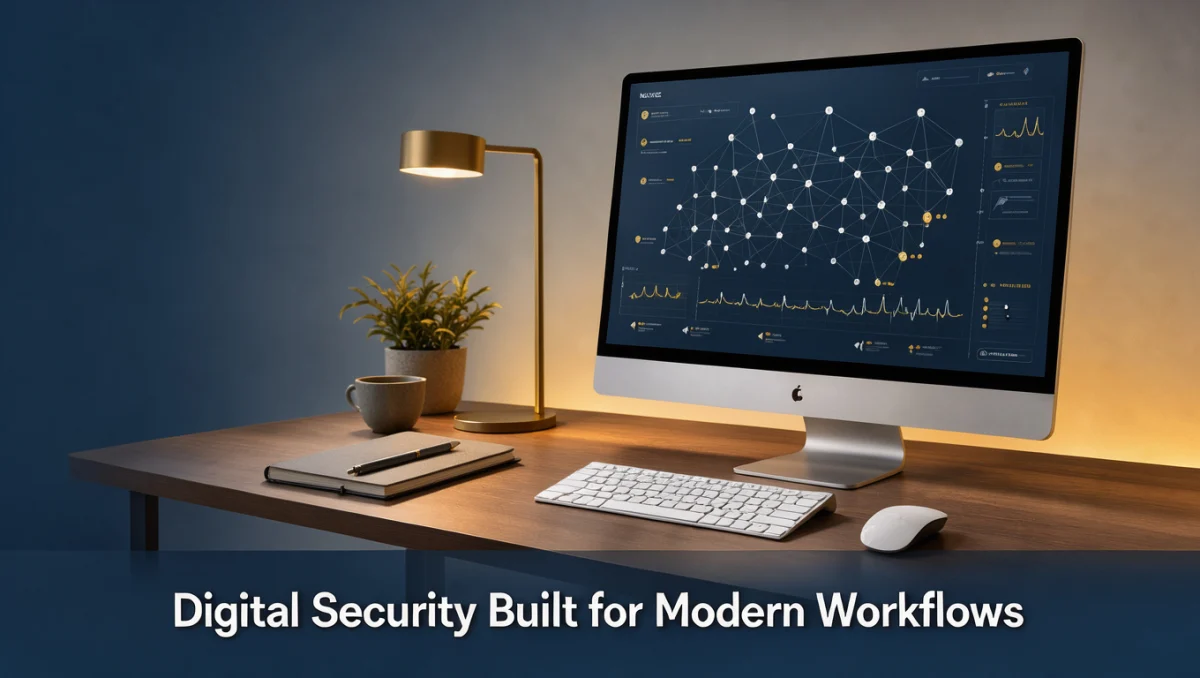
Any effective security ecosystem depends on foundational capabilities built to counter shifting cyber threats. The essentials of Bitdefender center on threat neutralization, network privacy and performance maintenance.
Real-Time Threat Detection and Malware Mitigation
The main job of endpoint security software is spotting harmful programs such as ransomware, trojans, worms and spyware. Bitdefender runs continuous background monitors that inspect downloaded files, active memory and connected external drives. When suspicious execution behavior appears, the platform places the file in a quarantine container to block unauthorized encryption or system damage.
Web Protection and Anti-Phishing Safeguards
Browsing exposes users to deceptive domains, spoofed banking pages and injected malicious scripts. The platform checks web traffic before a browser renders a page, comparing destination addresses against known malicious infrastructure. It alerts users to insecure forms and blocks attempts to harvest login credentials or banking details.
System Performance Optimization Tools
Security software should guard hardware without causing noticeable slowdowns or heavy memory use. Bitdefender includes system profiles that pause resource-intensive scans during video presentations, battery-powered sessions or gaming. This adaptive resource allocation keeps performance steady during critical work.
4. Ease of Use and Learning Curve
Judging usability means checking how quickly a non-expert can install the package, set scan schedules and understand security alerts. Bitdefender offers a clean administrative dashboard that shows overall device health, active threat shields and suggested maintenance tasks in one consolidated view.
For everyday users, the platform leans on automated defense, handling routine threat removal without throwing confusing technical alerts at them. Users who want fine-grained control over individual network ports, protocol filters or heuristic sensitivity thresholds, however, will find nested preference panels that take some time to learn. Guides on the EBusiness Reviews platform often note that streamlined interfaces make safe software habits easier to maintain day to day.
5. Pros and Cons of Bitdefender
Weighing a cybersecurity tool's strengths and operational limits helps clarify vendor selection.
- Pro: Multilayered Protection Architecture: Combines behavioral detection with traditional threat signatures to block zero-day vulnerabilities.
- Pro: Low User Intervention Demands: Automates routine definition updates and containment without interrupting ongoing desktop work.
- Pro: Centralized Multi-Device Management: Offers a single web console to monitor hardware status across distributed systems.
- Con: Advanced Setting Discovery: Detailed network parameters and behavioral exclusion lists sit in secondary configuration screens.
- Con: Varying Platform Capabilities: Different operating systems support different defensive modules, so buyers should verify exact feature parity for their OS.
6. Bitdefender vs Similar Tools
Placing Bitdefender within the wider security market means comparing it with established alternatives.
| Security Platform | Core Market Positioning | Ideal Operational Context |
|---|---|---|
| Bitdefender | Balanced threat defense with automated background optimization | Users wanting autonomous protection across personal and professional hardware |
| Norton | Integrated identity and digital privacy utility suite | Consumers seeking combined endpoint security and personal information tracking |
| Kaspersky | Precision endpoint telemetry with deep configuration controls | Technically skilled administrators wanting extensive diagnostic control |
| McAfee | Household protection emphasizing multi-device identity safeguards | Families seeking broad coverage across varied home computing equipment |
Norton leans toward broader personal identity tracking and Kaspersky appeals to users who want granular telemetry settings. Bitdefender sits in a practical middle ground, prioritizing autonomous operation that keeps devices safe without heavy administrative demands.
7. Who Should Use Bitdefender
Different workflows carry different risks and technical needs, which shapes the right choice of protective software.
Freelancers and Independent Contractors
Solo professionals depend heavily on client confidentiality and consistent machine uptime. A ransomware infection or corrupted drive can disrupt deliverables and damage professional trust. Bitdefender provides quiet background protection, letting freelancers run client calls, process payments and store files without software interruptions.
Small Business Owners and Office Managers
Small businesses often lack in-house cybersecurity engineers. Centralized web dashboards let office leads confirm that every company laptop has current protection definitions, run periodic scans and block malicious email attachments.
Remote Workers and Students
People using personal laptops in cafés, campuses and shared networks face unverified public connections. Automated web shielding, download analysis and background threat containment help keep sensitive school or work documents safe on those networks.
Who Should Consider Other Options
Organizations that need complex on-premises policy servers or dedicated hardware appliance integration should consider specialized enterprise endpoint detection platforms. Technical purists who want granular command-line security controls may also find consumer-oriented dashboards too restrictive.
8. How to Choose the Right Plan
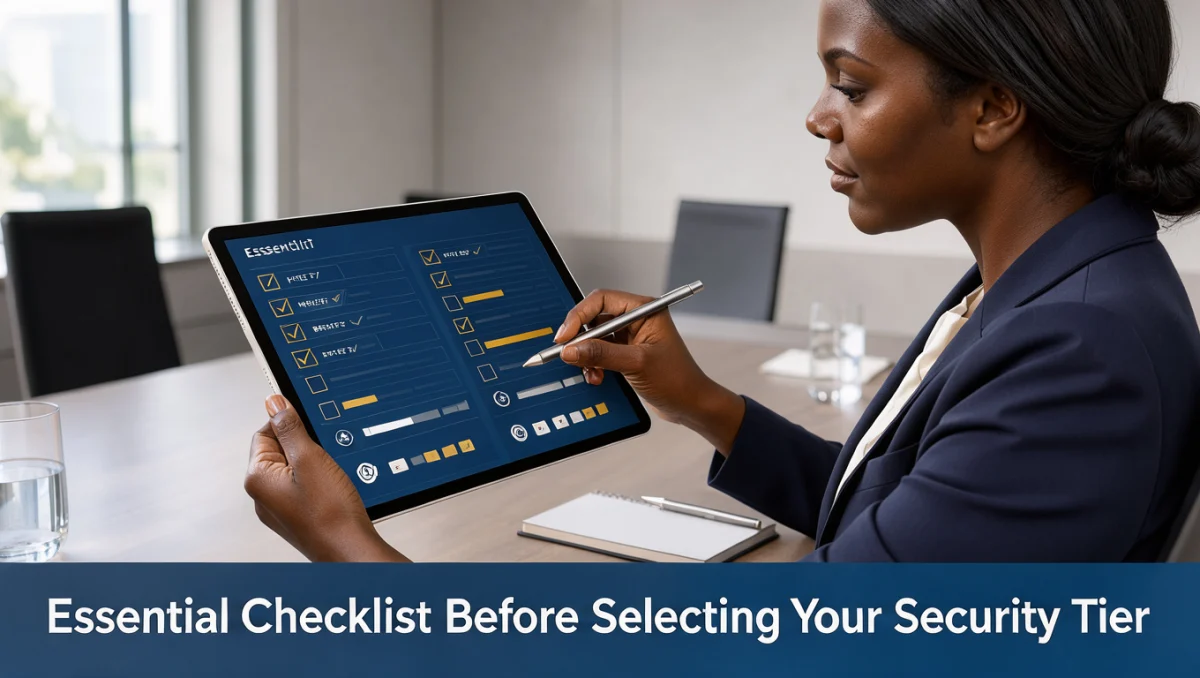
Because vendors often change subscription boundaries and bundle utilities differently across their catalogs, prospective customers should work through a structured checklist before placing an order.
| What to Check on the Official Website | Why It Matters for Your Setup |
|---|---|
| Allowed device installations | Determines whether a single license covers your phones, tablets and computers |
| Operating system support list | Ensures full feature availability across your specific hardware |
| Virtual private network limits | Clarifies whether daily connection caps apply to included secure browsing tools |
| Parental management modules | Identifies whether content filtering is included at the license level you pick |
| Central administrative console access | Enables remote status checks across all managed team hardware |
9. Frequently Asked Questions
What factors determine which edition to select?
The choice depends mainly on how many devices need protection and whether your daily work spans different operating systems. Reviewing the device count on the vendor pricing table helps you avoid paying for unused seats.
Should buyers verify device allocation limits before purchasing?
Device limits set how many computers, tablets and phones can activate protection under one account at once. Checking these limits in advance prevents unexpected upgrade costs when you add workstations later.
How should organizations approach multi-device management?
Administrative teams should confirm whether the management portal supports remote scan initiation, centralized status reporting and license reassignment from a web browser. Central oversight cuts the time needed to manage distributed team laptops.
What additional utilities frequently require verification?
Extras such as unlimited encrypted traffic tunnels, password managers and system tuning tools are often sold as separate add-ons or included only in higher tiers. Checking the product specifications confirms whether those modules fit your priorities.
10. Final Verdict
Choosing suitable digital security software means balancing thorough background defenses with intuitive management controls. Bitdefender delivers reliable endpoint integrity, minimal productivity disruption and accessible multi-device oversight.
| Criterion | Score /10 | Evaluation Reason |
|---|---|---|
| Features | 8.5/10 | Multi-layered scanning, real-time threat neutralization and web safety safeguards |
| Ease of Use | 8.0/10 | Clean central interface, though advanced rules require digging into sub-menus |
| Pricing and Value | 7.5/10 | Value depends on matching seat allowances to your number of devices |
| Integrations | 7.0/10 | Runs cleanly alongside standard browsers and native operating system frameworks |
| Audience Fit | 8.5/10 | Serves both solo users and growing office teams across varied environments |
| Support | 7.5/10 | Documentation and knowledge base articles outline common deployment steps |
| Competitive Position | 8.0/10 | Holds a balanced standing against major consumer and commercial suites |
Overall Score: 7.9/10
For independent professionals and growing small businesses seeking automated endpoint security, Bitdefender is a dependable choice. Before buying, confirm your exact operating system requirements and device limits on the vendor portal so you select the tier that fits your setup.
Readers with specific deployment questions can contact our team at https://ebusinessreviews.net/contact/ or join our software discussions on LinkedIn at https://www.linkedin.com/company/ebusinessreviews/.