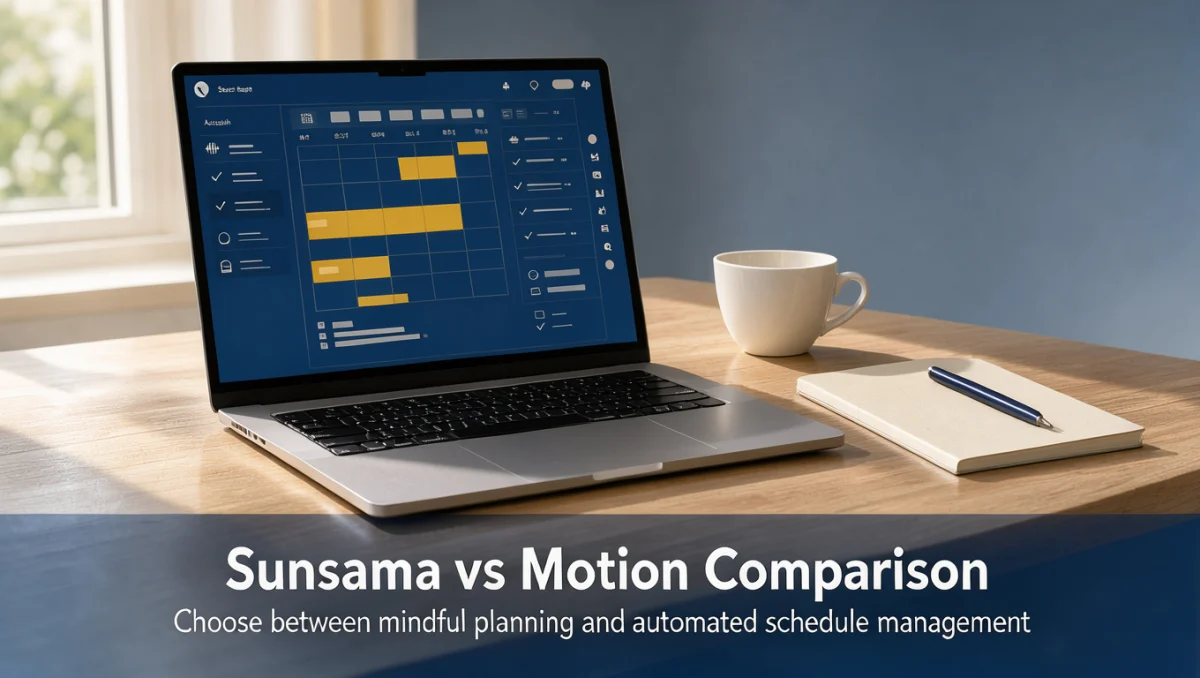
Choosing between Sunsama vs Motion comes down to a single question: do you want to shape your day by hand, or let software rearrange it for you? Both tools bridge the gap between your to-do list and your calendar, but they solve the problem of daily overload in opposite ways.
Two Philosophies of Daily Planning
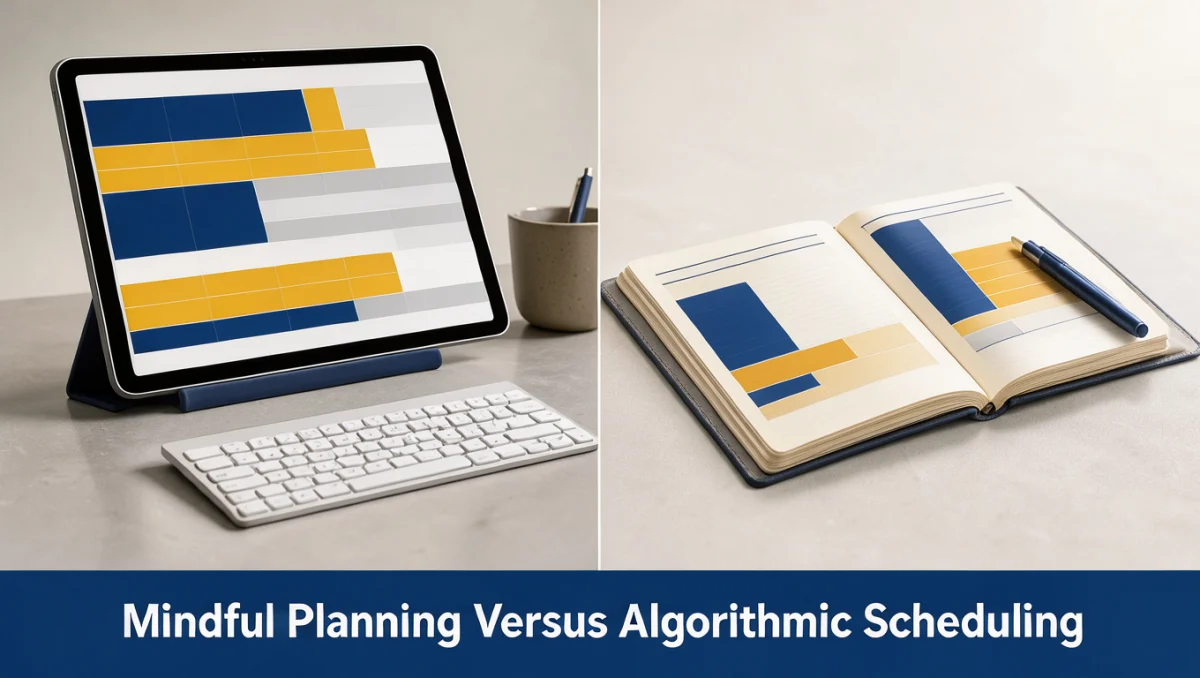
Sunsama is built around intention. It guides you through a calm morning planning ritual and an end-of-day review, encouraging you to commit only to a realistic amount of work. Motion takes the opposite path, using priorities, deadlines, and estimated durations to place work blocks into open calendar slots automatically. One rewards deliberate curation; the other rewards speed when your schedule keeps shifting.
Comparing the Two at a Glance
| Tool | Best for | Core strength | Consider if |
|---|---|---|---|
| Sunsama | Knowledge workers who want calm, reflective planning routines | Step-by-step daily planning and shutdown rituals | You want full personal control over time blocks |
| Motion | Operators handling heavy, unpredictable meeting loads | Automatic rescheduling when conflicts appear | You prefer software to fit tasks into openings for you |
Features and Ease of Use
Sunsama consolidates tasks from your external trackers and inboxes onto a visual timeline, with workload warnings that help you avoid overcommitting. Its learning curve is gentle: the main habit to build is the morning and evening ritual. Users who enjoy dragging items into time blocks usually feel at home within the first session.
Motion requires more upfront setup. You define durations, priority levels, and working-hour boundaries so the engine can do its job. After that, manual calendar shuffling drops sharply. Users who dislike having their tasks reassigned by an algorithm may need some time to tune the settings until the schedule feels trustworthy.
Pricing, Integrations, and Support
Both platforms use recurring per-user subscriptions. Plans and seat rates change frequently, so check the official Sunsama and Motion pricing pages before budgeting. When evaluating value, count whether the tool replaces separate booking links, time trackers, or personal to-do apps. Confirm that your email provider and calendar standard connect directly, and review each vendor's support resources for your plan tier.
Who Each Tool Suits
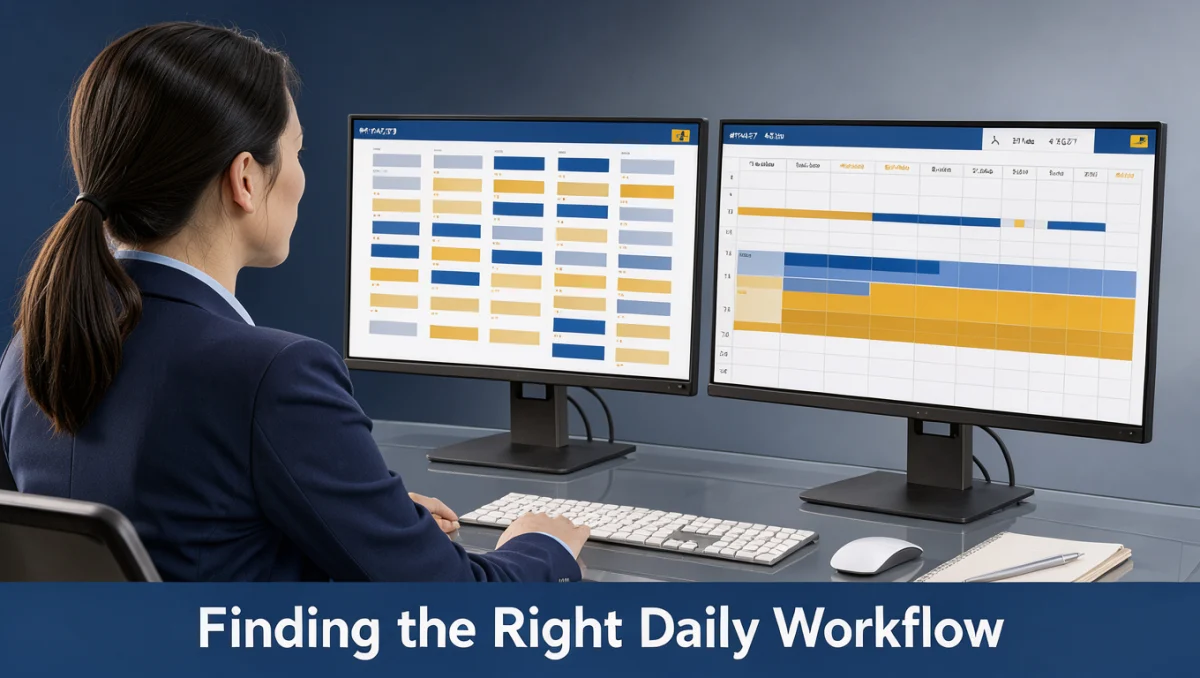
Sunsama fits freelancers, consultants, and creators who struggle with cognitive overload and need firm limits on daily commitments. Motion suits founders, project managers, and agency staff juggling shifting client demands and strict deadlines. Large enterprises needing formal portfolio governance or heavy compliance reporting will likely need specialized management platforms alongside either tool.
How to Decide
- Assess schedule volatility: If your calendar changes hourly, automatic rescheduling saves mental energy. If your meetings are predictable, manual time-blocking may feel more satisfying.
- Examine your comfort with automation: Consider whether software reordering your tasks brings relief or anxiety.
- Audit your team's tools: Check how cleanly each option pulls items from shared task boards without disturbing team records.
- Review your budget: Compare seat costs against any standalone scheduling or project apps you could retire.
Frequently Asked Questions
How should I choose between manual planning and automated scheduling?
If you prefer reflective morning organization, a ritual-based planner suits you. If unpredictable interruptions dominate your day, an engine that reorganizes remaining tasks automatically is usually the better fit.
What should I check about calendar synchronization?
Confirm in the official documentation how many calendars you can link and how two-way event updates are handled. Make sure both professional and personal accounts are supported so conflicts are caught across all commitments.
Why do task duration estimates matter?
Realistic estimates prevent overscheduling. Whether software reschedules automatically or warns you about overload, both approaches depend on accurate time projections to protect focus.
How do team requirements affect this decision?
Check whether the plan focuses on individual coordination or shared project tracking. Teams needing shared resource allocation or hierarchical portfolio governance should look at dedicated enterprise platforms alongside a personal planner.
What extra costs should businesses expect?
Budget for additional seats, premium calendar connectors, and administrative features. The official pricing tables will show whether specific collaboration capabilities require a higher tier.
Final Verdict
| Criterion | Score /10 | Reason |
|---|---|---|
| Features | 8.5/10 | Strong task-to-calendar consolidation on both sides |
| Ease of Use | 8.0/10 | Sunsama is gentler; Motion needs more setup |
| Pricing and Value | 7.0/10 | Value depends on how many tools each one replaces |
| Integrations | 7.5/10 | Verify your specific email and calendar providers |
| Audience Fit | 8.5/10 | Clear separation between deliberate and dynamic workflows |
| Support | 7.0/10 | Resources vary by plan tier |
| Competitive Position | 8.0/10 | Strong niche in linking task lists to real calendar availability |
Overall score: 7.8/10
Choose Sunsama if you want a calm, structured routine with firm boundaries against overwork. Choose Motion if your schedule changes constantly and you want deadlines kept aligned automatically. Before you subscribe, verify current plans, seat rules, and data permissions on the official vendor websites.
Questions about choosing productivity tools for your organization? Reach us through our EBusiness Reviews site or follow us for updates on LinkedIn.
See More Collaboration & Productivity