EBusiness Reviews may earn a commission when you buy through EBusiness Reviews partner links on this page, at no extra cost to you. This does not affect our ratings.
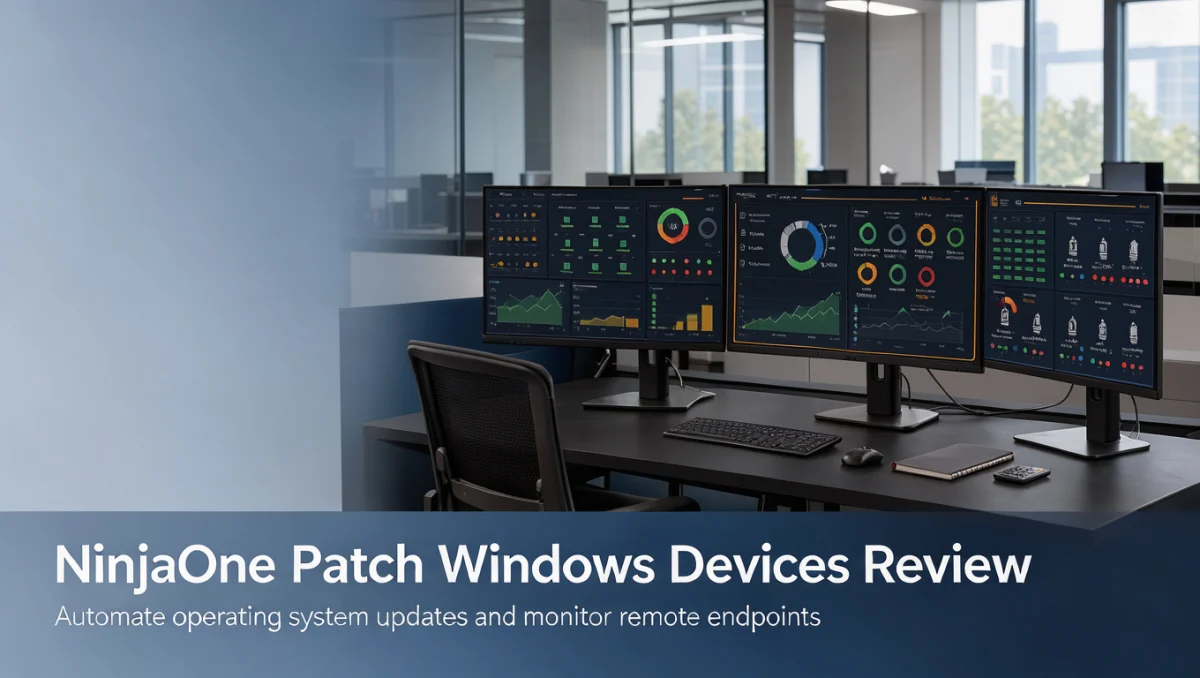
Keeping Windows endpoints current is a daily challenge for administrators, and ninjaone patch windows devices workflows aim to ease that burden. The platform spots missing operating system updates, runs recurring remediation tasks on its own, and gives technicians a single console to track remote machine health. Before standardizing on this endpoint management tool, IT teams usually want clear answers about core capabilities, setup effort, and long-term ownership costs. Our editors examine how the software organizes maintenance work so buyers can make a confident decision.
Managing update cycles across scattered office hardware calls for dependable policy automation, transparent status reporting, and steady agent communication. Buyers must decide whether a dedicated remote management product fits their team size, or whether another systems administration framework suits their structure better.
Quick verdict: NinjaOne earns a 7.8/10 EBusiness Reviews score for handling operating system updates and endpoint oversight. It suits internal technical teams and managed service providers who want unified maintenance routines. It is less suitable for solo owners who need simple software without dedicated IT administration.
| Evaluation Metric | Summary Details |
|---|---|
| EBusiness Reviews score | 7.8/10 |
| Best for | Organizations wanting centralized oversight for distributed workstation and server maintenance |
| Not ideal for | Non-technical teams without dedicated systems personnel to supervise administrative policies |
| Key strengths | Automated update deployment, remote device visibility, and centralized policy enforcement |
| What to check before buying | Review contract minimums, endpoint billing tiers, and technician licensing requirements on the official vendor site |
1. How EBusiness Reviews Assessed NinjaOne
This review examines what NinjaOne is designed to do, who it serves, and how it stacks up against comparable tools. We applied seven EBusiness Reviews criteria: features, ease of use, pricing and value, integrations, audience fit, support, and competitive position. Plans, prices, and limits shift frequently, so we flag the details you should confirm on the official website before purchasing. This article was researched and drafted with AI assistance, then reviewed and edited by the EBusiness Reviews Editorial Team.
2. What Is NinjaOne and Who Is It For?
NinjaOne belongs to the remote monitoring and management software category. It helps technical professionals supervise, maintain, and secure computing hardware across organizational networks. The system tracks device availability, automates maintenance tasks, and distributes operating system updates to connected workstations and servers.
The product serves managed service providers responsible for client technology environments as well as internal corporate IT departments that manage employee hardware. By consolidating management consoles, administrators review device telemetry, deliver software packages, and run remote commands without needing physical access to each machine.
For technology leaders evaluating Collaboration & Productivity tools and systems infrastructure, dependable update routines are essential to operational continuity. The right choice depends on matching your device count, operating system mix, and staff technical maturity to what the vendor offers.
3. Core Features of NinjaOne
Remote monitoring and management systems remove operational bottlenecks by replacing manual workstation visits with automated routines. Understanding how each core area works helps decision-makers judge whether the platform is viable for their operations.
3.1. Operating System Patch Automation
Automating operating system updates lets administrators approve, decline, and schedule maintenance without disrupting end-user productivity. When teams configure ninjaone patch windows devices policies, they define scan windows, approval criteria, and reboot behavior to keep systems stable over time.
The central console highlights machines missing critical security fixes, awaiting reboots, or failing installations. Automated maintenance policies help prevent configuration drift by enforcing regular vulnerability remediation across distributed desktop fleets.
3.2. Remote Device Monitoring and Alerting
Continuous monitoring provides real-time visibility into machine availability, processor load, memory use, and disk capacity. Administrators set notification thresholds to catch potential hardware degradation or service interruptions before end users report problems.
Device telemetry feeds centralized dashboards where technicians filter hardware groups by operating system version, Active Directory domain, or department. This structured view streamlines routine troubleshooting and asset tracking across multiple physical offices.
3.3. Remote Script Deployment and Management
Scripting capabilities let technical staff run administrative tasks, modify registry settings, or collect diagnostic logs on remote computers. Operators store reusable script libraries within the platform so resolution procedures stay consistent across technician tiers.
Automating administrative scripts reduces human error during routine configuration changes. Administrators can schedule tasks for off-peak hours so necessary background adjustments finish without interrupting daily business operations.
4. Ease of Use and Learning Curve
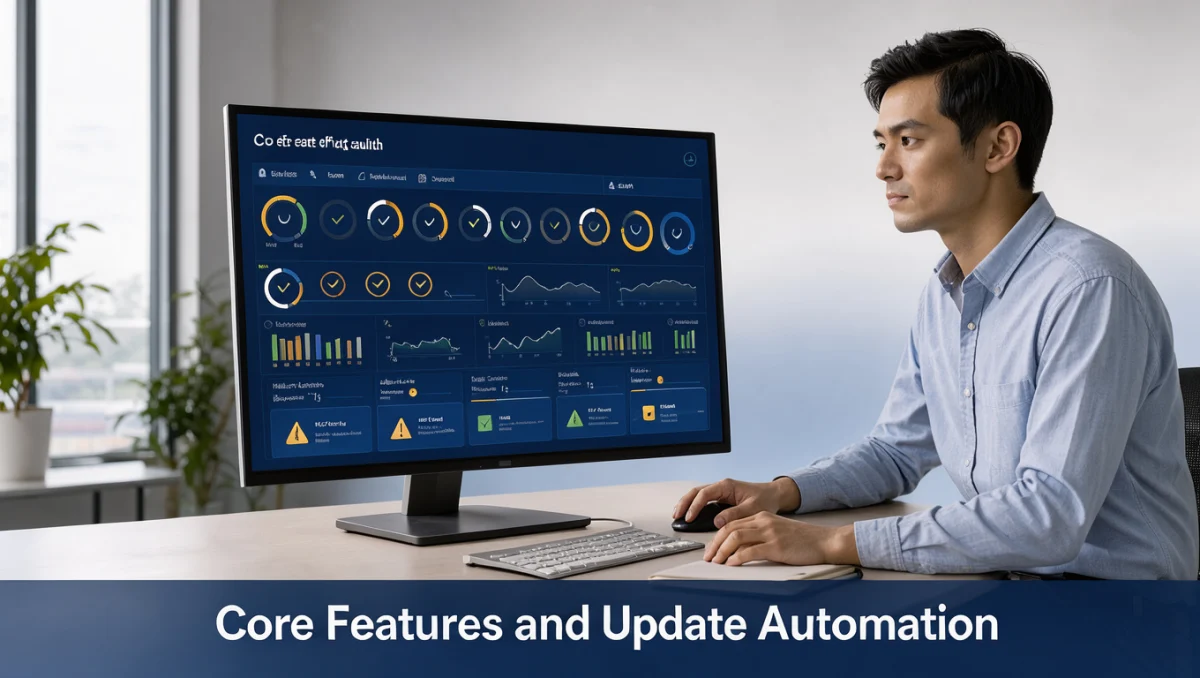
Endpoint administration platforms carry an inherent learning curve because they condense complex operating system mechanics into graphical controls. IT technicians familiar with systems engineering generally move through device trees, script repositories, and policy templates with relative ease.
Teams without dedicated systems engineers may face initial friction when setting deployment schedules, reboot policies, and notification rules. Remote management platforms require careful planning to avoid unintended reboots during business hours or misconfigured policy overrides.
Organizations onboarding entry-level support staff should establish standard operating procedures for reviewing pending update queues and device alert triggers. Documenting internal workflows keeps management consistent across the entire support organization.
5. Pros and Cons of NinjaOne
Weighing operational strengths against potential workflow constraints helps technology buyers select the right administrative system for their scale.
5.1. Pros
- Centralized administrative oversight simplifies managing distributed hardware across multiple branch offices.
- Automated operating system update scheduling reduces repetitive manual maintenance work for support technicians.
- Device telemetry collection enables early identification of system errors and capacity constraints.
- Remote management controls let technicians resolve configuration issues without physical intervention.
5.2. Cons
- Complex initial configuration requires technical expertise to structure appropriate policy inheritance rules.
- Organizations without dedicated IT personnel may find the administrative depth overwhelming for basic office needs.
- Policy adjustments require careful staging across pilot device groups to prevent unintended application conflicts.
6. NinjaOne vs Similar Tools
The endpoint administration market includes established platforms tailored to different operational scales and service delivery models. Comparing common category positioning helps buyers narrow their shortlist.
| Platform | Target Audience | General Market Positioning |
|---|---|---|
| NinjaOne | Managed service providers and internal IT teams | Centralized endpoint monitoring, automated update deployment, and remote support administration |
| ConnectWise Automate | Established managed service providers | Scripting-heavy remote management designed for complex client servicing workflows |
| Datto RMM | Managed service provider support organizations | Cloud-centered endpoint supervision emphasizing integrated client management architectures |
| ManageEngine Endpoint Central | Midsize to enterprise corporate departments | Client management software focused on desktop configuration, patching, and enterprise asset governance |
Buyers should decide whether their priority is serving external clients or managing internal corporate assets. Managed service providers often prioritize multi-tenant separation, while internal teams emphasize directory synchronization and local network compatibility.
7. Who Should Use NinjaOne?
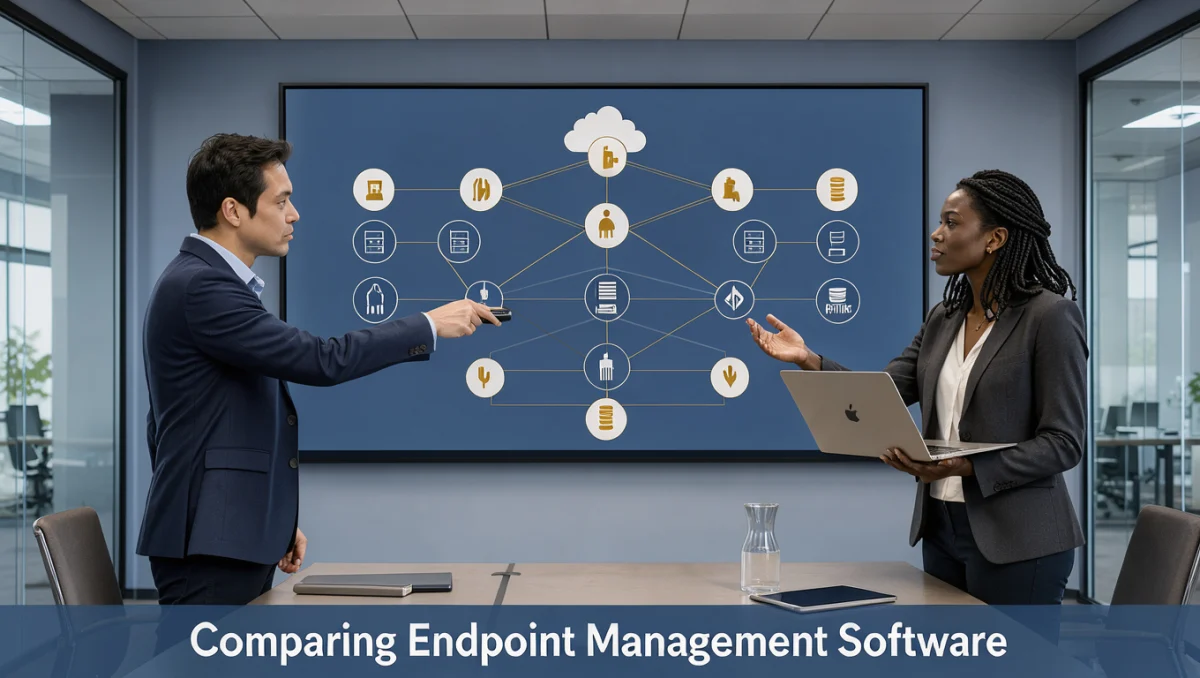
Choosing software means aligning operational requirements with staff capabilities. Different organizations gain varying value from dedicated endpoint management tools.
7.1. Internal IT Departments
Corporate technology teams supporting remote and hybrid employees benefit from consolidated device inventories and automated update controls. Technicians keep oversight of company-owned laptops whether employees work in corporate facilities or from home.
7.2. Managed Service Providers
Professional services firms delivering outsourced technology management need tools that separate client environments cleanly. Technicians move between client accounts from one management framework while maintaining distinct policy sets for each agreement.
7.3. Organizations Not Suited for the Platform
Small offices without dedicated technical staff often find enterprise endpoint tools excessive for daily needs. Businesses with minimal workstation counts may prefer native operating system controls rather than deploying management agents across every device.
8. How to Choose the Right Plan
Subscription structures across endpoint management vendors differ by licensing model, feature bundle, and target scale. Review specific purchase variables directly on official vendor pages before committing budget.
| What to Check on the Official Vendor Page | Why It Matters to Your Organization |
|---|---|
| Endpoint volume requirements | Many vendors set minimum device commitments that determine baseline annual spend. |
| Technician seat licensing | Some platforms charge per managed machine, while others bill per administrative user account. |
| Operating system coverage | Confirm that every workstation and server distribution in your fleet receives supported agent coverage. |
| Optional add-on modules | Tools such as ticketing, network monitoring, or backup storage may require separate subscription lines. |
9. Frequently Asked Questions
9.1. How should teams prepare device fleets before rolling out automated update policies?
Administrators should audit existing hardware inventories, document legacy software dependencies, and establish dedicated pilot device groups. Testing updates on non-critical computers confirms that scheduled reboots and system changes do not break core business applications.
9.2. What factors influence the total cost of endpoint management software?
Total spending across endpoint management platforms generally depends on machine volume, administrative seat counts, and supplementary modules. Buyers should clarify onboarding fees, support tiers, and growth requirements with sales representatives before signing agreements.
9.3. Why do organizations separate pilot groups during update deployments?
Staging deployments across pilot rings lets technical teams uncover driver conflicts or software bugs on sample machines before wider distribution. Phased rollouts protect productivity by confining unexpected incompatibilities to isolated test hardware.
9.4. How can businesses evaluate remote management software suitability before purchase?
Technology leaders should list mandatory management requirements, calculate exact fleet counts, and arrange tailored vendor demonstrations. Testing platform workflows against realistic administrative scenarios reveals whether the interface matches how the team actually works.
10. Final Verdict
Independent assessments from EBusiness Reviews focus on practical utility, operational transparency, and category fit. The evaluation below summarizes key platform dimensions for prospective buyers.
| Criterion | Score /10 | Reason |
|---|---|---|
| Features | 8.5/10 | Provides comprehensive patch scheduling, device monitoring, and administrative automation workflows. |
| Ease of Use | 8.0/10 | Logical interface layout, though complex policy rules require technical systems administration knowledge. |
| Pricing and Value | 7.0/10 | Requires direct sales consultation to establish fleet quotes, contract minimums, and per-device rates. |
| Integrations | 7.5/10 | Connects with standard professional services automation platforms and common IT service desks. |
| Audience Fit | 8.5/10 | Directly satisfies the operational requirements of IT teams and managed service providers. |
| Support | 7.0/10 | Buyers should verify official service level agreements and support coverage windows during procurement. |
| Competitive Position | 8.0/10 | Maintains a distinct profile among established remote monitoring and endpoint management platforms. |
Overall score: 7.8/10
NinjaOne is a solid choice for technical departments and service providers that need structured, automated operating system maintenance across distributed hardware. Organizations with dedicated administrators will appreciate centralized fleet oversight, while non-technical teams should consider simpler alternatives with lower administrative overhead.
For further software selection advice or personalized questions, contact our editorial team through our EBusiness Reviews contact page or follow EBusiness Reviews updates on LinkedIn.