ebusinessreviews may earn a commission when you buy through links on this page, at no extra cost to you. This does not affect our ratings.
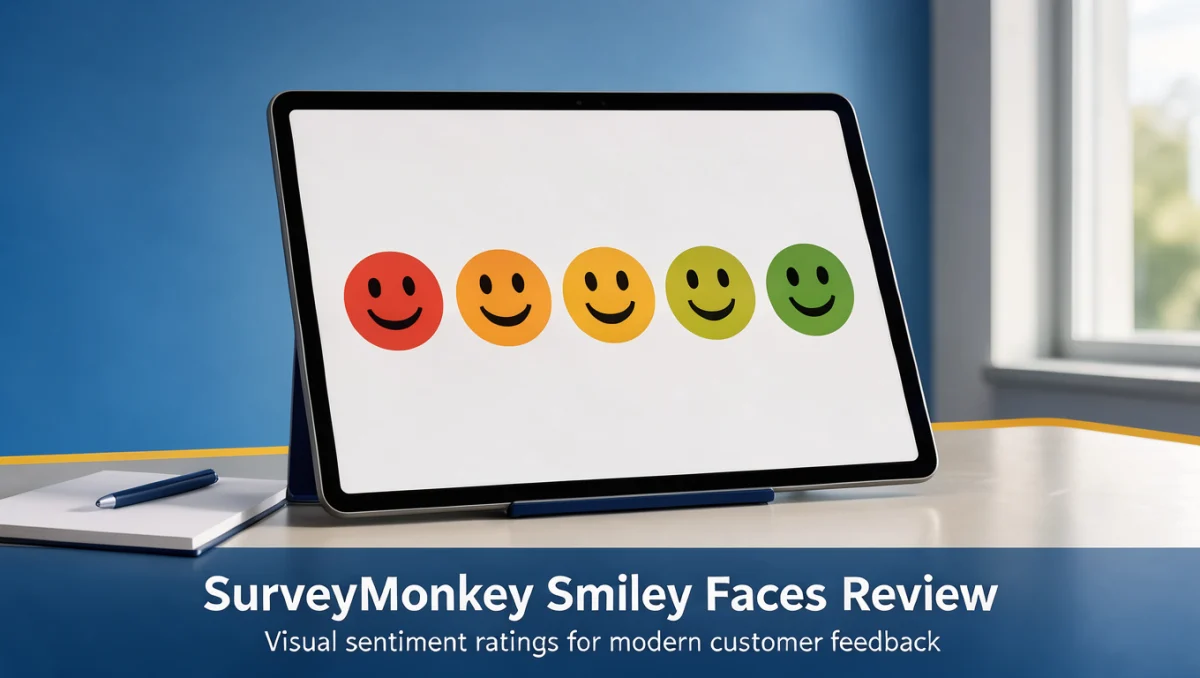
Visual rating scales built from emoji-style faces give survey creators a fast way to read customer mood at key touchpoints. Designers use these graphical scales to lower respondent effort and lift completion rates on short feedback requests. Our assessment focuses on one question: does a visual feedback format deliver the fast, usable sentiment data an organization needs? For a broader overview, see our survey monkey smiley faces guide.
Teams often choose visual scales when they survey audiences with mixed language skills. Recognizable emotion icons let people answer instantly without parsing long rating labels. Used in the right context, this format keeps response collection simple while still providing consistent measurement for everyday sentiment tracking.
Quick verdict: With an overall score of 7.8/10, the smiley face format suits teams that need rapid sentiment checks from mobile users and wide customer groups. It is a weaker fit for research teams that require deep multi-attribute diagnostics and complex statistical breakdowns.
| Metric | ebusinessreviews Assessment |
|---|---|
| ebusinessreviews score | 7.8/10 |
| Best for | Organizations collecting simple sentiment across customer touchpoints |
| Not ideal for | Researchers who need detailed psychometric validation and multi-dimensional analysis |
| Key strengths | Intuitive visual presentation, accessible scale design, and straightforward response reading |
| What to check before buying | Question customization settings and export limits on the official plan comparison pages |
How ebusinessreviews Reviewed SurveyMonkey
We examined what SurveyMonkey is designed to do, who it serves, and how it stacks up against similar tools. The review applies seven ebusinessreviews criteria: features, ease of use, pricing and value, integrations, audience fit, support, and competitive position. Plans, prices, and limits change frequently, so we flag what to confirm on the official website before purchasing. This article was researched and drafted with AI assistance, then reviewed and edited by the ebusinessreviews Editorial Team.
What SurveyMonkey Is and Who Uses It
SurveyMonkey is a dedicated survey platform for building, distributing, and analyzing online questionnaires. It serves small business owners, market researchers, operations managers, and educators who need structured feedback from customers or internal stakeholders. Measuring customer perception with visual rating indicators fits closely with modern Customer Service management practices.
By swapping traditional numeric or text scales for faces that range from unhappy to happy, organizations invite immediate engagement. Respondents read visual cues quickly, which makes graphical questions useful for transactional evaluations, event feedback, and quick website checks. The platform gives administrators the tools to place these visual prompts into a range of feedback workflows.
Core Survey Creation and Rating Features
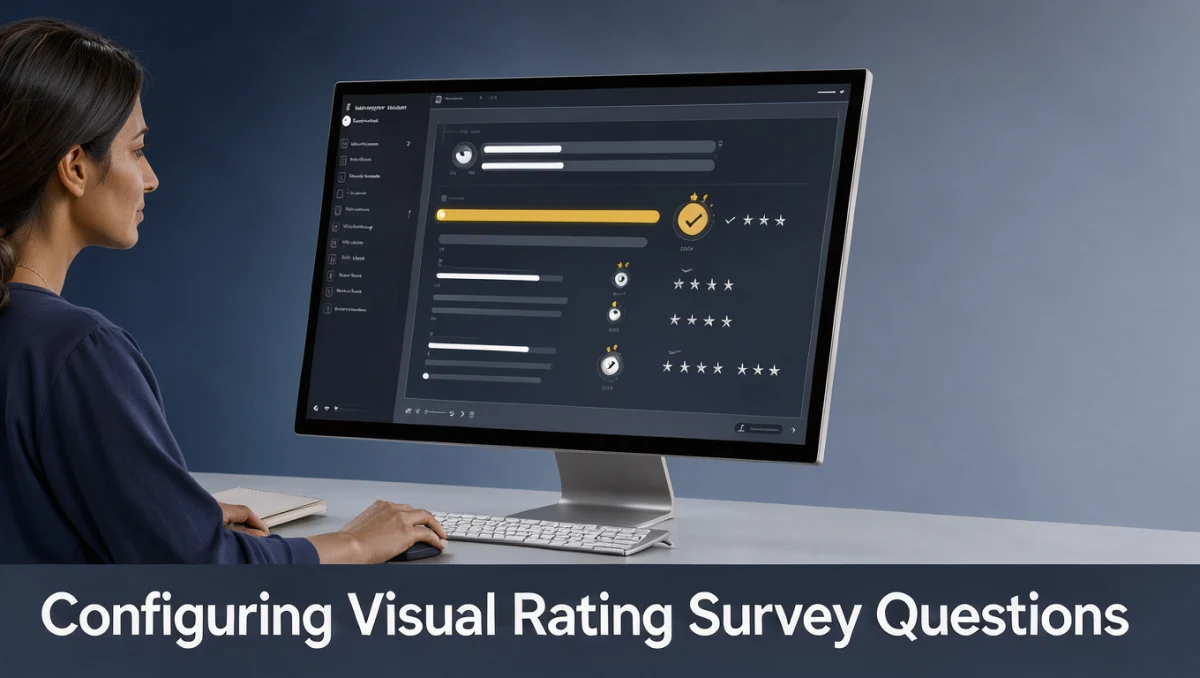
Survey platforms build visual rating systems on standardized scale setups that show satisfaction gradients. Creators can write question prompts, choose scale direction, and decide whether an answer is mandatory. Administrators can pair a visual prompt with an open text field to capture the reasons behind low or high scores.
On the data side, survey tools summarize results through automatic distribution charts, mean score calculations, and response volume tracking. Administrators can filter submissions by date range, demographic tag, or collection channel. These functions help teams spot service dips and follow sentiment trends across departments.
Ease of Use and Survey Workflow
Building a visual rating question takes little setup within standard survey editors. Administrators select the rating format, enter the prompt, and preview how the faces display on desktop and mobile. Since visual options need little reading, respondents finish in seconds.
The learning curve for launching a basic visual questionnaire stays gentle for non-technical staff. Builders can start from ready-made templates or drop visual questions into longer survey flows with minimal training. The simplicity of visual scales lets teams run urgent pulse surveys quickly, without deep survey methodology knowledge.
Pros and Cons of Smiley Face Surveys

Visual rating scales offer clear advantages for collecting responses, along with analytical limits that teams should weigh before launching a campaign.
- High engagement rates: Graphical faces grab attention quickly and reduce abandonment during brief interactions.
- Universal accessibility: Visual expressions convey meaning across language groups and varying reading levels.
- Fast completion speed: Respondents pick their emotional reaction instantly, reducing friction on mobile devices.
Teams should also weigh the constraints of graphical formats:
- Limited diagnostic depth: A selected face shows overall emotion but leaves the cause of satisfaction or frustration unexplained unless paired with follow-up prompts.
- Subjective interpretation: Respondents may read subtle differences between a smile and a neutral face inconsistently.
- Risk of oversimplification: Complex product evaluations often need nuanced multi-point Likert scales rather than simplified icons.
SurveyMonkey vs Similar Survey Tools
Survey tools approach visual rating questions from different operational philosophies. SurveyMonkey aims for a practical balance of general survey construction, analytical summaries, and flexible question types for everyday business users. Organizations looking for general feedback solutions often compare it with specialized alternatives.
Typeform builds its experience around a conversational interface that shows one question at a time, which appeals to brand designers who value visual flow. Qualtrics targets sophisticated enterprise research that needs deep psychometric modeling, advanced statistical logic, and structured academic testing. Choosing between them means matching your team's analytical needs against its survey design priorities.
Who Should Use Smiley Face Rating Questions
The right visual rating approach depends on your audience, delivery method, and the goals of your feedback project.
- Frontline support managers: Teams tracking ticket resolution sentiment can place a single-click visual scale at the end of each customer interaction.
- Retail and event coordinators: Coordinators gathering feedback on physical experiences can deploy quick visual ratings on on-site tablets or kiosk displays.
- Website product managers: Digital teams use brief visual rating widgets to gauge reactions to new navigation structures or content updates.
- In-house human resources specialists: Internal teams monitor workplace climate through recurring sentiment pulse checks that take employees seconds to answer.
In contrast, research teams running formal clinical trials, academic psychology studies, or detailed vendor request-for-proposal scoring should use traditional numeric or verbal rating scales.
How to Choose the Right Survey Plan
Survey software providers offer tools across tiered subscription plans. Before choosing, confirm the key account limits on the official platform documentation.
| What to check | Why it matters |
|---|---|
| Question type availability | Confirm visual rating options are included in the account tier you plan to buy. |
| Response volume allowances | Determine whether monthly response limits match your expected respondent traffic. |
| Custom branding controls | Verify whether you can remove vendor logos and apply corporate color palettes. |
| Data export capabilities | Check whether exporting raw response tables requires a higher administrative tier. |
| Team collaboration seats | Establish how many team members need access to build surveys and view shared results. |
Frequently Asked Questions
What should buyers evaluate when testing visual rating scales?
Buyers should check whether the platform allows conditional logic that triggers a follow-up question after a negative face is selected. Confirm that visual scales render cleanly on mobile browsers to prevent unintended drop-off. Teams should also verify how aggregate visual ratings appear in exportable summary reports.
How do visual rating scales differ from standard numeric scales?
Visual rating scales use expressive faces to measure emotional sentiment instantly, which makes them well suited to quick pulse surveys. Numeric scales offer granular points for rigorous statistical analysis and academic benchmarking. The right choice depends on whether speed or analytical depth is your priority.
When should an organization add follow-up questions to smiley faces?
Add a follow-up text field whenever respondents choose a negative or neutral option. Asking for specific explanations turns an emotional indicator into actionable feedback for operations teams. Conditional logic lets satisfied respondents finish quickly without unnecessary questions.
What factors influence total survey software costs?
Budgets should account for subscription commitments, additional user seat fees, and possible add-on charges for advanced logic or branding. Reviewing official pricing documentation beforehand prevents unexpected expenses when rolling surveys out across several departments.
Final Verdict on SurveyMonkey Smiley Faces
| Criterion | Score /10 | Reason |
|---|---|---|
| Features | 8.5/10 | Flexible visual question options, customizable survey flows, and reliable summary reporting. |
| Ease of Use | 8.5/10 | A straightforward questionnaire builder suited to beginners and experienced creators alike. |
| Pricing and Value | 7.0/10 | Buyers should verify feature inclusions and seat costs on official vendor pricing pages. |
| Integrations | 7.5/10 | Workflow connections depend on account tier, so verify before planning operational integration. |
| Audience Fit | 8.0/10 | Well suited to business teams that need fast transactional sentiment across customer touchpoints. |
| Support | 7.0/10 | Support channels vary by subscription level and should be confirmed on official pages. |
| Competitive Position | 8.0/10 | A balanced survey solution positioned between simple conversational tools and complex enterprise suites. |
| Overall score | 7.8/10 | A balanced survey platform with practical visual rating options for tracking business sentiment. |
SurveyMonkey smiley faces offer a functional way to capture customer sentiment without adding response friction. Organizations that want quick feedback loops will find the visual format practical and easy for respondents to use. For help with software selection, contact the ebusinessreviews team at https://ebusinessreviews.net/contact/ or follow ebusinessreviews on LinkedIn at https://www.linkedin.com/company/ebusinessreviews/.
See More EBusiness Reviews