Messages pile up quickly in busy chat threads, and a important request can disappear before anyone acts on it. A todoist whatsapp routine gives you a simple way to capture those requests as structured tasks with clear dates, so nothing slips through the cracks while conversations keep moving.
Many professionals now receive client requests, meeting follow-ups, and casual assignments through messaging apps. Without a dependable system, these commitments scatter across chat logs. Reading how tools are tested on EBusiness Reviews is a practical starting point for choosing a setup that fits your daily habits.
Quick verdict: Todoist earns an 8.1/10 for its clean organization, flexible scheduling, and clear list structure. It suits freelancers and small teams who handle customer inquiries or personal planning through chat and need reliable action tracking. It is less suitable for organizations that need chat threads embedded directly inside their task records.
| Metric | Summary |
|---|---|
| EBusiness Reviews score | 8.1/10 |
| Best for | Busy professionals who want to turn text requests into scheduled tasks |
| Not ideal for | Teams that require unified chat channels embedded natively in task records |
| Key strengths | Clear project hierarchies, natural date inputs, and straightforward task organization |
| What to check before buying | Confirm connection methods, webhook requirements, and ongoing subscription costs on official vendor sites |
How EBusiness Reviews Assessed Todoist
This review examines what Todoist is built to do, who it serves, and how it compares with similar tools. We used seven criteria: features, ease of use, pricing and value, integrations, audience fit, support, and competitive position. Plans, prices, and limits change often, so always confirm current details on the official website before you buy. This article was researched and drafted with the help of AI tools, then reviewed and edited by the EBusiness Reviews Editorial Team.
What Todoist Is and Who It Is For
Todoist is a dedicated task management application created by Doist. It focuses on capturing, categorizing, and scheduling items for personal and professional productivity. The software tackles the everyday problem of forgotten obligations by offering a central inbox, customizable project spaces, and date-driven scheduling views.
The product serves freelancers, small business owners, knowledge workers, and teams that want clear visibility over ongoing commitments. Instead of heavy project frameworks and complex charts, Todoist emphasizes clean checklist navigation that keeps daily planning light.
When people pair Todoist with a messaging platform, the main goal is turning unstructured chat notes into concrete to-do items. Conversations move fast, so critical details often get buried unless users build a disciplined capture habit.
Core Features of Todoist
Understanding the fundamental capabilities of task management tools helps buyers decide whether the software matches their working habits.
Task Capture and Natural Date Scheduling
Todoist lets you add tasks quickly. Its input field interprets dates, recurring intervals, and priority tags as you type, which cuts the time needed to log duties during fast-moving workdays.
New items land in a default inbox, where you can review and sort them into folders during daily planning. Separating capture from organization prevents overload when many messages arrive at once.
Project Organization and Section Structure
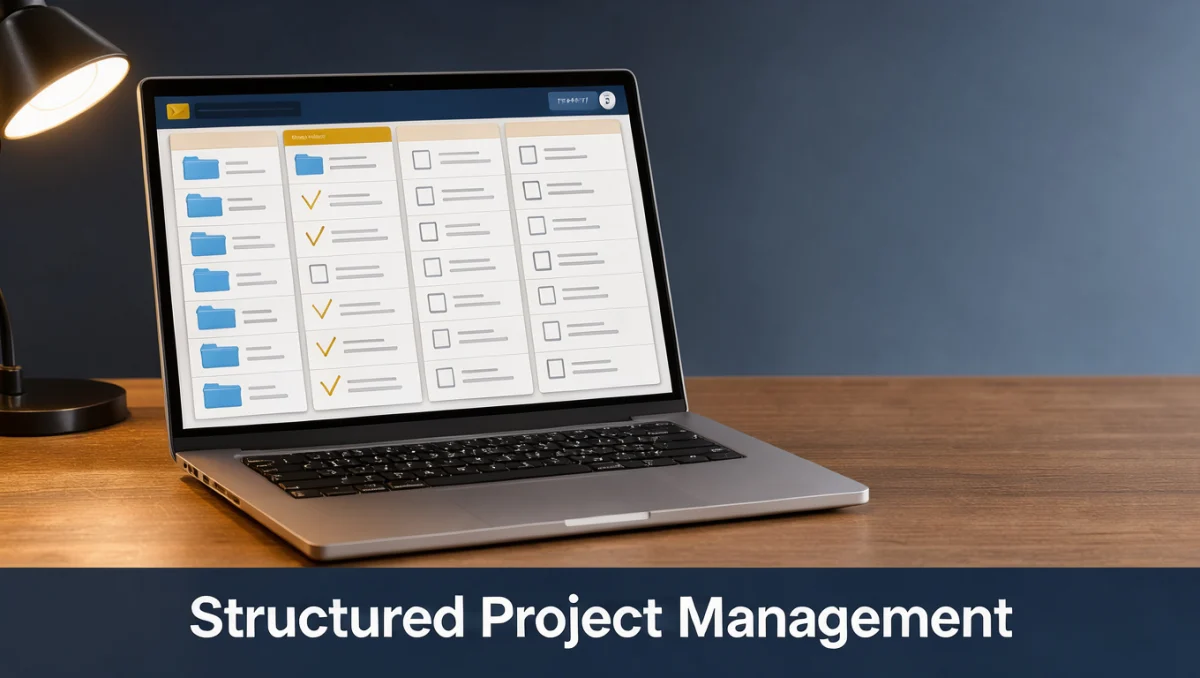
You can structure work across multiple projects, sub-projects, and sections that group related duties. This hierarchy keeps client work separate from internal operations or personal errands.
Visual options such as color labels and list views let you shape your dashboard to your preferences. Projects can also appear as card-style boards or traditional vertical checklists, depending on the assignment.
Collaboration, Task Assignment, and Comments
Shared project spaces let collaborators view the same task lists, delegate items to specific people, and set shared deadlines. Team members can post comments, attach reference files, and mark items complete.
Activity logs record completed tasks and list changes, giving collaborators a transparent timeline of progress. The comment system is not a replacement for full conversational messaging, but it adds useful context directly to specific work items.
Ease of Use and Learning Curve
Todoist has a clean, minimalist interface with few barriers for first-time task management users. Navigation centers on three main screens: Inbox for unsorted thoughts, Today for immediate obligations, and Upcoming for forward-looking planning.
Keyboard shortcuts speed up everyday navigation, so experienced users can create tasks, assign tags, and reschedule work without heavy mouse use. The layout stays uncluttered even when hundreds of backlog items exist across several active folders.
Teams usually adapt quickly because the core concept is a straightforward digital checklist. The main adjustment is building the habit of reviewing task lists regularly and logging every assignment that arrives through messaging apps.
Pros and Cons
Weighing both practical benefits and limitations helps buyers set realistic expectations.
Pros
- Fast task entry with responsive natural language parsing for dates.
- Minimalist interface that reduces distraction and supports focused daily planning.
- Flexible organization using nested folders, sub-tasks, tags, and board views.
- Shared workspaces that make delegation simple without heavy administrative setup.
Cons
- Cross-application workflows with messaging networks often depend on external automation tools or manual forwarding.
- Task comments do not replace real-time team messaging for conversational discussion.
- Advanced custom fields and relational database models are limited compared with complex platforms.
Todoist vs Similar Tools
The productivity market includes several established task and project tracking platforms, each suited to different operating styles.
Asana
Asana focuses on team-level project tracking, workflow coordination, and multi-stage milestones. Organizations managing complex cross-functional initiatives often prefer Asana for its dependencies and multi-view portfolios. Todoist is lighter and more focused on actionable personal and team checklists.
Trello
Trello emphasizes visual Kanban boards where tasks move as cards across columns. Todoist includes board views, but Trello is built around spatial card movement, which makes it popular with teams that work from visual pipeline stages rather than date-driven checklists.
Any.do
Any.do offers personal task scheduling alongside calendar views and daily planning prompts. It targets solo users who want a consolidated personal agenda. Todoist provides deeper nested project hierarchies and more flexible tagging for extensive professional workloads.
Who Should Use Todoist for Message Workflows
Matching software to specific work routines prevents mismatch and administrative fatigue.
Freelancers and Solo Consultants
Solo professionals often receive client briefs, feedback, and urgent requests through chat. Capturing these into Todoist creates a single source of truth for deliverables and billing, so informal conversations turn into tracked work.
Small Business Owners and Service Teams
Retailers, contractors, and local service providers communicate with clients and staff through messaging apps. A standard habit of logging these obligations into shared task lists helps small teams stay punctual and keep track of customer follow-ups.
Knowledge Workers and Marketing Professionals
Professionals juggling several campaigns benefit from separating real-time discussion from deliberate execution. Moving action items out of busy group chats into organized project folders protects focus and keeps spontaneous messages from dictating daily priorities.
Teams That Should Consider Alternatives
Organizations that need automated ticketing, bug tracking tied to code repositories, or enterprise resource planning will find standard checklist software insufficient. These operations usually require help desk software or enterprise work management suites built for technical issue resolution.
How to Choose the Right Plan
Subscription software typically offers several service levels based on team size, collaboration needs, and administrative oversight. Review the following factors to select a suitable package.
| What to check on the official pricing page | Why it matters |
|---|---|
| Active project limits | Determines whether your team can separate every client or initiative into distinct folders without hitting limits. |
| Collaborator thresholds | Affects how many external clients or internal colleagues can access shared task lists at once. |
| File attachment limits | Influences whether you can upload reference documents directly into task comments. |
| Activity log history | Dictates how far back teams can audit completed assignments and review past changes. |
| Team administration tools | Controls centralized billing, role assignments, and permissions across multiple accounts. |
Frequently Asked Questions
How should buyers evaluate task capture from messaging platforms?
Decide whether team members will copy text requests into task fields manually or connect automation services to forward messages automatically. Manual entry gives you immediate filtering, while automated connectors handle high volumes of inquiries more efficiently.
What should teams budget for besides the base subscription?
Plan for possible third-party automation tools, document storage, and onboarding time. Software rarely works in isolation, so calculating the full software stack cost supports realistic planning.
How do teams choose between simple checklists and complex project software?
Assess whether daily work revolves around concrete personal action items or multi-department dependencies. Straightforward checklist tools encourage daily adoption, while enterprise project suites suit complex roadmaps that require resource charts.
What steps stop chat overload from derailing scheduled tasks?
Set designated capture windows during the workday so you can process message threads into project folders without interrupting deep work. Treat chat apps as communication channels rather than permanent to-do archives so vital commitments are not lost.
Final Verdict
Todoist is a dependable way to organize personal and professional obligations into manageable, date-oriented checklists. Paired with disciplined communication habits across messaging platforms, it helps critical assignments survive the rapid flow of everyday conversation.
| Criterion | Score /10 | Reason |
|---|---|---|
| Features | 8.5 | Reliable task hierarchies, quick natural language inputs, and clear project filters. |
| Ease of Use | 9.0 | Minimalist layout and intuitive navigation keep learning friction very low. |
| Pricing and Value | 8.0 | Buyers should verify current subscription tiers on the official site against team size. |
| Integrations | 7.5 | External automation services often bridge messaging platforms with task lists effectively. |
| Audience Fit | 8.5 | Strong alignment for freelancers, consultants, and task-focused small teams. |
| Support | 7.0 | Check current documentation and support response policies before purchase. |
| Competitive Position | 8.0 | Holds a distinct identity against heavier enterprise suites by emphasizing speed. |
Overall score: 8.1/10
For freelancers and agile teams that want a lightweight way to organize tasks from chat discussions, Todoist offers an efficient, clutter-free framework. Confirm current tier capabilities, user limits, and third-party connector options on the official Todoist website to make sure the workflow fits your needs.
Readers with questions about software choices can reach us through the Collaboration & Productivity section or send an inquiry via the contact page at EBusiness Reviews.