This page may earn EBusiness Reviews a commission when you buy through links here, at no extra cost to you. Commissions do not influence our ratings.
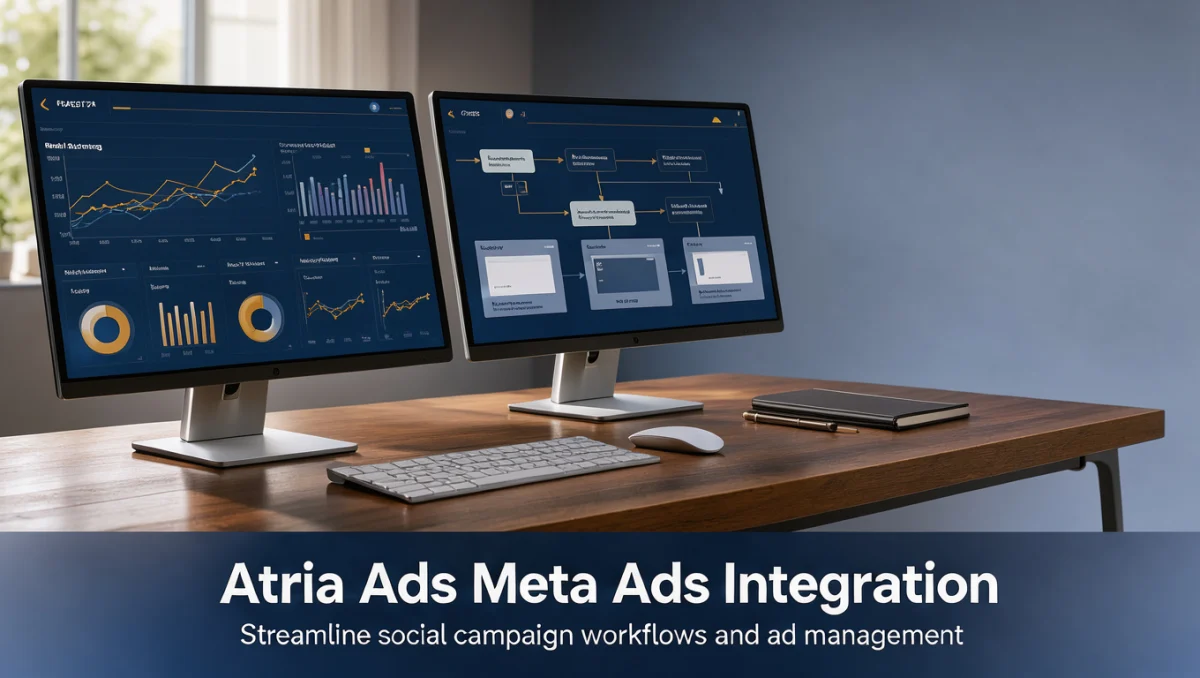
Digital marketers and advertising managers who need organized campaign coordination across social channels often turn to the atria ads meta ads integration. Picking the right advertising software means understanding your team's workflows, approval rules and day-to-day coordination needs. At EBusiness Reviews, we judge software on practical business value rather than unverified product claims.
Running social ad campaigns across several channels brings reporting friction, creative fatigue and targeting problems. Linking ad platforms to a dedicated management system aims to cut manual work while giving teams one place to oversee activity. Before committing, buyers should check vendor specifications to confirm how account connections work with each social ad network.
Quick verdict: Scoring 7.4/10 overall, the atria ads meta ads integration suits marketing teams that want coordinated publishing and oversight across paid social channels. It is less suited to solo operators running a single ad account who prefer working directly in native platform controls. For a deeper look at the atria ads meta ads integration, read on.
| Evaluation Dimension | Summary Assessment |
|---|---|
| EBusiness Reviews score | 7.4/10 |
| Best for | Marketing teams managing multi-account social advertising workflows |
| Not ideal for | Individual operators running small, single campaigns directly in native tools |
| Key strengths | Campaign coordination, cross-channel synchronization, unified creative management |
| What to check before buying | Account limits, supported social ad placements, team seat terms |
1. How EBusiness Reviews Assessed Atria Ads
This review examines what Atria Ads is designed to do, who it serves and how it stacks up against similar tools. We used seven EBusiness Reviews criteria: features, ease of use, pricing and value, integrations, audience fit, support and competitive position. Plans and limits change often, so we flag what to confirm on the official website before buying. This article was researched and drafted with AI assistance, then reviewed and edited by the EBusiness Reviews Editorial Team.
2. What the Atria Ads Meta Ads Integration Does and Who Benefits
The integration automates synchronization and administrative coordination between advertising software and social ad inventory. It is built for performance marketers, digital agencies and in-house growth teams that want to manage campaigns, control budgets and monitor creative deployments from one operational layer.
Linking campaign pipelines straight into social channels cuts repetitive admin work for teams that refresh ads regularly. Practitioners evaluating tools in artificial intelligence and automated marketing often prioritize systems that keep data flowing cleanly between ad managers and reporting stores. Teams should verify on the official Atria Ads website which ad formats and campaign objectives are supported across account sync points.
3. Core Capabilities of the Advertising Integration

Assessing advertising management software means examining the core capability groups that drive campaign results. Buyers should measure each group against their internal requirements.
3.1. Campaign Deployment and Synchronization
Deployment tools let teams push ad variations, audience parameters and budget allocations into social ad networks. Rather than copying ad copy and creative into several native accounts by hand, operators configure settings in one central interface. Teams should check official vendor documentation to confirm whether real-time status syncing covers all custom conversion objectives.
3.2. Creative Asset Organization
Creative tools help teams catalogue visuals, manage headlines and keep brand standards consistent across ongoing tests. A central asset library makes it easier to rotate creative when audiences tire of an ad. Buyers should confirm on the official plan comparison page whether storage volume or creative variation limits differ between subscription tiers.
3.3. Performance Aggregation and Reporting
Aggregation brings conversion metrics, click engagement and spend summaries from active campaigns into shared views. Standardized numbers help managers spot weak segments without switching between individual ad manager accounts. Marketing leaders should review sample report layouts on the official platform site to confirm export formats.
4. Ease of Use and Team Learning Curve
The learning curve for social ad management software depends largely on existing familiarity with native advertising structures. Team members used to native ad managers may need onboarding time to adjust to unified terminology and cross-account sync timing.
Connecting accounts requires suitable administrative permissions inside social business managers. Organizations should review their internal access hierarchy before onboarding staff to avoid authentication delays during the first campaign launches.
5. Pros and Cons
Pros
- Consolidated management for distributed social advertising campaigns.
- Structured workflows for rotating creative and testing variations.
- Simpler oversight across separate paid marketing channels.
- Clear separation between campaign drafting and live deployment stages.
Cons
- Requires ongoing credential maintenance across connected accounts.
- Native ad network parameter changes may need manual review inside the connection interface.
- Advanced custom bidding models need careful checking against official technical specifications.
6. The Atria Ads Meta Ads Integration in the Market Landscape
The paid social management category includes established solutions for different company sizes. AdEspresso targets small businesses and boutique agencies that want straightforward multivariate testing, while Smartly.io serves large enterprise brands that need scaled dynamic creative optimization and complex catalog feed automation.
Within this range, the choice of atria ads meta ads integration depends on whether your organization wants structured social ad coordination without the enterprise-level overhead of top-tier catalog automation suites. Buyers should check current feature matrices on official vendor sites to confirm technical fit with their existing software stack.
7. Who Should Adopt This Software Setup
7.1. Performance Marketers and Agencies
Agencies running multiple brand portfolios benefit from centralized campaign controls and reusable workflow templates. Routing client approvals and creative updates through organized queues reduces accidental configuration errors.
7.2. In-House E-Commerce Teams
Direct-to-consumer businesses running frequent product promotions need steady creative iteration and disciplined budget tracking. Centralized monitoring helps growth managers direct spend toward the ad angles that perform best.
7.3. Organizations That Should Look Elsewhere
Solo operators running a few local awareness campaigns with little monthly creative turnover gain limited benefit from a third-party management layer. In that case, managing campaigns directly in native platform interfaces avoids extra software overhead.
8. How to Choose the Right Plan

Choosing a subscription for an ad management tool means balancing functional needs against team size. The table below lists key items to investigate before buying.
| What to Check | Why It Matters |
|---|---|
| Included ad spend thresholds | Many platforms base monthly fees on managed media spend, which affects long-term budget predictability. |
| Team seat allocations | Collaborative campaign reviews need individual logins to keep security logs across team roles. |
| Supported campaign types | Some social objectives need specific tracking parameters that must match your funnel structure. |
| Reporting refresh frequency | Differences in data latency determine how quickly media buyers can pause underperforming creative. |
9. Frequently Asked Questions
How does a team decide when to adopt third-party social ad software?
Consider external management software when running campaigns across several accounts creates administrative bottlenecks, or when creative rotation outpaces what native interfaces can organize. When manual setup starts consuming significant working hours, a dedicated tool adds structured value.
What costs should media buyers budget for beyond software subscriptions?
Plan for ongoing paid ad spend paid directly to social networks, any data connector licenses if external analytics dashboards are used, and internal training time for onboarding. Reviewing every software dependency up front prevents unexpected costs.
How should organizations verify permission requirements before buying?
Review your business manager ownership structure and confirm that internal administrators have enough access to authorize external app connections. Official vendor setup guides clarify which administrative roles are required during setup.
What steps keep creative libraries and ad sets in sync?
Audit image aspect ratios, video encoding settings and copy character lengths before launching through external software. Making sure assets meet native channel standards prevents automatic rejections during scheduled publishing.
10. Final Verdict on the Atria Ads Meta Ads Integration
Judging the business value of the atria ads meta ads integration means weighing campaign volume, creative turnaround expectations and management complexity. Organizations running ongoing social campaigns benefit from its structured coordination, provided every integration requirement fits their operational stack.
| Criterion | Score /10 | Reason |
|---|---|---|
| Features | 7.5/10 | Dependable campaign publishing, creative organization and aggregated reporting. |
| Ease of Use | 7.4/10 | Clean layout, though cross-platform permission setup needs methodical team onboarding. |
| Pricing and Value | 7.2/10 | Value depends on ad spend alignment; confirm specific spend limits on official pricing pages. |
| Integrations | 7.5/10 | Connects social ad management workflows; verify supported ad format parameters before deployment. |
| Audience Fit | 7.6/10 | Well matched to growth teams and agency practitioners managing active multi-campaign environments. |
| Support | 7.2/10 | Adequate documentation; buyers should confirm support channels directly with the vendor. |
| Competitive Position | 7.4/10 | Sits sensibly alongside established social ad management and creative coordination tools. |
| Overall Score | 7.4/10 | A balanced operational platform for teams seeking systematic social campaign synchronization in 2026. |
Final recommendation: For agencies and growing e-commerce marketing teams that want reliable ad deployment and synchronized creative workflows, this software offers a structured foundation. Teams with low monthly campaign volume or isolated local campaigns should keep using native tools to avoid unnecessary subscription layers.
Have questions about marketing automation setups or social ad management tools? Contact our team at https://ebusinessreviews.net/contact/ or follow Artificial Intelligence coverage and EBusiness Reviews on LinkedIn at https://www.linkedin.com/company/ebusinessreviews/ for ongoing software evaluations.