ebusinessreviews may earn a commission when you buy through links on this page, at no extra cost to you. This does not affect our ratings.
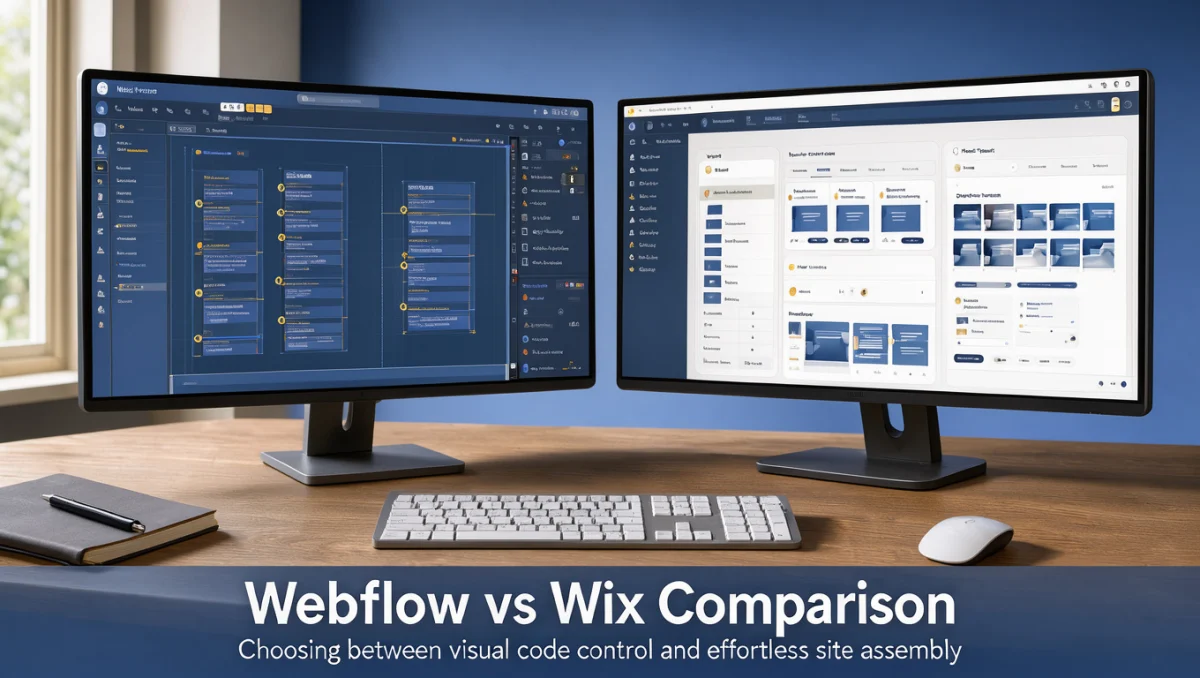
When teams plan a modern web presence, few platform decisions come up as often as webflow vs wix. Webflow works as a visual development environment built on clean, semantic front-end code, while Wix is a friendly drag-and-drop builder made to get online publishing running without any layout expertise. The right pick depends on whether you need pixel-level precision and structured data modeling, or a faster route to a finished site with everything built in.
At EBusiness Reviews, we assess each platform on core architecture, design freedom, maintenance workload and total running cost. Wix offers ready-made modules that let business owners without technical skills assemble pages quickly. Webflow gives detailed control over responsive breakpoints, design systems and custom interactions, which appeals to designers and production teams.
Quick verdict: The webflow vs wix choice comes down to technical control versus operational simplicity, and earns an overall score of 7.9 / 10. Webflow suits professional designers and teams that need strict visual accuracy, while Wix suits non-technical owners who want straightforward editing. Neither fits teams that require direct access to custom backend servers.
| Metric | Platform Assessment |
|---|---|
| ebusinessreviews score | 7.9 / 10 |
| Best for | Designers and small businesses that want a presentation tailored to their specific workflows |
| Not ideal for | Organizations that need self-hosted server control or fully bespoke application logic |
| Key strengths | Webflow's visual development power combined with Wix's rapid setup convenience |
| What to check before buying | Review the official subscription pages for bandwidth limits, collaborator seat rules and e-commerce transaction policies |
1. How ebusinessreviews Reviewed Webflow vs Wix
This review examines what each builder is designed to do, who it serves and how it compares with similar tools. We judge them on seven ebusinessreviews criteria: features, ease of use, pricing and value, integrations, audience fit, support and competitive position. Plans, prices and limits change often, so we flag what to confirm on each official website before buying. This article was researched and drafted with the help of AI tools, then reviewed and edited by the ebusinessreviews Editorial Team.
2. Short Answer: Webflow vs Wix at a Glance
The right platform depends on how much structural control your team needs over design files and layout rendering. Webflow gives creators direct control over layout properties such as CSS grid and flexbox. Wix provides an open canvas where elements can be moved freely without writing or understanding the underlying code.
Teams comparing both options within modern Collaboration & Productivity stacks will find that Webflow treats website production as front-end visual engineering. Wix prioritizes convenience, pre-configured widgets and unified administration for general commerce and service businesses.
| Platform | Best for | Core strength | Consider if |
|---|---|---|---|
| Webflow | Design agencies, tech startups and digital creators | Semantic code generation and granular responsive design control | You need pixel-level control and structured database collections |
| Wix | Local shops, solo practitioners and small service firms | Accessible drag-and-drop editing with packaged native business tools | You want quick publishing without studying layout architecture |
3. Features Comparison

The feature sets target two very different levels of design expertise. Webflow mirrors real web development concepts, translating canvas styling directly into clean semantic HTML, responsive CSS rules and micro-interactions. Wix bundles business widgets such as scheduling, restaurant menus and native booking panels into a flexible WYSIWYG surface.
Content Management and Database Structure
Webflow organizes dynamic content through structured CMS collections, letting users define relational fields, custom data types and programmatic layout templates. This suits corporate blogs, resource libraries and portfolio case studies where consistent, repeatable layouts matter.
Wix offers content management suited to straightforward blogs and portfolio lists. Dynamic pages can be generated from databases, but non-technical users often build static sections by hand, favoring immediate visual convenience over strict relational schema rules.
E-Commerce and Transaction Readiness
Online store capabilities on both platforms serve different operational scales. Webflow lets merchants customize checkout pages, shopping carts and product cards with the same design precision as static landing pages. However, operators must configure third-party logistics or external checkout connectors when complex multi-region shipping or localized tax rules apply.
Wix includes commerce features out of the box, packaging payment gateway connections, order management and digital product delivery inside one administrative dashboard. Buyers should verify current processing fees and commission terms directly on the official Wix billing pages before launching a transactional storefront.
4. Ease of Use and Learning Curve

Ease of use is the sharpest difference between these two platforms. Wix lets beginners pick a template, replace placeholder text and launch a live website in a single afternoon. The unstructured drag-and-drop model allows elements to be placed anywhere on screen without any knowledge of box-model theory.
Webflow has a noticeable learning curve because its visual designer requires understanding CSS classes, parent-child inheritance, relative and absolute positioning and flexbox containers. Novice creators without design training may find the dense inspector panels and layout controls intimidating.
To speed up onboarding, both builders provide documentation, video tutorials and starter communities. Prospective users can gauge their comfort level by working through beginner design tutorials on the official Webflow university pages before committing project resources.
5. Pricing and Total Cost Considerations
Subscription costs for web building software include several recurring components that buyers must budget for each year. Beyond the base hosting plan, total spend is shaped by administrative user seats, custom domain connections and specialized third-party add-ons.
Website builders often charge separately for workspace or designer permissions and for live site hosting. Before buying, confirm on the official Webflow and Wix pricing pages whether additional team members need dedicated paid seats or whether client editor access is included in the hosting tier.
| Cost Factor | What to Check on the Official Pricing Page | Why It Matters |
|---|---|---|
| Team Collaboration | Seat definitions and role-based permissions | Additional seats can significantly increase monthly overhead for agency teams |
| Traffic and Bandwidth | Bandwidth caps and form submission thresholds | Overage charges or required tier upgrades affect growing media properties |
| Custom Code and CMS | Database record ceilings and custom header injection rules | Scaling dynamic collections may force a move to a higher plan tier |
| Payment Processing | Transaction fees and currency handling terms | Variable processing charges directly reduce net margin on sold inventory |
6. Integrations and Extensibility
Extensibility determines how well your website connects with external marketing systems, customer relationship databases and support channels. Webflow lets developers embed custom scripts, configure webhooks and export clean production code for self-hosted developer pipelines.
Wix relies on a centralized app marketplace where users install pre-configured plugins for chat widgets, social proof alerts and email capture tools. This one-click process suits owners who prefer not to manage script tags or custom code snippets.
Teams weighing webflow vs wix should audit their current software stack to decide whether direct API connections or pre-built dashboard extensions will give a smoother administrative workflow over the long term.
7. Audience Fit and Ideal Projects
Each platform serves particular user profiles well while creating friction for others. Identifying your internal capabilities, design expectations and ongoing maintenance capacity leads to a practical choice.
Freelance Designers and Creative Agencies
Webflow fits web agencies and solo design professionals particularly well. The ability to produce bespoke layouts without hand-coding, combined with reusable client editing permissions, creates a clean handoff process for custom agency deliverables.
Small Business Owners and Solopreneurs
Wix suits solo operators, local consulting practices and community service providers who lack dedicated technical support. The bundled administrative suite lets owners manage customer appointments, website content and basic email outreach from a single portal.
8. Customer Support and Troubleshooting Ecosystem
Support accessibility matters when diagnosing unexpected publishing errors or layout rendering issues. Wix provides direct support channels, automated diagnostic tools and structured help-center documentation for account and billing questions.
Webflow pairs its support desk with an extensive community forum where designers and developers share layout solutions, cloneable projects and custom code workarounds. Buyers should check the official support guidelines to confirm response commitments and live support hours for their region.
9. Competitive Position in Website Building
The visual web production sector includes tools ranging from managed blogging engines to complex enterprise development frameworks. Platforms such as Squarespace, WordPress and Shopify occupy neighboring segments, each serving different levels of technical comfort.
Within this field, Webflow is the visual standard for code-structured layout precision, while Wix is the benchmark for simplified, all-in-one small business site creation. Evaluators can read structured platform comparisons at EBusiness Reviews to match their team's capabilities with the most suitable web software.
10. How to Decide Between Webflow and Wix
Choosing between these two systems means weighing your design ambitions against the time you have to learn a tool. Work through these checkpoints to find the right builder for your next project:
- Clarify design requirements: Decide whether your brand guidelines call for unique responsive breakpoints and dynamic typography rules, or whether clean pre-designed sections will do.
- Evaluate internal technical literacy: Check whether your team understands basic layout concepts such as containers, padding and CSS flexbox.
- Determine ongoing maintenance ownership: Decide who will edit content day to day. Non-technical staff often find structured form fields faster to use than a visual canvas.
- Audit third-party connectivity: Confirm that your marketing automation and payment providers integrate reliably with the builder you pick.
- Review the official plan matrices: Check current feature breakdowns and account limits on both provider sites so no critical function turns out to need an unexpected plan upgrade.
11. Frequently Asked Questions
What should I budget for besides the base subscription?
Budget for custom domain registration, third-party add-ons, premium font licensing and possible payment gateway transaction percentages. Organizations that hire freelance specialists or agency consultants should also factor in setup and template customization costs.
How do I know if my project needs custom visual design control?
Projects that must follow a bespoke design system, use unique micro-interactions or adapt layouts differently across device widths need granular visual controls. When standard template blocks meet your branding needs, simpler visual builders deliver faster.
Should non-technical business owners choose Webflow for simple sites?
Non-technical owners can handle ongoing content updates in Webflow once a professional has built the site or template. Building and styling a custom layout from scratch without prior web design knowledge, however, usually causes unnecessary delay.
Where can I confirm live e-commerce fee structures?
Always review transaction terms on each provider's official pricing and checkout documentation. Processing rules, third-party gateway compatibility and merchant features vary with the active subscription tier and the merchant's country.
12. Final Verdict
Webflow and Wix approach the challenge of building a website from opposite directions. Wix removes friction for business operators who value speed and convenience, offering a simple canvas and integrated tools. Webflow empowers creative professionals who need uncompromising design fidelity, clean code output and powerful structured content systems.
| Criterion | Score /10 | Reason |
|---|---|---|
| Features | 8.8 / 10 | Webflow delivers deep visual development controls while Wix offers comprehensive built-in business apps. |
| Ease of Use | 7.2 / 10 | Wix is intuitive for beginners, whereas Webflow requires learning fundamental CSS and layout concepts. |
| Pricing and Value | 7.8 / 10 | Both offer distinct subscription options; confirm seat rules and bandwidth ceilings before buying. |
| Integrations | 7.5 / 10 | Wix supplies an accessible marketplace while Webflow relies on custom code embeds and API pipelines. |
| Audience Fit | 8.5 / 10 | Each tool accurately addresses its core audience of non-technical operators and design specialists. |
| Support | 7.0 / 10 | Check official service guidelines to verify live agent availability and ticket handling expectations. |
| Competitive Position | 8.6 / 10 | Both solutions hold strong positions in visual development and managed website building. |
Overall ebusinessreviews Score: 7.9 / 10
Choose Webflow if your organization values visual design independence, responsive precision and semantic database structures. Choose Wix if you need an intuitive, all-in-one platform to launch a working business site quickly without managing layout architecture.
Have questions about your software selection? Reach out to our team at https://ebusinessreviews.net/contact/ or connect with ebusinessreviews on LinkedIn at https://www.linkedin.com/company/ebusinessreviews/ to join our discussions on business software.