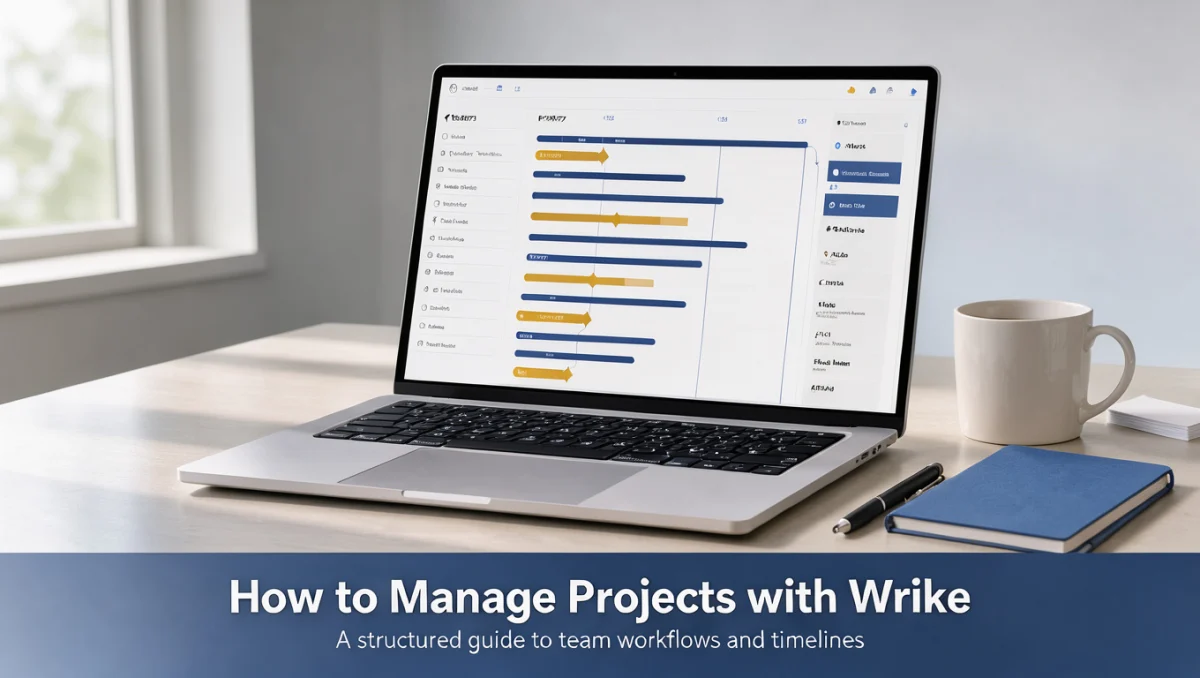
Before you invite anyone into Wrike, decide how your workspace will be built. Teams that skip this step usually end up with scattered tasks, duplicate folders, and status labels that mean different things to different people. A clear structure from the start keeps daily updates reliable across every department.
Start With a Clear Work Structure
Wrike organizes work in layers, moving from broad spaces down through folders, projects, tasks, and subtasks. Decide early whether your top-level spaces represent departments, client accounts, or quarterly business cycles, then apply that logic consistently so nobody has to guess where an item belongs.
Naming conventions matter just as much. A label that includes the department, the quarter, and the campaign goal stays recognizable in search results and in executive summaries, even when the reader was not involved in the original planning.
Agree on Standard Workflow Stages
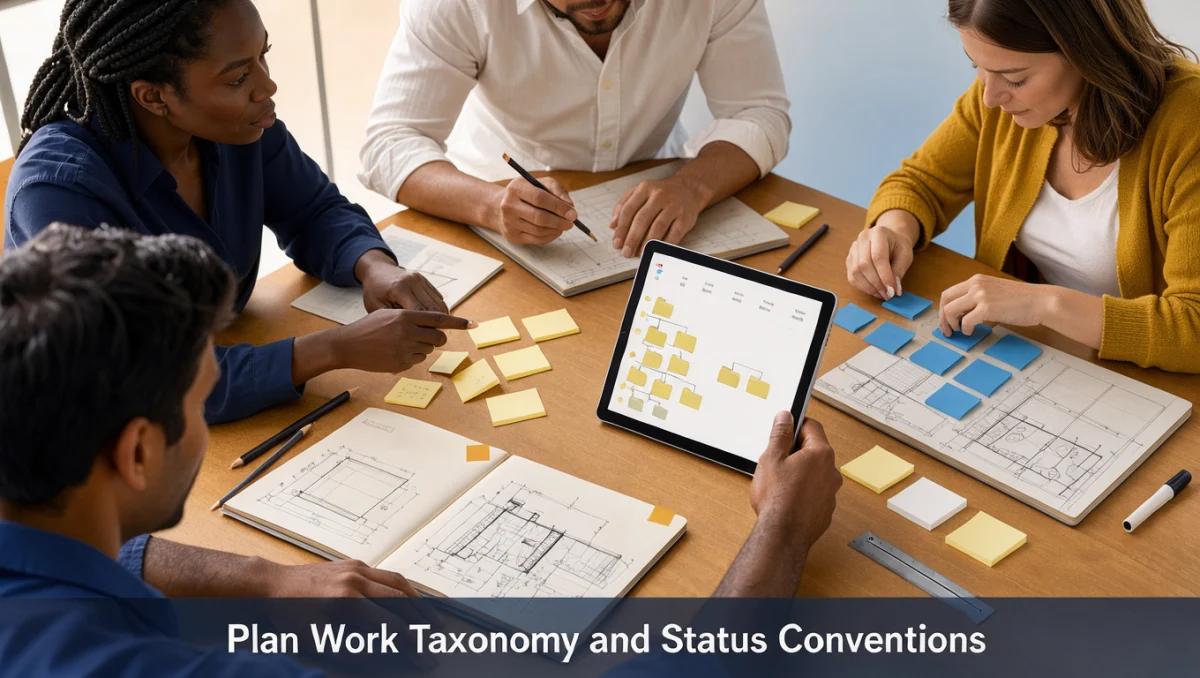
Most operational teams move work through the same stages: intake, drafting, review, revision, and completion. Settle on these phases before scheduling begins, rather than letting each contributor create their own status tags, which quickly makes reporting meaningless.
When statuses reflect the real checkpoints in your process, bottlenecks become visible without extra meetings. Managers can see exactly when a deliverable moves from drafting into quality review and step in before it stalls.
Set Up the Workspace in Five Steps
Step 1: Create Shared Spaces and Folders
Start by creating a shared space for each major operational unit, such as marketing, product, or internal operations. Inside each space, build folders that group recurring activities, client deliverables, or seasonal programs.
Folders keep related initiatives together and let project leads set access permissions and default views. Configuring visibility early keeps sensitive planning material separate from the day-to-day queues the wider team uses.
Step 2: Build Projects and Define Milestones
Inside the target folder, create a dedicated project for each time-bound initiative. Record the planned start window, the end date, and the owner who is accountable for delivery.
Milestones mark significant achievements, such as client approval or final release sign-off. These markers become focal points on timeline views and make it easy to judge whether pacing still matches business expectations.
Step 3: Break Deliverables Into Actionable Tasks
Fill the project with concrete tasks that describe real units of work. Each task should have a defined scope, a named assignee, and a specific due date rather than a vague description or no deadline at all.
For complex deliverables, use subtasks to track secondary production steps while the parent task stays focused on the main output. Attaching reference specifications directly to the task prevents confusion among distributed team members.
Step 4: Set Dependencies and Schedules
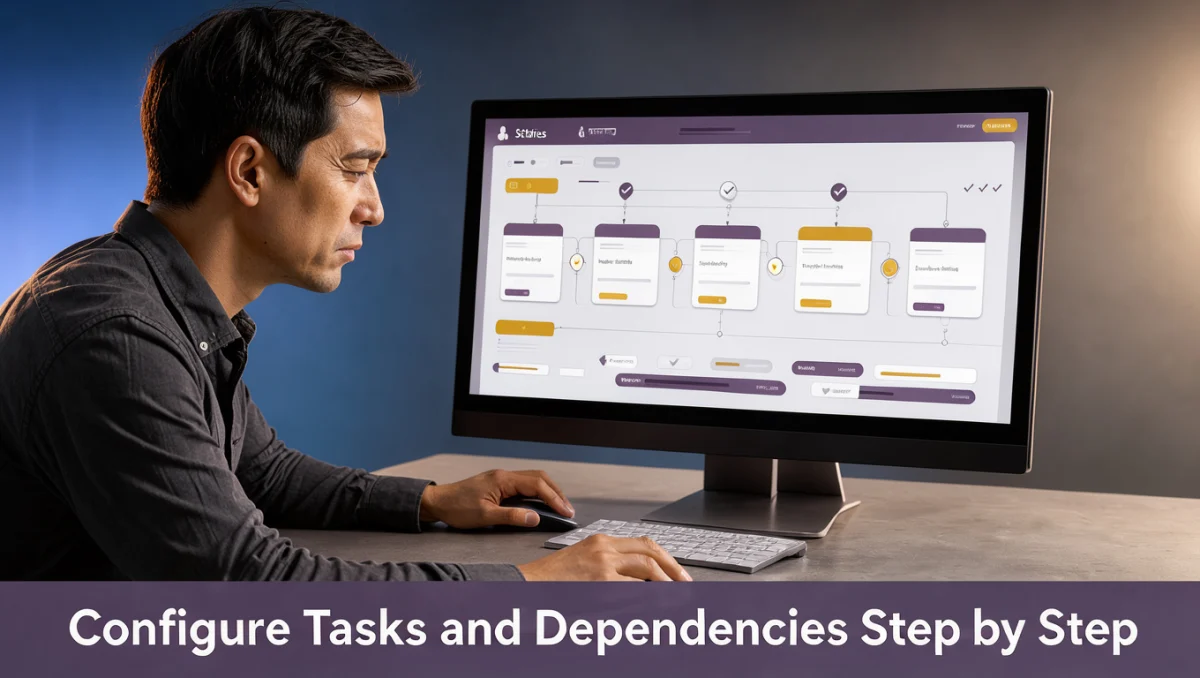
Many phases cannot begin until earlier work is finished. Link sequential tasks with finish-to-start dependencies so that downstream contributors can see that their timeline depends on a prior review or approval.
On the timeline view, these links show how a delay in an early draft pushes back later review windows. Understanding this critical path keeps the team focused on the tasks that actually control the final delivery date.
Step 5: Assign Ownership and Track Progress
Assign each task to a specific person instead of leaving items unassigned in a general folder. People manage their commitments more reliably when their workload appears in a personal queue.
During active cycles, contributors update statuses, upload drafts, and discuss changes in the task's comment thread. Keeping conversation attached to the work item removes the need to chase updates across chat apps and email.
Best Practices for Ongoing Coordination
Keep Communication Inside Work Items
Feedback often gets lost when discussions happen in chat or scattered emails. Make it a rule that revisions, stakeholder questions, and attachments live in the relevant task, so the full history is available for later review.
This also speeds up onboarding. A new specialist joining a live deliverable can read the activity feed in chronological order and understand past decisions without a lengthy briefing call.
Run a Weekly Health Check
Project managers should review active folders every week to spot overdue items, unassigned tasks, and timeline conflicts. Catching a delayed dependency early leaves room to reallocate resources before commitments slip.
Dashboard views let directors see several projects at once. Reviewing progress across portfolio folders supports balancing decisions without interrupting contributors during focused work.
Common Mistakes to Avoid
Nesting Folders Too Deeply
Many nested subfolder levels make navigation tedious and can bury assignments from daily views. Keep the hierarchy shallow, and use tags or filtered status views instead of placing tasks many folders deep.
Leaving Ownership Unclear
When several people share one task, accountability tends to dissolve and nobody feels responsible for the final result. Name one primary owner for each milestone, and use subtasks or sequential handoffs to bring in supporting specialists.
Leaving Finished Projects Active
Completed projects left alongside current priorities clutter search results and distort reports. Archive finished folders promptly so navigation stays focused on work that still needs attention.
Frequently Asked Questions
How should project managers handle incoming requests?
Route requests through a standard intake form or template rather than informal chat messages. This ensures every project starts with a complete brief, deadline, and asset links before scheduling begins.
How can teams balance workloads effectively?
Review task allocations across shared team views on a regular schedule. Spreading assignments evenly prevents burnout and keeps urgent milestones from becoming unexpected bottlenecks.
How do distributed teams stay aligned on timelines?
Link dependencies and review timeline charts regularly. When contributors can see how a schedule change affects downstream milestones, they can plan around it instead of reacting late.
What should buyers confirm before adopting Wrike?
Check user seat requirements, workflow customization options, and administrative controls on the official Wrike website, and consider how much onboarding your team will need.
Final Verdict on Managing Projects with Wrike
Learning how to manage projects with Wrike gives organizations a dependable framework for complex schedules, cross-department handoffs, and multi-stage campaigns. The platform does require deliberate structural planning and clear governance during onboarding, but its folder organization and flexible workflow stages offer strong control for mature teams running interconnected initiatives.
| Criterion | Score /10 | Reason |
|---|---|---|
| Features | 8.5 | Comprehensive task hierarchy, multi-project folder organization, and customizable status lifecycles provide extensive workflow control. |
| Ease of Use | 7.0 | Multi-layered structures require deliberate onboarding and consistent governance to prevent workspace complexity. |
| Pricing and Value | 7.5 | Verify plan tier inclusions and user seat minimums on the official pricing page to judge cost alignment. |
| Integrations | 7.5 | Check the official directory to confirm compatibility with your existing file storage and communication tools. |
| Audience Fit | 8.5 | Well suited to cross-functional departments that need strict tracking and interdependent schedule oversight. |
| Support | 7.5 | Consult official documentation for current support channels, onboarding help, and service resources. |
| Competitive Position | 8.0 | Focused on structured departmental coordination alongside established alternatives such as Asana, Monday.com, and Smartsheet. |
| Overall score | 7.8 / 10 | A structured, dependable coordination platform for teams that need multi-project folder organization and workflow visibility. |
Organizations that invest in workflow planning, standardized task lifecycles, and regular workspace housekeeping get lasting operational clarity across every deliverable.
See More Collaboration & Productivity · EBusiness Reviews