ebusinessreviews may earn a commission when you buy through links on this page, at no extra cost to you. This does not affect our ratings.
Teams that shippo print shipping labels daily can buy postage and produce professional address documents without bulky warehouse hardware. Our reviewers at EBusiness Reviews test multi-carrier postage platforms to show how modern sellers run outbound fulfillment without hidden overhead. Knowing how a shipping tool handles label creation helps retailers pick a setup that fits their daily packing routine.
Growing brands often need a dependable way to dispatch parcels consistently while cutting manual data entry during busy periods. Tools from the Collaboration & Productivity category, when built for logistics, keep order handling steady across remote offices and packing stations.
Quick verdict: Scoring 7.9 out of ten, Shippo suits solo merchants and expanding storefronts that want simple rate comparison and label generation across carriers. It is a weaker fit for complex multi-warehouse operations that depend on specialized conveyor automation or custom enterprise scripting.
| Evaluation Metric | Summary Details |
|---|---|
| ebusinessreviews score | 7.9 / 10 |
| Best for | Growing storefronts seeking unified carrier rate comparisons and direct label printing workflows |
| Not ideal for | High-volume enterprise freight coordinators requiring custom floor automation scripts |
| Key strengths | Multi-carrier rate display, batch label creation, automatic return generation, tracking documentation |
| What to check before buying | Review carrier account linking options and volume billing thresholds on the official Shippo website |
1. How We Tested Shippo
We assessed what Shippo is designed to do, who it serves, and how it stacks up against similar platforms, applying our seven criteria: features, ease of use, pricing and value, integrations, audience fit, support, and competitive position. Plans, prices, and limits shift frequently, so we flag what to verify on the official site before purchasing. This article was researched and drafted with AI assistance, then reviewed and edited by the ebusinessreviews Editorial Team.
2. What Shippo Is and Who It Serves
Shippo is a multi-carrier shipping platform that helps merchants buy postage, generate labels, track parcels, and handle customer returns. It works as a bridge between online sales channels and postal or regional carriers, letting sellers run dispatch from one workspace. Rather than logging into separate carrier portals for each parcel, operators consolidate address details, compare service levels, and print standardized paper or thermal documents from a single screen.
The platform mainly targets independent e-commerce brands, growing boutique retailers, and distributed product teams that ship physical goods on a regular schedule. Businesses handling moderate daily order volumes often turn to its shippo print shipping labels capabilities to replace slow handwritten addresses and scattered carrier accounts with one dispatch interface.
3. Core Shippo Features for Printing Shipping Labels
Shippo organizes postage into several core workflows that cover the full life of an outbound package.
3.1. Carrier Rate Comparison and Service Selection
Before buying postage, fulfillment operators can view transit times and costs from connected carriers side by side. The interface shows delivery speeds based on weight, dimensions, and destination postal code, helping dispatch coordinators decide between economy ground service and expedited delivery for urgent parcels.
3.2. Batch Label Creation and Thermal Printing
When many orders arrive at once, creating labels one by one slows the packing desk. Shippo lets users select groups of pending orders and generate packing slips with carrier barcodes in combined print runs. Output is formatted for standard office sheets as well as four-by-six thermal sticker rolls.
3.3. Automated Tracking Notifications and Documentation
After postage is purchased, the platform assigns barcode numbers and produces tracking links for dispatch confirmation. This updates the central system so managers can check package progress, and it helps support agents answer transit questions without searching through paper receipts.
3.4. Return Label Generation and Exchange Handling
Returns need balanced control so customers can send items back without excessive friction. Shippo can generate scan-based or pay-on-use return labels that travel with outbound boxes or are delivered electronically for exchanges, helping small teams keep return logistics predictable.
4. Ease of Use and Learning Curve
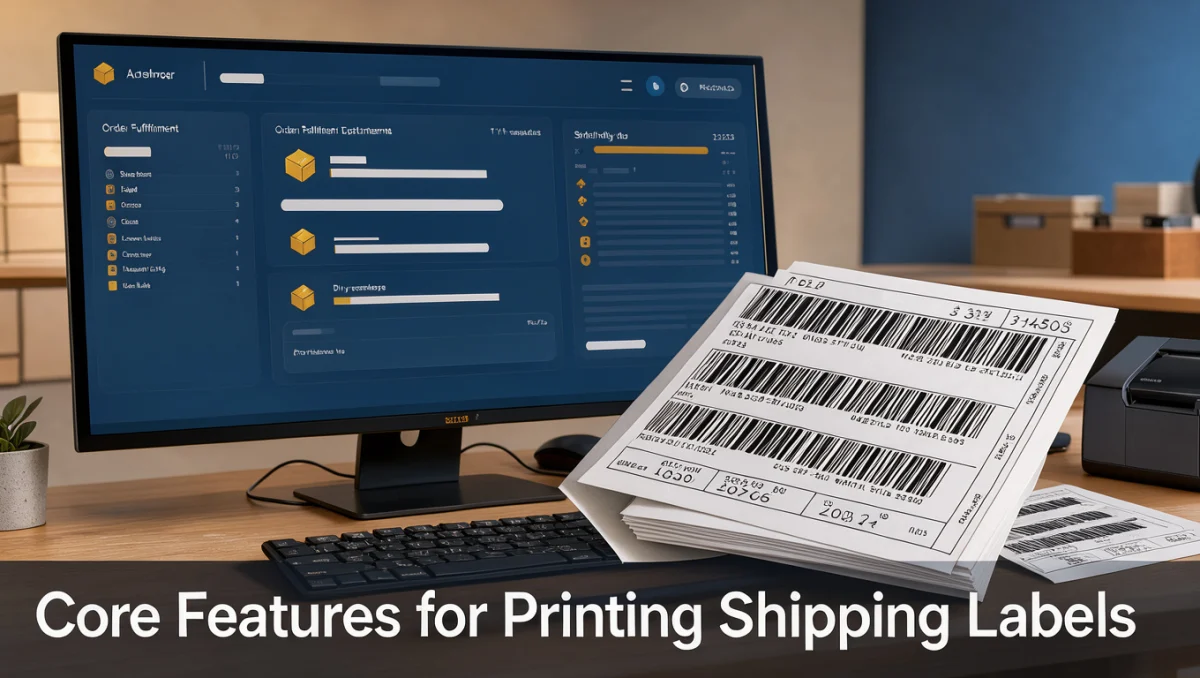
Generating labels in Shippo is straightforward for anyone comfortable with basic web navigation. Creating an order means entering destination addresses, parcel weights, and package dimensions, then choosing a preferred carrier rate. The dashboard asks for confirmation before deducting funds or charging an account for postage, which reduces accidental duplicate purchases.
For growing teams with several warehouse workers, onboarding takes little time. Staff unfamiliar with thermal printer driver settings may need help aligning label margins during initial setup, but once printer settings are saved on the computer, routine dispatch runs smoothly.
5. Pros and Cons of Using Shippo
Every shipping solution offers advantages and trade-offs depending on what a team expects.
5.1. Operational Advantages
- Direct access to multiple carrier service options within a single label workflow
- Support for standard paper printers as well as industrial thermal sticker rolls
- Batch label creation tools that reduce repetitive manual entry during fulfillment
- Clear order tracking status displays that simplify post-purchase customer inquiries
5.2. Operational Limitations
- Advanced warehouse routing rules require more setup than basic label printing
- Printer margin calibration depends heavily on local computer driver configurations
- Carrier claims processing follows each carrier's own investigation schedule
6. Shippo vs Similar Tools in 2026
Comparing shipping software means looking at how each vendor is positioned across the parcel fulfillment market.
| Software Solution | Primary Positioning | Best Operational Match | Key Consideration |
|---|---|---|---|
| Shippo | Accessible multi-carrier label generation platform | Growing online stores wanting direct rate comparisons | Check volume billing terms on the official website |
| ShipStation | High-volume multi-channel order management system | Complex fulfillment hubs with advanced routing needs | Review subscription requirements for multi-user teams |
| EasyPost | Developer-centric logistics infrastructure interface | Engineering teams building custom application logic | Requires technical programming skills to configure fully |
ShipStation concentrates on broad warehouse automation and deep inventory orchestration, while Shippo focuses on approachable label generation and simple multi-carrier comparison. EasyPost, by contrast, targets development teams that want programmatic carrier access rather than pre-built visual dashboards. Teams weighing these options should match their choice to their internal technical capacity.
7. Who Should Use Shippo
The right parcel logistics software depends on your operating model, shipment volume, and available technical support.
7.1. Independent Boutique Retailers and Craft Sellers
Solo operators packing orders from a workshop benefit from unified address entry and quick thermal printing. Shippo removes the need to queue at postal counters, letting independent creators buy valid postage straight from their packing table.
7.2. Small Business Owners with Dedicated Packing Desks
Owners with a growing catalog and daily dispatch runs find value in batch processing. Grouping pending orders for morning packing speeds up shipping and keeps inventory moving reliably.
7.3. Marketing and Product Sample Coordinators
Office administrators who regularly send promotional kits or media packages benefit from a centralized address book and fast single-label creation. Team members can generate outbound labels without navigating complex logistics suites.
7.4. Operations That May Need Alternative Solutions
Enterprises running multi-facility distribution with custom conveyor routing often find specialized warehouse management software better matched to their automated barcode scanning requirements.
8. How to Choose the Right Plan
Subscription models and postage purchasing structures differ across the logistics software sector, so review these operational points before activating an account.
| What to check on the official website | Why it matters for your budget |
|---|---|
| Postage fee structures | Determines whether charges apply per label or via flat monthly rates |
| Carrier discount access | Confirms which pre-negotiated carrier rates apply to your account |
| Custom branding options | Ensures packing slips and tracking emails can carry your company logo |
| Multi-seat user access permissions | Affects your monthly expenses when several warehouse staff pack simultaneously |
9. Frequently Asked Questions
9.1. Which Printer Works Best for Shipping Labels?
Most shipping software works with both standard office laser printers and dedicated thermal label hardware. A four-by-six thermal printer avoids smudged ink and tape, producing durable barcodes that carriers scan accurately. Confirm driver compatibility on your computer before buying dedicated label hardware.
9.2. What Should an Online Store Budget for Besides Postage?
Beyond base postage, fulfillment teams should account for shipping boxes, cushioning, thermal paper rolls, and possible dimensional weight surcharges. Read carrier measurement rules carefully, since oversized lightweight packages can cost more than their actual weight suggests.
9.3. How Do Businesses Handle Package Insurance Claims?
Shipping platforms typically offer optional parcel coverage during label creation or rely on standard carrier declared value policies. When an item goes missing or arrives damaged, file documentation directly with the carrier or insurer within their stated claim window.
9.4. Why Is Accurate Package Weighing Critical Before Label Creation?
Carriers use automated scales at sorting hubs to check parcel weights against the values on purchased labels. If a package exceeds its labeled weight, carriers may apply adjustment charges to your account. A calibrated digital postal scale helps you avoid surprise billing discrepancies.
10. Final Verdict on Shippo Print Shipping Labels
In our 2026 evaluation at EBusiness Reviews, Shippo remains a practical, accessible choice for direct label generation and carrier rate comparison.
| Evaluation Criterion | Score / 10 | Editorial Assessment |
|---|---|---|
| Features | 8.0 | Covers core label printing, batch processing, tracking, and returns cleanly |
| Ease of Use | 8.5 | Clear order creation screens with minimal initial training requirements |
| Pricing and Value | 7.5 | Check official pricing schedules to verify fee models for your monthly volume |
| Integrations | 7.5 | Review sales channel connectivity on the official site prior to deployment |
| Audience Fit | 8.5 | Well suited for small and growing retailers managing consistent parcels |
| Support | 7.0 | Examine available help desk channels and response guidelines on official pages |
| Competitive Position | 8.0 | Maintains a balanced focus on usability alongside established competitors |
Overall score: 7.9 / 10
For independent shop owners, boutique brands, and growing distribution teams, Shippo offers dependable label generation without unnecessary warehouse complexity. If you have questions about choosing fulfillment software or need more operational guidance, reach out via the EBusiness Reviews contact page or follow our ongoing business software coverage.