ebusinessreviews may earn a commission when you buy through links on this page, at no extra cost to you. This does not affect our ratings.
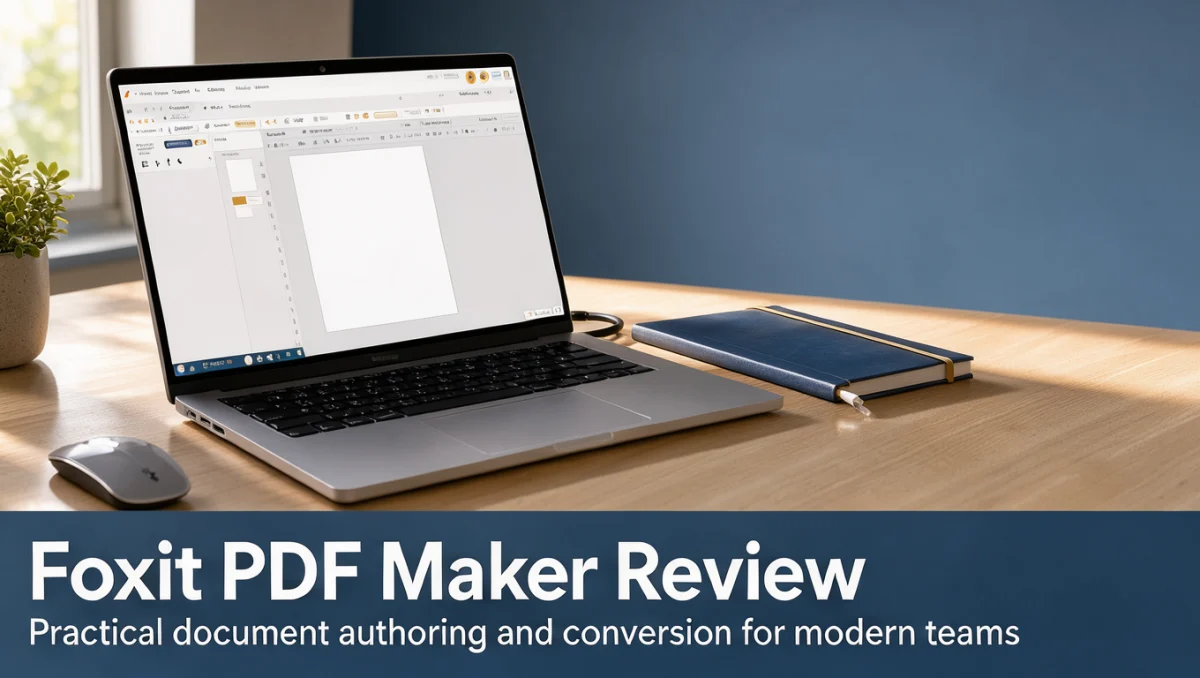
Managing digital paperwork is a daily reality for many office professionals, and the right document tool can save hours each week. Our foxit pdf maker review looks at how well this utility handles real operational demands, without unnecessary complexity, and whether its subscription cost is justified for your team.
Every document tool must handle routine file creation, conversion and assembly with reliability. Below we break down the practical strengths of this software alongside the common purchasing trade-offs, so business teams and independent operators can make a confident choice.
Quick verdict: Foxit PDF Maker earns an overall rating of 7.8 out of 10. It suits administrative teams and knowledge workers who need dependable document authoring, form generation and standard file conversions. It is less suitable for casual users who only view or read files occasionally without needing authoring tools.
| Evaluation Factor | Details |
|---|---|
| ebusinessreviews score | 7.8 / 10 |
| Best for | Knowledge workers and administrative teams managing routine document creation, file assembly and conversion tasks |
| Not ideal for | Casual readers who need only basic file viewing without editing or creation features |
| Key strengths | Dedicated document generation, standardized file exports, annotation controls and structured document assembly |
| What to check before buying | Review licensing structure, export compatibility requirements and seat assignments on the official vendor website |
1. How ebusinessreviews Reviewed Foxit PDF Maker
This review examines what Foxit PDF Maker is designed to do, who it serves and how it compares with similar tools. We assessed it against seven ebusinessreviews criteria: features, ease of use, pricing and value, integrations, audience fit, support and competitive position. Plans, prices and limits change often, so we flag what you should confirm on the official website before buying. This article was researched and drafted with the help of AI tools, then reviewed and edited by the ebusinessreviews Editorial Team.
2. What is Foxit PDF Maker and who is it for?
Foxit PDF Maker is a dedicated document management and publishing utility from Foxit, built to handle document production, conversion and editing. Organizations use tools like this to turn word processing files, spreadsheets and scanned paperwork into standardized portable formats that keep their formatting intact across different operating environments.
The software serves knowledge workers, operations coordinators, legal staff, educators and enterprise administrators. Within the broader Collaboration & Productivity space, buyers typically ask whether an application can handle the full document lifecycle, from blank draft creation through to formal distribution.
Before committing departmental budget, prospective buyers should review the vendor's terms directly to confirm deployment options and tier structures.
3. Core features of Foxit PDF Maker
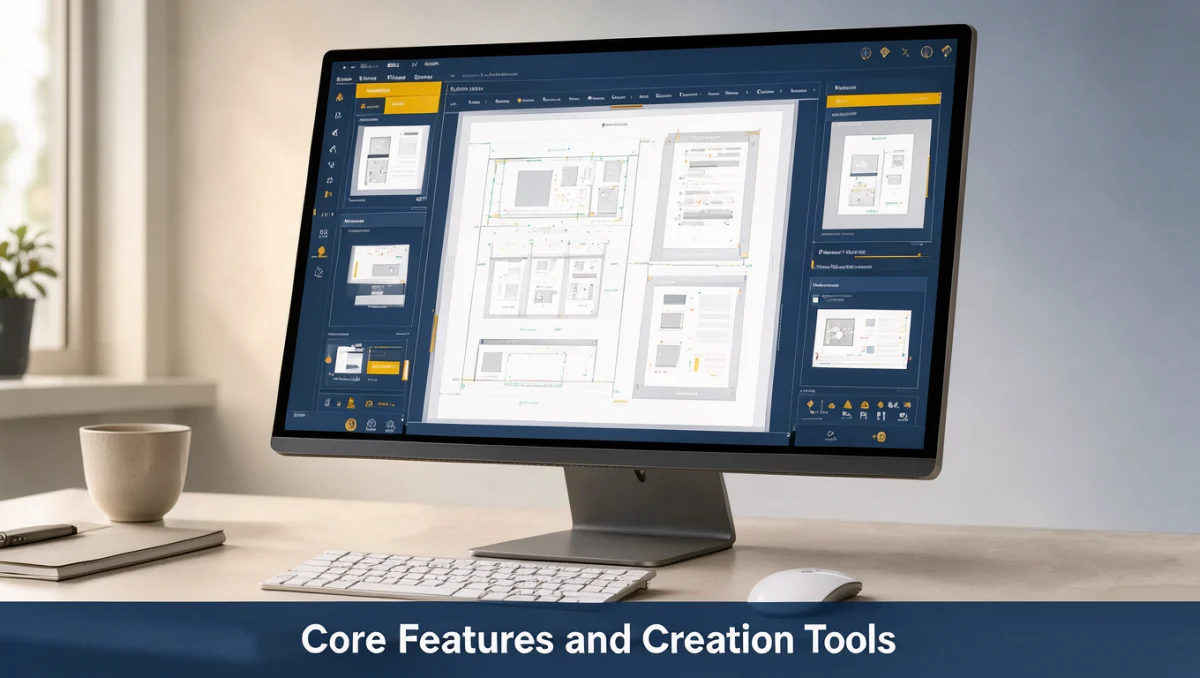
Document creation software must cover everyday operational tasks, including file conversion, text modification, layout adjustments and document security controls.
Document creation and format conversion
Converting external file types into stable document files is the primary function of this category. Users can generate clean documents from spreadsheets, text files and images while keeping the original typography and graphic layouts intact.
Before choosing a tool, verify the supported file conversions on the official vendor portal to make sure they match your internal archive requirements.
Text editing and content restructuring
Direct content editing lets teams correct errors, adjust paragraphs and reorder sections without returning to the original source files. Page manipulation features allow users to delete unnecessary pages, rotate sheets and combine separate documents into a single project archive.
Teams adopting foxit pdf maker should set up standardized workflows for internal reviews and markup management from the start.
Form design and interactive fields
Interactive forms streamline data collection across human resources, accounting and client intake processes. The software lets users build fillable forms, insert text fields, place checkboxes and define submission actions within standardized document wrappers.
Because electronic submission standards vary across regulatory environments, organizations should confirm compliance requirements directly with their legal advisors.
Review markup and annotation tools
Collaborative document workflows depend on feedback instruments such as highlight markers, callout notes, strikeout tags and digital sticky notes. Multiple team members can review a single file in sequence while an audit trail of comments is preserved.
4. Ease of use and learning curve
Standard productivity software has to balance functional depth with an intuitive layout, so that workers do not need long training periods.
The interface mirrors standard office desktop applications, grouping major functions under logical ribbon panels. Users familiar with conventional office suites can find conversion utilities, editing controls and page management tools without much friction.
Complex functions such as advanced form scripting or detailed optical character recognition may require dedicated orientation time for junior staff.
5. Pros and cons of Foxit PDF Maker
Evaluating any software platform means weighing its operational advantages against its trade-offs.
Pros of Foxit PDF Maker
- Comprehensive file authoring and conversion options for administrative workflows
- Familiar ribbon-style layout that simplifies onboarding for standard office workers
- Flexible document assembly tools that allow combining, splitting and reordering pages
- Built-in review markup tools that support structured editorial workflows
Cons of Foxit PDF Maker
- Advanced form scripting and batch operations require a noticeable adjustment period
- Procurement teams must check seat licensing models carefully to avoid unexpected expansion fees
- Organizations with minimal editing needs may find dedicated authoring software more complex than a simple document viewer
6. Foxit PDF Maker vs similar tools
Understanding where document software sits relative to market alternatives helps buyers clarify their operational priorities.
Adobe Acrobat is the long-established benchmark for document creation and prepress standards, and is often chosen by creative agencies and specialized publishing departments that need advanced colour separation and prepress output. Nitro PDF targets corporate teams that want straightforward office document generation and signing integrations. Foxit focuses on dependable document creation, viewing and conversion, balancing practical working speed with detailed page composition tools.
| Software | Core Positioning | Best Suited For | Key Consideration |
|---|---|---|---|
| Foxit | Balanced document creation, editing and form management | Administrative teams and corporate departments needing everyday document production | Confirm specific seat management terms on the official site |
| Adobe Acrobat | Established document standard with advanced graphic output controls | Creative professionals and complex prepress publishing teams | Weigh higher overhead against everyday document needs |
| Nitro PDF | Streamlined corporate document workflow and signing | Business operations prioritizing routine digital office paperwork | Verify specific conversion format support |
7. Who should use Foxit PDF Maker?
Matching software capabilities to specific user profiles prevents buying a tool that is either too complex or functionally lacking.
Freelancers and independent professionals
Solo operators need to present polished project proposals, contracts and invoices. Dedicated document creation software helps independent professionals produce clean deliverables without hiring outside administrative help.
Small business owners and operations teams
Small businesses need dependable utilities to generate client agreements, standardize employment paperwork and compile quarterly reports. The tool lets growing teams keep orderly records without specialized technical staff.
Corporate administrative staff
Administrative personnel process high volumes of inbound and outbound documents every day. Dedicated assembly tools let staff merge spreadsheets, presentations and correspondence into cohesive executive briefings.
Students and academic researchers
Academic workers handle large volumes of journal articles, dissertations and research papers. Annotation and organization utilities help scholars consolidate reference materials and mark up source manuscripts.
Who should look elsewhere
Users who only need to open, read or print digital documents, without altering content or creating forms, do not need dedicated authoring software. Basic operating system utilities or standard browser extensions adequately cover passive reading needs.
8. How to choose the right plan
Selecting software means analysing your organization's usage patterns, seat projections and long-term operating costs.
| What to check on the official vendor page | Why it matters for your organization |
|---|---|
| Subscription models versus perpetual licensing options | Directly dictates recurring software spend and how the asset is treated on the balance sheet |
| Multi-user management and administrative portals | Determines how efficiently IT managers can reassign seats when staff change |
| Batch document conversion capabilities | Influences the labour hours needed when processing large document archives |
| Customer support channels and service hours | Affects downtime risk if document generation stalls during critical deadlines |
Buyers should document their specific usage forecasts before reviewing vendor catalogues, to make sure the chosen tier fits.
9. Frequently asked questions
What factors should influence my document software budget?
Buyers should account for user seat counts, potential renewal price changes and internal onboarding time alongside the initial subscription cost. Consulting an IT procurement specialist helps ensure that budgets reflect total ownership costs.
How do team size requirements affect software selection?
Small teams often succeed with single-seat setups, whereas larger departments need centralized administrative dashboards to distribute licences, monitor usage and reallocate accounts when project responsibilities change.
Should legal and financial teams verify compliance standards?
Organizations handling confidential financial records or regulated legal filings should confirm digital signature validity and archiving standards with internal compliance officers before deploying any document tool.
What steps ensure an efficient software transition?
Auditing common document templates, setting internal file naming conventions and running short staff workshops help teams adopt new document authoring software smoothly, without disrupting the business.
10. Final verdict on Foxit PDF Maker
The ebusinessreviews independent review process evaluates tools against standardized criteria to provide objective software guidance.
| Criterion | Score / 10 | Reason |
|---|---|---|
| Features | 8.5 | Provides dedicated file generation, format conversion, content editing and form construction tools |
| Ease of Use | 8.0 | Standard office ribbon interface minimizes learning friction for everyday users |
| Pricing and Value | 7.5 | Competitive positioning requires checking current tier structures on the official website |
| Integrations | 7.0 | Handles standard office workflow exports but should be checked against specialized enterprise systems |
| Audience Fit | 8.5 | Well suited to administrative personnel, small business teams and professional knowledge workers |
| Support | 7.0 | Support availability depends on licensing arrangements and should be verified before purchase |
| Competitive Position | 8.0 | Holds a solid middle ground against competitors by delivering reliable everyday authoring tools |
Overall score: 7.8 / 10
For independent professionals and small-to-midsize operational teams, Foxit PDF Maker offers a dependable environment for everyday document generation, page reorganization and interactive form building. Have your procurement team verify current licensing configurations and seat policies on the official vendor site, so you choose the option best suited to your ongoing operational needs.
Have questions about software selection for your business? Reach out to our team at https://ebusinessreviews.net/contact/ or follow ebusinessreviews on LinkedIn at https://www.linkedin.com/company/ebusinessreviews/ for regular analyses of operational software.
See More EBusiness Reviews