EBusiness Reviews may earn a commission when you buy through links on this page, at no extra cost to you. This does not affect our ratings.
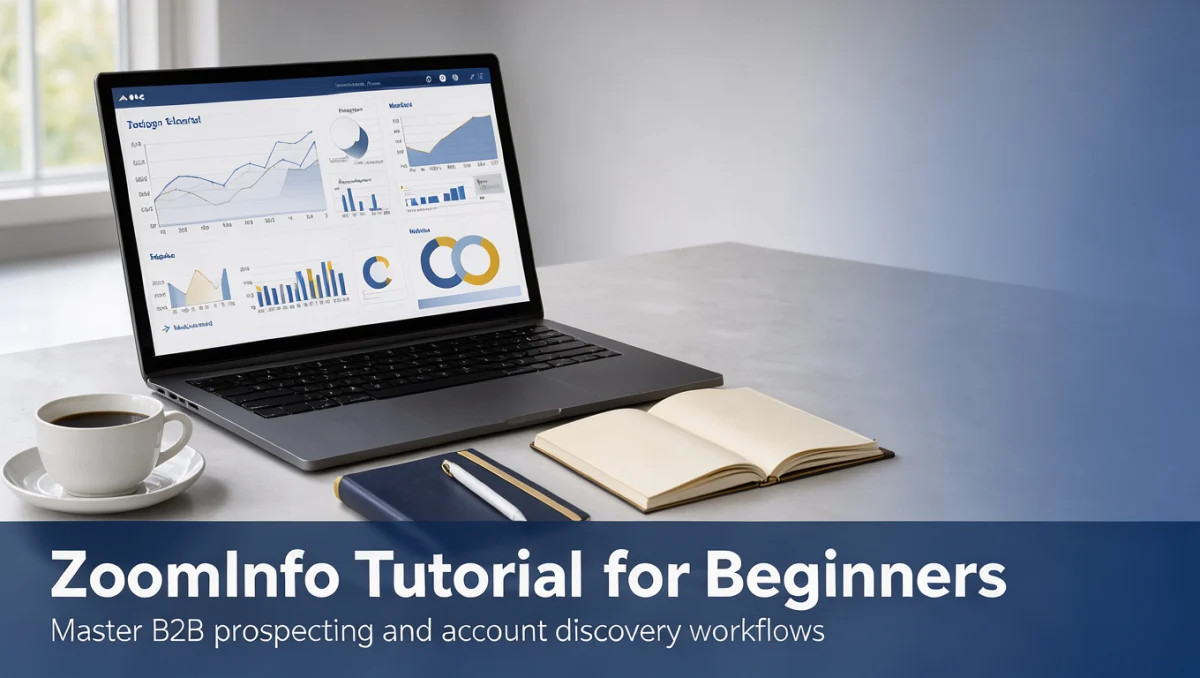
New sales and recruiting teams often feel overwhelmed the first time they open a business intelligence directory. This zoominfo tutorial for beginners walks through how ZoomInfo organizes company profiles and contact records, and how to move from broad account discovery to a focused list of decision-makers. Our goal is to help you build a clean workflow from day one.
Before you begin, it helps to understand where this platform fits. ZoomInfo functions as a commercial data directory built for prospecting, account identification, and go-to-market outreach. Used with a clear plan, it can shorten the time your team spends on manual research and keep outbound lists aligned with real opportunities.
Overall, ZoomInfo earns an 8.0/10 in our assessment. It suits commercial teams that need structured contact discovery and company hierarchy mapping. It is less suitable for individuals who only need an occasional contact lookup without a formal outbound process.
| Metric | Details |
|---|---|
| EBusiness Reviews score | 8.0/10 |
| Best for | Teams that need structured B2B contact discovery and company hierarchy mapping |
| Not ideal for | Solo users who only need informal lookups without outbound workflows |
| Key strengths | Account intelligence, multi-attribute search, and business directory categorization |
| What to check before buying | User access allocations, export credit rules, and renewal terms on the official website |
1. How EBusiness Reviews Evaluated ZoomInfo
We assessed ZoomInfo against seven criteria: features, ease of use, pricing and value, integrations, audience fit, support, and competitive position. Plans, prices, and usage limits change frequently, so we highlight the details you should confirm directly on the vendor's website. This article was researched and drafted with AI assistance, then reviewed and edited by the EBusiness Reviews Editorial Team.
2. What ZoomInfo Is and Who Uses It
ZoomInfo is a business-to-business database platform that helps revenue teams find relevant organizations and decision-makers. It gathers company intelligence, departmental structures, business contact details, and firmographic data into searchable records. Instead of researching each company by hand, users filter the directory to surface accounts that match defined criteria.
The platform is designed mainly for sales representatives, account executives, commercial recruiters, and marketing departments. Teams working in sales development benefit most from structured company profiles, since these speed up outbound campaign planning and pipeline creation.
3. Prepare Before Your First Search
Before running any search in a B2B intelligence system, document your ideal customer profile. Searching a database with millions of entries without clear criteria produces unfocused results and can use up your export allowance too quickly.
3.1. Define Your Ideal Customer Profile
An ideal customer profile describes the organizations that get the most value from your product or service. Note the target industries, geographic regions, and company sizes where your strongest opportunities lie. Clear definitions let you apply precise exclusions so your outreach reaches genuinely relevant companies.
3.2. Map Your Target Buyer Personas
Beyond company criteria, identify the job titles, departments, and seniority levels that evaluate solutions like yours. Enterprise purchases typically involve several stakeholders across management, operations, and finance. Mapping primary and secondary contacts in advance helps you assemble full buying committees rather than isolated individuals.
4. Core Workflow: Step by Step

A disciplined search process moves from broad company filters down to verified individual contacts.
4.1. Step 1: Start with Account-Level Filters
Begin at the company level rather than searching for people right away. Filter by industry, headquarters location, revenue indicators, and workforce size. Reviewing the resulting company list confirms that the organizations match your profile before you look at individual records.
4.2. Step 2: Add Contact-Level Persona Criteria
Once you have a relevant set of companies, narrow the results with persona attributes. Specify departments such as executive leadership, information technology, human resources, or business development. Filter by seniority to isolate directors, vice presidents, or operational managers, depending on your campaign goals.
4.3. Step 3: Verify Hierarchies and Locations
Large organizations often operate subsidiaries, regional offices, and parent companies. Review account profiles to understand these relationships and confirm that your prospect sits in the branch you intend to contact. Checking location details prevents assigning accounts to the wrong regional sales representative.
4.4. Step 4: Build and Segment Saved Lists
Group target contacts into dedicated lists organized by campaign objective or vertical. Rather than exporting raw records immediately, keep them in organized folders so you can track engagement over time. Solid segmentation supports tailored messaging and makes it easier to assign contacts across a collaborative team.
4.5. Step 5: Export and Check Record Completeness
Before moving contacts into your CRM, review field completeness. Confirm that records include the fields you need, such as business email patterns, direct phone numbers, job titles, and headquarters address details. Following this sequence keeps incomplete records out of your internal databases.
5. Best Practices for Beginners
Forming good habits early supports sustainable prospecting and keeps your operations efficient.
- Save search templates so you can rerun complex filter combinations as new companies enter your target market.
- Adopt consistent naming conventions for saved lists, including industry, territory, and creation date.
- Run regular pipeline reviews to confirm that exported records still match current campaign priorities.
- Coordinate with your team administrator on policies for exporting records and updating your CRM.
6. Common Mistakes to Avoid
First-time users often run into the same predictable problems.
6.1. Overly Broad Searches
Skipping geographic or departmental restrictions creates large lists full of irrelevant contacts. Broad queries lead to generic pitches and low response rates. Refine your filters step by step to reach higher-quality opportunities.
6.2. Ignoring Reporting Lines
Targeting only senior executives and skipping mid-level managers often stalls deals. Include champions, influencers, and technical evaluators who experience the daily operational pain your product addresses.
6.3. Exporting Large Batches Without a Plan
Downloading thousands of records without an outreach schedule leads to stale data. Contact details change as people switch employers, so export in manageable batches tied to active outbound activity.
7. ZoomInfo Compared with Other B2B Intelligence Platforms
Knowing where ZoomInfo fits among sales prospecting tools helps teams make a strategic choice.
| Platform | Best For | Core Strength | Market Positioning |
|---|---|---|---|
| ZoomInfo | Mid-market and enterprise commercial teams | Deep company hierarchy mapping and extensive contact discovery | Comprehensive corporate directory with multi-tier workflow options |
| LinkedIn Sales Navigator | Relationship-focused prospectors | Professional network graph and direct platform messaging | Network intelligence based on user-maintained profiles |
| Apollo.io | Growing startups and early-stage sales teams | Prospecting search combined with built-in outbound execution | Integrated sequencing and search designed for agile teams |
8. Who Should Use ZoomInfo and Who Should Look Elsewhere
The right enterprise intelligence database depends on your team size, budget, and pipeline volume.
8.1. Mid-Market and Enterprise Sales Teams
Dedicated outbound teams with structured business development representatives benefit most from detailed directory filtering. Account-based marketing programs need multi-level company mapping to identify full buying groups within large accounts.
8.2. Corporate Talent Acquisition Teams
Executive recruiters seeking passive candidates in specific industries can use departmental hierarchies to find specialists within target verticals. Viewing organizational structures speeds up talent sourcing.
8.3. Solo Entrepreneurs and Early-Stage Founders
Solo operators who do occasional outreach rarely need an enterprise subscription. Simpler contact discovery tools or professional networking platforms often cover their daily needs.
9. What to Check on the Official Website Before Subscribing
Terms for commercial data platforms vary with organization size and required features. Review these factors on the official ZoomInfo site before signing.
| Contract Element | Why It Matters | What to Review |
|---|---|---|
| Credit consumption rules | Export limits determine how many records your team can download each billing period | How contact views, mobile credits, and exports count against your plan allowance |
| Seat licensing requirements | Adding account executives or coordinators changes annual cost | Minimum user seat commitments and administrative license policies |
| CRM and workflow add-ons | Automated data synchronization may require specific plan editions | Whether your primary CRM connection is included in standard setups |
| Data retention terms | Renewal and usage rights determine what happens to records if you cancel | Contract terms on exported data ownership and renewal windows |
10. Frequently Asked Questions
10.1. How do teams set effective search parameters in ZoomInfo?
Teams start by defining their firmographic boundaries, such as company size, industry classification, and headquarters location, then add persona filters like job title and seniority.
10.2. What should buyers check about credit allocations before purchasing?
Confirm the number of export credits provided per user seat and whether unused monthly credits roll over, using the official ZoomInfo plan comparison page.
10.3. How does list segmentation improve outbound efficiency?
Segmentation lets representatives tailor messaging to specific company tiers, regions, or technology usage, which typically produces more relevant prospect conversations.
10.4. When should a business move from basic web research to dedicated B2B data software?
Consider structured B2B intelligence tools when manual research slows your pipeline and representatives spend more time verifying company structures than selling.
11. Final Verdict and Rating
ZoomInfo is a specialized business intelligence platform built for structured prospecting, territory mapping, and account discovery. For commercial teams that need verified departmental insights and detailed account hierarchies, it can significantly speed up workflows. Buyers should still assess their outbound cadence and review contract minimums on the official website to confirm the investment fits their revenue goals.
| Criterion | Score /10 | Reason |
|---|---|---|
| Features | 8.5/10 | Extensive firmographic attributes, persona filters, and company hierarchy intelligence |
| Ease of use | 7.5/10 | Novice users need dedicated training because of the depth of filter configuration |
| Pricing and value | 7.0/10 | Contract terms and seat minimums require careful ROI validation |
| Integrations | 8.0/10 | Supports standard data workflows with common CRM tools |
| Audience fit | 8.5/10 | Aligns closely with the needs of outbound sales and commercial recruiting teams |
| Support | 7.5/10 | Verify onboarding help and account manager availability on the official site |
| Competitive position | 9.0/10 | Established among comprehensive enterprise corporate directories |
Overall score: 8.0/10
If you have questions about software selection or workflow setup, contact the EBusiness Reviews team at https://ebusinessreviews.net/contact/ or connect with us on LinkedIn at https://www.linkedin.com/company/ebusinessreviews/.