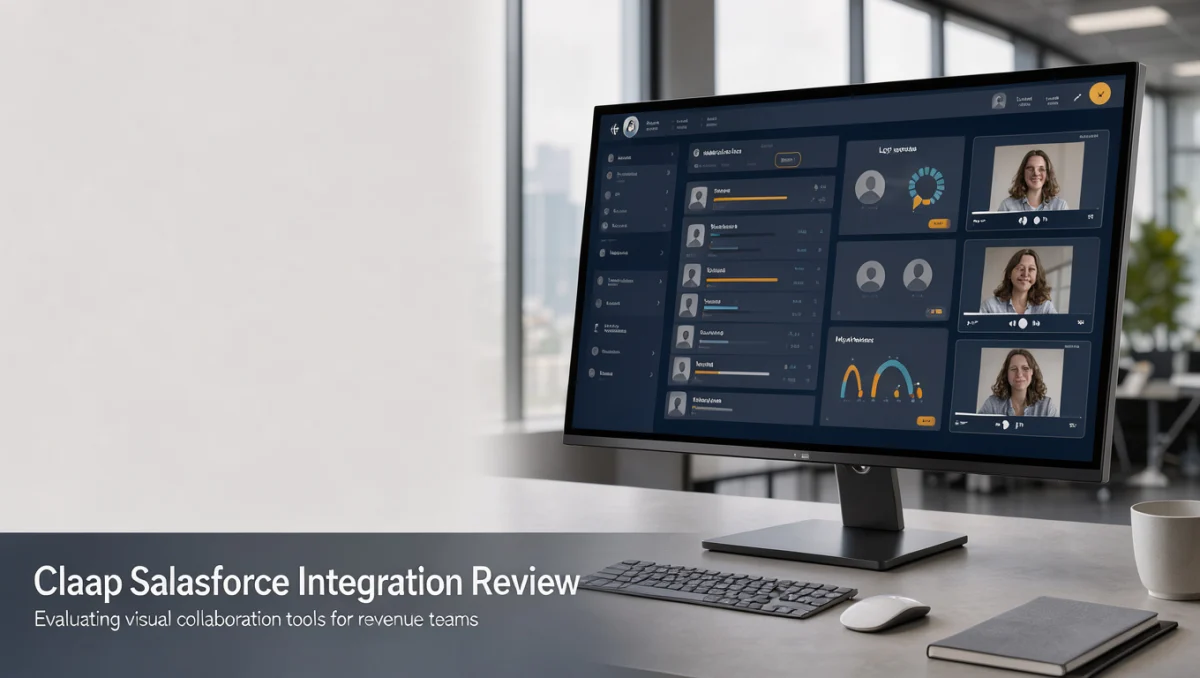
Our editors at EBusiness Reviews evaluate software by how well it fits real revenue workflows. Pairing asynchronous video with customer records raises practical questions about data flow, licensing, and permissions. This assessment walks through those points so you can judge whether the claap salesforce integration suits your team.
Remote sales groups often lose time to back-and-forth scheduling and scattered notes. Attaching visual context to opportunity records can cut some of that routine admin, but only if the mapping between recordings and pipeline stages is planned in advance rather than improvised after rollout.
Quick verdict: The platform scores 7.7 out of 10 in our review. It suits sales organizations and customer success teams that want visual deal documentation inside their CRM. It is a weaker match for solo operators or companies without a disciplined CRM process.
| Metric | Assessment |
|---|---|
| EBusiness Reviews score | 7.7 / 10 |
| Best for | Revenue and customer success teams updating pipelines with recorded visuals |
| Not ideal for | Solo operators or organizations without CRM governance |
| Key strengths | Asynchronous video messaging and meeting documentation |
| Verify before buying | CRM tier requirements and seat sync policies on the official site |
How We Reviewed Claap
We examined what Claap is designed to do, who it serves, and how it compares with alternatives. Our assessment covers features, ease of use, pricing, integrations, audience fit, support, and competitive position. Plans and prices change frequently, so treat any figures here as a starting point and confirm current details on the vendor website. This piece was drafted with AI assistance and then reviewed and edited by the EBusiness Reviews Editorial Team.
What Claap Does and Who Uses It
Claap brings together asynchronous screen recording, short video notes, and meeting intelligence in one workspace. Teams use it to share quick walkthroughs, log client conversations, and gather feedback without booking live calls. Its main audience is remote-first companies, sales groups, and product teams trying to cut meeting volume.
Buyers who work with AI-driven tools often look for automatic transcripts, summaries, and structured notes attached to customer accounts. Claap aims to close that gap by letting teams link visual commentary directly to sales opportunities, which helps keep pipeline activity visible across time zones.
Core Features in the Claap Workspace
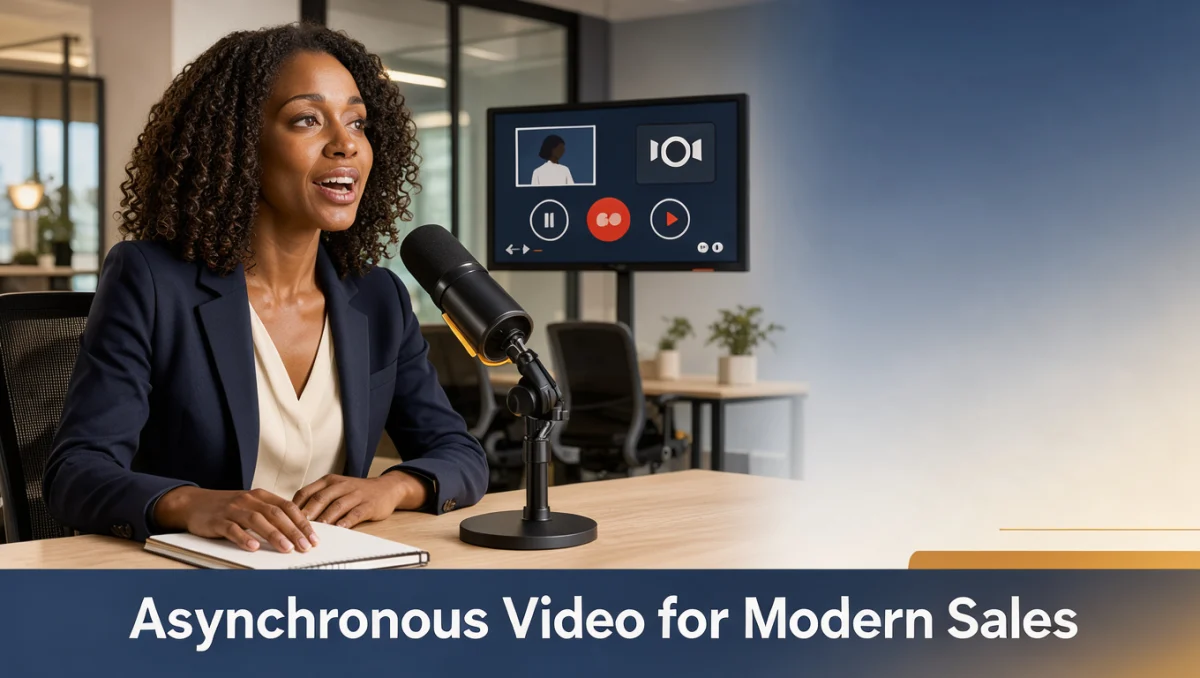
Before committing, it helps to understand how the recording, transcription, and collaboration functions work together and whether they support a predictable handoff between customer recordings and account records.
Video Recording and Screen Capture
Account representatives can record tailored product demos, proposal overviews, and implementation summaries. Viewers can change playback speed and comment at specific timestamps, which lets distributed colleagues review material on their own schedule.
Meeting Intelligence and Transcription
Transcription and summary tools turn spoken conversations into searchable notes. Revenue teams use these to pull out action items, objections, and feature requests from recorded calls. Check the official site to confirm which languages and transcription options cover your customer base.
Collaboration and Workspace Organization
Shared folders and account channels keep customer-facing video material organized. Team members can tag colleagues, assign follow-ups, and reply with inline video or text, building a running record of customer conversations for sales, marketing, and product staff.
Ease of Use and Learning Curve
Asynchronous video tools only pay off if people actually use them. Account executives need to record and share clips quickly during busy sales cycles. Claap's interface emphasizes simple playback controls and clean comment threads, which keeps onboarding light.
Connecting the workflow to an enterprise CRM such as Salesforce adds setup work. Administrators must define sharing rules and check how links appear in opportunity feeds. Authentication usually requires admin permissions, so revenue operations should schedule time to help each representative link their account.
Pros and Cons in Revenue Workflows
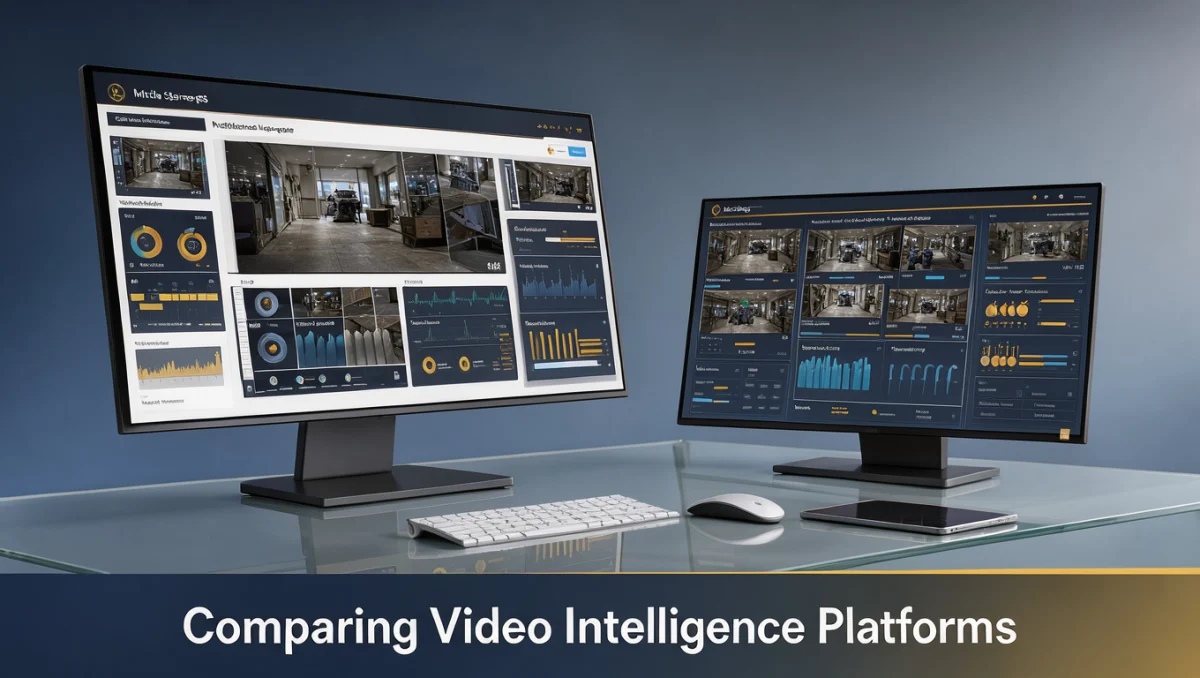
Visual collaboration software brings real gains, but it also creates governance duties. Weigh both before rolling it out.
Operational Advantages
- Asynchronous communication reduces meeting fatigue, both internal and external.
- Video documentation sits alongside written comments and interaction history.
- Timestamped feedback clarifies technical discussions and contract details.
- Structured workspaces help sales and engineering share knowledge.
Practical Limitations
- Teams must consistently record, label, and link videos to get value.
- Advanced CRM synchronization often depends on specific plan tiers, so confirm details on the official pricing page.
- CRM data quality still depends on users following tagging conventions.
Claap Compared with Similar Tools
The video messaging market includes products built for different jobs. Loom concentrates on fast screen recording and broad internal video sharing. Gong targets enterprise revenue intelligence, offering conversation analytics and pipeline risk forecasting for sales leadership.
Claap sits between lightweight screen recording and formal meeting intelligence. Companies that want one workspace for both internal updates and client-facing recordings tend to weigh it against single-purpose recording tools. Review your current stack to decide whether you need enterprise forecasting or flexible team video messaging.
Who Should Use Claap?
How much value a team gets depends on its structure and interaction volume.
Recommended User Profiles
- Mid-market sales teams: Account executives sharing personalized proposal walkthroughs and recording client commitments.
- Customer success managers: Specialists producing onboarding tutorials without repeating live training.
- Distributed product and revenue teams: Cross-functional groups needing visual feedback between sales notes and development.
- Solutions engineers: Technical consultants documenting custom configurations for prospects during evaluations.
When to Consider Alternatives
Solo founders and very small businesses with few customer interactions may get enough from email or basic screen recording. Companies without an active CRM will see limited benefit from CRM-linked workflows. Teams with strict on-premise hosting requirements should confirm fit on the vendor's documentation page first.
How to Choose the Right Plan for CRM Workflows
Vendors adjust tiers, seat allocations, and admin controls over time, so check each requirement against the official pricing page before purchase.
| What to Check on the Official Page | Why It Matters |
|---|---|
| CRM connectivity prerequisites | Enterprise CRM connections are often reserved for higher tiers. |
| User seat and guest access rules | Per-seat billing affects the cost of adding specialists or managers. |
| Video storage and retention policies | Keeping multi-year sales call archives requires enough storage. |
| Administrative and permission controls | Protecting client confidentiality requires granular viewing and sharing rules. |
Frequently Asked Questions
How should teams prepare their CRM before connecting video tools?
Revenue operations should set clear naming conventions and decide which objects, such as leads or opportunities, will receive video links. Doing this before onboarding keeps data consistent across the sales team.
What should buyers review about subscription costs?
Confirm minimum seat commitments, renewal terms, and whether advanced transcription carries separate usage fees. The official pricing page makes it easier to forecast ongoing costs.
Can client-facing video links be shared with external prospects?
Video platforms typically offer public or access-restricted links. Administrators should check sharing settings so internal annotations stay hidden from outside viewers.
How does asynchronous video change deal cycles?
Recorded walkthroughs let decision-makers review proposals on their own time without juggling calendars, which often shortens turnaround on contract questions and technical reviews.
Final Verdict
At EBusiness Reviews, we judge tools on operational transparency and long-term workflow value. The claap salesforce integration gives revenue teams a modern way to connect asynchronous video updates and meeting records with customer tracking. Buyers should verify plan prerequisites and governance rules on the official Claap website, but for teams modernizing remote sales operations, it is a credible option worth shortlisting. For more on Artificial Intelligence tools and related software, explore our other reviews.
| Criterion | Score / 10 | Reason |
|---|---|---|
| Features | 8.0 / 10 | Strong recording, transcription, and collaboration set |
| Ease of Use | 8.5 / 10 | Simple playback and comment flow |
| Pricing and Value | 7.5 / 10 | Value depends on tier and seat needs |
| Integrations | 7.0 / 10 | CRM linking needs setup and admin rights |
| Audience Fit | 8.5 / 10 | Well matched to remote sales and CS teams |
| Support | 7.0 / 10 | Adequate; verify response options before buying |
| Competitive Position | 7.5 / 10 | Sits between simple recorders and enterprise analytics |
Overall score: 7.7 / 10
For guidance on choosing business software or to send us questions about workflow tools, contact our editorial staff at https://ebusinessreviews.net/contact/ or follow EBusiness Reviews on LinkedIn at https://www.linkedin.com/company/ebusinessreviews/.