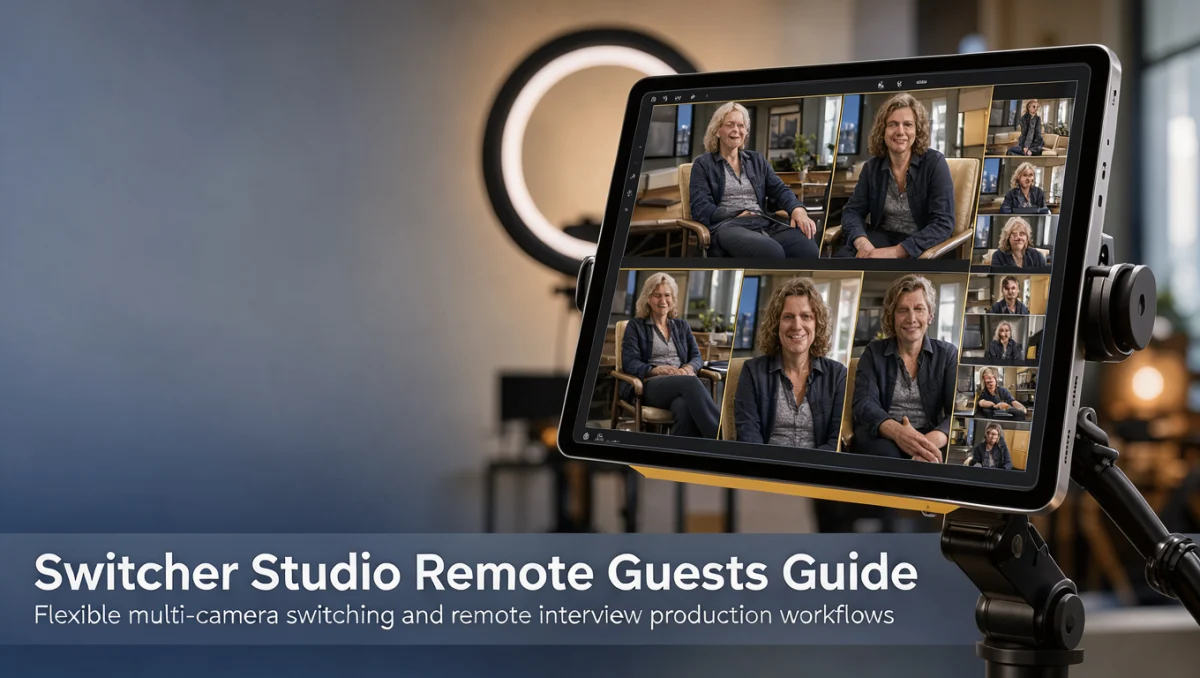
Bringing an outside interviewee into a live multi-angle show does not require everyone to sit in the same room. Switcher Studio remote guests features let creators invite participants through a browser link and place them alongside local cameras. At EBusiness Reviews, we look at how this workflow holds up in day-to-day production, from connection stability to how clearly the interface guides the host.
Guests who join from different locations bring their own lighting, microphones and internet speeds. The host has to keep framing consistent, balance voices from several sources and keep the program output clean. These are the practical problems any wireless switching tool must solve when offsite contributors are part of the show.
Quick verdict: With an overall score of 7.8/10, Switcher Studio suits creators, educators and small teams that want flexible wireless switching with remote interviews. Organizations that depend on dedicated desktop capture cards or SDI infrastructure will likely need a different setup.
| Metric | Evaluation |
|---|---|
| ebusinessreviews score | 7.8/10 |
| Best for | Creators and small media teams running live interviews and multi-camera shows on mobile devices |
| Not ideal for | Enterprises that need hardware control surfaces or physical SDI routing |
| Key strengths | Wireless multi-source switching, browser-based guest links, graphic overlays |
| Check before buying | Guest capacity limits and audio routing rules on the official Switcher Studio pricing page |
1. How We Reviewed Switcher Studio
We assessed the platform against seven criteria: features, ease of use, pricing and value, integrations, audience fit, support and competitive position. Plans and limits change often, so treat our notes as a starting point and confirm the current details on the official website before purchasing. This article was researched and drafted with AI assistance, then reviewed and edited by the ebusinessreviews Editorial Team.
2. What Switcher Studio Is and Who It Serves
Switcher Studio is a multi-camera production and live broadcasting app from Switcher Inc. It turns compatible portable devices into synchronized cameras and a switching console. Instead of running heavy cables across a venue, operators connect wireless cameras, add branding assets and go live to online destinations.
The remote guest feature is aimed at solo interviewers, nonprofit communicators, and corporate media teams producing talk shows, webinars and panels. Offsite participants do not need specialized hardware; they join through a standard web browser. Anyone running regular remote conversations can judge whether portable switching offers enough control compared with a traditional control room.
3. Core Features for Live Production and Guest Management
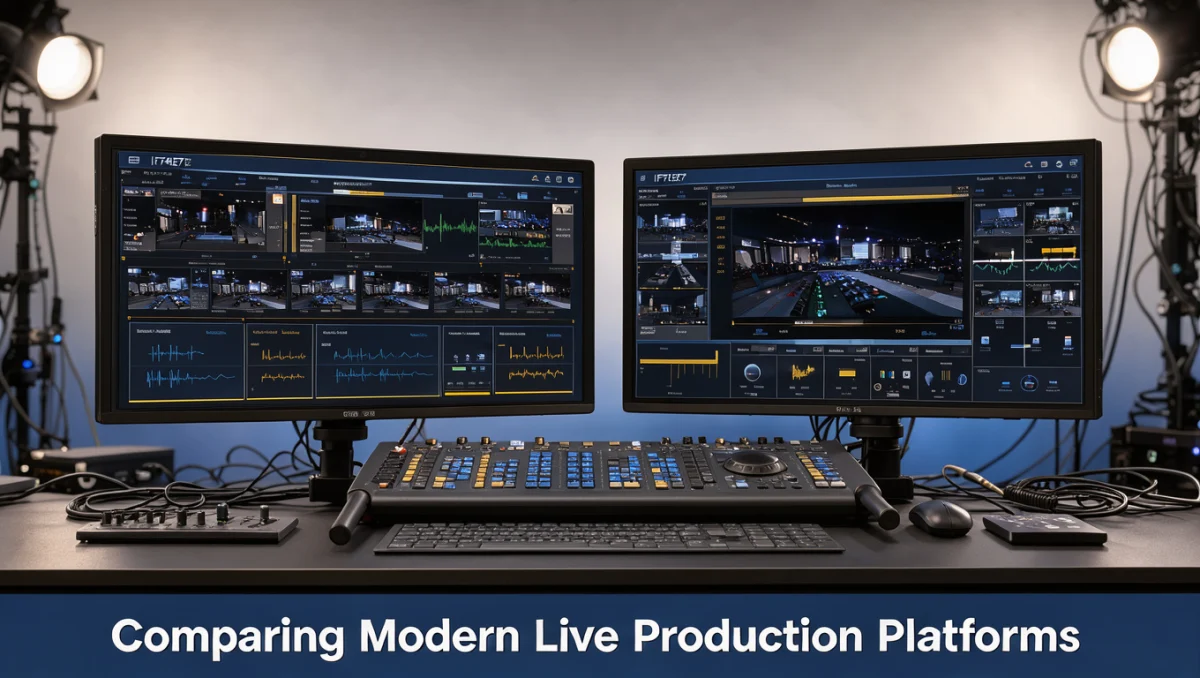
Live production software combines signal switching, asset display and stream management. Judging how remote guests are handled means looking at how audio, video and branding elements work together.
3.1. Multi-Source Switching and Synchronization
The central workflow is monitoring several camera feeds at once and cutting between them. A preview window shows the next shot while the program window shows what is live. Operators choose inputs, run transitions and arrange assets on screen. Wireless sync lets cameras at different angles feed the console without physical tethering.
3.2. Remote Participant Feeds and Invitation Links
External interviewees are added by generating an invitation link from the dashboard. Guests open the link in a browser on their own computer or phone. The host sees incoming signals before deciding which one goes to air. This makes live interviews, panel discussions and presentations possible across distant locations.
3.3. On-Screen Graphics, Lower Thirds and Overlays
Context-rich broadcasts rely on graphics. The platform supports lower-third title cards, name tags, full-screen image cards and logos. Teams prepare assets in advance and trigger them during the conversation. Name captions for remote guests help viewers keep track of speakers in fast panel discussions.
3.4. Audio Monitoring and Feed Management
Audio from several locations is harder to balance than audio from one room. Level indicators show activity for each video input, remote callers included. Operators adjust incoming gain, mute idle microphones and check program output. Keeping the host mic and guest feeds at similar levels avoids sudden volume jumps for the audience.
4. Ease of Use and Production Workflow
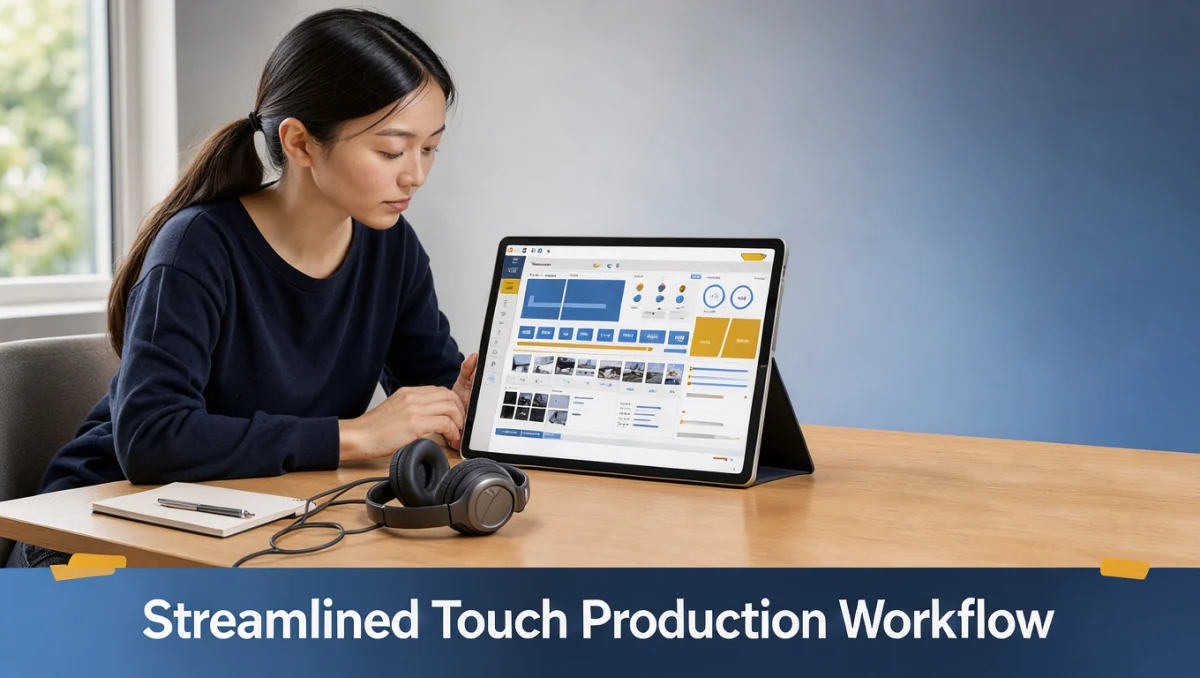
Mobile-first switching relies on touch controls rather than physical buttons or dense desktop menus. A show with offsite guests usually follows a simple sequence that keeps technical friction low during recording.
- Set up templates by uploading logos, lower-third graphics and title slides to the asset library.
- Create guest invitation links in the workspace and send them to interviewees ahead of time.
- Move participants into the virtual waiting room to check framing, lighting and audio.
- Choose split-screen or picture-in-picture layouts to place the host and guests side by side.
- Share cues through the built-in chat or audio talkback before starting the stream.
- Switch between speaker angles, multi-view frames and graphics during the session.
Running real-time switching while also interviewing takes practice. Solo creators who handle both jobs may feel a heavy load at first. Teams that give switching to a dedicated operator usually get smoother pacing, leaving the host free to focus on the conversation.
5. Switcher Studio Pros and Cons
Any production platform has to be judged on its strengths against its hardware and environmental limits.
5.1. Advantages of Portable Switching
- Delivers multi-angle broadcasts without bulky production towers or capture hardware.
- Makes guest onboarding easy: participants use a browser link instead of installing streaming software.
- Includes built-in graphic overlay management for titles and sponsor logos.
- Offers split-screen arrangements that make remote interviews look structured and polished.
5.2. Limitations and Operational Challenges
- Video quality depends heavily on local wireless performance. Unstable bandwidth can cause artifacts, so a dedicated private Wi-Fi network helps prevent drops.
- Decoding several camera feeds and processing graphics puts real strain on mobile batteries. Keep devices on continuous power to avoid shutdowns during long shows.
- Browser-based guests can add latency depending on their home connections. Run pre-show tech checks to catch audio delays before going live.
6. Switcher Studio Compared With Alternative Tools
Broadcasters weigh Switcher Studio against several kinds of production platforms, from lightweight cloud dashboards to advanced desktop hardware suites.
| Platform | Best For | Core Strength | Consider If |
|---|---|---|---|
| Switcher Studio | Mobile creators and agile teams | Wireless portable multi-camera switching | You want a setup built around portable mobile devices |
| StreamYard | Remote podcasters and talk shows | Pure browser-based studio management | You run interviews entirely from desktop computers without mobile camera switching |
| vMix | Advanced broadcast engineers | Extensive hardware capture and SDI routing | You need dedicated Windows hardware with high-capacity video input cards |
| OBS Studio | Technical live streamers | Open-source modular customization | You can configure open-source encoding and local plugins yourself |
Compared with cloud talk-show studios such as StreamYard, Switcher Studio centers on local multi-camera capture from mobile devices. Teams that want roaming field cameras alongside remote callers find this approach practical. Organizations that need high-end hardware inputs, motorized PTZ cameras or complex physical routing are more likely to choose a desktop system such as vMix.
7. Who Should Choose Switcher Studio
Different production styles need different capabilities. The right platform depends on your team and goals.
7.1. Solo Creators and Independent Podcasters
Solo interviewers benefit from a simple interface. Reusable graphics and layout templates make it quick to launch a recurring interview show. Solo operators should practice switching while speaking so the conversation stays natural.
7.2. Small Business Marketing Teams
Marketing departments producing product demos, customer case-study interviews and internal town halls get an approachable tool. Teams can publish branded live content without hiring an outside crew or buying a permanent studio.
7.3. Educators and Workshop Facilitators
Instructors running interactive workshops can aim one camera at a physical demonstration, another at themselves, and bring in remote guest lecturers. Side-by-side feeds help online students stay engaged.
7.4. When to Consider Other Platforms
Organizations with permanent studios built on fixed SDI or NDI cabling, dedicated hardware switchers and high-end studio cameras should evaluate professional desktop encoding systems. Teams that do not need multi-camera mobile switching and only hold simple remote conversations may be better served by browser-based meeting rooms.
Readers comparing production ecosystems can find independent assessments on EBusiness Reviews to match software to their studio setup.
8. How to Choose the Right Subscription
Video production plans differ in feature allowances, asset storage and remote participant capacity. Reviewing your needs in advance helps avoid limits in the middle of a broadcast.
| What to Check on the Official Website | Why It Matters |
|---|---|
| Remote guest capacity limits | Streaming tools often cap simultaneous offsite callers by plan level |
| Output resolution specifications | High-definition output may be restricted to certain account plans |
| Cloud video storage allowances | Storing recordings and media on the vendor platform may carry caps |
| Custom RTMP destination permissions | Streaming to unlisted servers or specialized platforms may require specific access |
| Brand asset upload parameters | Confirm how many overlays, clips and audio tracks you can store at once |
Vendors adjust plans from time to time. Review the official Switcher Studio plan comparison before buying to confirm your guest count and output destinations fit the tier you choose.
9. Frequently Asked Questions
What equipment do I need to host remote guests well?
You need a stable production device, a reliable internet connection and headphones for audio monitoring. Guests only need an internet-connected computer or phone with a working camera, microphone and web browser. External microphones for both host and guests noticeably improve sound quality.
How can I prevent audio echo during remote interviews?
Echo happens when a guest's open microphone picks up the program audio and loops it back. Ask every remote participant to wear headphones or earphones. Check each guest's audio levels in the waiting room before bringing them live.
What internet speeds keep the video smooth?
Streaming platforms recommend high-speed connections with solid upload bandwidth. The host receives several incoming feeds while sending the program output, so a dedicated Wi-Fi network or wired adapter helps prevent packet loss. Guests also need steady upload speeds to keep video sharp.
How do hosts communicate with guests before going live?
Most tools include a private green room where hosts and guests can talk before the program feed starts. Use it to check lighting, framing and audio. Hosts can give verbal cues or send text messages inside the platform without interrupting the public stream.
What affects the overall cost of video switching tools?
Pricing usually depends on participant capacity, advanced branding features and cloud storage. Check the official Switcher Studio pricing page to see whether team seats, custom streaming destinations or extended archive storage require separate add-ons.
10. Final Verdict on Switcher Studio Remote Guests
Switcher Studio offers a cohesive production environment that connects mobile multi-camera switching with remote guest interviews. By turning handheld devices into synchronized cameras, it removes much of the equipment barrier that has traditionally made multi-angle live video expensive.
| Criterion | Score /10 | Reason |
|---|---|---|
| Features | 8.2/10 | Strong wireless switching, graphic overlays and browser-based remote guest integration |
| Ease of Use | 8.7/10 | Intuitive touch-based interface that sets up quickly without heavy cabling |
| Pricing and Value | 7.1/10 | Needs careful comparison of plan tiers against caller limits and storage needs |
| Integrations | 7.0/10 | Connects to major social streaming destinations, with advanced options depending on plan |
| Audience Fit | 8.6/10 | Well matched to mobile creators, educators and agile marketing teams |
| Support | 7.3/10 | Offers thorough documentation and standard ticket channels for troubleshooting |
| Competitive Position | 7.8/10 | Occupies a distinct niche by combining mobile multi-camera switching with remote interview calls |
Overall score: 7.8/10
For teams that want a portable broadcast studio able to bring offsite speakers into live conversations, Switcher Studio offers a balanced and approachable workflow. Confirm your guest capacity needs on the official website before subscribing.
Questions about setting up your live broadcast? Reach out through our contact page or follow the ebusinessreviews team on LinkedIn for updates.
See More Collaboration & Productivity