Some links on this page may earn EBusiness Reviews a commission when you buy through them, at no extra cost to you. Our ratings are never affected.
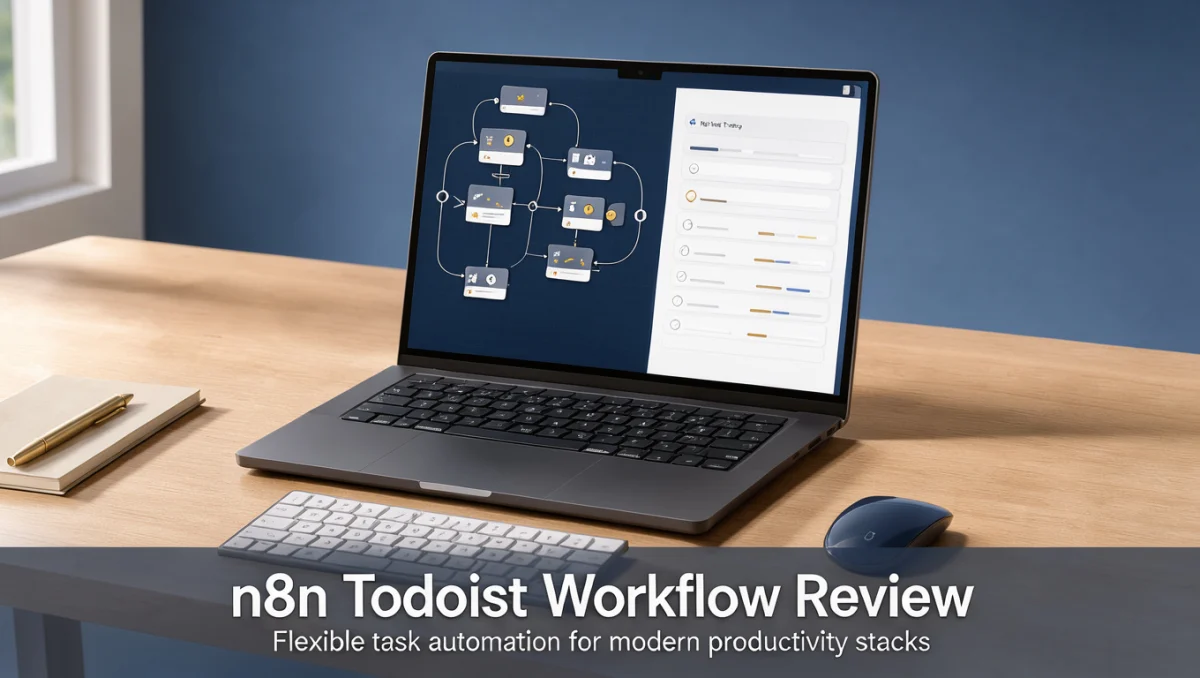
Pairing n8n with Todoist brings node-based workflow automation together with structured task management. For busy knowledge workers, this combination reduces the constant juggling between project boards, chat threads, and calendars. Our analysis shows that routing events into task lists through automated logic lets recurring duties run with far less manual effort.
Deciding whether this setup fits your working style means weighing technical flexibility against the effort it takes to maintain. Workflow engines reward you with deep configuration options, while task apps prioritize simplicity and quick visibility. Set up thoughtfully, the pairing connects high-level planning with automatic execution across different tools.
Quick verdict: n8n Todoist earns an overall rating of 8.0/10 for its flexible workflow routing and dependable task synchronization. It suits operators and technical professionals who want tailored automation across their productivity stack. It is less suited to casual list makers who prefer a self-contained app and have no interest in maintaining workflows.
| Metric | Evaluation |
|---|---|
| EBusiness Reviews score | 8.0/10 |
| Best for | Teams creating tasks from multi-channel alerts and structured operations |
| Not ideal for | Solo users who only keep short personal checklists with no external data streams |
| Key strengths | Flexible node-based data routing, customized scheduling, and two-way item syncing |
| What to check before buying | Confirm execution limits and webhook delivery options on the official vendor websites |
How EBusiness Reviews Evaluated n8n Todoist
This review examines what n8n Todoist is designed to do, who it serves, and how it stacks up against similar tools. We assessed it against seven EBusiness Reviews criteria: features, ease of use, pricing and value, integrations, audience fit, support, and competitive position. Plans, prices, and limits change frequently, so we highlight what to verify on the official website before purchasing. This article was researched and drafted with the help of AI tools, then reviewed and edited by the EBusiness Reviews Editorial Team.
What Is n8n Todoist and Who Is It For
n8n Todoist refers to the functional pairing of a node-driven workflow automation platform with a centralized digital task organizer. The main purpose is to eliminate repetitive manual work by capturing events from external sources and turning them into actionable tasks. Rather than copying project updates or form submissions into personal boards by hand, automated flows handle data parsing, due date assignment, and label organization.
Workflow automation platforms listen for trigger events and move structured data through a sequence of processing steps. Within collaboration and productivity ecosystems, these systems help individual contributors and cross-functional teams keep task priorities aligned with the systems where work originates. When tickets or system notifications arrive, automated logic determines project placement, priority weighting, and task descriptions without manual entry.
The target audience includes operations coordinators, software engineers, digital product teams, and technical freelancers who keep organized task pipelines across several platforms. Organizations already relying on structured databases, webhooks, and asynchronous chat applications find real value in standardizing how assignments are registered. By contrast, people who want a simple standalone scratchpad with no external connections gain little from building technical workflow sequences.
Core Features of Workflow Task Automation
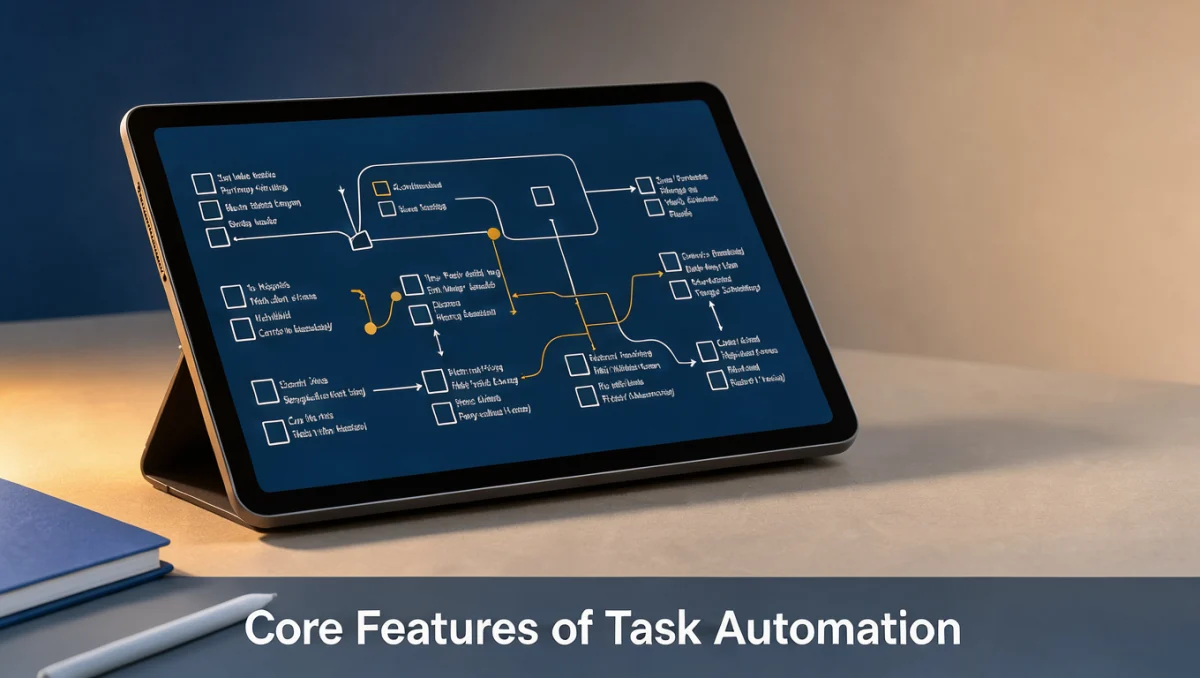
Evaluating automated workflow architecture means examining how trigger nodes, data mapping routines, and action steps work together. Connecting a programmable logic engine with an established task database creates distinct capabilities for managing personal and collaborative workloads.
Event Triggers and Task Creation
Automated task generation starts when a designated external trigger occurs in a connected system. Workflow logic evaluates incoming payloads from web forms, support queues, or system alerts, then creates new entries in designated task lists automatically. Users configure mapping parameters so critical metadata, such as context notes and resource links, populates the description fields of the generated tasks.
Data Manipulation and Field Enrichment
Between initial data capture and task creation, intermediate nodes let users filter, reshape, and enrich incoming information. Conditional branches evaluate incoming parameters, sending urgent items to high-priority lists while routing routine items into general backlogs. String transformations, date calculations, and array processing ensure that task due dates match incoming appointment timestamps precisely.
Status Synchronization and Updates
Two-way data flows ensure that completing or modifying a task in one environment updates the corresponding records in operational databases. Status changes can notify team channels, mark records as resolved in tracking tables, or trigger follow-up calendar blocks. Keeping individual task views and shared repositories in sync removes the need to update duplicate trackers across separate applications.
Ease of Use and Learning Curve
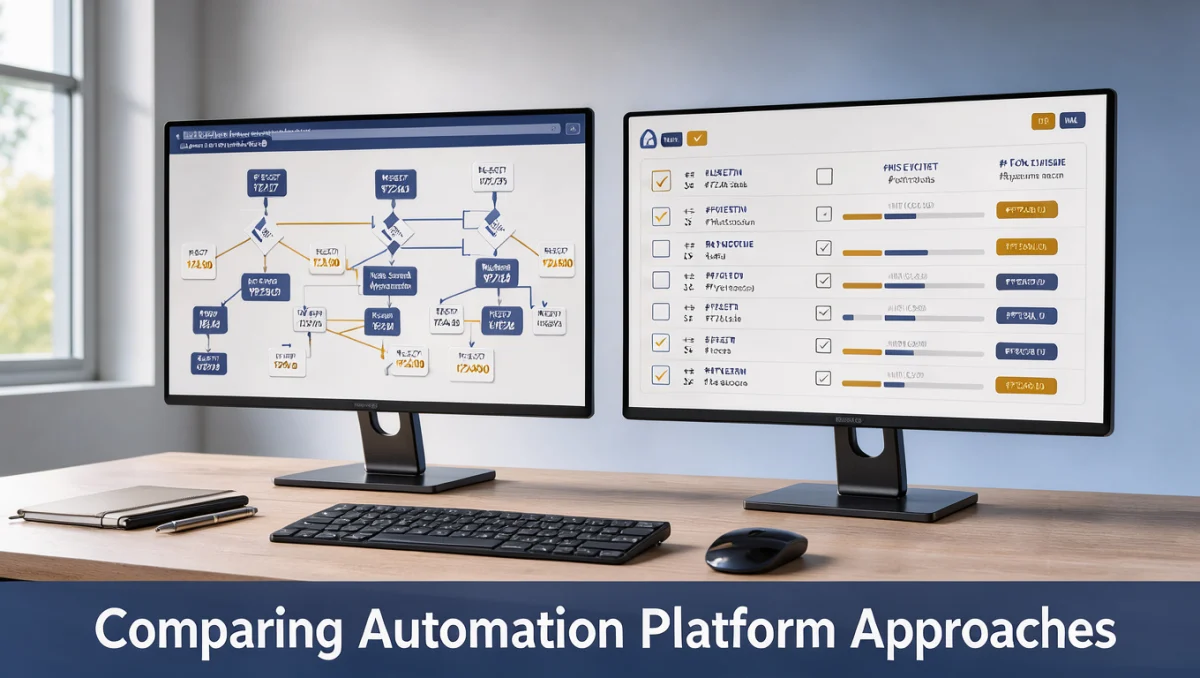
Setting up n8n Todoist automation involves working with visual node canvases, credential authentication, and data parsing structures. Beginners accustomed to simple point-and-click interfaces often face an adjustment period when configuring data paths and testing payloads. Successful adoption depends largely on familiarity with core concepts such as key-value pairs, webhook delivery, and conditional logic.
Visual building interfaces make each workflow step transparent by displaying execution paths and incoming payloads on screen. Users can run step-by-step executions, inspect raw data objects, and confirm that fields align correctly before activating live schedules. While this visibility helps diagnose errors, maintaining complex multi-branch routines still requires structured testing and disciplined naming conventions.
Organizations introducing automated task generation should expect a learning curve centered on data maintenance rather than interface navigation. Changes to project names, labels, or external form schemas can disrupt existing automations if field definitions change unexpectedly. Documenting workflows and adopting standard naming conventions helps reduce administrative friction as team automation portfolios grow.
Pros and Cons
Understanding the balance between customization and maintenance responsibility clarifies whether this automation pairing fits your operational context.
Advantages
- High configuration flexibility allows tailored data filtering, parsing, and conditional branching.
- Visual node representations make it easier to locate processing bottlenecks and debug failed workflow executions.
- Two-way data exchanges help keep individual to-do lists in sync with organizational databases and alert systems.
- Reduced manual data duplication frees time for substantive analysis and execution work.
Limitations and Considerations
- Initial configuration requires understanding of structured data parameters, webhooks, and authentication mechanisms.
- Schema changes in external source applications can interrupt automated task creation until workflows are adjusted.
- Ongoing maintenance is needed to audit active credentials and confirm background automation routines run as expected.
n8n Todoist vs Similar Tools
Comparing task automation options means looking at alternative automation engines and dedicated task management solutions across the market. The broader ecosystem offers several distinct approaches to connecting productivity software, ranging from rigid pre-built connectors to highly configurable open workflow engines.
| Platform Pairing | Target Audience | Primary Focus | Consider If |
|---|---|---|---|
| n8n Todoist | Technical builders and operations professionals | Configurable logic, flexible data transformation, and custom branching | Your workflows require detailed data enrichment and intermediate logic |
| Make Todoist | Visual automators and marketing teams | Pre-structured graphical integrations with template-driven setups | Your team prefers drag-and-drop workflow assembly with visual data pickers |
| Zapier Todoist | Business professionals and non-technical staff | Direct application connections requiring minimal data transformation | Your team wants quick setup for standard single-step task creation triggers |
Zapier emphasizes rapid, straightforward connections built for business users who want immediate event-to-action pairs without complex data manipulation. Make offers visual workflow design with strong template support, appealing to digital marketers and small teams coordinating web applications. n8n Todoist stands out for operators who need full control over data payloads, custom JavaScript functions, and flexible execution environments.
Who Should Use n8n Todoist
Matching automation workflows to specific roles ensures that time spent on initial setup produces tangible productivity gains.
Freelancers and Solopreneurs
Independent professionals managing client communication, project delivery, and administration benefit from automated task capture. Inquiries arriving through portfolio contact forms or payment receipts can generate structured follow-up items with pre-assigned tags. This setup lets solo operators stay responsive to clients without manually sorting incoming messages.
Operations Managers and Small Business Owners
Small teams handling multi-channel workflows gain value from centralizing operational reminders in a single reliable task board. Inventory alerts, high-priority support escalations, and contractor onboarding milestones can populate team workspaces predictably. Consolidating administrative events into designated projects keeps internal teams aligned on operational priorities.
Software Developers and Technical Marketers
Technical specialists who work with code repositories, continuous integration pipelines, and analytics webhooks appreciate structured data routing. Failed build notifications or specific error logs can be filtered so only actionable bugs generate tickets in assigned projects. This reduces notification fatigue and keeps daily development priorities clearly visible.
Users Who Should Avoid This Setup
People who only need an occasional grocery list, a basic daily agenda, or informal notes should skip building automated pipelines. Setting up and maintaining automation credentials adds unnecessary overhead when manual entry covers daily needs. Dedicated notebook apps or native reminders offer more immediate convenience for strictly personal, low-volume checklists.
How to Choose the Right Plan and Deployment Strategy
Both workflow automation tools and task management platforms use multi-tier subscription structures with varying execution allowances. Evaluating your deployment requirements and expected volumes beforehand helps prevent unexpected service interruptions.
| What to Check | Why It Matters |
|---|---|
| Execution and trigger frequencies | Automations that run on frequent polling schedules consume allowances faster than event-driven webhooks. |
| Data payload transformation capabilities | Complex array formatting and custom code nodes may require specific hosting or account levels. |
| Project and collaborator limits | Sharing tasks across team boards requires checking workspace seat allocations on the official vendor website. |
| Credential and authentication renewal terms | Long-running automations need stable API token permissions that do not expire unexpectedly during background runs. |
| Task attachment and history retention policies | Reviewing retention policies ensures archived task notes and automated attachments stay accessible over time. |
Frequently Asked Questions
What skills are needed to set up automated task creation workflows
Basic familiarity with structured data concepts such as JSON formatting, webhook URLs, and conditional logic is helpful. Visual mapping canvases guide users through linking input fields to task descriptions, but debugging unexpected errors requires understanding how data payloads move between endpoints.
How can teams keep task lists from becoming cluttered with automated entries
Adding strict filtering nodes before task creation steps ensures only meaningful, actionable events generate items. Clear priority flags, specific project tags, and distinct labels set within the automation sequence help separate automated items from manual tasks.
What should buyers check regarding execution limits across automation services
Prospective users should review official plan tiers to understand how monthly execution counts, polling frequencies, and active workflow limits are measured. High-frequency workflows that repeatedly inspect data streams can exhaust allowances if they are not designed around event-driven webhooks.
Why might an automation stop creating tasks unexpectedly
Interruptions usually stem from expired API tokens, renamed source fields, or temporary network timeouts between connected services. Reviewing workflow execution logs on the automation canvas helps pinpoint the step where data validation or authentication failed.
Final Verdict
Combining n8n and Todoist gives teams a capable, flexible framework for turning external notifications and operational events into organized task backlogs. By blending visual data mapping with straightforward task tracking, teams keep clear oversight of incoming responsibilities without tedious manual copying. Operators should weigh the technical investment of initial setup against their recurring workflow complexity to ensure this automation strategy delivers lasting productivity value.
| Criterion | Score /10 | Reason |
|---|---|---|
| Features | 8.5/10 | Advanced node logic, filtering, and customizable data transformations provide thorough workflow control. |
| Ease of Use | 7.0/10 | Visual canvases help with setup, but managing payloads and webhooks presents a noticeable learning curve for non-technical users. |
| Pricing and Value | 8.0/10 | Offers scalable operational efficiency, though users should confirm execution volume limits on official plan pages. |
| Integrations | 8.5/10 | Broad connectivity across modern cloud services lets diverse external triggers generate organized tasks. |
| Audience Fit | 8.5/10 | Aligns well with operations staff, technical freelancers, and developers who manage multi-source responsibilities. |
| Support | 7.5/10 | Vendor documentation and community resources offer helpful guidance for common workflow patterns. |
| Competitive Position | 8.0/10 | Delivers more configuration freedom than rigid connectors, making it appealing for custom operational setups. |
Overall score: 8.0/10
For professionals who want customized task generation without rigid template restrictions, building workflows between these platforms provides dependable operational clarity. Map out your event triggers, verify execution quotas on official vendor portals, and establish consistent labeling rules before deploying automated pipelines across your team.
Readers with questions about automation architecture or productivity stack evaluation are welcome to contact our team at EBusiness Reviews, or connect with EBusiness Reviews on LinkedIn.
See More Collaboration & Productivity