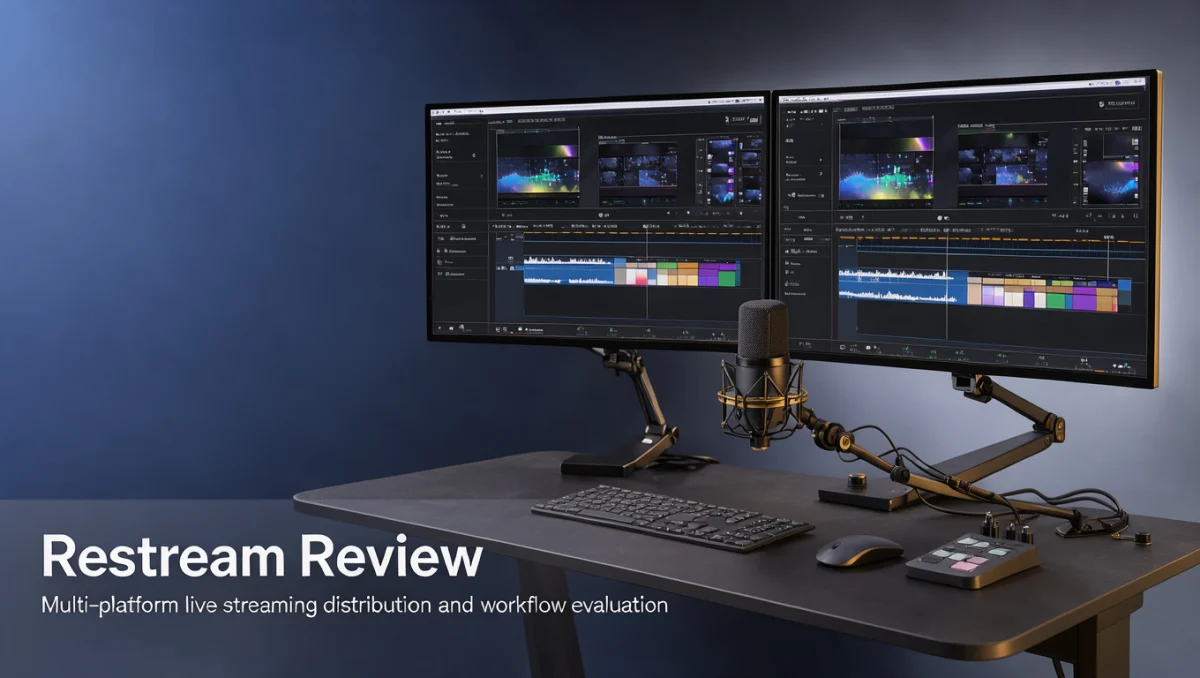
Creators and organizations increasingly push live video to several networks at once, and multistreaming software has become the simplest way to do it from a single control point. Our restream review examines how this category supports modern broadcasting, which capabilities matter most, and what buyers should weigh before paying for a subscription.
Each evaluation follows the seven criteria used across EBusiness Reviews: features, ease of use, pricing and value, integrations, audience fit, support and competitive position. Plans and limits shift frequently, so this guide highlights what to confirm on the official site before committing.
Live productions depend on steady delivery, organized viewer engagement and a setup that doesn't pull attention away from the presenter. Matching a platform to your content goals means balancing ease of setup against subscription structure and technical overhead.
Quick verdict: Scoring 7.8/10 in our assessment, Restream offers a capable multistreaming environment for creators, business hosts and event organizers who want simultaneous distribution to several destinations. Teams that need advanced multi-camera switching or complex on-premise hardware should test their technical requirements first.
| Evaluation Factor | Details |
|---|---|
| ebusinessreviews score | 7.8/10 |
| Best for | Solo broadcasters, media teams and community leaders presenting live to several online audiences at once. |
| Not ideal for | Organizations that want dedicated physical switching gear or need intricate localized video routing. |
| Key strengths | Simultaneous multi-destination streaming, combined chat management and browser-based production. |
| What to check before buying | Destination limits on the official Restream pricing page, audio routing support and channel reconnection rules. |
1. How ebusinessreviews Reviewed Restream
This review covers what Restream is designed to do, who it serves and how it stacks up against comparable tools, measured against the seven ebusinessreviews criteria. Because pricing and plan details change regularly, we flag the points to verify on the official website. The article was researched and drafted with AI assistance, then reviewed and edited by the ebusinessreviews Editorial Team.
2. What Is Restream and Who Is It For?
Restream is a multi-platform live streaming service built to send one video feed to several channels at the same time. Rather than running multiple encoders or maintaining separate upload connections, a broadcaster sends a single incoming stream and the service replicates it to every configured endpoint. For creators exploring the broader Collaboration & Productivity category, understanding stream replication makes audience growth across different social ecosystems far easier.
The service targets independent creators, corporate communication teams, educational institutions, podcasters and nonprofit organizations. By centralizing the pipeline, hosts can engage viewers on separate networks without juggling several broadcast windows during a session.
3. Core Features of Restream
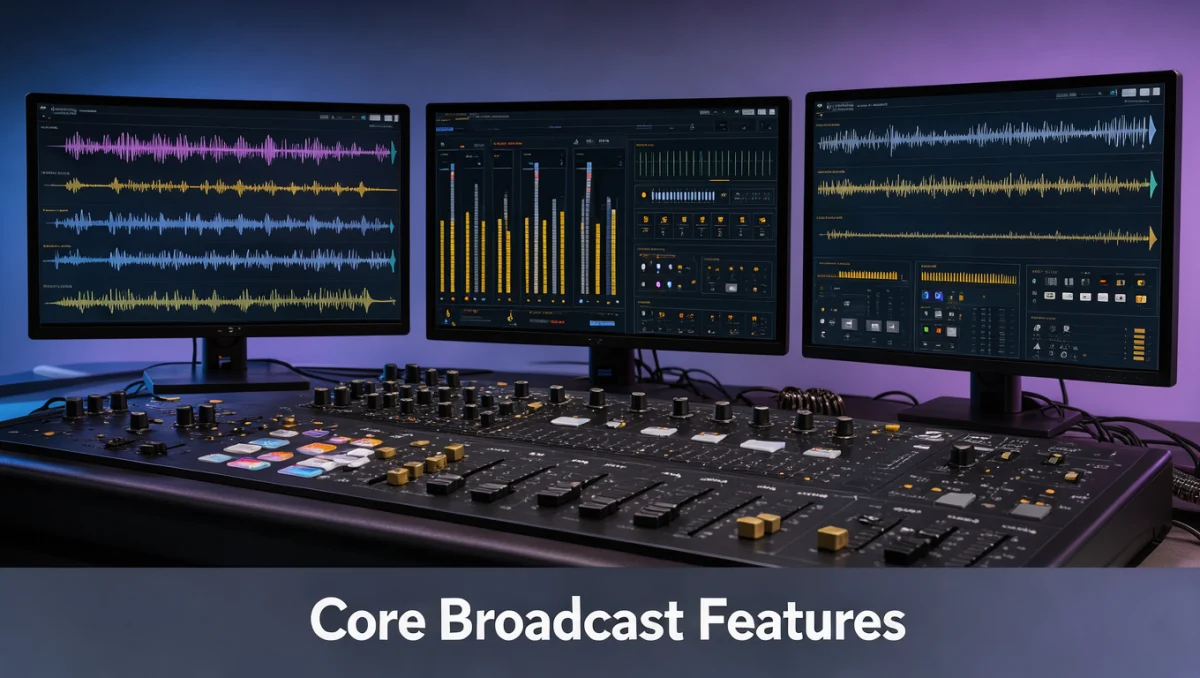
Restream focuses its design on streamlining live distribution and audience interaction. Broadcasters judge tools in this category by how well they connect incoming video to destination endpoints while keeping day-to-day operation manageable.
3.1. Multistreaming and Destination Management
Multistreaming is the core of Restream. Operators link several destinations, such as video sharing sites, professional networks and community channels, then switch individual targets on or off before going live. Upload load stays on a single outgoing connection rather than multiplying with each destination. Because destination allowances vary by subscription level, buyers should confirm channel counts and custom destination policies on the official Restream website.
3.2. Browser-Based Studio Production
Restream includes a browser studio that lets users run broadcasts directly from a web browser without installing external encoding software. Hosts can invite remote guests through a shared link, arrange on-screen graphics, present slides and position visual overlays. The studio suits talk shows, team announcements and panel discussions where fast setup matters more than complex local scene switching.
3.3. Consolidated Chat Aggregation
Tracking live comments across several platforms can overwhelm a solo host. Restream gathers viewer messages from connected destinations into one chat window, so presenters and moderators can follow the conversation in a single feed. Selected comments can also be displayed on the broadcast screen to encourage participation.
3.4. Pre-Recorded Stream Scheduling
Beyond live camera work, Restream can schedule recorded video to premiere as a live event. Teams upload finished files, select channels and assign dates and times for automatic transmission. This workflow suits product launches, webinars across multiple time zones and recurring educational programming.
4. Ease of Use and Learning Curve
Restream keeps destination setup separate from active production controls. New broadcasters can link primary channels through standard authentication prompts rather than manually entering RTMP server credentials for common platforms. Essential tools such as camera activation, screen sharing and guest management sit in clearly organized navigation bars.
The learning curve is gentle for basic interviews and solo presentations. Broadcasters who prefer external encoding software can send their video into Restream using standard stream keys, keeping their preferred production tools while the platform handles distribution. For complex multi-participant scenes or detailed graphics, hosts should allow time to practice layout adjustments before going live.
5. Restream Pros and Cons
Every software category involves trading operational convenience against production depth. The points below help broadcasters weigh Restream for regular production schedules.
5.1. Restream Pros
- Simultaneous broadcast routing reduces local processing demands and bandwidth strain.
- Unified chat aggregation simplifies viewer interaction across separate social networks.
- The browser studio removes the need to install a desktop encoder for basic formats.
- Pre-recorded scheduling helps organizations run automated events across different global time zones.
- Guest invitation links let remote participants join without specialized streaming knowledge.
5.2. Restream Cons
- Advanced graphic customization and multi-layer compositions are less flexible than dedicated local encoding suites.
- Broadcast reliability depends heavily on third-party platform API stability and token refresh behavior.
- High-resolution streaming and extended recording storage often require higher-tier subscriptions.
6. Restream vs Similar Tools
The live video software market offers many solutions built for different production scales. Restream centers on multi-destination distribution and straightforward web-based production, setting it apart from tools focused on local hardware mixing or video conferencing.
StreamYard is a common point of comparison. It emphasizes browser-based guest interviews, on-screen branding and accessible talk show production for teams without technical specialists. Where StreamYard prioritizes studio collaboration, Restream is built around broad multi-channel distribution and routing flexibility. Organizations should confirm which destinations each platform supports natively before deciding.
Desktop encoders such as OBS Studio give full control over audio mixing, visual filters, plugins and scene transitions without recurring subscription fees. However, OBS Studio requires real technical familiarity and sends to a single destination natively unless paired with plugins or a cloud routing service like Restream. Many professional operators combine both, using OBS Studio for local scene building and Restream as the outbound distribution layer.
7. Who Should Use Restream?
Matching the tool to the audience prevents overspending on unnecessary capacity or choosing software that falls short of production needs.
7.1. Content Creators and Podcasters
Solo creators building audiences across several social platforms benefit from broadcasting everywhere at once. Podcasters can record video interviews with remote guests while engaging diverse communities through one chat screen.
7.2. Small Businesses and Marketing Teams
Marketing departments running product demos, industry roundtables or customer updates can reach prospects across professional networks and general video channels together. Scheduled pre-recorded presentations let these teams keep a consistent event calendar without a presenter on hand for every session.
7.3. Nonprofits and Educational Organizations
Community groups and educational bodies often serve audiences spread across different digital networks. Restream lets these institutions share lectures, services and community forums widely without buying expensive physical production equipment.
7.4. When Another Solution Makes More Sense
Large broadcast operations with dedicated control rooms, multi-camera SDI switchers and isolated network infrastructure may find cloud-based multistreaming too restrictive. Teams that only ever stream to one platform also gain little from multi-destination routing.
8. How to Choose the Right Plan

Subscription models for multistreaming usually scale with destination counts, resolution limits, recording storage and team seats. Reviewing the official Restream pricing page helps organizations avoid unexpected production constraints.
| What to check on the official Restream website | Why it matters for your broadcast workflow |
|---|---|
| Concurrent destination limits | Determines how many social channels and video platforms can receive your live feed at once. |
| Video resolution and bitrate caps | Affects visual clarity, especially for detailed software demonstrations or gaming broadcasts. |
| Stream recording storage hours | Sets how much archival footage you can keep in cloud storage for later editing and repurposing. |
| Pre-recorded stream duration rules | Defines file size and running time limits for automated live premieres. |
| Custom RTMP destination availability | Essential if you broadcast to proprietary websites, private intranets or niche platforms. |
| Participant limits in the studio | Confirms that panel discussions or multi-host webinars have enough on-screen and backstage slots. |
9. Frequently Asked Questions
9.1. What bandwidth should broadcasters prepare for multistreaming?
With cloud multistreaming, you upload a single video stream to the distribution server, which replicates it to your chosen platforms. Upload speed requirements therefore depend mainly on the quality of that one outgoing stream rather than on the number of destinations. Checking recommended bitrates in official streaming guides helps keep playback smooth.
9.2. How should teams prepare remote guests for a browser-based broadcast?
Provide remote guests with a stable internet connection, an external microphone and an up-to-date browser before they enter the virtual studio. A preparation checklist and a private test session help catch lighting, audio or connection issues before going live.
9.3. Why do some channels disconnect unexpectedly during setup?
Social and video platforms periodically expire login tokens or update authentication policies, which requires re-authorizing account connections. Checking account status on the official Restream dashboard before scheduled broadcasts ensures every endpoint is still active.
9.4. How do you decide between a browser studio and an external encoder?
Browser studios suit quick setups, panel interviews and presentations where simplicity and easy guest access come first. External encoders are better when you need complex multi-source layering, physical capture card inputs or custom audio mixing.
10. Final Verdict on Restream
Restream is a reliable, focused option for creators and organizational teams seeking wider reach through simultaneous multi-destination broadcasting. It reduces technical complexity by combining cloud distribution, intuitive studio controls and consolidated audience chat in one accessible environment.
| Evaluation Criterion | Score /10 | Reasoning |
|---|---|---|
| Features | 8.2/10 | Dependable multi-destination routing, chat aggregation and browser studio tools, though advanced graphics stay streamlined. |
| Ease of Use | 8.5/10 | A straightforward interface allows fast platform connection and simple remote guest onboarding with few setup steps. |
| Pricing and Value | 7.2/10 | Tiers scale logically by destinations and recording needs, so buyers should check current limits against their broadcast frequency. |
| Integrations | 7.4/10 | Supports mainstream video platforms and standard RTMP routing, while niche destinations need manual configuration checks. |
| Audience Fit | 8.4/10 | Well matched for solo creators, corporate communicators and webinar hosts managing distributed audiences. |
| Support | 7.0/10 | Self-guided documentation covers core workflows, and buyers should review support channels on official pages. |
| Competitive Position | 8.0/10 | Holds a distinct profile centered on flexible stream distribution compared with interview-only or purely local encoder tools. |
| Overall Score | 7.8/10 | A practical, effective multistreaming platform that extends broadcast reach across diverse networks efficiently. |
Before finalizing a setup, audit your destination platforms, typical guest counts and recording needs against the available subscription tiers. For more software comparisons and workflow recommendations, visit EBusiness Reviews. For specific production questions, contact the team through the contact page or follow ebusinessreviews on LinkedIn.