ebusinessreviews may earn a commission when you buy through gusto for s corp owners links on this page, at no extra cost to you. This does not affect our ratings.
Running payroll as an officer-shareholder of an S corporation can feel like a juggling act. Automated software can take much of the weight off, letting you pay yourself a reasonable salary, remit payroll taxes on time, and keep records tidy without building an in-house administrative team. At EBusiness Reviews, we judge payroll tools on clarity of operation, organized recordkeeping, and how well they fit a real workflow.
As an owner who is also a statutory employee, you hold two roles at once: employer and employee. The right software helps you meet local, state, and federal obligations while keeping your books accurate.
Quick verdict: EBusiness Reviews gives Gusto an overall score of 8.5/10. It suits small business owners and single-member corporate officers who want simple officer payroll and contractor management. It is less suited to large enterprises that need custom multi-tier payroll rules or in-house enterprise HR systems.
| Metric | Details |
|---|---|
| EBusiness Reviews score | 8.5/10 |
| Best for | S corp owner-employees, small business operators, and lean teams running scheduled officer compensation. |
| Not ideal for | Large enterprises with complex union contracts, detailed departmental job costing, or multi-state corporate structures. |
| Key strengths | Automated payroll calculation, direct tax remittance workflows, clear contractor tracking, and straightforward employee onboarding. |
| What to check before buying | Review the official plan comparison page to confirm multi-state tax handling, officer benefit settings, and subscription costs. |
How We Reviewed Gusto
This review covers what Gusto is built to do, who it serves, and how it compares with similar tools. We used seven EBusiness Reviews criteria: features, ease of use, pricing and value, integrations, audience fit, support, and competitive position. Plans, prices, and limits change often, so we point out what to confirm on the official website before you buy. This article was researched and drafted with AI assistance, then reviewed and edited by the EBusiness Reviews Editorial Team.
What Gusto Is and Who It Serves
Gusto is a cloud platform for payroll, human resources, and benefits. It automates wage distribution, payroll tax calculations, and statutory reporting. The service targets small to mid-sized businesses, including sole proprietors, LLCs taxed as corporations, and incorporated entities. It handles wage payouts, tax withholdings, and required employer tax filings on automated schedules.
For shareholders who work as statutory employees, running regular wages is a legal requirement for corporate tax compliance. Gusto lets owners and small leadership teams pay officer wages, generate Form W-2 records, and track non-wage distributions separately, without manual tax math.
What Gusto Helps You Do
Officer Payroll and Wage Processing
Gusto automatically calculates federal, state, and local income tax withholdings, along with Social Security and Medicare taxes, for each scheduled pay period. You can set up direct deposits for shareholder-employees in line with reasonable compensation guidelines set by tax authorities. Before scheduling payroll runs, consult a certified public accountant to choose appropriate salary figures.
Automated Tax Forms and Filings
The platform compiles payroll figures into required filings, including quarterly federal reports, state unemployment filings, and year-end summaries. At the end of each tax year, Gusto produces Form W-2 for salaried officers and Form 1099 for independent contractors, storing digital copies for your corporate records.
Contractor Payments and Tracking
If you use outside specialists, you can pay non-employee contributors across different roles. Gusto collects taxpayer identification details during onboarding and totals annual payments so it can generate the required non-employee compensation forms automatically.
Shareholder Benefit Administration
Corporations often provide fringe benefits such as qualified health insurance premiums and retirement plan contributions. Gusto lets you record company-paid healthcare premiums so they appear accurately on shareholder Form W-2 filings, supporting proper corporate deduction and personal tax reconciliation.
Ease of Use and Learning Curve
Payroll platforms built for independent owners should be easy to set up and maintain on your own. Gusto arranges its administrative sections in a clean flow, so you can set pay schedules, enter corporate identification numbers, and connect business bank accounts without technical help.
The learning curve stays gentle for routine tasks such as approving monthly salaries or issuing one-off shareholder bonuses. Administrative effort rises when you configure health insurance treatment for two-percent shareholders or adjust historical wage records. Review your initial tax profile with your tax preparer to confirm that state unemployment identification numbers and local tax jurisdictions are entered correctly.
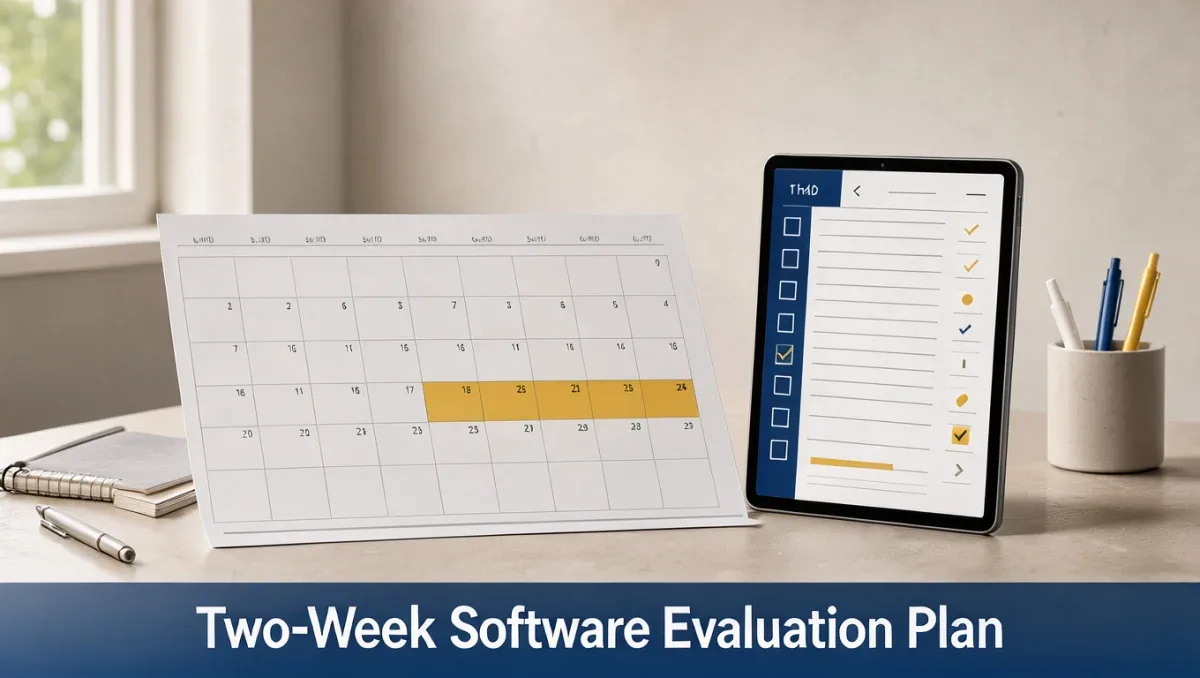
A Two-Week Evaluation Plan for Gusto

- Days 1 to 3: Align corporate and tax profiles — Gather state tax registration numbers, your federal employer identification number, and corporate banking details. Enter entity information and set up your primary direct deposit account, checking verification requirements along the way.
- Days 4 to 7: Calibrate shareholder compensation — Enter officer wage history, choose a monthly or bi-weekly pay schedule, and configure tax withholdings. Confirm that any company-paid healthcare deductions or retirement matches carry the correct corporate tax classification.
- Days 8 to 14: Run a parallel test and verify reports — Run a test payroll cycle, or run payroll in parallel with your existing system. Check the resulting ledger summaries, tax withholding allocations, and draft contractor records before fully moving routine operations over.
Where Gusto Shines and Where It Falls Short
| Area | Shines when | May fall short when |
|---|---|---|
| Officer compensation | Owners need clean, predictable monthly or quarterly payroll runs with minimal manual input. | Your corporate structure requires daily variable rate changes across complex subsidiary organizations. |
| Year-end tax forms | Compiling routine Form W-2 and Form 1099 filings for small internal teams and active partners. | Your business operates complex agricultural or multi-entity statutory employment trusts. |
| Shareholder benefits | Recording health insurance deductions for greater-than-two-percent shareholders on annual tax documents. | You manage highly specialized multi-employer union fringe benefit agreements. |
Gusto Compared With Similar Tools
Small corporate officers comparing payroll software often look at alternatives built for small business workflows:
| Tool | Best for | Core focus |
|---|---|---|
| Gusto | Small business founders and corporate officers. | Automated payroll execution, basic HR records, and straightforward tax filings. |
| QuickBooks Payroll | Businesses already deeply embedded in the Intuit bookkeeping ecosystem. | Tight native ledger synchronization and immediate accounting reconciliation. |
| ADP Run | Growing small businesses that need broad administrative scalability. | Comprehensive human capital management backed by extensive enterprise infrastructure. |
| Paychex | Companies that want traditional HR and dedicated payroll packages. | Configurable payroll and multi-state compliance options for established firms. |
Who Should Use Gusto
| User profile | Recommendation | Considerations |
|---|---|---|
| Solo S corp owner-operators | Strong fit | Streamlines running an annual or monthly reasonable salary with minimal time commitment. |
| Small business partners | Strong fit | Simplifies running payroll for multiple officer-shareholders while keeping distinct wage structures. |
| Businesses with contractors and employees | Strong fit | Centralizes regular payroll alongside vendor Form 1099 reporting in one administrative database. |
| Enterprises with complex departmental tiers | Consider alternative platforms | Large organizational charts with union agreements may require specialized industrial payroll engines. |
Pricing at a Glance
- Base subscription tier versus team size — Confirm on the official Gusto pricing page which monthly base rate applies and how additional employee or contractor seat charges are calculated.
- Multi-state processing requirements — Check whether filing payroll taxes across several states adds monthly fees or requires a specific plan tier.
- Add-on capabilities — Determine whether specialized benefit configurations, international contractor payments, or advisory features require a higher-priced plan.
Frequently Asked Questions
How should corporate officers evaluate reasonable compensation before setting up payroll?
Determining reasonable compensation means assessing industry salary benchmarks, the actual duties you perform, the time you invest, and business earnings. Tax authorities judge reasonable salary by comparing pay with market rates for similar positions. Consult a professional tax advisor or certified public accountant to set a defensible baseline before configuring recurring distributions in payroll software.
What documentation do I need to start running corporate payroll?
Setting up payroll requires a federal Employer Identification Number, active state employer tax withholding accounts, state unemployment insurance account numbers, and corporate banking details. For shareholder-employees, completed Form W-4 records and direct deposit authorization forms must be on file. If you are switching from another payroll service mid-year, have historical wage statements ready.
Where can I verify how shareholder health insurance is treated in Gusto?
Shareholder-employees who own more than two percent of an S corp must report health insurance premiums as taxable wages for income tax withholding purposes, while remaining exempt from Social Security and Medicare taxes. Review the official Gusto support documentation and discuss setup with a tax professional to make sure premiums appear correctly in the Form W-2 reporting boxes.
Why should an S corp run payroll instead of relying only on owner draws?
Tax rules require shareholder-employees who provide substantial services to receive compensation subject to employment taxes before taking non-wage shareholder distributions. Relying solely on owner draws risks audit reclassification, back payroll tax assessments, and penalties. Running regular payroll creates an official record showing reasonable salary compliance.
Final Verdict
| Criterion | Score /10 | Reason |
|---|---|---|
| Features | 8.5 | Provides all core payroll functions, automated tax remittance, and essential year-end reporting tools. |
| Ease of use | 9.0 | Intuitive setup workflows make configuring officer compensation and recurring payments accessible to non-specialists. |
| Pricing and value | Confirm before buying | Review the official Gusto pricing page to see how base charges and per-seat fees scale with your team size. |
| Integrations | Confirm before buying | Check the official platform directory to see whether your general ledger and accounting software connect directly. |
| Audience fit | 8.8 | Well suited to small incorporated entities, solo entrepreneurs, and growing small operations. |
| Support | Confirm before buying | Check official listings for available contact methods and response commitments. |
| Competitive position | 7.7 | Competes well against legacy payroll processors by keeping things simple, though larger platforms offer broader enterprise depth. |
| Overall score | 8.5 | A dependable, user-friendly payroll solution that reliably meets wage and tax obligations for small business officers. |
Readers of Accounting guides will find Gusto an effective platform for meeting recurring statutory wage requirements without deep HR expertise. Before setting any new corporate compensation schedule, work with a licensed tax advisor to make sure your salary levels and fringe benefit settings align with corporate governance rules.
Have a question about choosing software? Send it to the EBusiness Reviews team through our contact page, or follow EBusiness Reviews on LinkedIn for new reviews and comparisons.