ebusinessreviews may earn a commission when you buy through links on this page, at no extra cost to you. This does not affect our ratings.
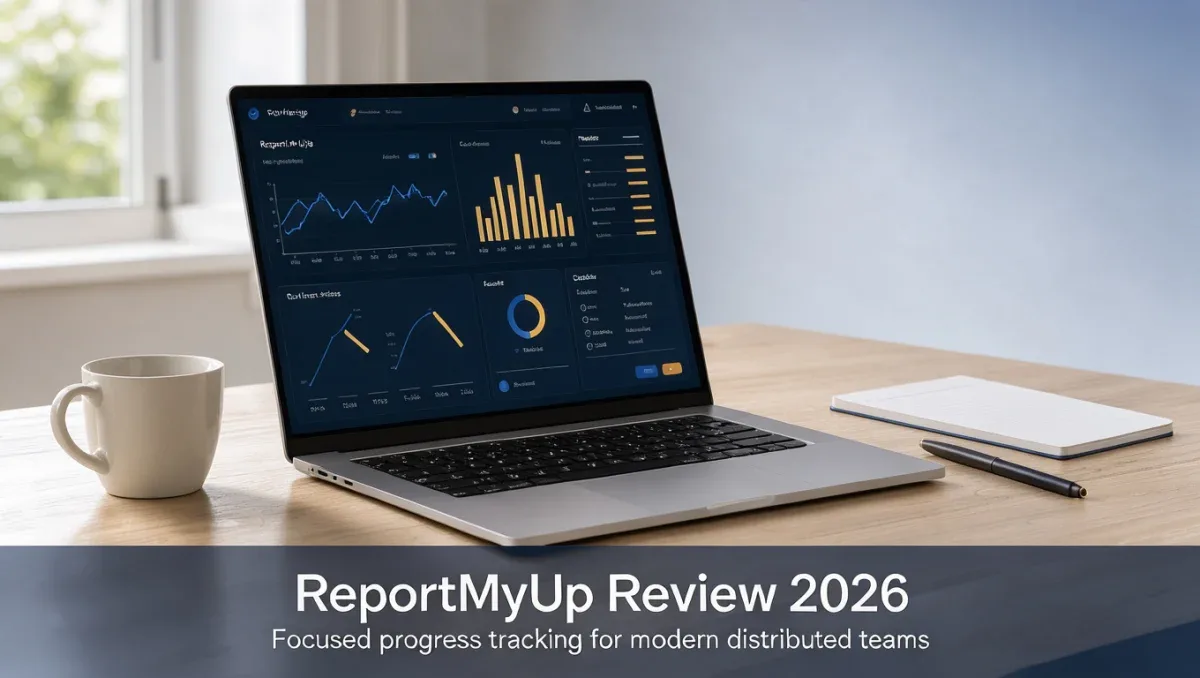
Many operations leaders are asking whether a dedicated progress-tracking platform can replace scattered status emails and chat threads. Teams want steady visibility into what got done and what is stuck, without adding paperwork for every contributor. This reportmyup review from ebusinessreviews looks at how the tool works in everyday routines and where it falls short.
We assessed the platform against our standard criteria: operational functions, adoption effort and practical trade-offs. The goal is to help you judge whether it covers your tracking needs heading into 2026.
Quick verdict: ReportMyUp earns an overall score of 7.8 / 10 for teams that need focused progress reporting and clear status visibility. It suits distributed groups and project leads who want straightforward operational clarity. Organizations that depend on heavy enterprise resource management or deep accounting integrations will likely need additional systems.
| Evaluation area | Summary assessment |
|---|---|
| ebusinessreviews score | 7.8 / 10 |
| Best for | Distributed teams, project managers, and operational units that need structured daily summaries. |
| Not ideal for | Enterprises seeking full enterprise resource planning or complex automated billing. |
| Key strengths | Focused progress capture, concise team alignment, and minimal setup complexity. |
| What to check before buying | Review seat allocations and export format options on the official website. |
1. How ebusinessreviews Tested ReportMyUp
This assessment covers what ReportMyUp is designed to do, who it serves, and how it measures up against comparable tools. We scored it across seven ebusinessreviews criteria: features, ease of use, pricing and value, integrations, audience fit, support and competitive position. Plans, prices and limits change frequently, so we flag the details you should confirm on the official website before buying. This article was researched and drafted with AI assistance, then reviewed and edited by the ebusinessreviews Editorial Team.
2. What ReportMyUp Is and Who It Serves
ReportMyUp is a dedicated reporting and status-tracking tool built to collect, organize and summarize ongoing project milestones. It targets communication gaps in teams that rely on scattered status emails or disorganized chat updates.
Many modern teams also connect activity reporting to their Accounting systems and administrative stacks so they can track project costs alongside staff capacity. The main audience includes department supervisors, remote development units, client service agencies and growing startups.
- Remote and hybrid teams that need structured recurring updates without disruptive meetings.
- Agile managers who want visibility into completed tasks, current focus areas and urgent blockers.
- Client service firms documenting operational output for internal accountability.
3. What ReportMyUp Helps You Do
Knowing what the platform can do lets buyers decide whether it supports their regular reporting routines.
3.1. Collecting Recurring Progress Updates
ReportMyUp lets team members submit routine work summaries covering daily goals and completed tasks. During early onboarding, test whether the default entry prompts suit your team's technical or creative rhythm.
3.2. Identifying Project Bottlenecks
The platform helps managers surface blockers and flagged hurdles before minor issues derail milestone deadlines. To evaluate this, submit test blocker notices and measure how quickly leads can review and act on them.
3.3. Generating Team Status Summaries
ReportMyUp compiles individual submissions into cohesive team reports for stakeholders and department leads. Prospective users should check whether the available summary layouts match what executives expect to see.
4. Ease of Use and Learning Curve
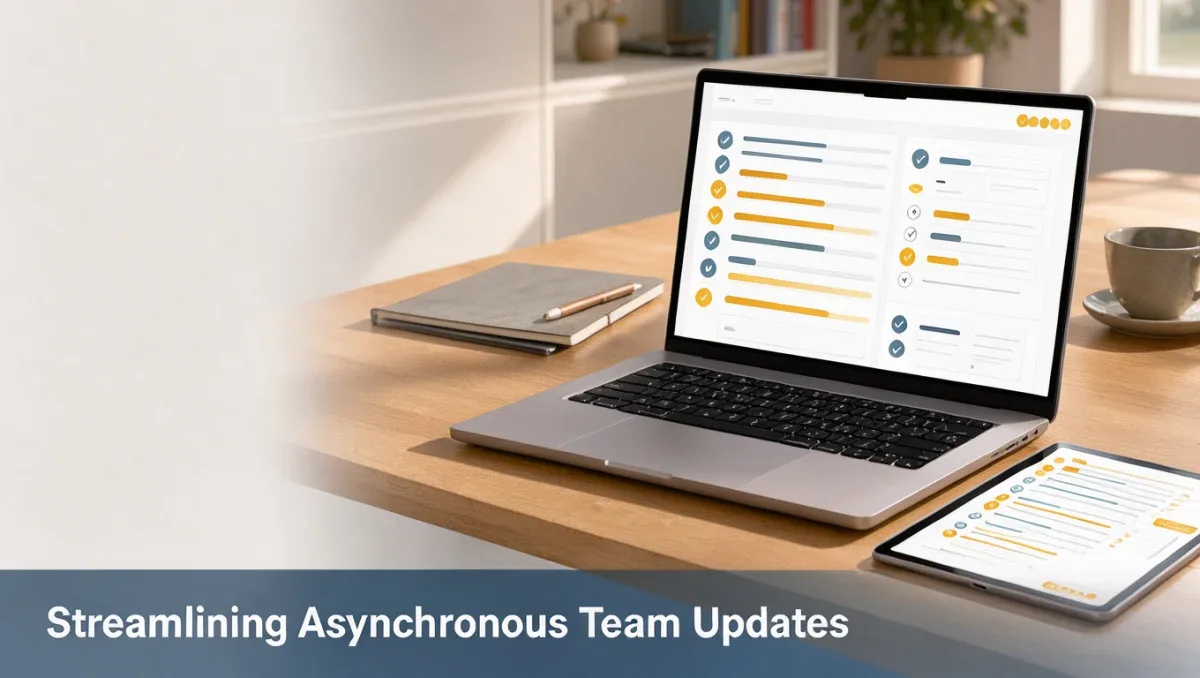
Adoption speed is a central consideration for any status reporting software. ReportMyUp keeps input fields simple, so individual contributors can submit summaries without lengthy training.
Administrators face a somewhat steeper learning curve when defining reporting schedules, reminder intervals and grouping rules for different departments. Most teams can set up their operational routines within several working sessions.
- Individual contributors generally adapt to entry forms within a single working day.
- Department leads need several review cycles to tune reminder cadences and summary distribution.
- Account managers should verify notification settings to avoid alert fatigue in high-volume teams.
5. A Two-Week Evaluation Plan for ReportMyUp
ebusinessreviews recommends a structured fourteen-day trial to test ReportMyUp in a realistic team setting without disrupting existing delivery schedules.
- Days 1–3: Introduce the tool to a small pilot group, set baseline update templates and collect the first daily submissions.
- Days 4–7: Test blocker escalation workflows, gather feedback on prompt clarity and adjust reminder timing based on pilot responses.
- Days 8–14: Generate compiled weekly summaries, share them with department stakeholders and check whether reporting consistency improves.
6. Where ReportMyUp Shines and Where It May Fall Short
Every business application balances targeted functionality against operational limits. The comparison below shows where ReportMyUp delivers value and where constraints may appear.
| Area | Shines when | May fall short when |
|---|---|---|
| Operational focus | Teams need quick, structured status logging without heavy configuration. | Organizations expect built-in financial ledgers or comprehensive enterprise scheduling. |
| Team participation | Contributors prefer simple prompt-driven submissions over complex project forms. | Users require highly customized, multi-layered database fields for every entry. |
| Administrative oversight | Managers want a consolidated view of daily output and urgent flags across members. | Companies need advanced statistical modeling or deep compliance auditing modules. |
7. ReportMyUp Compared With Similar Tools
Comparing peer tools clarifies where each product focuses its development effort.
| Tool | Best for | Core focus |
|---|---|---|
| ReportMyUp | Teams seeking structured progress capture and blocker escalation. | Asynchronous status updates and summary compilation. |
| Geekbot | Remote development units using conversational chat platforms for standups. | Chat-integrated micro-surveys and sprint check-ins. |
| Status Hero | Software engineering squads tracking daily goals alongside code activity. | Developer-oriented goal alignment and check-in metrics. |
8. Who Should Use ReportMyUp
Software needs vary widely by organization size, industry and management structure. Readers who regularly consult EBusiness Reviews know that choosing business software starts with defining scope.
| User group | Fit level | Strategic recommendation |
|---|---|---|
| Freelancers and solo operators | Moderate | Useful for logging personal progress, though often more tool than a single person needs. |
| Small business owners | High | Provides structured oversight without requiring dedicated project management staff. |
| Remote and hybrid teams | High | Keeps cross-time-zone teams aligned without relying on lengthy video calls. |
| Marketing and creative agencies | High | Clarifies task status across multiple fast-moving client campaigns. |
| Enterprise corporations | Moderate | May require custom data governance or integration with legacy corporate systems. |
9. Pricing at a Glance
Subscription models for reporting tools usually scale with user volume, feature tiers and billing frequency. Confirm these three points on the official ReportMyUp website before purchasing.
- Check the seat structure to see whether billing applies per active participant or per administrator account.
- Review whether historical report archiving or extended export formats require a higher tier.
- Confirm regional currency terms and any applicable sales taxes on the official pricing page.
10. Frequently Asked Questions
Which teams benefit most from ReportMyUp?
Distributed units, digital agencies and agile departments that struggle with asynchronous communication gain the most. The structured prompt format keeps members aligned on priorities without lengthy meetings or scattered status threads.
What should teams prepare before adopting ReportMyUp?
Teams should define their preferred update frequency, outline standard prompt questions and choose a pilot group before rollout. Setting clear expectations for update deadlines leads to higher completion rates from the first week.
What trade-offs should prospective buyers consider?
ReportMyUp focuses mainly on status collection and progress reporting rather than end-to-end task execution or financial management. Organizations that need deep accounting, resource leveling or Gantt-chart scheduling will need dedicated platforms alongside it.
What should administrators verify during evaluation?
Administrators should evaluate reminder delivery, notification frequency, summary export formats and permission controls. Verifying these during the trial period confirms the tool fits team habits before a formal commitment.
11. Final Verdict
ReportMyUp offers a practical, focused approach to asynchronous status tracking, team alignment and blocker identification. Organizations that want clean progress tracking without excessive administrative friction will find it well suited to modern collaboration needs.
| Criterion | Score /10 | Reason |
|---|---|---|
| Features | 7.5 / 10 | Dependable core status collection, prompt management and summary generation. |
| Ease of Use | 8.5 / 10 | Minimal onboarding friction for individual contributors submitting daily updates. |
| Pricing and Value | Confirm before buying | Confirm user tier policies and plan limits on the official ReportMyUp pricing page. |
| Integrations | Confirm before buying | Review available workflow connections and data export options on the official website. |
| Audience Fit | 8.0 / 10 | Well matched to remote, hybrid and agency teams seeking clean status reporting. |
| Support | Confirm before buying | Confirm support channels and assistance terms on the official ReportMyUp site. |
| Competitive Position | 7.2 / 10 | Keeps a distinct focus on structured check-ins alongside specialized competitors. |
| Overall score | 7.8 / 10 | A solid rating reflecting practical status collection and dependable visibility. |
Have a question about choosing software? Send it to the ebusinessreviews team through our EBusiness Reviews contact page or follow us on LinkedIn for new reviews and comparisons.