ebusinessreviews may earn a commission when you buy through links on this page, at no extra cost to you. This does not affect our ratings.
Connected software is only as useful as the way it talks to the rest of your business. For independent creators and digital entrepreneurs, grasping how kit integrations hold together forms, storefronts and messaging is essential before you move your subscriber list into one platform.
At EBusiness Reviews, we judge tools by their long-term value rather than their sales pitch. In the sections below, we check whether Kit fits a realistic publishing rhythm and a digital store setup.
Quick verdict: Kit earns 8.5 / 10 in our framework. It suits independent creators, newsletter writers and small digital publishers who want subscriber-focused automation. Large companies that need deeply nested organizational hierarchies or high-volume physical fulfilment will find it a poor match.
| Evaluation Area | Details |
|---|---|
| ebusinessreviews score | 8.5 / 10 |
| Best for | Digital creators, solo publishers, and specialized online educators |
| Not ideal for | Enterprises needing complex nested sub-accounts and extensive enterprise customization |
| Key strengths | Subscriber tagging, visual sequence automation, and digital commerce delivery |
| What to check before buying | Confirm plan boundaries and subscriber thresholds on the official vendor website |
1. How ebusinessreviews Tested Kit
We assessed what Kit is designed to accomplish, the users it targets and how it stacks up against comparable products. Our review rests on seven criteria: features, ease of use, pricing and value, integrations, audience fit, support and competitive position. Because plans, prices and limits shift frequently, we flag the details you should confirm on the vendor's site before purchasing. This article was drafted with AI assistance and then reviewed and edited by the ebusinessreviews Editorial Team.
2. What Kit is and who it serves
Kit is an audience management and email marketing application built for self-employed creators, writers and educators. Originally developed under the ConvertKit name before its rebrand, it lets people organize reader relationships without needing any technical database skills.
Today's online creators often connect newsletters to e-commerce storefronts to sell downloads, access passes and coaching. Kit brings these interactions together by placing each individual subscriber at the heart of its database, which makes it possible to send communication shaped by what each person actually does.
- Independent authors and newsletter writers building direct relationships with readers.
- Course creators delivering educational modules and automated follow-up sequences.
- Creative professionals selling digital goods and paid newsletter access directly to fans.
3. What Kit helps you do
Kit covers three core jobs for digital businesses: collecting contact details, sending targeted messages and triggering logical delivery flows. Setting up dependable kit integrations lets these jobs run alongside external payment gateways and landing page builders.
3.1. Audience capture and subscription management
The platform lets you design embeddable forms and landing pages to gather subscriber information. Rather than copying records across separate lists, it keeps contacts in one database using contextual tags and custom fields.
3.2. Broadcast messaging and automated email sequences
You can schedule one-off updates or build time-delayed educational sequences. Filtering by interest tags ensures that messages reach only the relevant parts of your subscriber community.
3.3. Visual automation rules
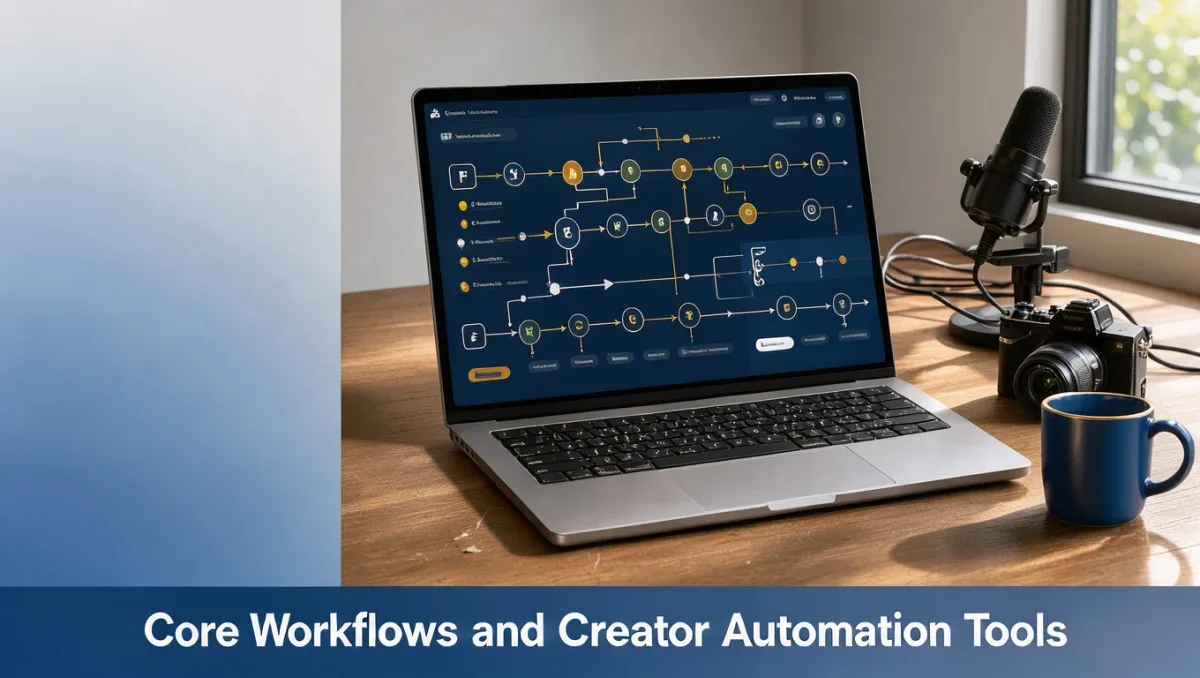
Visual workflow builders let creators set up trigger-and-action sequences. When a subscriber completes a sequence or buys a digital item, downstream tags update automatically to shape future communication.
| Core Function | User Capability | Evaluation Advice |
|---|---|---|
| Audience Capture | Build embeddable intake components | Test form behavior across multiple screen resolutions |
| Targeted Delivery | Segment subscribers by tagged interests | Review delivery settings on test email accounts |
| Automated Paths | Route subscribers based on activity rules | Map your workflow logic on paper before building |
4. Ease of use and learning curve
Because Kit uses a subscriber-first structure rather than a traditional list-based one, people used to older email systems may need a short mental adjustment. Understanding how tags interact with automations takes deliberate practice during initial setup.
The admin layout stays focused on writing and logical routing. With few decorative distractions, solo creators can produce content quickly without spending long hours on template design.
- Drafting text-first newsletters requires minimal configuration once initial styling is set.
- Visual automation builders present clear branching logic for straightforward customer journeys.
- Tag management demands strict internal naming discipline to prevent administrative clutter over time.
5. A two-week evaluation plan for Kit

Before committing to any communication software, structured testing helps you avoid surprises after you have moved your subscribers. Follow this phased schedule during your trial period.
- Day 1 to 3: Define your primary audience tags, import a small test group of personal email addresses, and send a standard text broadcast.
- Day 4 to 7: Build a simple three-step automated delivery sequence, connect a test capture form, and verify that tags apply properly on submission.
- Day 8 to 14: Connect external payment or publishing tools, test transactional receipt delivery, and confirm list filtering logic on the official website before making any financial commitment.
| Testing Phase | Core Objective | Validation Check |
|---|---|---|
| Days 1–3 | Basic broadcast delivery | Confirm formatting across desktop and mobile inbox clients |
| Days 4–7 | Sequence logic and tagging | Verify that automated actions trigger without delay |
| Days 8–14 | External software handshakes | Confirm transaction webhooks register correctly |
6. Where Kit shines and where it may fall short
Every software platform makes deliberate trade-offs between specialization and general-purpose utility. The table below sets out the situations where Kit performs well and those where another setup may serve you better.
| Operational Area | Shines When | May Fall Short When |
|---|---|---|
| Email Design | Publishing focused, text-centric newsletters and articles | Demanding intricate multi-column corporate graphic layouts |
| Contact Organization | Applying dynamic behavioral tags to single subscriber profiles | Managing separate corporate subsidiaries within isolated data silos |
| Product Delivery | Selling simple digital files, subscriptions, or digital access | Operating high-inventory retail logistics with physical warehouse tracking |
7. Kit compared with similar tools
Seeing where Kit sits in the market helps you decide whether a specialist creator tool or a general marketing suite better meets your immediate goals.
| Platform | Target Audience | Primary Design Focus |
|---|---|---|
| Kit | Independent creators and solo publishers | Subscriber tagging and visual message automations |
| Mailchimp | Small businesses and multi-service agencies | General email templates and marketing campaign management |
| ActiveCampaign | Sales teams and scaling marketing operations | Advanced behavioral scoring and complex pipeline tracking |
8. Who should use Kit
Different business models need different email and contact management capabilities. Use this summary to judge how well your operation fits.
| User Profile | Suitability | Strategic Focus |
|---|---|---|
| Solo Freelancers | Recommended | Automate client onboarding and share educational updates |
| Newsletter Authors | Recommended | Deliver clean editorial dispatches with reliable subscriber tagging |
| Digital Course Creators | Recommended | Distribute serialized educational material based on purchase actions |
| Large Retail Operations | Alternative Advised | Consider retail-oriented platforms built for complex inventory catalogs |
9. Pricing at a glance
Email marketing costs across the sector vary with contact counts, feature modules and sending volume. Check these points directly on official vendor pages before subscribing.
- Confirm subscriber tier thresholds on the official Kit pricing page, since crossing a subscriber milestone can change your monthly fee.
- Check whether specialized deliverability tools or multi-user administrative permissions sit in base plans or higher tiers.
- Review payment processing fees tied to integrated digital product sales to make sure your margins remain sustainable.
10. Frequently asked questions
What should buyers verify before connecting external software to Kit?
Check whether native connectors exist or whether data handoffs require intermediary webhooks. Reviewing sync frequency rules in the official documentation helps ensure subscriber profile data updates smoothly across your stack.
Who benefits most from the subscriber tagging model in Kit?
Publishers who cover varied topics gain the most from tag-based segmentation. Instead of managing several isolated lists, creators keep a single subscriber profile tagged with specific reader preferences and purchase milestones.
What technical preparation is required before migrating an audience to Kit?
Clean your existing contact list by removing obsolete or non-responsive addresses before exporting. Set up your custom sending domain records, such as authentication settings, to protect inbox delivery reputation from the first broadcast.
When should an organization evaluate alternative marketing platforms?
Businesses that manage complex physical supply chains or need internal customer relationship pipelines with deal scoring should look at enterprise alternatives designed for traditional sales teams.
11. Final verdict
Kit offers a focused, practical platform for creators whose income depends on direct audience relationships and digital product fulfilment. Its subscriber-centric design avoids database confusion, letting writers and online teachers automate distribution efficiently.
| Criterion | Score /10 | Reasoning |
|---|---|---|
| Features | 8.5 | Focused automation rules and reliable subscriber tagging designed for publishing workflows |
| Ease of Use | 8.5 | Clean composition workspace with logical, visual workflow construction |
| Pricing and Value | Confirm before buying | Confirm current subscriber bands and feature gates on the official Kit pricing page |
| Integrations | Confirm before buying | Review available connection methods on the official Kit integration directory |
| Audience Fit | 9.0 | Directly aligned with solo authors, digital educators, and creative professionals |
| Support | Confirm before buying | Verify current assistance channels and technical documentation options on the vendor site |
| Competitive Position | 8.0 | Maintains a distinct creator focus compared to complex generalist marketing software |
| Overall Score | 8.5 / 10 | Average of evaluated criteria reflects balanced utility for independent digital operators |
Have a question about choosing software? Send it to the E-commerce team through our contact page, or follow ebusinessreviews on LinkedIn for new reviews and comparisons.