ebusinessreviews may earn a commission when you buy through links on this page, at no extra cost to you. This does not affect our ratings.
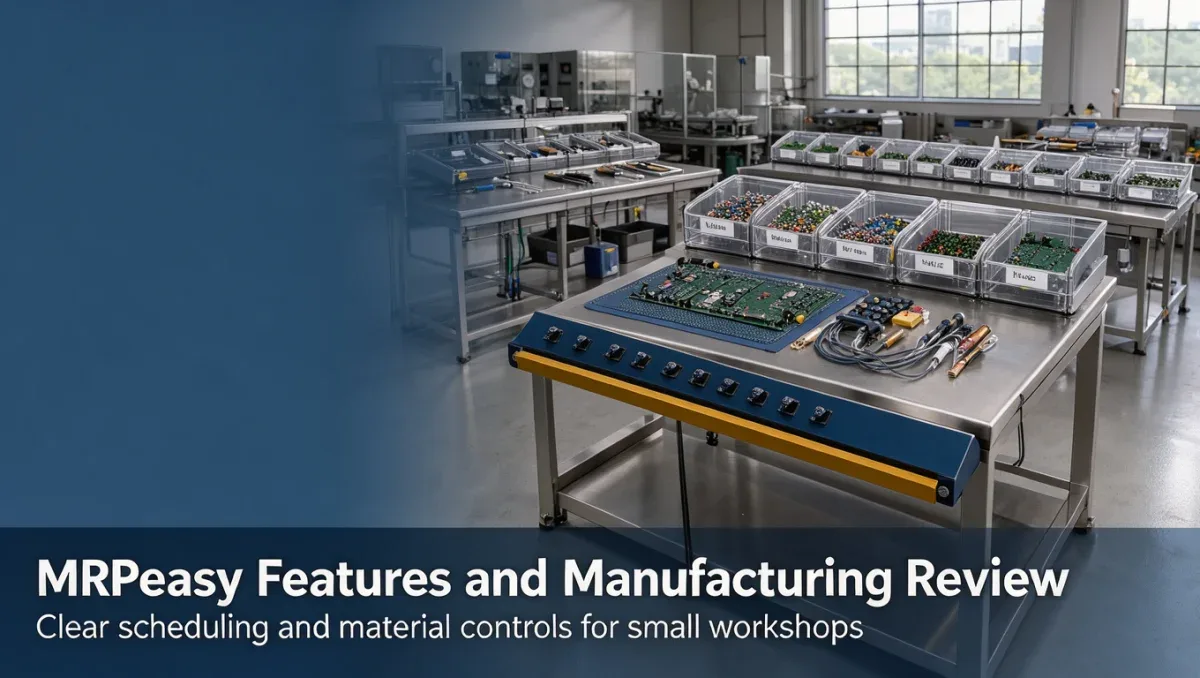
Small production teams rarely enjoy the luxury of a dedicated planning department, yet they still juggle customer demand, parts purchasing and machine time every single day. Spreadsheets quickly become a bottleneck. Among the tools built to replace them, mrpeasy features stand out for their focus on discrete manufacturing and assembly work. In this guide, the EBusiness Reviews editors walk through how the platform manages shop floor scheduling, bills of materials and stock allocation, so you can judge whether it fits your workshop.
Smaller factories often find it difficult to connect what happens on the shop floor with incoming orders and replenishment cycles. Choosing a planning system that matches your team's current skills and assembly routines makes that connection far easier to maintain.
Quick verdict: MRPeasy receives an overall ebusinessreviews score of 8.0 out of 10 for small manufacturing operations. It suits discrete manufacturers and assembly workshops that need organized production scheduling, but it is less appropriate for large multi-site groups running heavily customized industrial engineering processes.
| Metric | Details |
|---|---|
| ebusinessreviews score | 8.0 / 10 |
| Best for | Small manufacturers, assembly operations, and workshops that need structured resource planning |
| Not ideal for | Service providers, pure retail distributors, or enterprises running complex multi-site manufacturing |
| Key strengths | Bill of materials tracking, production planning, inventory tracking, and purchasing coordination |
| What to check before buying | Confirm user seat pricing tiers and required workflow integrations on the official MRPeasy website |
1. How ebusinessreviews Reviewed MRPeasy
We assessed what the platform is designed to do, who it serves and how it stacks up against comparable tools. Our evaluation covers seven criteria: features, ease of use, pricing and value, integrations, audience fit, support and competitive position. Plans, prices and limits change frequently, so we flag the details you should verify on the official website before purchasing. This article was researched and drafted with the help of AI tools, then reviewed and edited by the ebusinessreviews Editorial Team.
2. What MRPeasy Is and Who Uses It
MRPeasy is an enterprise resource planning system built for small manufacturers and assembly workshops. It links incoming customer demand to factory work orders, components and inventory levels, creating a single sequence for the whole production process. Rather than keeping separate documents for each department, production managers use the platform to bring purchasing, assembly queues and component tracking together in one place.
The software mainly serves owner-operated plants, contract manufacturers and growing physical product brands. Companies in custom engineering, electronics assembly, food production and machinery building often adopt this kind of operational software to keep their material flow under control.
3. What MRPeasy Helps You Do
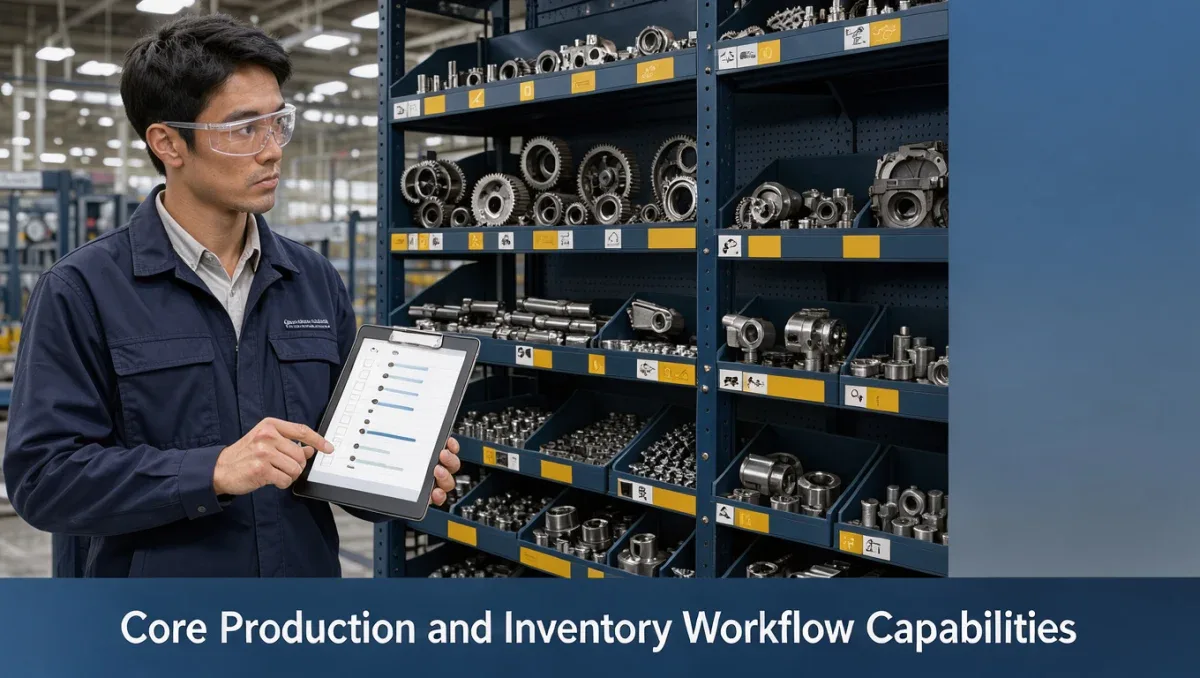
Knowing what the platform accomplishes day to day lets production leads test it against their own factory routines.
3.1. Bill of materials and product configuration
Teams can record multi-level bills of materials covering assemblies, sub-assemblies and raw components. During testing, enter product variants, define scrap factors for components and observe how changes to a bill affect open production schedules.
3.2. Production planning and shop floor scheduling
The system arranges manufacturing orders according to workstation capacity and worker availability. In an evaluation, schedule a sample batch of work orders to see how the queue allocates machine time and avoids conflicts between identical resources.
3.3. Inventory control and stock tracking
Inventory tools log incoming deliveries, assign parts to active jobs and alert staff when stock drops below set safety levels. Test by reserving components for a custom order and confirming that available balances update across every pending work order.
3.4. Purchasing and vendor management
Purchasing functions produce supplier orders directly from material requirements in production. Check how vendor lead times line up with planned production dates when replenishment orders are generated.
3.5. Order fulfillment and sales tracking
Customer orders become production demands or immediate shipments depending on available stock. Link this workflow to your E-commerce sales pipeline to confirm how shipping documents and finished goods dispatches are handled.
4. Ease of Use and Learning Curve
Manufacturing resource planning tools always involve a learning curve, since they demand standardized data across inventory, purchasing and production. MRPeasy targets small industrial teams, so its structure is more approachable than legacy enterprise systems, although initial setup still requires careful operational preparation.
Teams accustomed to manual production logs will need time to build consistent data entry habits. Successful adoption depends on clean starting component lists and accurate workstation capacities before live production tracking begins.
5. A Two-Week Evaluation Plan for MRPeasy
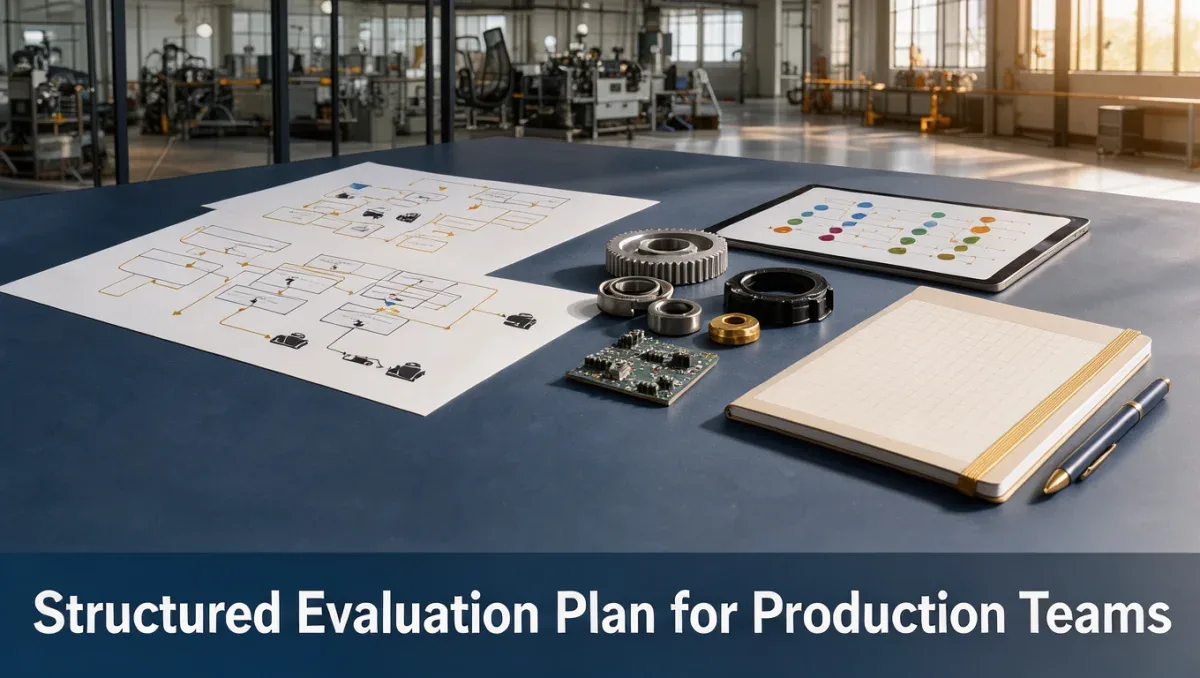
Testing manufacturing software properly means validating it with real component data. The schedule below helps you assess the platform methodically with your operations team.
- Days 1–3: Component setup and master data. Enter five real components and two finished products with accurate bills of materials. Confirm that units of measurement, vendor details and minimum stock rules match your warehouse practices.
- Days 4–7: Workstations and capacity testing. Configure your main shop workstations and standard operating steps. Generate test manufacturing orders to see how schedules spread across team members and equipment.
- Days 8–14: End-to-end order simulation. Simulate a customer order from purchase request through assembly completion and inventory dispatch. Involve shop floor operators to gather direct feedback on how quickly daily data entry can be done.
6. Where MRPeasy Excels and Where It May Fall Short
Weighing operational trade-offs makes sure the software's capabilities fit shop floor expectations before any money is committed.
| Area | Shines when | May fall short when |
|---|---|---|
| Shop floor scheduling | Workshops manage discrete manufacturing jobs with defined assembly stages | Operations involve continuous chemical processing with variable fluid yields |
| Component traceability | Businesses need structured tracking of batch numbers and part allocations | Companies operate purely as drop-shippers without physical stock handling |
| Team coordination | Assembly workers and procurement staff share one central manufacturing schedule | Organizations require highly customized, multi-department approval hierarchies |
7. MRPeasy Compared with Similar Tools
Small manufacturers evaluate several operations management systems, depending on their industry focus and workshop layout.
| Tool | Best for | Core focus |
|---|---|---|
| Katana | Modern direct-to-consumer product brands and visual workshop tracking | Inventory optimization and visual manufacturing scheduling |
| Odoo | Businesses seeking broad modular software across sales, accounting and production | Modular business applications with wide configuration options |
| Fishbowl | Companies centered mainly on extensive warehouse operations | Inventory control and manufacturing asset handling |
8. Who Should Use MRPeasy
Assessing fit by operational role helps businesses confirm whether the software matches their organizational reality.
| User group | Assessment | Primary consideration |
|---|---|---|
| Freelancers and sole operators | Not recommended | Administrative overhead exceeds the needs of single-person service operations |
| Small manufacturing business owners | Recommended | Provides practical control over material costs, job timelines and machine hours |
| Assembly line supervisors | Recommended | Offers clear visibility into workstation queues and part availability |
| Corporate marketing specialists | Not recommended | Lacks campaign management tools designed for marketing professionals |
| Traditional office administrators | Conditional | Useful only when coordinating purchasing and supplier invoices for physical production |
| Students and researchers | Conditional | Beneficial for studying manufacturing workflows, but unnecessary for daily coursework |
9. Pricing at a Glance
Manufacturing software budgets depend heavily on operational scale and how the team is distributed. Verify these key points before finalizing your decision.
- Confirm on the official MRPeasy pricing page how user seats are allocated, since adding shop floor stations changes monthly subscription totals.
- Check whether specialized features such as multi-level bills of materials or barcode tracking require particular subscription tiers in the official plan comparison.
- Review data storage allowances and third-party accounting connection policies on the vendor website to avoid unexpected costs.
10. Frequently Asked Questions
Which manufacturing types benefit most from this platform?
Discrete manufacturers that assemble distinct products from defined component lists gain the most value. Industries such as electronics assembly, machinery fabrication, medical device production and wooden goods benefit from structured bills of materials and job routing.
What data must a team prepare before starting an evaluation?
Teams should gather clean component listings, vendor purchase lead times, workstation descriptions and standard assembly hours. Entering structured data during testing produces far more accurate scheduling results than testing with incomplete figures.
How should small workshops approach staff training during rollout?
Assign one project leader to master master-data entry, while training workstation operators solely on clocking into jobs and reporting scrap. Phased training prevents operational bottlenecks during the first weeks of deployment.
What factors cause software costs to rise over time?
Total software spending typically grows as more shop floor workers need dedicated logins and as inventory tracking requirements expand. Reviewing planned hiring alongside vendor licensing structures helps prevent budget overruns.
11. Final Verdict
| Criterion | Score /10 | Reason |
|---|---|---|
| Features | 8.5 | Delivers practical tools for bills of materials, scheduling and stock management |
| Ease of Use | 7.5 | Clearer than heavy legacy enterprise platforms, though setup still requires focused effort |
| Pricing and Value | Confirm before buying | Check user tier structures and functional limits on the official vendor pricing page |
| Integrations | Confirm before buying | Review official documentation to verify compatibility with your existing accounting tools |
| Audience Fit | 8.5 | Tailored directly to the operational demands of small physical manufacturers |
| Support | Confirm before buying | Check official vendor channels for available assistance and response targets |
| Competitive Position | 7.5 | Maintains a distinct focus on discrete manufacturing rather than broad retail distribution |
| Overall score | 8.0 | A capable and structured production management platform for small manufacturers |
MRPeasy gives small manufacturers reliable capabilities for managing materials, tracking stock allocations and organizing shop floor queues. Assembly businesses with dedicated production leads will find the structured approach well worth the setup investment.
Have a question about choosing software? Send it to the ebusinessreviews team through our EBusiness Reviews contact page or follow us on LinkedIn for new reviews and comparisons.