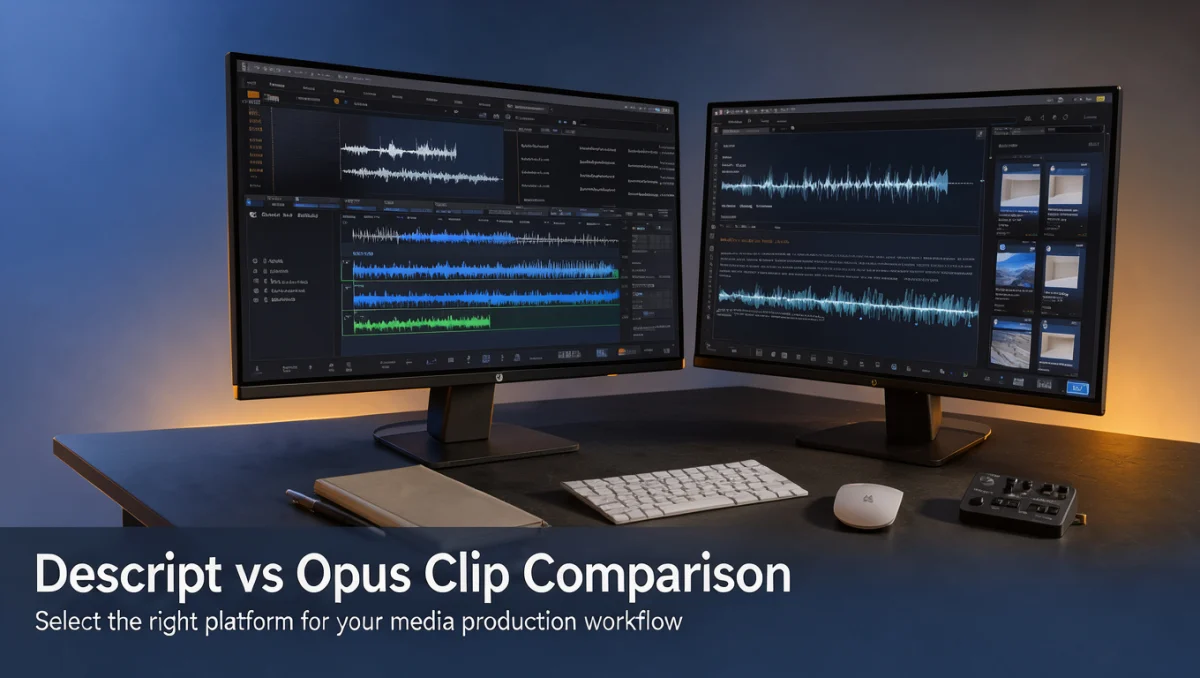
Before you spend on either platform, it helps to know what problem you are trying to solve. EBusiness Reviews tested both tools against a consistent set of criteria, and the short answer is that descript vs opus clip is really a question about where your bottleneck sits: in creating the recording, or in cutting it down afterward.
That distinction matters more than feature checklists. Creators who need to assemble scripts, clean up voice tracks, and control multiple audio layers are looking at a different category of software than social teams who just need strong highlights ready for vertical feeds.
Quick verdict: With an EBusiness Reviews score of 7.8, Descript suits creators who want end-to-end editing driven by transcripts, while Opus Clip fits teams repurposing finished recordings into short clips. Pick Descript for timeline control and Opus Clip if you want to avoid manual editing altogether.
| Metric | Details |
|---|---|
| EBusiness Reviews score | 7.8 / 10 |
| Best for | Teams balancing long-form editing with automated social repurposing |
| Not ideal for | Operators wanting one tool that handles both full documentary production and hands-off social scheduling |
| Key strengths | Transcript-based text editing, multi-track audio correction, and automated highlight detection for vertical distribution |
| What to check before buying | Transcription accuracy limits, export resolutions, and team seat policies on official provider pages |
1. How EBusiness Reviews Tested Descript and Opus Clip
This review covers what Descript is built for, who it serves, and how it stacks up against similar products. We applied seven EBusiness Reviews criteria: features, ease of use, pricing and value, integrations, audience fit, support, and competitive position. Plans and prices change frequently, so we flag what to confirm on each official website before purchasing. The article was researched and drafted with AI assistance, then reviewed and edited by the EBusiness Reviews Editorial Team.
2. Short Answer: Descript vs Opus Clip
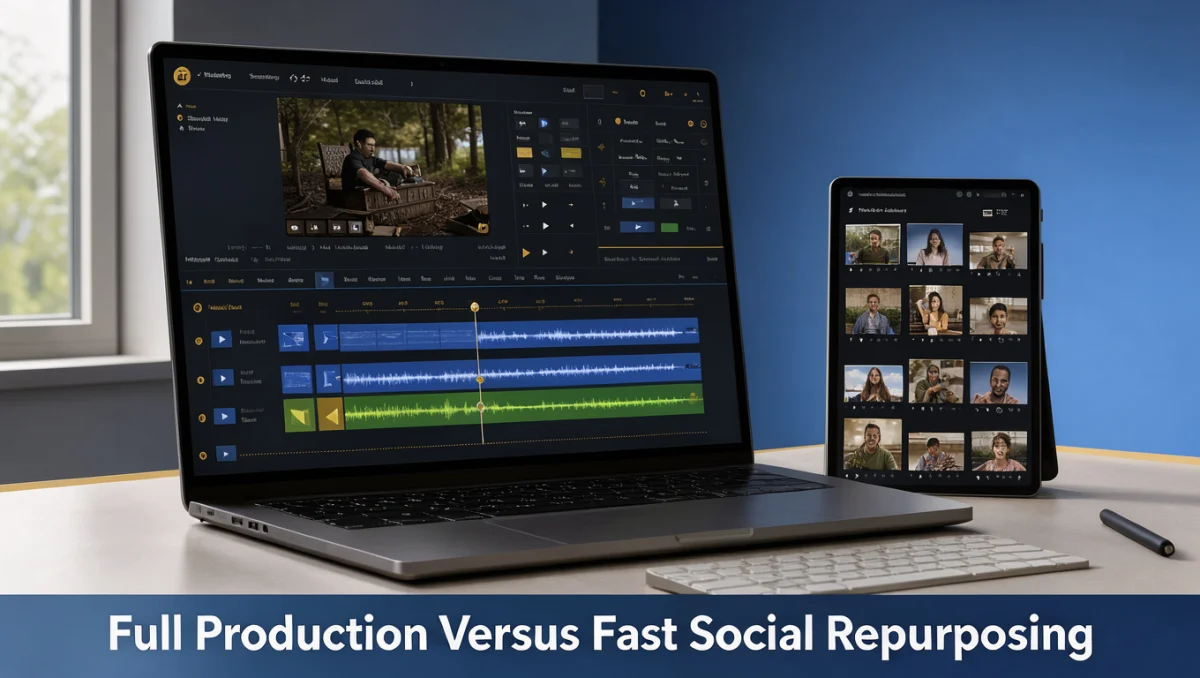
The fundamental split is between original production and automated repurposing. Descript is a full audio and video editor where you change spoken media by editing a text document. Opus Clip is a specialized engine that scans existing long videos and pulls out shareable snippets.
Your choice depends on where friction appears in your pipeline. If the hard part is removing filler words, building chapters, and polishing a podcast or tutorial, Descript is the stronger base. If finished episodes already exist and the real obstacle is combing through hours of footage for vertical clips, Opus Clip solves that specific problem.
3. Positioning Overview
Both products target media creators, but they operate at different stages of production. The table below summarizes how each is positioned.
| Tool | Best for | Core strength | Consider if |
|---|---|---|---|
| Descript | Podcasters, educators, and creators producing original long-form content | Editing audiovisual timelines directly through text transcripts | Your production needs fine control over pacing, audio cleanup, and multi-track assets |
| Opus Clip | Social media marketers and repurposing agencies | Automating the discovery and formatting of standout short moments | You have finished webinars or podcasts and need fast vertical clips without manual cutting |
4. Criterion-by-Criterion Comparison
Evaluating software means examining operational requirements across several dimensions. Here is how the two products compare on our standard framework.
4.1. Features
Descript works as an end-to-end production environment. Its main capabilities include transcript-driven timeline editing, voice correction, filler-word removal, screen capture, and multi-speaker audio leveling. You work inside an interface that resembles a word processor, which makes structural audio and video revisions manageable for non-technical editors.
Opus Clip centers on automated curation. It identifies compelling hooks in long videos, reframes horizontal footage into vertical layouts, generates animated captions, and assigns virality scores to extracted clips. It does not function as an original editor for raw footage.
4.2. Ease of Use
Opus Clip is quick to start because it relies on automated processing. You upload a file or paste a link, and the platform returns generated clips without requiring timeline setup. The learning curve mostly involves tweaking caption templates and adjusting auto-reframing boundaries.
Descript takes more time to learn. Editing video by changing text feels familiar to anyone who has used a document editor, but mastering canvas positioning, scene breaks, and voice modeling takes practice. Creators comfortable with desktop creative suites adapt quickly, though onboarding runs longer than with single-purpose utilities.
4.3. Pricing and Value
Video processing platforms typically base pricing on transcription hours, processing time, or export credits. When choosing a subscription, match your monthly usage pattern against each vendor's billing structure.
For Descript, confirm on the official pricing page how transcription hours and export resolutions are allocated across tiers. For Opus Clip, check the official pricing page to see how upload minutes and credit consumption work, since processing a large archive can drain allowances quickly.
4.4. Integrations
Modern video workflows depend on connections to publishing endpoints, cloud storage, and production hardware. Verify on official vendor pages whether the direct publishing destinations match your distribution channels.
Descript offers export paths to common podcast hosting platforms and external professional editing suites, allowing smooth handoffs to traditional post-production teams. Opus Clip focuses on connections to major vertical video platforms, letting you schedule posts directly or save to cloud drives.
4.5. Audience Fit
Descript suits solo podcasters, corporate communication teams, webinar hosts, and video educators who create spoken-word material from scratch. It can replace traditional multi-track software for teams that prioritize speed and transcript synchronization.
Opus Clip suits social media teams, marketing agencies, and established broadcasters with deep content libraries. If your organization has no finished long-form video, Opus Clip offers little value. Teams producing weekly hour-long broadcasts, however, can cut repurposing labor considerably.
4.6. Support
Self-serve media applications rely on documentation libraries, user communities, and ticket-based support. Review the help center on each vendor's official website to confirm response options, especially if production deadlines depend on fast turnaround.
Both platforms maintain extensive self-service video libraries and written knowledge bases. Teams with strict publishing schedules should check whether priority support is included in higher business tiers before committing to an enterprise rollout.
4.7. Competitive Position
Descript competes in the transcript-based video editing category alongside audio-first and collaborative editing environments. Its reputation rests on pioneering script-based editing for spoken-word media.
Opus Clip competes with automated repurposing engines and social clipping utilities. It concentrates on curation and auto-framing rather than full timeline authoring, holding a specialized niche that complements broader digital audio workstations rather than replacing them.
5. How to Decide Between Descript and Opus Clip
Choosing the right tool means auditing your production schedule and identifying where editors spend the most hours each week. Use the checklist below to find your path.
- Choose Descript if you record raw interviews, podcasts, or software demos that need pauses removed and multiple speakers organized into a coherent narrative.
- Choose Opus Clip if your long-form video is already edited and approved, and your main goal is generating vertical short clips for social discovery.
- Use both in sequence if you produce full-length episodes in Descript, then run the finished master through Opus Clip to create social campaign assets.
- Confirm transcription language support on the official websites if you work in languages other than English, since automated transcription accuracy varies by dialect.
6. Frequently Asked Questions
What are the main workflow differences between transcript editing and video repurposing?
Transcript editing lets creators assemble media by deleting or rearranging words in a written transcript, which directly changes the underlying audiovisual file. Video repurposing takes a finished master and extracts standalone highlights formatted for vertical mobile viewing, leaving the original narrative structure untouched.
How should buyers evaluate processing limits before purchasing?
Calculate your total monthly hours of raw source video and compare that figure with the vendor's transcription or processing caps. Check on official plan pages whether unused allowances roll over or expire, and see how adding team members changes subscription tiers.
Can both applications be used in a single production line?
Many media teams use both in sequence. Editors first assemble, balance, and polish full-length podcast episodes or webinars in Descript. Once the master is exported, marketing teams feed it into Opus Clip to produce social clips, combining structural editing with automated distribution.
Which software is better for corporate presentations and tutorials?
Descript includes screen recording, slide capture, and script editing, making it well suited for educational content and software walkthroughs. Opus Clip does not create original screen recordings and is designed only to extract snippets from existing media.
7. Final Verdict
| Criterion | Score / 10 | Reason |
|---|---|---|
| Features | 8.5 / 10 | Descript offers the broader production toolkit, while Opus Clip is narrower but strong in its niche |
| Ease of Use | 8.0 / 10 | Opus Clip is faster to start; Descript rewards practice |
| Pricing and Value | 7.2 / 10 | Usage-based limits require careful matching to your archive size |
| Integrations | 7.0 / 10 | Good publishing paths on both sides, depending on your channels |
| Audience Fit | 8.4 / 10 | Strong fit for creators and social teams, each for different reasons |
| Support | 7.2 / 10 | Solid self-serve resources; priority support depends on tier |
| Competitive Position | 8.3 / 10 | Each holds a clear, defensible place in its category |
Overall EBusiness Reviews score: 7.8 / 10
For independent podcasters and solo creators, Descript gives complete control over long-form production without demanding advanced timeline skills. For social media marketing teams, Opus Clip delivers immediate productivity gains by automating highlight selection from existing archives.
Always confirm current plan details, credit balances, and seat arrangements directly on the official vendor websites before committing to a purchase. For more software comparisons and editorial analyses, visit Artificial Intelligence coverage on EBusiness Reviews.