Searching for a foxit reader edit pdf download usually means one thing: you need dependable software to open, review, and mark up PDF files without friction. Whether you are checking a vendor contract, reviewing a technical draft, or working through routine admin paperwork, the right reader makes the job faster. At EBusiness Reviews, we break down what document software actually delivers so you can match a tool to your team's real needs.
Before you commit, it helps to separate everyday tasks from heavier ones. Simple viewing covers most inspection work. Changing the underlying text of a file is a different category, and tools differ widely in how far they go. Judge any option by how it handles long documents, markup, form completion, and secure sharing.
| Metric | Assessment |
|---|---|
| ebusinessreviews score | 7.7 / 10 |
| Best for | Professionals and teams who need reliable viewing, markup tools, and standard form completion |
| Not ideal for | Organizations that need dedicated publishing tools or full structural reflow of documents |
| Key strengths | Document viewing, annotation markup, form filling, and digital signature placement |
| What to check before buying | Confirm the boundary between basic viewing and deep text modification on the official vendor site |
1. How ebusinessreviews Reviewed Foxit Reader
We assessed Foxit Reader against seven criteria: features, ease of use, pricing and value, integrations, audience fit, support, and competitive position. Plans, prices, and limits change frequently, so treat the points below as a starting checklist and confirm current details on the official website before purchasing. This article was researched and drafted with AI assistance, then reviewed and edited by the ebusinessreviews Editorial Team.
2. What Foxit Reader Is and Who Uses It
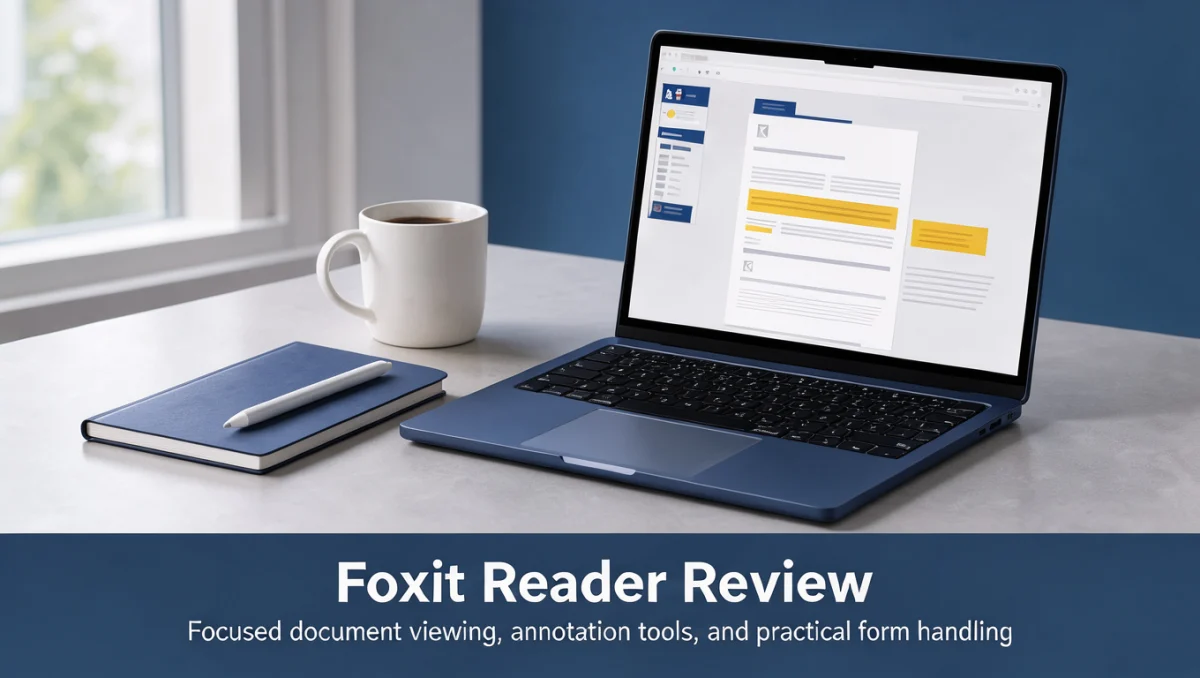
Foxit Reader is a PDF utility from Foxit Software built for reading, annotating, and reviewing portable document files. It suits individual professionals, corporate departments, researchers, and enterprise staff who handle text-heavy files every day. Rather than acting as a full publishing suite, it concentrates on viewing controls, page presentation, and shared review layers.
People searching for a foxit reader edit pdf download should understand the difference between marking up a document and altering its structure. In most office roles, the work involves highlighting passages, adding sticky notes, striking through wording, and confirming approval through signature fields. Foxit Reader covers these tasks directly, offering a straightforward workspace without the cost and complexity of heavy design software.
3. Core Features
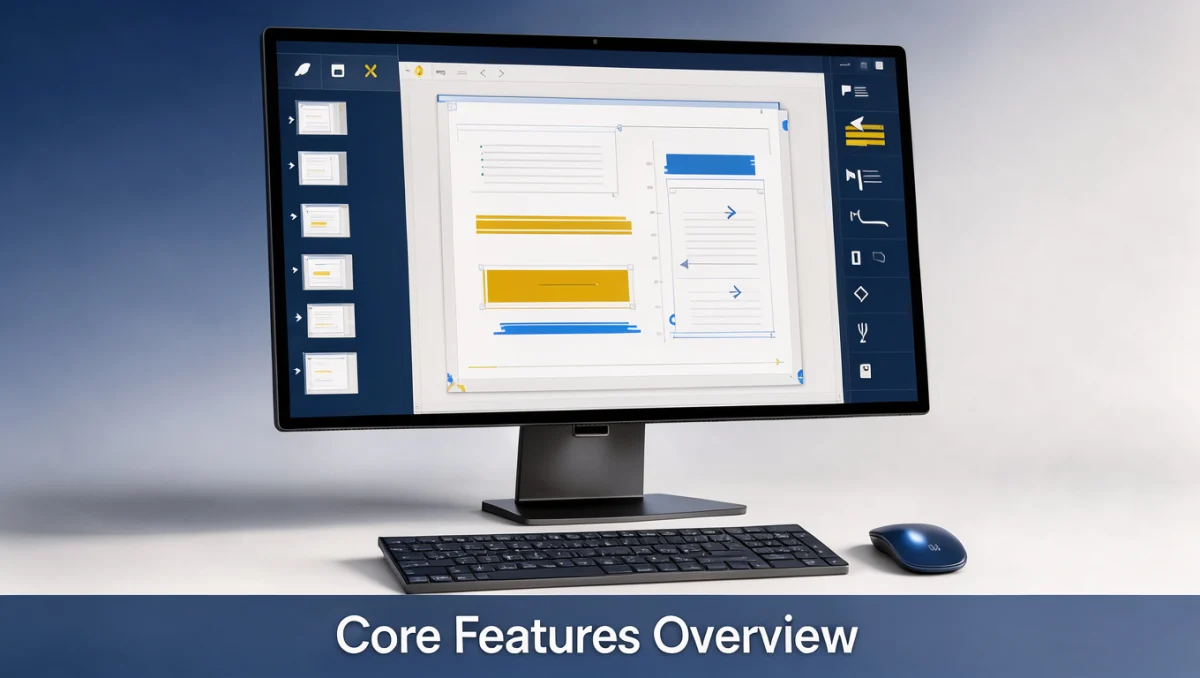
A document utility is judged by how cleanly it renders text, how well it collects feedback, and how reliably it preserves file integrity during exchange. Foxit Reader groups its capabilities around these routine needs.
3.1. Document Viewing and Page Navigation
The software renders text, vector diagrams, and images accurately. Long manuals and specifications are easier to work through thanks to multi-tab reading, bookmark sidebars, and outline panels. Viewing modes include single-page, continuous scroll, two-page book layout, and presentation mode. Keyword search runs across lengthy publications, helping readers locate key clauses or figures quickly.
3.2. Collaborative Annotation and Text Markup
Annotation is central for teams reviewing shared drafts. The toolset includes highlighters, underlines, strikethroughs, callout boxes, and custom shapes. Reviewers can attach comments to specific paragraphs, keeping peer feedback in one place. Comments sit on top of the file, so the original source text remains untouched.
3.3. Interactive Form Handling and Data Entry
Admin work often depends on questionnaires, purchase orders, and employment forms. Foxit Reader recognizes active form fields, letting users type into text boxes, tick checkboxes, select radio buttons, and choose from dropdown menus. Completed responses can be exported for records, reducing the hassle of paper-based collection.
3.4. Document Protection and Signature Validation
Sharing sensitive records requires confirming the sender and keeping the document intact. The software supports inserting signature images, applying formal digital signatures, and checking certificates attached to received files. Team leads can verify whether a file changed after approval, which supports a clear audit trail for agreements and sign-off chains.
4. Ease of Use and Learning Curve
Document tools should keep critical controls within easy reach without cluttering the screen. Foxit Reader uses a ribbon-style toolbar grouped by function, with viewing, commenting, and form tools in separate sections. Anyone familiar with mainstream office software will find the basics quickly and can start reviewing files with little training.
Users moving from a simple built-in viewer may find the menus dense at first. Customizing the quick-access toolbar helps: place the pens, zoom presets, and signature stamps you use most within one click.
5. Pros and Cons
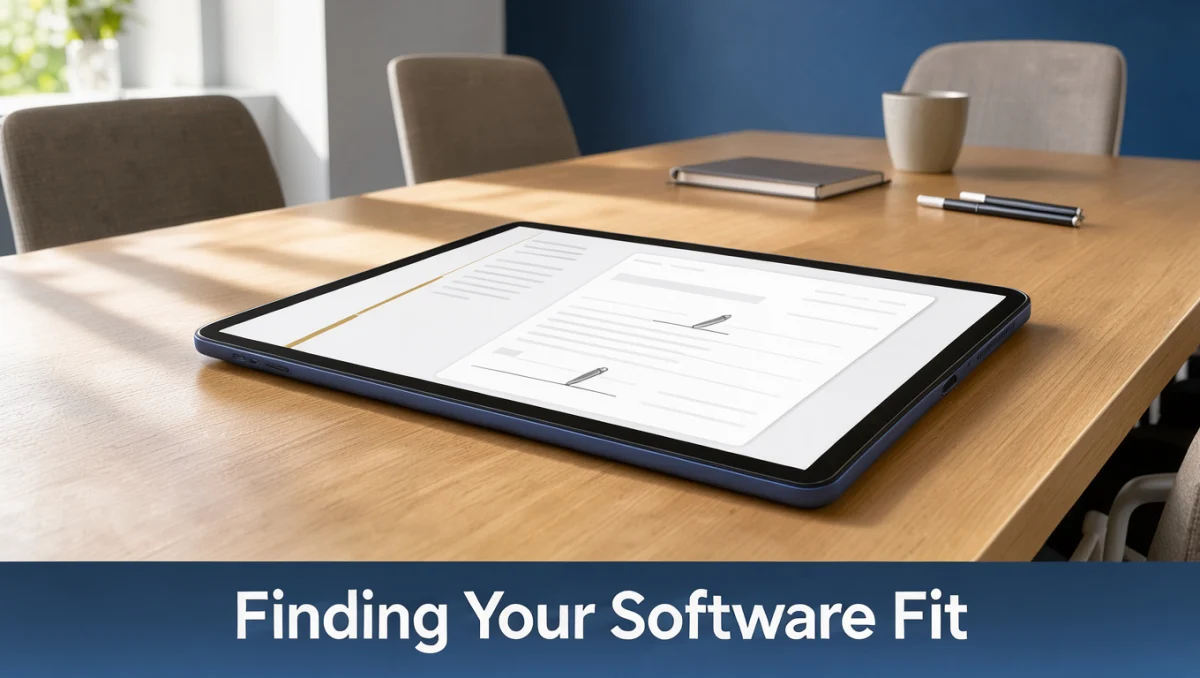
A fair assessment weighs operational strengths against functional limits. Buyers should compare both against their own workflows.
5.1. Pros of Foxit Reader
- Focused reading tools, including multi-tab browsing and fast search across long files.
- A broad annotation toolkit with notes, highlighters, shapes, and comment summaries.
- Reliable completion of interactive forms with standard input fields.
- Digital signature placement and certificate checking for formal sign-off workflows.
- A clean, organized workspace suited to modern collaboration and productivity needs.
5.2. Cons of Foxit Reader
- Structural editing does not extend to advanced text reflow or heavy graphic reconfiguration.
- Teams that create complex documents should verify on the official vendor site how viewing tools differ from commercial editor packages.
- The dense toolbar may take some getting used to for users who only need minimal inspection.
6. Foxit Reader vs Similar Tools
The PDF market includes several established platforms, each aimed at different priorities. Comparing their positioning shows where each one delivers the most value.
Adobe Acrobat is the long-standing industry benchmark for full document creation, print preparation, and end-to-end document management. Organizations that invest in it usually need complex authoring, detailed typography controls, and full content overhauls. Foxit Reader takes a lighter, review-focused approach, covering viewing, markup, and signing without the weight of an enterprise publishing suite.
Nitro PDF targets enterprise knowledge teams that need document conversion, shared distribution, and batch paperwork automation. Nitro emphasizes scalable team deployment for document transformation, while Foxit Reader appeals to people who want dependable individual reading, precise markup, and streamlined form handling. Decide whether your daily work involves creating documents or primarily reviewing them.
7. Who Should Use Foxit Reader
Software fit depends on matching real operating patterns to the tool's strengths. Different roles gain different value from a focused document utility.
7.1. Freelancers and Independent Consultants
Solo professionals who review client agreements, mark up draft deliverables, and complete purchase approvals benefit from dedicated viewing and annotation tools. Clear revision marks and verified signatures let independent workers operate cleanly without paying for publishing software they do not need.
7.2. Small Business Owners and Office Managers
Teams processing invoices, intake applications, and HR forms can use a standard viewer to keep paperwork moving. Staff can complete standard forms, add approval notes, and route signed agreements between departments.
7.3. Students and Academic Researchers
Scholars working through papers, reference texts, and journal articles need responsive search and extensive highlighting. Multi-tab reading and organized marginal notes make thesis preparation and literature reviews more manageable.
7.4. Teams Not Recommended for This Setup
Graphic designers, book publishers, and marketing layout specialists who must change underlying typography, edit layered vector artwork, or rearrange complex page spreads need dedicated structural editing software rather than a viewing and review utility.
8. How to Choose the Right Plan
Document software vendors often sell products across several tiers. Confirm current licensing on the official vendor site before committing budget.
| What to check | Why it matters |
|---|---|
| Editing depth requirements | Separates basic markup and text insertion from full paragraph reflow and layout authoring. |
| Seat deployment model | Individual workstation licenses differ from centralized volume business licensing. |
| Interactive form design needs | Filling forms is separate from creating forms or using advanced automated calculations. |
| Signature workflow standards | Placing a signature image differs from managing corporate digital certificates with legal weight. |
| Document conversion utilities | Confirm whether converting files to and from other formats requires a higher tier. |
9. FAQ
9.1. What is the difference between document annotation and full document editing?
Annotation places visual notes, highlights, stamps, and drawn shapes on top of the existing file without changing the underlying typography. Full editing modifies the source text itself, reflowing paragraphs, changing fonts, and rearranging layout elements within the file.
9.2. How should a team prepare before rolling out document review software?
Audit recurring document workflows to see how many people only read files, who needs to apply formal approvals, and who actually changes core content. Clear internal standards prevent paying for costly authoring licenses for staff who only need review tools.
9.3. Why can some digital forms refuse text entry in a viewer?
Interactive forms need form fields created when the document was authored. A flat scan or flattened image contains no fields, so standard software cannot recognize text boxes unless optical character recognition or form-creation tools are applied first.
9.4. What security points should buyers check when sharing signed documents?
Confirm that the application supports standard cryptographic certificate validation. A signature showing an unbroken validation status indicates the agreement has not been altered since signing, which supports organizational accountability requirements.
10. Final Verdict
Choosing document software means balancing daily office needs against budget. Foxit Reader offers an effective workspace for reading, annotating, and signing documents, which makes it a practical choice for teams focused on inspection and review.
| Criterion | Score /10 | Reason |
|---|---|---|
| Features | 7.6 / 10 | Reliable rendering, a broad annotation palette, and practical form filling. |
| Ease of Use | 8.6 / 10 | Intuitive ribbon navigation makes standard reading and markup quick to learn. |
| Pricing and Value | 7.4 / 10 | Verify tier differences on the official site to confirm features match cost. |
| Integrations | 7.0 / 10 | Review how well it connects with your existing enterprise storage systems. |
| Audience Fit | 8.4 / 10 | A strong match for professionals, students, and businesses handling daily review paperwork. |
| Support | 7.0 / 10 | Check available documentation and direct assistance channels on the official portal. |
| Competitive Position | 7.9 / 10 | An established, focused alternative to heavier commercial publishing platforms. |
Overall ebusinessreviews score: 7.7 / 10. For solo professionals, office teams, and students who want dependable viewing, precise commenting, and standard form completion, Foxit Reader is a focused and reliable choice. Organizations that need deep structural layout authoring should look at dedicated commercial creative packages.
For more software reviews, comparisons, and buying guidance, explore the resources at EBusiness Reviews. Readers with specific questions about software deployment can reach out through ebusinessreviews.net/contact or connect with our editorial staff on LinkedIn.
See More Collaboration & Productivity