ebusinessreviews may earn a commission when you buy through links on this page, at no extra cost to you. This does not affect our ratings.
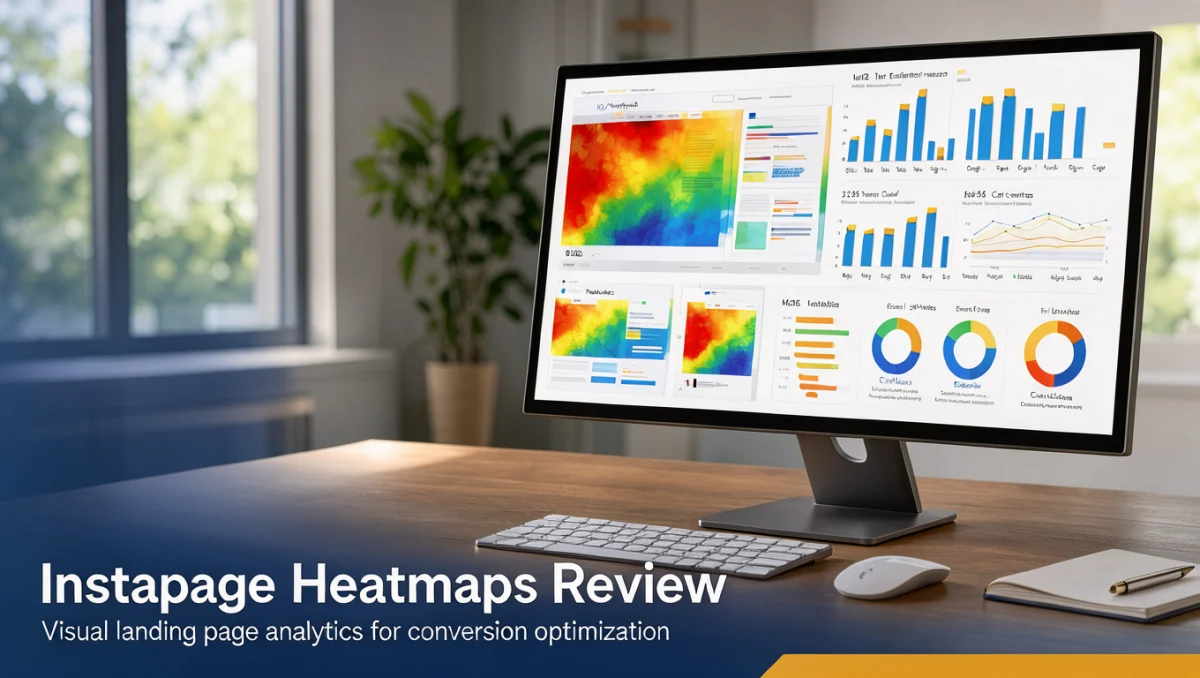
Visual behavior tracking built into post-click landing pages shows digital marketers where visitors scroll, click and leave during a campaign. Choosing this kind of conversion tool means weighing tracking precision against page speed, and our team looks at how these visual diagnostics fit into real campaign work, which is where instapage heatmaps come into play.
Many marketing teams struggle to link ad clicks with what visitors actually do on the page. Before spending budget, buyers can check whether a dedicated Marketing platform solves that reporting gap.
Quick verdict: Instapage scores 7.8 out of 10. It suits paid advertising teams that want native visual behavior data on custom landing pages. It is less suitable for anyone who needs standalone analytics across large, multi-page websites.
| Metric | Summary Details |
|---|---|
| ebusinessreviews score | 7.8 / 10 |
| Best for | Paid acquisition teams needing unified landing page creation and visual interaction tracking |
| Not ideal for | Site owners seeking deep session replays and site-wide behavioral tracking across whole domains |
| Key strengths | Unified post-click landing page builder, direct visual click and scroll mapping, native conversion focus |
| What to check before buying | Confirm user seat allocations, tracking data retention policies, and plan restrictions on the official site |
1. How ebusinessreviews Reviewed Instapage
This review examines what Instapage is designed to do, who it serves and how it stacks up against similar tools. We judged it on seven ebusinessreviews criteria: features, ease of use, pricing and value, integrations, audience fit, support and competitive position. Plans, prices and limits change frequently, so we flag what to confirm on the official website before buying. This article was researched and drafted with AI assistance, then reviewed and edited by the ebusinessreviews Editorial Team.
2. What Instapage Is and Who Uses It
Instapage is a platform for building and optimizing post-click landing pages, aimed at digital advertisers, growth marketers and campaign managers. It turns paid traffic into measurable leads and customer actions through custom page design, testing and behavioral tracking.
Performance marketing depends on tight alignment between ad creative and the landing page that follows. Working through a detailed look at instapage heatmaps shows how campaign operators can spot friction points in visitor sessions without adding complex third-party tracking scripts.
The tool is used by growth teams running campaigns on search engines and social platforms. Agencies and in-house marketing departments use it to match ad messaging with targeted page layouts, giving them behavioral data without a separate analytics engineering effort.
3. Core Landing Page and Heatmap Features
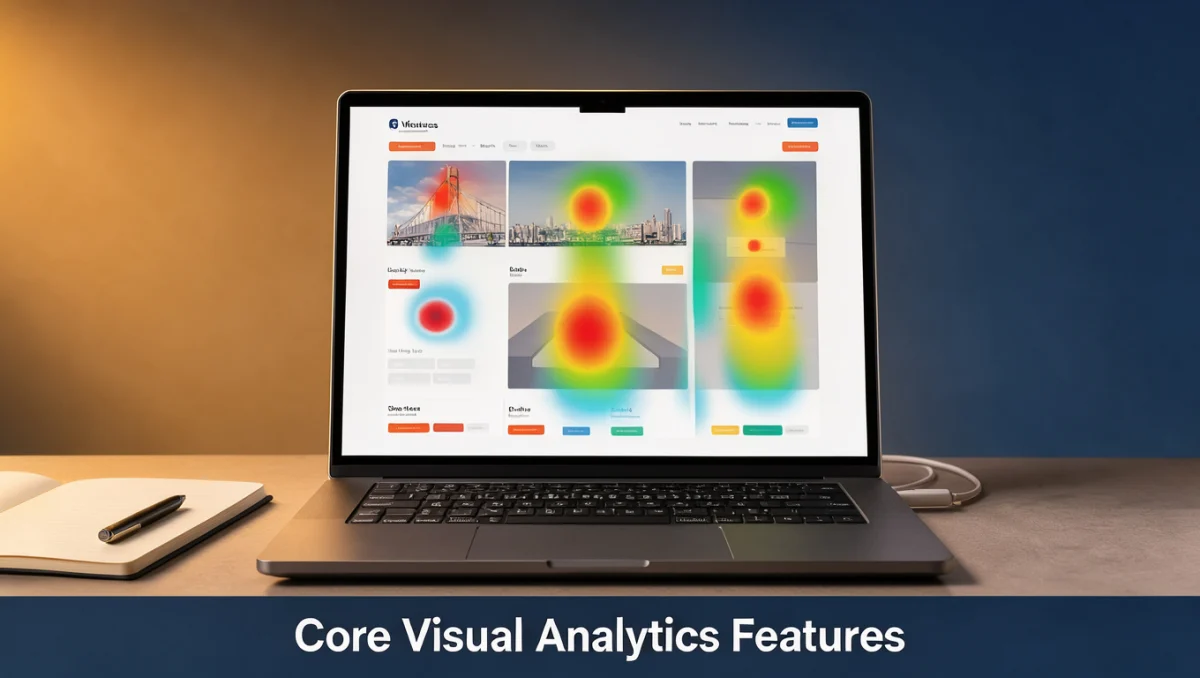
Tools in this category pair a front-end layout builder with engagement records that show how prospects interact with promotional pages.
Click and Tap Visual Mapping
Click tracking gathers visitor interactions across buttons, linked text, non-clickable elements and visual media. Marketers review these clusters to see whether visitors click the intended calls to action or inactive design elements, which exposes layout problems that block conversions.
Scroll Depth and Drop-Off Analysis
Scroll tracking shows how far visitors travel down a page before leaving or completing an action. Campaign managers check these percentages to confirm that core value propositions, proof badges and forms sit within typical viewable areas rather than going unseen past common abandon points.
Mouse Movement and Engagement Tracking
Cursor movement records trace where desktop visitors direct their attention during a session. Finding concentrated hover areas helps designers place key testimonials, guarantees and product demonstrations along natural paths of attention.
Integrated Post-Click Testing
Testing tools inside the landing page suite let operators clone variations and compare how each performs at the same time. Teams can see whether layout changes move more visitors toward contact forms, all within one workspace.
4. Ease of Use and Learning Curve
The builder separates layout customization from complex web coding and uses drag-and-drop controls that speed up publishing. New team members usually find the visual editor quick to learn, although reading diagnostic data well requires some grounding in conversion rate optimization.
Heatmap reports are easy to review because visual overlays appear directly on top of published designs. Teams can switch between desktop and mobile previews to compare interaction differences without making code changes.
Organizations with several team members should settle workflow and handoff practices early. Checking user permission structures on the official Instapage website ensures reviewers and outside stakeholders can open reporting dashboards without editing live page templates.
5. Pros and Cons of Instapage Heatmaps
Judging integrated behavioral analytics means balancing everyday convenience against the depth of specialized features.
Key Advantages
- Native visual tracking removes the need to set up, debug and maintain third-party tracking tags.
- Diagnostic overlays connect directly to each landing page variation built inside the platform.
- Marketing teams can find conversion bottlenecks and make layout edits in the same application.
- Visual reports show how mobile interaction differs from desktop browsing habits.
Operational Limitations
- Heatmap data covers individual landing pages rather than multi-step purchase funnels across an entire website.
- Dedicated behavioral analytics platforms often offer wider funnel tracking and feedback survey widgets.
- Data retention periods and visitor volume limits depend on subscription terms, so verify them on the official website.
6. Instapage vs Similar Tools
Knowing where Instapage fits among landing page builders and behavioral measurement software helps buyers choose a tool that matches their scope.
| Platform | Primary Focus | Core Strength | Evaluation Priority |
|---|---|---|---|
| Instapage | Post-click campaign pages and paid traffic optimization | Integrated page design with built-in visual heatmaps | Check account traffic allocations and seat limits on official pages |
| Unbounce | Conversion-oriented landing pages and smart routing | Flexible page builder with variant testing mechanics | Verify tracking script integrations for advanced visual records |
| Leadpages | Lead generation templates for small businesses | Template-driven publishing for simple lead capture | Confirm external tracking integration needs for visual behavior |
| Hotjar | Dedicated behavioral analytics and feedback collection | Deep behavioral analysis across broad website architectures | Assess the operational overhead of managing two distinct platforms |
Buyers have to choose between standalone analytics that cover broad web properties and specialized landing page environments with tracking built in. Reading our research methodology at EBusiness Reviews can help teams decide whether an all-in-one builder is worth more than maintaining separate specialized subscriptions.
7. Who Should Use Instapage
The right optimization platform depends on team structure, traffic volume and campaign goals.
Performance Marketing Teams and Agencies
Teams managing significant ad spend gain efficiency by diagnosing landing page friction without relying on outside developers. Visual drop-off data gives quick direction for improving return on ad spend across client accounts.
Growth-Stage Businesses
Companies scaling lead generation use visual engagement records to sharpen value propositions and increase trial signups. Keeping design tools and diagnostics in one workspace makes everyday conversion work simpler.
Organizations Not Suited to This Setup
E-commerce stores that need site-wide cart analysis, and content publishers that want domain-level reader heatmaps, will find single-page tracking limiting. Those businesses should look at dedicated analytics suites that follow visitor journeys across complex catalog structures.
8. How to Choose the Right Plan
Subscription costs are a significant ongoing software expense, so align business requirements with contract terms carefully.
| What to check on official pages | Why it matters for your team |
|---|---|
| Traffic and visitor caps | Overage charges can change operating costs when campaigns exceed planned volumes. |
| Heatmap data retention windows | Historical reporting limits determine how long behavioral data stays available for longer-term analysis. |
| User seat access levels | Agencies and larger marketing departments need distinct publishing and reporting permissions. |
| Page publishing thresholds | Active page limits determine how many distinct campaign variants can run at the same time. |
9. Frequently Asked Questions
How do marketing teams confirm that heatmap data reflects real visitor trends?
Teams should gather enough visitor interactions before drawing conclusions from visual clusters. Checking aggregate sample sizes for each campaign variant helps ensure click patterns reflect genuine user behavior rather than random browsing noise.
What should buyers check about tracking data retention?
Buyers should review the official vendor terms to see how long visual interaction records stay accessible. Campaigns that run across several quarters need enough stored history to compare layout performance year over year.
When should an organization choose separate analytics over integrated tracking?
Separate analytics platforms are the better choice when goals involve multi-step checkout funnels, site-wide cart abandonment or cross-domain user journeys that go beyond isolated promotional pages.
Which factors affect landing page tracking accuracy?
Dynamic content, screen resolutions and visitor device types all influence where interaction markers land on visual overlays. Reviewing responsive device previews helps ensure reports reflect real visitor experiences across different screen sizes.
10. Final Verdict
Instapage heatmaps deliver practical visual diagnostics inside a focused landing page environment, letting marketing professionals iterate quickly without depending on code.
| Criterion | Score / 10 | Evaluation Reason |
|---|---|---|
| Features | 8.5 / 10 | Strong combination of visual click tracking, scroll drop-off data and integrated variant creation. |
| Ease of Use | 8.0 / 10 | Intuitive drag-and-drop publishing workflow with direct visual reporting overlays. |
| Pricing and Value | 7.0 / 10 | Requires verification of visitor allowances, seat costs and contract terms on official pages. |
| Integrations | 7.5 / 10 | Connects with key marketing systems, though buyers should verify specific workflow connections. |
| Audience Fit | 8.5 / 10 | Highly targeted for paid traffic teams, performance marketers and growth agencies. |
| Support | 7.0 / 10 | Support accessibility and training resources should be confirmed on the official site. |
| Competitive Position | 8.0 / 10 | Keeps a distinct profile by combining landing page creation with native behavioral heatmaps. |
Overall score: 7.8 / 10. For marketing agencies and digital advertisers trying to improve paid ad conversions, the software offers one cohesive environment that brings layout creation and visitor behavior diagnostics together.
Readers with questions about landing page optimization platforms can reach out via https://ebusinessreviews.net/contact/ or follow ebusinessreviews on LinkedIn at https://www.linkedin.com/company/ebusinessreviews/ for ongoing software analysis.