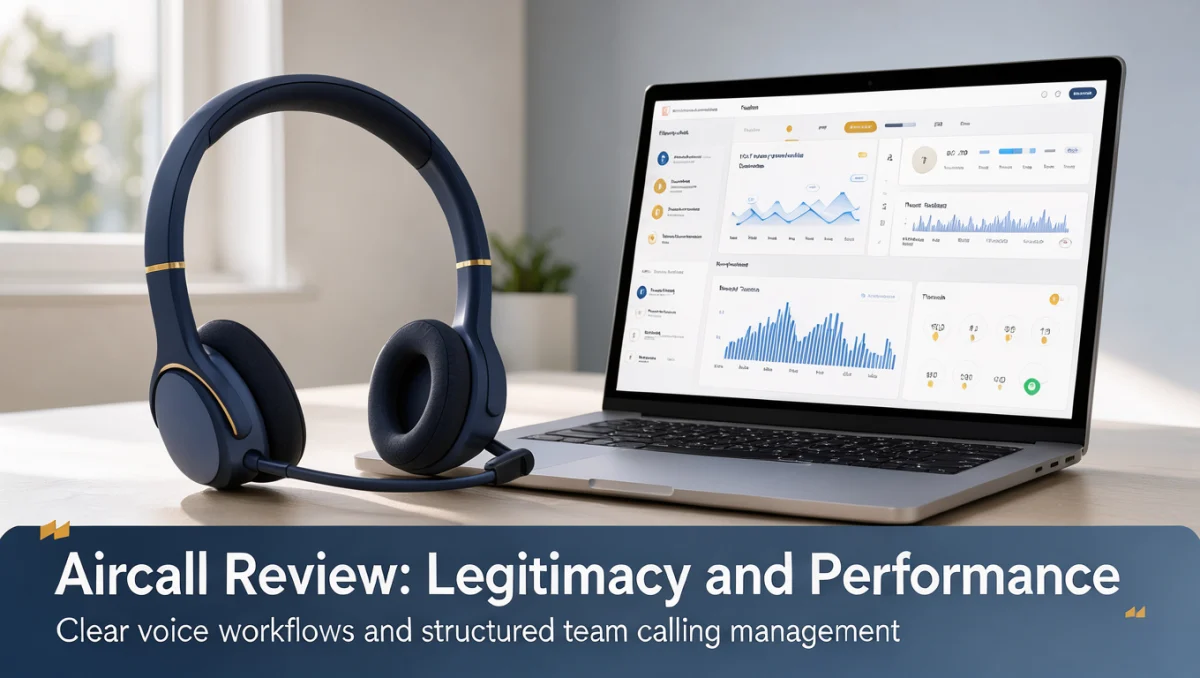
Before any purchase, many buyers ask whether a vendor is credible. If you're wondering is aircall legit for a dedicated business phone and call center setup, the short answer is that it is a mature, established platform. Our full look below focuses on what it does well, where it falls short, and what to verify before you commit.
Quick verdict: On our scale, Aircall earns a 7.6 out of 10 at EBusiness Reviews. It fits growing sales and support teams that need organized call routing and shared visibility into conversations. It is less suitable for a solo operator who only makes occasional personal calls.
| Evaluation Metric | Summary Details |
|---|---|
| EBusiness Reviews score | 7.6 / 10 |
| Best for | Growing support and sales teams handling daily phone conversations |
| Not ideal for | Micro-businesses with minimal outbound calling and no need for team routing |
| Key strengths | Call management, shared team collaboration, and clear workflow visibility |
| What to check before buying | Current subscription terms, seat minimums, and local number availability |
How EBusiness Reviews Evaluated Aircall
We assessed Aircall against seven criteria: features, ease of use, pricing and value, integrations, audience fit, support, and competitive position. Plans, prices, and limits change frequently, so treat our notes as a starting point and confirm current details on the official website. This article was researched and drafted with AI assistance, then reviewed and edited by the EBusiness Reviews Editorial Team.
What Aircall Is and Who It Serves
Aircall is a business telephony platform that helps companies manage incoming and outgoing calls through structured, software-based workflows. Instead of relying on traditional desk hardware, representatives connect with customers from software interfaces, often from different locations. For customer service operations, keeping clear interaction records and answering calls promptly are central to retaining clients.
The platform is built mainly for inbound support desks, outbound sales teams, and account management groups that depend on phone conversations. When several people handle inquiries for the same client, centralized phone software preserves context across handoffs, which is where it adds the most value.
On the other hand, very small businesses with simple needs may find dedicated call center software more complicated than they require. Freelancers and single-person operations seldom need automated call distribution or shared queues. Reviewing your team structure and average daily call volume will show whether an enterprise-style voice system matches your current stage of growth.
Core Features of Business Phone Platforms

Business voice platforms share a standard set of operational capabilities. When deciding whether Aircall meets your standards, it helps to understand the main functional areas that define modern voice software.
Call Distribution and Smart Routing
Call routing sends incoming calls to the right person or team based on rules you configure in advance. Administrators can set cascading ring patterns, simultaneous ringing, or team-based queues to shorten wait times. The result is that customers reach an available agent who can address their question, rather than being passed between several internal transfers.
Shared Call Inboxes and Collaboration
Shared inboxes let multiple representatives monitor missed calls, voicemails, and unassigned inquiries together. Team members can assign interactions to colleagues, apply internal tags, and leave comments on call logs. This reduces duplicate follow-ups and keeps everyone aligned on the status of each customer issue.
Call Monitoring and Administrative Oversight
Supervisory tools help team leaders maintain conversation quality across the department. Administrative consoles show live queue activity, agent availability, and historical call records. Managers use these views to evaluate performance, spot queue bottlenecks, and onboard new representatives in a structured way.
Analytics and Operational Metrics
Voice systems generate reports that reveal trends over time. Common metrics include inbound call volume, average talk duration, missed call rates, and peak-hour patterns. Analyzing this data helps team leaders adjust staffing schedules so there is adequate coverage during busy periods.
Ease of Use and Learning Curve
How quickly a team adopts a voice platform depends largely on usability. Aircall uses a modern, uncluttered interface designed to minimize the steps needed to place a call, transfer a conversation, or log an interaction.
For frontline representatives, the daily workspace centers on a clean dialer, quick search for contacts, and simple toggling between available and away status. Call center agents often handle demanding conversations, so an intuitive layout reduces fatigue and mistakes during live calls. New team members typically become comfortable with the dialer during onboarding.
For administrators, setting up call distribution rules, business hour schedules, and user assignments takes careful planning. The settings panels are logically arranged, but building a complex multi-branch routing structure requires mapping it out before deployment. Teams moving from legacy hardware should budget time to train managers on digital queue logic and oversight tools.
Pros and Cons

Every business telephony solution offers clear advantages alongside structural limitations. Weighing both helps buyers make balanced decisions.
Key Advantages
- Intuitive interface design that simplifies call handling for frontline staff
- Centralized shared inboxes that improve cross-team collaboration on customer follow-ups
- Structured administrative routing that directs inbound inquiries systematically
- Comprehensive call logging that preserves context across customer interactions
Potential Limitations and Remedies
- Dependence on stable internet connectivity. Verify office network stability and bandwidth, and consider redundancy, before rollout.
- Initial routing setup can be complex. Diagram your call tree on paper before configuring the digital settings.
- Ongoing subscription management. Assign a dedicated administrator to review user seats regularly.
Aircall vs. Similar Tools
The business telephony market includes several well-known platforms, each aimed at different company sizes and priorities. Understanding their broad positioning helps you choose the right category of provider.
Aircall focuses on mid-market and growing teams that want modern call center workflows and shared customer interaction logs. RingCentral has traditionally targeted broader unified enterprise communications, with extensive messaging and deep hardware compatibility. Vonage offers flexible telecommunications infrastructure for businesses that want adaptable global communication frameworks.
If your priority is an omnichannel support desk rather than voice-focused routing, customer service suites such as Zendesk or Freshdesk combine voice with email and chat in a ticket-centered system. The key decision is whether you need a focused, highly usable voice system or a wide unified platform covering every enterprise collaboration channel.
Who Should Use Aircall
Choosing software means matching its strengths to your organization's roles and workflows. Here is how different profiles tend to fit.
Inbound Customer Support Teams
Support departments handling heavy inbound call volume benefit most from structured routing and shared queues. Being able to tag calls, leave notes for colleagues, and reassign voicemails helps ensure inquiries are resolved without losing context.
Outbound Sales and Business Development Teams
Sales representatives making frequent calls need fast dialer workflows and clear call outcome tagging. Centralized records let sales managers review outbound activity and refine their outreach approach across the team.
Growing Small Business Owners
Owners moving away from personal mobile phones toward a formal company line gain professionalism. Clear business hours and dedicated department numbers give clients a polished identity while protecting personal privacy.
Office Administrative Managers
Administrative staff who route company-wide calls benefit from straightforward directory management. Modern voice software makes it easy to transfer calls to remote team members regardless of where they work.
Groups That Should Consider Alternatives
Freelancers, solo operators, and students rarely need team call distribution. Individuals with low calling needs are usually better served by a standard mobile carrier plan or a basic virtual phone service than by collaborative call center software with committed seat structures.
How to Choose the Right Plan
Vendors adjust pricing, minimum commitments, and bundled features over time. Before entering payment details, compare the official Aircall plan page against your specific requirements.
| What to check | Why it matters |
|---|---|
| Minimum user requirements | Many business voice vendors require a minimum number of paid licenses, which directly affects baseline monthly cost |
| Calling credit and destination rates | Outbound costs vary significantly between domestic and international destinations |
| Inbound phone number allotments | Organizations operating across regions should confirm how additional local or toll-free numbers are billed |
| Administrative analytics availability | Advanced queue metrics and reporting depth are often limited to particular subscription tiers |
| Recording storage duration | Compliance policies may require call recordings to be kept for set periods, so confirm the platform's retention policy |
Frequently Asked Questions
How should a company prepare its network for cloud voice software?
Test your local bandwidth, router settings, and quality-of-service configuration before introducing voice software. Voice traffic needs consistent stability and low latency to stay clear. Checking your internet connection and using wired connections for primary workstations helps prevent audio jitter during customer calls.
What should buyers budget for beyond the base subscription?
Plan for extra phone numbers, international calling rates, regulatory telecom fees, and headsets. Many providers bill calling usage separately from user seats, so forecast your expected monthly outbound minutes when building the budget.
How can teams make customer call transitions smooth during setup?
Map your complete call flow on paper before building routing trees in the console. Running internal test calls lets managers confirm ring order, voicemail greetings, and fallback queues before the new numbers go public.
When should an organization move from personal phones to dedicated business phone software?
Make the move when several employees share customer communication duties or when personal numbers compromise privacy. A dedicated voice platform sets clear business hours, supports shared call coverage, and keeps customer records under company control when staff change roles or leave.
Final Verdict
Is Aircall legit as a long-term business voice solution? Yes. It is a established, legitimate business phone platform suited to modern sales and support teams that need coordinated call management. Its streamlined interface and dedicated call center features make it a strong option for companies that want structured communication workflows.
| Criterion | Score /10 | Reason |
|---|---|---|
| Features | 8.0 / 10 | Offers comprehensive call routing, shared inboxes, and essential queue oversight |
| Ease of Use | 8.5 / 10 | Clean dialer workspace and intuitive layout minimize agent training time |
| Pricing and Value | 7.0 / 10 | Buyers should confirm minimum seat thresholds and calling rates against their budget |
| Integrations | 7.5 / 10 | Fits into broader business workflows, though you should verify alignment with your software stack |
| Audience Fit | 8.0 / 10 | Highly effective for collaborative sales and support teams, less suited to single operators |
| Support | 7.0 / 10 | Covers standard business needs, with specific response resources depending on plan tier |
| Competitive Position | 7.5 / 10 | Maintains a clear focus on voice usability compared with heavier legacy enterprise suites |
Overall score: 7.6 / 10
For expanding teams that value call quality, team visibility, and structured queue distribution, Aircall provides a dependable telephony foundation. Solo entrepreneurs, or organizations that need a broad unified video and enterprise chat suite, should assess whether a focused voice tool fits their wider collaboration plans. Confirm your required seat counts and calling destinations on the official Aircall website before purchasing.
Have questions about choosing business communications software for your organization? Contact the editorial team at EBusiness Reviews, or follow us on LinkedIn for more software guidance.