EBusiness Reviews may earn a commission when you buy through links on this page, at no extra cost to you. This does not affect our ratings.
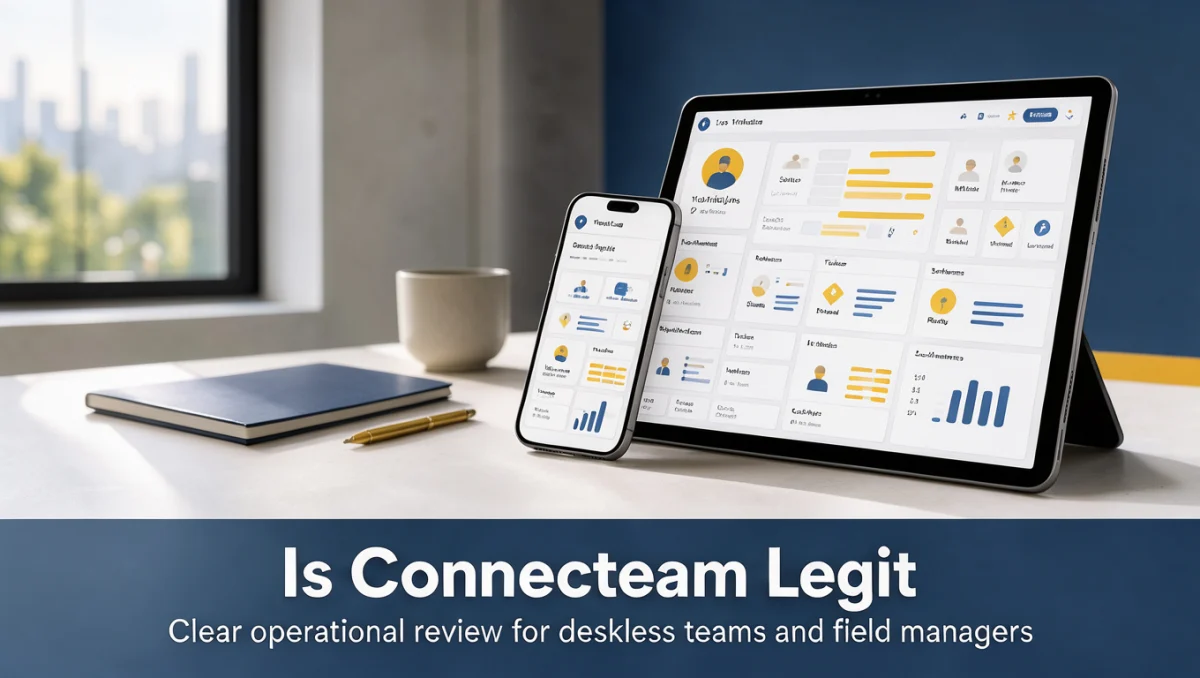
Is Connecteam legit for running frontline operations, field crews, and daily shift schedules? Many organizations with teams spread across job sites turn to Connecteam to handle communication, attendance, and rostering without relying on paper logs. Before trusting any workforce platform, it helps to look beyond marketing and check whether its workflows fit how your team actually works.
At EBusiness Reviews, we judge workforce platforms against consistent operational criteria rather than popularity. Whether you manage retail associates, construction crews, security guards, or hospitality staff, dependable software comes down to structural reliability and realistic expectations. Here we assess Connecteam across seven functional areas so you can confirm suitability before spending budget.
Quick verdict: Connecteam earns an EBusiness Reviews score of 7.9/10 as a legitimate workforce management platform. It suits teams that want scheduling, time tracking, and field communication in one place. It is less suited to teams needing deep corporate project management or office-centric document collaboration.
| Metric | Assessment |
|---|---|
| EBusiness Reviews score | 7.9/10 |
| Best for | Managers coordinating non-desk workers across multiple field sites or shift-based operations |
| Not ideal for | Knowledge-worker teams needing complex agile development tracking or creative asset pipelines |
| Key strengths | Operational communication, digital shift scheduling, mobile punch clock administration, and field checklists |
| What to check before buying | Review administrative seat thresholds, functional module bundles, and payroll export formats on the vendor pricing page |
1. How EBusiness Reviews Evaluated Connecteam
This review examines what Connecteam is built to do, who it serves, and how it compares with similar tools, using our seven criteria: features, ease of use, pricing and value, integrations, audience fit, support, and competitive position. Plans, prices, and limits change often, so we point out what to confirm on the official website before buying. This article was researched and drafted with the help of AI tools, then reviewed and edited by the EBusiness Reviews Editorial Team.
2. What Connecteam Is and Who It Is For
Connecteam is an employee management platform designed to help businesses coordinate deskless, remote, and mobile workforces. Office-bound teams often rely on desktop software, but field-first companies face different hurdles around worker communication, schedule distribution, and time tracking. Connecteam organizes workforce coordination around central mobile and web touchpoints to address these challenges.
Organizations in security, field services, healthcare, cleaning, logistics, hospitality, and retail often look for employee software to replace manual spreadsheets. When operators ask whether Connecteam is a legitimate choice for daily business use, their main concern is whether digital records can reliably replace scattered message threads and paper timesheets. The software aims to consolidate oversight so managers and frontline staff interact through standardized channels.
For leadership teams, workforce platforms act as a central hub for dispatching shifts, logging operational compliance, and distributing company announcements. Because frontline employees rarely sit at desktop monitors, Connecteam focuses on simple touch-based interactions on mobile devices, letting field personnel complete daily administrative tasks without returning to an office.
3. Core Features
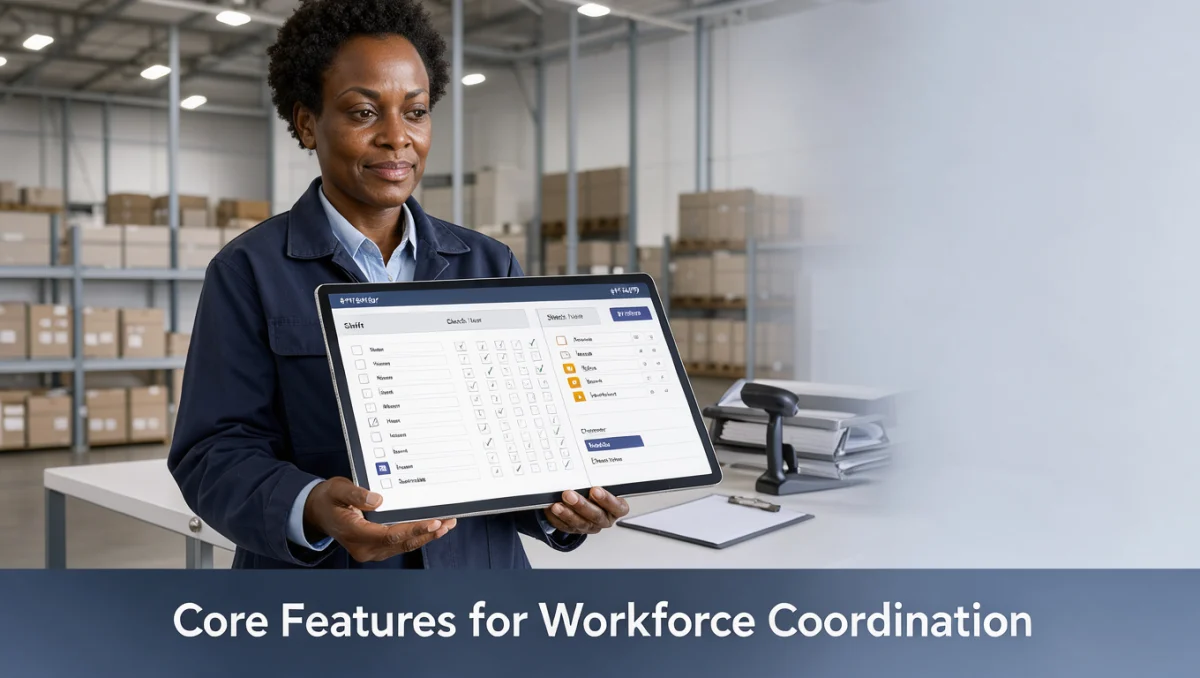
Workforce management platforms combine several operational components into one management interface. Connecteam organizes its functions around shift scheduling, time auditing, team communication, and procedural compliance.
3.1. Shift Scheduling and Dispatch
Shift coordination is foundational for any deskless workforce platform. Connecteam provides scheduling interfaces where managers create, duplicate, and publish shifts across locations, roles, and dates. Administrators can assign personnel based on operational needs, while team members receive schedule notifications directly on their devices.
Unexpected absences or shift swaps can disrupt service delivery. Connecteam gives workers visibility into upcoming duties, shift notes, and trade requests where company policy allows. Supervisors can review open shift claims and approve adjustments without rewriting master rosters by hand.
3.2. Time Tracking and Digital Timesheets
Accurate wage calculation depends on reliable records of arrival, break periods, and departure. Connecteam includes a digital time clock that lets workers record work intervals on location. Supervisors can monitor attendance in real time, seeing who is currently active or absent across designated client sites.
Geographic boundary tools in employee management software help confirm that personnel register timestamps within assigned work zones. Before payroll processing, administrators review generated timesheet summaries, adjust flagged anomalies, and export attendance records to external payroll systems.
3.3. Internal Communications and Company Updates
Workforce coordination breaks down when operational updates scatter across consumer chat apps, SMS chains, and bulletin boards. Connecteam offers an organized communication environment where leadership can publish company updates, policy changes, and safety advisories to specific groups or company-wide audiences.
To confirm critical notices reach staff, managers can monitor read receipts and acknowledgement confirmations. Connecteam also supports direct and group messaging, so supervisors can coordinate shift adjustments without exposing private phone numbers among coworkers.
3.4. Operational Checklists, Forms, and Compliance
Routine service delivery depends on standardized procedures, vehicle inspections, opening checklists, and incident logs. Connecteam lets administrators convert paper checklists into digital submission workflows. Employees complete required entries in the field, attaching photos and signatures to verify compliance.
Submissions appear immediately on administrative dashboards, so managers can confirm task completion or spot missed procedures. Digitized paperwork gives organizations clear records for regulatory audits, client verification, and internal quality standards.
3.5. Training Materials and Knowledge Bases
Frontline onboarding and recurring training often suffer from inconsistent delivery. Connecteam includes structured learning modules and digital document libraries where businesses store standard operating procedures, handbooks, and training materials. Staff can review compliance policies and confirm completion through basic comprehension checks.
4. Ease of Use and Learning Curve
Employee management platforms succeed or fail based on frontline adoption. If field workers struggle with complex menus or daily clock-in actions, administrative data quickly develops gaps. Connecteam prioritizes straightforward mobile layouts that place primary tasks, such as starting a shift or checking a schedule, on the first screen.
For administrators, setup involves building workforce hierarchies, creating shift templates, and defining geographic work parameters. Teams moving from paper systems usually need a short adjustment period while managers build initial rosters and configure custom forms. Admin navigation uses clear labels, though large organizations with multiple departments benefit from careful advance planning.
Organizations already using modern Collaboration & Productivity tools often appreciate the simpler onboarding. When evaluating fit, run a pilot with non-technical workers to see how naturally they handle shift updates, message streams, and checklist entries.
5. Connecteam Pros and Cons
Every business management tool involves tradeoffs between operational depth and administrative breadth. Weighing these factors helps buyers match software capabilities to their goals.
5.1. Connecteam Strengths
- Combines scheduling, attendance, messaging, and forms in a single interface, reducing reliance on fragmented tools.
- Built for non-desk personnel who need fast, accessible mobile interfaces rather than complex desktop software.
- Digital form builders replace clipboards and binders with timestamped logs and photo documentation.
- Shift visibility tools help managers reduce schedule confusion and unfilled slots.
- Administrative dashboards offer real-time visibility into staff attendance and operational progress.
5.2. Connecteam Considerations and Limitations
- Not designed for detailed agile development tracking, creative asset pipelines, or multi-phase software engineering workflows.
- Rolling out across diverse departments requires careful data planning to avoid confusing permission structures.
- Organizations with complex enterprise resource planning needs may require customized payroll workflows and external data connections.
- Staff who prefer full separation from work devices may find mandatory app rollouts frustrating at first.
6. Connecteam vs Similar Tools
The workforce management software market includes many providers serving different niches. Comparing Connecteam with established alternatives clarifies which platform fits your operation.
| Platform | Target Audience | Primary Operational Focus | Consider When |
|---|---|---|---|
| Connecteam | Deskless workforces and field service operators | All-in-one shift scheduling, time tracking, forms, and operational messaging | You need one hub to manage frontline workers without buying separate scheduling and communication tools |
| Homebase | Single-location brick-and-mortar retail and hospitality | Local employee scheduling, basic hiring, and time clock administration | Your operation centers on physical storefronts, cafes, or neighborhood retail |
| Deputy | Shift-based businesses with strict workforce compliance demands | Shift rostering, demand-based scheduling, and labor cost optimization | Your operations require labor law compliance monitoring and predictive shift planning |
| When I Work | Small to mid-sized hourly shift operations | Simplified employee scheduling and team attendance messaging | Your priority is quick roster creation and basic shift swapping without advanced field forms |
| Slack | Office-centric knowledge workers and remote digital teams | Channel-based team conversation and desktop collaboration | Your staff mainly works at desks producing digital files rather than performing field services |
While tools like Homebase focus on single-location hourly teams, Connecteam offers broader utility for mobile staff moving between client sites. Platforms like Deputy concentrate more on predictive rostering and labor compliance rules. The right choice depends on whether your daily friction comes from scheduling, field paperwork, or general team coordination.
7. Who Should Use Connecteam
Software value depends on the operational context, so looking at audience profiles helps determine whether Connecteam is a sensible investment for your organization.
7.1. Small Business Owners and Field Service Operators
Contractors, cleaning business owners, landscaping firms, and maintenance supervisors can benefit from unified field tools. Managing staff across rotating job sites without a digital time clock often leads to disputed hours and missed client requests. Connecteam gives small operators confirmation that technicians arrived on site and completed safety checklists as scheduled.
7.2. Shift Supervisors in Retail and Hospitality
Store managers, restaurant supervisors, and event coordinators handle frequent roster changes, last-minute cancellations, and fast onboarding. Connecteam lets supervisors publish schedules quickly, message staff about uniform requirements, and keep training documents in accessible digital folders.
7.3. Operations Directors in Logistics and Security
Security guard firms and courier companies need verified attendance tracking and strict guard tour checklists. Connecteam provides logging infrastructure to document guard arrivals, checkpoint scans, and incident reports, producing audit trails that support client service contracts.
7.4. Teams That Should Seek Alternative Solutions
Organizations made up mostly of office workers, remote marketing agencies, software development groups, or freelance consultants rarely need mobile punch clocks or physical site forms. These teams usually get better results from specialized project management boards and desktop-focused chat software.
8. How to Choose the Right Plan
Subscription models vary by user count, feature bundles, and administrative levels. Clarifying your operational requirements upfront prevents overpaying for unused tools or discovering missing features after deployment.
| What to Check on the Official Pricing Page | Why It Matters | Recommended Action |
|---|---|---|
| User Count and Minimum Tier Thresholds | Workforce platforms often price by blocks of users or per-seat rates that scale with growth. | Count seasonal, part-time, and full-time workers to find your accurate subscription tier. |
| Functional Hub Packaging | Some platforms bundle scheduling, communication, and forms into separate modules or unified tiers. | Identify whether you need only time clocks or the full suite of checklists and training tools. |
| Payroll Export and Integration Capabilities | Connecting attendance logs to your payroll provider avoids hours of manual data entry. | Verify that your payroll software accepts the export formats listed on the official platform page. |
| Administrative Permission Controls | Multi-location businesses need supervisory roles so branch managers see only their own staff. | Confirm which plan unlocks customized permissions for department supervisors. |
| Data Retention and Historical Audit Storage | Field service regulations often require keeping safety checklists and incident reports for long periods. | Check how long completed forms and timesheets remain archived in the software. |
Before entering payment details, calculate your full operational budget, including seasonal staffing changes, and review cancellation terms on the official website. A structured internal review prevents surprises when invoices arrive.
9. Frequently Asked Questions
9.1. What should business owners budget for beyond the base subscription?
Plan for staff time spent on onboarding, administrative time configuring shift rosters, and any integration costs for connecting timesheets to separate payroll software. Reviewing export requirements early helps prevent unexpected expenses.
9.2. How do managers know when to move away from manual spreadsheets?
Organizations usually see the need for specialized workforce software when shift swaps cause frequent conflicts, paper timesheets lead to disputed payroll, or supervisors spend hours messaging workers individually about basic shift updates.
9.3. Should a company consult a payroll professional before setting up digital timesheets?
Consulting a qualified bookkeeper, accountant, or labor specialist is strongly recommended when defining overtime rules, meal break deductions, and wage classifications. Configuring compliant pay rules within digital attendance platforms helps protect businesses from regulatory mistakes.
9.4. How can we confirm non-technical workers can use a mobile workforce platform?
Assemble a small test group of frontline workers with varying technology comfort levels. Ask them to complete routine actions such as clocking in, submitting a checklist, and reading an announcement. Their experience shows whether the navigation supports smooth adoption.
9.5. How can organizations avoid communication overload when rolling out team messaging?
Set clear guidelines on which topics belong in formal updates, group channels, or private supervisor messages. Defining notification expectations helps employees recognize urgent alerts without feeling overwhelmed during off-hours.
10. Final Verdict
Choosing an employee management platform means balancing workforce accessibility against managerial oversight. Independent analysis from EBusiness Reviews helps operational leaders judge software on measurable workflows rather than marketing claims. Connecteam is a credible, reliable option for businesses that want to streamline deskless staffing, timekeeping, and routine communication.
| Criterion | Score /10 | Reason |
|---|---|---|
| Features | 8.4/10 | Strong coverage of scheduling, time tracking, forms, and messaging for field teams |
| Ease of Use | 8.1/10 | Mobile-first layouts that frontline staff can navigate with little training |
| Pricing and Value | 7.4/10 | Good value for consolidated tools, though costs rise with headcount and add-ons |
| Integrations | 7.2/10 | Payroll export options available, but deep enterprise connections need extra planning |
| Audience Fit | 8.6/10 | Particularly well suited to deskless and field-based workforces |
| Support | 7.5/10 | Adequate guidance for setup and day-to-day questions |
| Competitive Position | 7.9/10 | Competitive for all-in-one field operations versus narrower scheduling tools |
Overall EBusiness Reviews Score: 7.9/10
For field contractors, retail managers, and operations directors overseeing distributed teams, Connecteam offers a practical bridge between frontline staff and administrative offices. If your business depends on accurate time records, reliable shift dispatch, and digital field documentation, exploring the platform on the official Connecteam website is a sensible next step.
Readers with questions about workforce software selection can reach us through the EBusiness Reviews contact page at https://ebusinessreviews.net/contact/ or follow EBusiness Reviews on LinkedIn at https://www.linkedin.com/company/ebusinessreviews/ for updated operational software evaluations.