EBusiness Reviews may earn a commission when you buy through links on this page, at no extra cost to you. This does not affect our ratings.
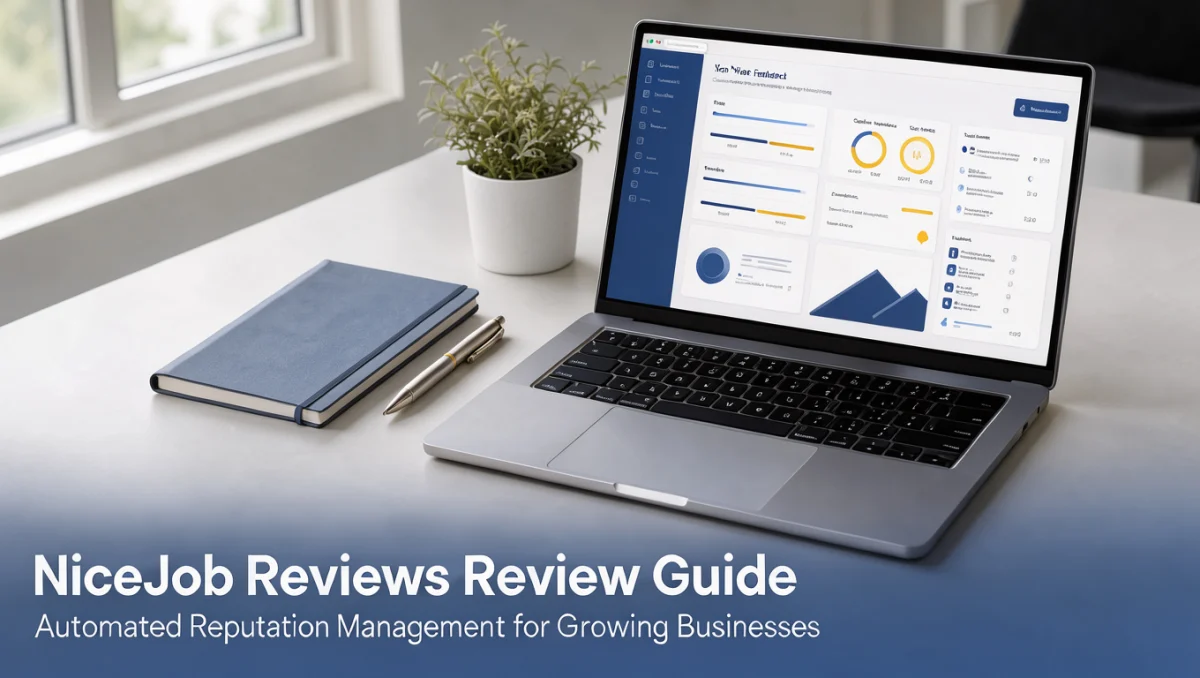
Reputation software is changing how local companies earn trust online. Rather than chasing satisfied customers one by one, owners can now rely on automated workflows that nudge clients toward public feedback at exactly the right moment. Our nice job reviews review takes a close look at how the platform handles that process, what it does well, and where it may fall short for certain teams.
Choosing a tool in this space means looking past headline promises. The real question is whether message timing, distribution to public profiles, and on-site proof displays actually match the way your customers move from purchase to feedback. Careful buyers test those mechanics against their own service flow before committing budget.
Quick verdict: NiceJob earns an overall ebusinessreviews score of 7.9 / 10. It suits local service businesses that want hands-off review collection and customer satisfaction marketing. It is less appropriate for sprawling multi-location enterprises that need deep analytics or internal ticketing.
| Metric | Evaluation |
|---|---|
| ebusinessreviews score | 7.9 / 10 |
| Best for | Local service teams seeking automated customer review invitations |
| Not ideal for | Global brands wanting multi-tier support ticketing and custom survey design |
| Key strengths | Automated review request sequencing and social proof sharing tools |
| What to check before buying | Confirm user limits and platform connection rules on the official NiceJob pricing page |
1. How EBusiness Reviews Evaluated NiceJob

We assessed NiceJob against seven criteria: features, ease of use, pricing and value, integrations, audience fit, support, and competitive position. Subscription terms and usage caps change frequently, so we highlight what you should verify directly on the vendor's website. This article was drafted with the help of AI tools and then reviewed and edited by the EBusiness Reviews Editorial Team.
2. What NiceJob Does and Who It Serves
NiceJob is a reputation management and review generation platform built to help businesses gather genuine testimonials and recommendations. After a transaction closes, the tool handles outreach that guides happy clients toward leaving public reviews on major third-party sites. Companies use this kind of service to build steady social proof without devoting staff hours to writing individual follow-up messages.
Customer service software often focuses on long-term relationship health, while reputation platforms concentrate on the window immediately after a job is finished. When clients wrap up a project, timely outreach decides whether a positive experience becomes a published rating. Contractors, cleaners, repair technicians, and neighborhood clinics typically depend on these structured workflows to keep their online credibility growing.
Organizations with dedicated feedback teams may need advanced custom survey engines or detailed demographic sentiment filtering. NiceJob is built to streamline standard post-job outreach rather than serve as an enterprise research tool. Before committing, buyers should check that their operating style matches this focus, since companies that simply want dependable review collection tend to get the most out of it.
3. Core Features and Operational Capabilities
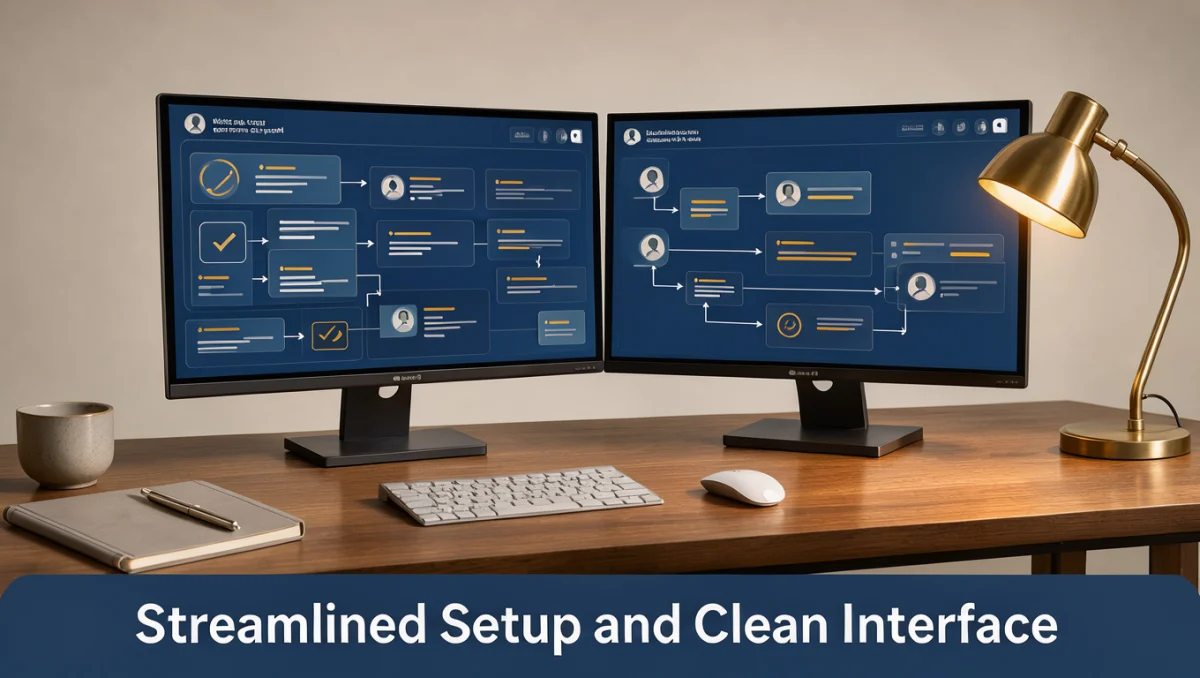
Reputation platforms create value by automating how customer endorsements are gathered, distributed, and displayed. Understanding how each feature group works helps buyers match the software to their internal client processes.
3.1. Automated Review Invitations and Follow-Ups
Automated sequencing lets companies request client feedback right after service is delivered. The software sends multi-channel messages by text and email that remind customers to post a public rating. Many tools in this category also schedule gentle reminders when a customer ignores the first prompt, improving completion rates without extra work from staff.
Teams should consider how these sequences respect customer preferences and contact frequency limits. Buyers should check the official NiceJob site to see how timing is adjusted and whether message templates can be localized where needed.
3.2. Multi-Channel Review Site Distribution
Routing satisfied clients to external review directories is central to reputation software. Rather than sending every customer to a single internal page, these tools provide direct links to search engines, social networks, and specialized directory profiles. That spread strengthens local search presence and extends public visibility across several channels.
Directory requirements vary widely by trade and region. Prospective subscribers should review the official list of supported directories to confirm compatibility with the portals that matter most in their market.
3.3. Website Social Proof Widgets and Social Sharing
Showing earned testimonials on a company website turns past feedback into persuasive material for new prospects. Review platforms typically offer embeddable widgets that stream newly approved positive ratings onto homepages and landing pages. Social sharing tools can also turn strong customer quotes into branded graphics ready for social media.
Buyers should confirm widget layout options and embed settings on the official documentation pages to make sure they work with their existing content management system.
4. Ease of Use and Learning Curve
How simple a platform is to operate determines how quickly field staff and administrators adopt it. Service contractors and front-desk coordinators rarely have time for lengthy training or complicated technical setup.
Review software generally favors clean dashboards where contacts are imported and campaign status can be checked at a glance. Onboarding usually involves writing basic message copy, connecting key public profiles, and setting up how new contacts enter the system. Because the core tasks run automatically after activation, day-to-day administration demands little effort from team members.
Organizations with several departments or complicated permission structures should assess setup friction more carefully. Reviewing the administrative controls on the official NiceJob portal helps confirm that managers can oversee client lists without technical difficulty.
5. Pros and Cons
Weighing the operational trade-offs helps business buyers decide whether a dedicated review tool fits their workflow.
5.1. Advantages of Using NiceJob
- A focused emphasis on automated review generation saves administrative time after each completed job.
- Automated follow-up sequences improve response rates without aggressive manual outreach.
- Ready-made website widgets make customer feedback visible to prospective visitors right away.
- A simple interface keeps onboarding light for non-technical office staff.
5.2. Limitations and Workflow Considerations
- Specialized reputation software does not replace comprehensive enterprise survey and ticketing suites.
- Changes to third-party directory policies can affect how external portals display or verify submitted reviews.
- Service teams must keep contact lists clean to avoid sending repeat invitations to the same customers.
6. NiceJob Compared With Similar Tools
The reputation management market includes several established providers aimed at different business profiles. Knowing where NiceJob sits alongside its alternatives helps buyers pick the right fit.
Birdeye targets multi-location enterprises and healthcare networks that need broad customer experience management, including web chat, ticketing, competitor benchmarking, and custom enterprise surveys. NiceJob takes a narrower approach aimed at single-location and growing trade companies that prioritize review generation over wide-ranging enterprise data collection.
Podium emphasizes comprehensive local interaction by pairing review requests with text-based customer messaging, team collaboration, and a shared communication hub. Teams seeking an all-in-one customer interaction platform often evaluate Podium, while those who want dedicated review collection and social proof display tend to lean toward NiceJob.
Broadly offers customer communication and review management tools built for small local service teams, with a focus on post-service engagement and website lead capture. Comparing these providers comes down to whether your business needs a unified communications platform or a specialized mechanism for gathering reviews.
7. Who Should Use NiceJob
Different business structures see different returns from reputation automation software.
7.1. Local Trade and Home Service Companies
Contractors, plumbers, roofers, and cleaning companies gain a great deal from automated review collection. Field crews finish jobs while the back office or an automated trigger handles the follow-up request. Steadily gathering feedback from specific neighborhoods helps these businesses strengthen local search visibility and demonstrate reliability.
7.2. Professional Service Offices and Clinics
Accounting firms, legal consultancies, and private clinics need a steady stream of client endorsements to reassure prospective patrons. Automated sequences send polite invitations without compromising professional standards, letting practice managers keep their digital profiles active with little effort.
7.3. Organizations That Should Look Elsewhere
Software developers, global eCommerce retailers, and multi-tier support operations will likely find a focused review platform insufficient. These enterprises require advanced sentiment analysis, private ticket routing, and comprehensive feedback management. Browse the vendor directory on Customer Service reviews to compare software built for large-scale support operations.
8. How to Choose the Right Plan
Subscription tiers in reputation software are typically organized around operational scale, message volume, or enabled features. Prospective buyers should confirm tier limits on the official vendor website to avoid unexpected charges.
| What to check | Why it matters |
|---|---|
| Contact and message volume rules | Exceeding invitation thresholds can change monthly subscription fees. |
| Team seat allocations | Administrative access may be limited to a set number of users on entry-level plans. |
| Website widget customizability | Brand presentation requires clean integration with existing site styling. |
| Directory connection allowances | Some tiers may cap how many third-party profiles can be actively managed. |
9. Frequently Asked Questions
How does automated review collection help search visibility?
Search engines favor active businesses with fresh, authentic customer feedback in local map results. Regularly generating legitimate reviews signals ongoing activity and customer satisfaction, which directly supports local discovery for service searches.
What should teams verify regarding customer privacy rules?
Businesses must make sure that collecting customer phone numbers and email addresses complies with regional telecommunication and messaging privacy regulations. Buyers should confirm on the official NiceJob documentation how consent settings and opt-out requests are handled.
How can companies keep review automation costs predictable?
Subscription costs can rise as contact lists grow or when add-on tools are activated. Business owners should review current billing structures on the official NiceJob pricing page to plan for seasonal spikes in transaction volume.
Why should service teams consult office staff before selecting software?
Administrative staff handle customer records and monitor response feeds every day. Involving front-desk personnel helps ensure the platform fits smoothly into everyday dispatching habits, reducing internal friction and preventing neglected client records.
10. Final Verdict
| Criterion | Score /10 | Reason |
|---|---|---|
| Features | 8.0 / 10 | Strong automation and social proof tools for review generation |
| Ease of Use | 8.5 / 10 | Simple dashboards with minimal onboarding for non-technical staff |
| Pricing and Value | 7.5 / 10 | Fair for focused needs, though volume-based costs require monitoring |
| Integrations | 7.5 / 10 | Solid directory and website connections, subject to supported platform lists |
| Audience Fit | 8.5 / 10 | Well matched to local trade and service businesses |
| Support | 7.5 / 10 | Adequate guidance for standard setups, with limited depth for complex needs |
| Competitive Position | 8.0 / 10 | Clear specialization in review generation against broader suites |
Overall ebusinessreviews score: 7.9 / 10
NiceJob is an effective review generation system for local trade companies and regional service providers that want straightforward feedback automation. By concentrating on post-job messaging and digital social proof, it spares staff repetitive follow-up work while steadily improving public ratings. Larger corporate organizations that need custom survey frameworks or deep ticketing should look at enterprise-oriented suites.
Have an evaluation question? Reach our team through the EBusiness Reviews contact page, or follow our latest updates on LinkedIn.