EBusiness Reviews may earn a commission when you buy through links on this page, at no extra cost to you. Our ratings are never influenced by these partnerships.
If your work and personal files live on one computer, a bitdefender for one device plan may be all the protection you need. Real-time scanning and behavioral monitoring focus entirely on your main machine, which suits people who handle sensitive documents and daily browsing without juggling several accounts.
Our reviewers judge tools on clarity, practical usefulness and how well they match everyday workflows. We look at how endpoint security handles baseline threats and whether buyers can judge subscription value on their own terms.
Quick verdict: With an overall EBusiness Reviews score of 7.6/10, this single-seat plan suits freelancers and individual owners who want focused threat detection on one dedicated workstation. It is less suitable for people running several machines or households that need centralized control across many endpoints.
| Evaluation Metric | Summary Details |
|---|---|
| EBusiness Reviews score | 7.6/10 |
| Best for | Solo workstation users who want dedicated background malware scanning |
| Not ideal for | Households or professionals who need centralized oversight of several licenses |
| Key strengths | Malware detection, proactive threat blocking and automated background analysis |
| What to check before buying | Single-seat license limits and renewal terms on the vendor portal |
1. How EBusiness Reviews Evaluated Bitdefender
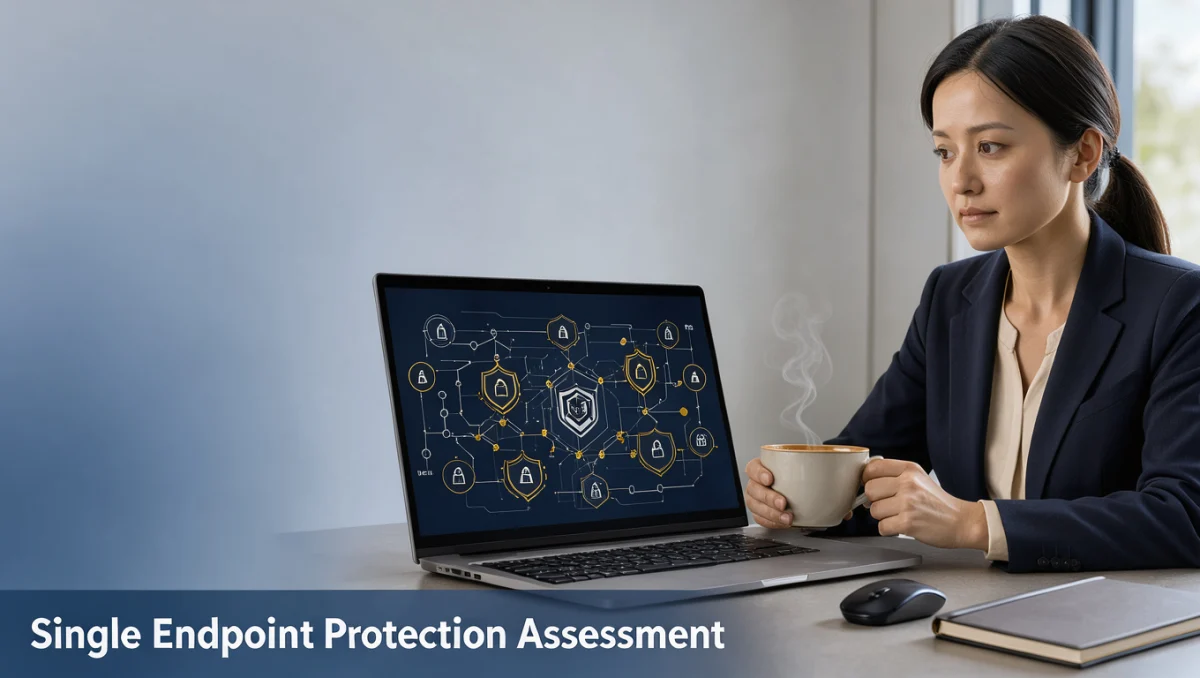
This review considers what Bitdefender is designed to do, who it serves and how it stacks up against similar products. We apply seven criteria: features, ease of use, pricing and value, integrations, audience fit, support and competitive position. Plans and prices change frequently, so we highlight what to confirm on the official website before buying. This article was researched and drafted with AI assistance, then reviewed and edited by the EBusiness Reviews Editorial Team.
2. What Bitdefender Does
Bitdefender is a cybersecurity suite built to detect, block and neutralize digital threats. Its core features include automated file scanning, isolation of suspicious behavior and interception of malicious links. By monitoring an endpoint continuously, it works to keep important records safe from unauthorized tampering.
3. Checking Whether a Single-Seat Plan Fits Your Setup
Choosing single-seat protection depends on where your daily work actually happens. If every sensitive task runs on one primary computer, paying for individual endpoint software avoids unnecessary subscription costs. People who work remotely on a single laptop often prefer a focused installation over a multi-seat account.
Many modern detection systems use artificial intelligence to flag zero-day anomalies without waiting for static database updates. When evaluating standalone protection, consider whether your habits involve peripheral hardware that also needs defending.
4. Questions to Answer Before Choosing Bitdefender for One Device
Before committing to single-seat protection, address a few configuration questions to avoid switching plans later or facing unexpected renewal charges. Verifying details on the provider portal prevents mismatches between license allowances and how you actually use your computer.
| Question | Why It Matters | Where to Confirm |
|---|---|---|
| Does your routine involve protecting secondary hardware? | Single-system subscriptions limit the software to one installation | Official vendor plan terms |
| Are behavioral protections included without extra modules? | Some defenses depend on add-on components depending on the package | Official product feature specifications |
| What options exist for hardware transfers? | Replacing your computer requires knowing how to move an active license | Customer documentation portal |
| How are renewal costs calculated after the first term? | Subscription rates often change at the end of a billing cycle | Official vendor checkout policy |
5. Signs You Need Broader Coverage
If you operate several separate machines during the week, single-endpoint software will leave gaps. When your work moves between a home computer, an office terminal and a portable laptop, managing separate subscriptions becomes cumbersome. Tracking different renewal dates, update cycles and settings across several individual licenses adds administrative friction.
Shared work environments are another signal. When contractors or administrative partners access company files, coordinating protection through disconnected single-seat subscriptions creates weak points. In these cases, organizations usually benefit from consolidated platforms that bring threat reporting from all endpoints into one management interface.
6. Signs a Single-Endpoint Setup Is Enough
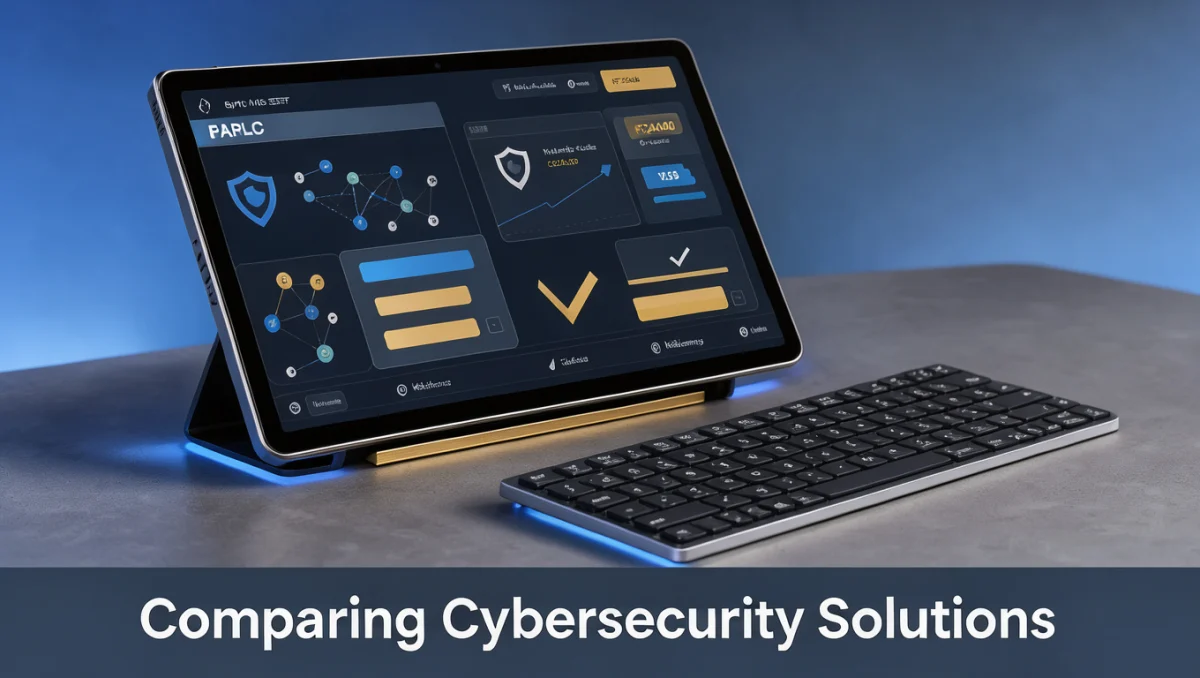
Many independent professionals run their entire business and personal life from one dedicated workstation. If your productivity is anchored to a single terminal, a bitdefender for one device license avoids paying for seats you will never use. Solo consultants, freelance writers and academic researchers who keep strict single-machine habits often find larger packages unnecessary.
Users who separate sensitive work from personal browsing through clear hardware boundaries can also protect their primary system with a targeted license. Confirm on the vendor purchase page whether your setup requires peripheral monitoring before you check out.
7. Comparing Bitdefender for One Device With Other Options
The cybersecurity market offers many established alternatives, so structured comparison matters. Norton, Kaspersky and McAfee all provide dedicated endpoint scanning tools. Norton generally emphasizes consumer safety suites with bundled identity features, Kaspersky focuses on forensic malware analysis and granular scanning controls, and McAfee targets broader family and home office setups.
When comparing tools, follow this sequence:
- Confirm the specific threat defenses listed on the official comparison page.
- Check how updates are delivered and whether background definitions install without interrupting your work.
- Review the account dashboard to see how easily you can deactivate and reinstall protection during a hardware upgrade.
- Verify whether network-level filtering or secure browser features work independently of multi-device licenses.
8. Frequently Asked Questions
What should buyers consider about future hardware replacement?
If you plan to upgrade hardware, check the vendor's license transfer policy before purchasing. Most single-seat systems allow reinstallation on replacement hardware, provided the previous installation is deactivated through the online account portal.
What factors affect the total cost of endpoint protection?
Total spending depends on the initial subscription length, automatic renewal settings and any extras such as identity monitoring or separate backup tools. Reviewing billing terms on the official vendor website clarifies ongoing costs.
How should individuals assess their threat protection needs?
Start by listing your network habits, where you store sensitive files and how confidential your data is. Anyone handling financial transactions benefits from real-time behavioral monitoring rather than occasional manual scans.
Should single-system owners check background performance?
Yes. Make sure real-time scanning does not slow your workstation down. Consulting the vendor's system requirements confirms whether your hardware has enough headroom for automated scanning.
9. Final Verdict on Bitdefender
| Criterion | Score /10 | Reason |
|---|---|---|
| Features | 7.8 | Provides established malware scanning, behavioral isolation and active threat neutralization |
| Ease of Use | 8.5 | Clear setup with unobtrusive background operation, suited to solo users |
| Pricing and Value | 7.2 | Renewal fee changes should be weighed carefully against single-seat usefulness |
| Integrations | 6.8 | Works mainly as a standalone guard with limited interaction beyond basic browser modules |
| Audience Fit | 8.2 | Matches solo workers who need dependable protection on one physical machine |
| Support | 7.0 | Standard vendor documentation channels; review them for response scope |
| Competitive Position | 8.0 | Performs on par with leading single-seat antivirus products in core threat detection |
Overall Score: 7.6/10
For independent professionals and private individuals managing digital assets on one dedicated machine, a single-seat plan is a focused and sensible investment. Multi-device users and growing teams should look at multi-license tiers to avoid fragmented software management.
For more software evaluation questions, contact our editorial team at EBusiness Reviews or visit our contact page at https://ebusinessreviews.net/contact/. You can also follow the EBusiness Reviews team on LinkedIn at https://www.linkedin.com/company/ebusinessreviews/.